Three weeks ago someone sent over a screenshot, furious. A product catalog — twenty-two pages, professionally designed, the kind of PDF you'd be proud to hand someone in person — had been squashed into a scroll-forever embed on a WordPress homepage. Tiny text. No zoom. A load time clocked at eleven seconds on a phone. Real money had gone into that catalog, yet live on the homepage it rendered as an unreadable, pixelated column—zooming was disabled, the type bled into the backgrounds, and the whole thing sat there mocking the designer's hours.
This isn't rare. It's the default outcome when people try to get a PDF onto WordPress without understanding what happens in between. I've rebuilt this exact pipeline for probably a dozen ZipFlipbook customers now, and the failure points are almost always the same three things. So let's go through them properly.
Your PDF Is the Problem Before WordPress Even Gets Involved
Most people skip straight to "how do I embed this" and never stop to ask whether the PDF itself is embed-ready. It usually isn't.
Real-world PDFs are messy. They're stitched together from a design export, a scanned signature page, three product spec sheets somebody's colleague emailed over, and a cover page redone at the last minute in a different tool entirely. Fonts don't match. Page sizes drift by a few millimeters. Compression is inconsistent, so page 4 is crisp and page 17 looks like it went through a fax machine twice.
None of that matters much when the PDF just sits in someone's downloads folder. It matters enormously once you're converting it into an interactive flipbook that has to render smoothly in a browser, because a flipbook engine amplifies whatever's already broken in the source file — bloated pages load slower, inconsistent dimensions cause page-flip animations to stutter, and mismatched compression makes some pages look noticeably worse than others mid-flip.
Before you touch a conversion tool, get the source file clean. I send people to pdf compiler for this, specifically because merging and normalizing scattered PDF sources into one properly structured file is the actual job it's built for, not a side feature bolted onto something else. Consistent page sizing, one document instead of six half-matching ones, sane file size going in — that single prep step determines whether your final flipbook loads in under two seconds with crisp transitions, or sputters along at 12fps while visitors bounce to a competitor's cleaner site.
Converting the PDF Is the Easy Part — Don't Overthink It
Once you've got a clean file, the conversion step itself is genuinely simple, and I'd be lying if I pretended otherwise given it's literally what ZipFlipbook does. Drop the PDF in, get a page-turning flipbook out, no software installs, no rendering queue, no watermark forcing you into a paid tier just to remove it. That part of this process isn't the bottleneck for anyone.
The bottleneck is what happens next.
Embedding Is Where Most WordPress Sites Fall Apart
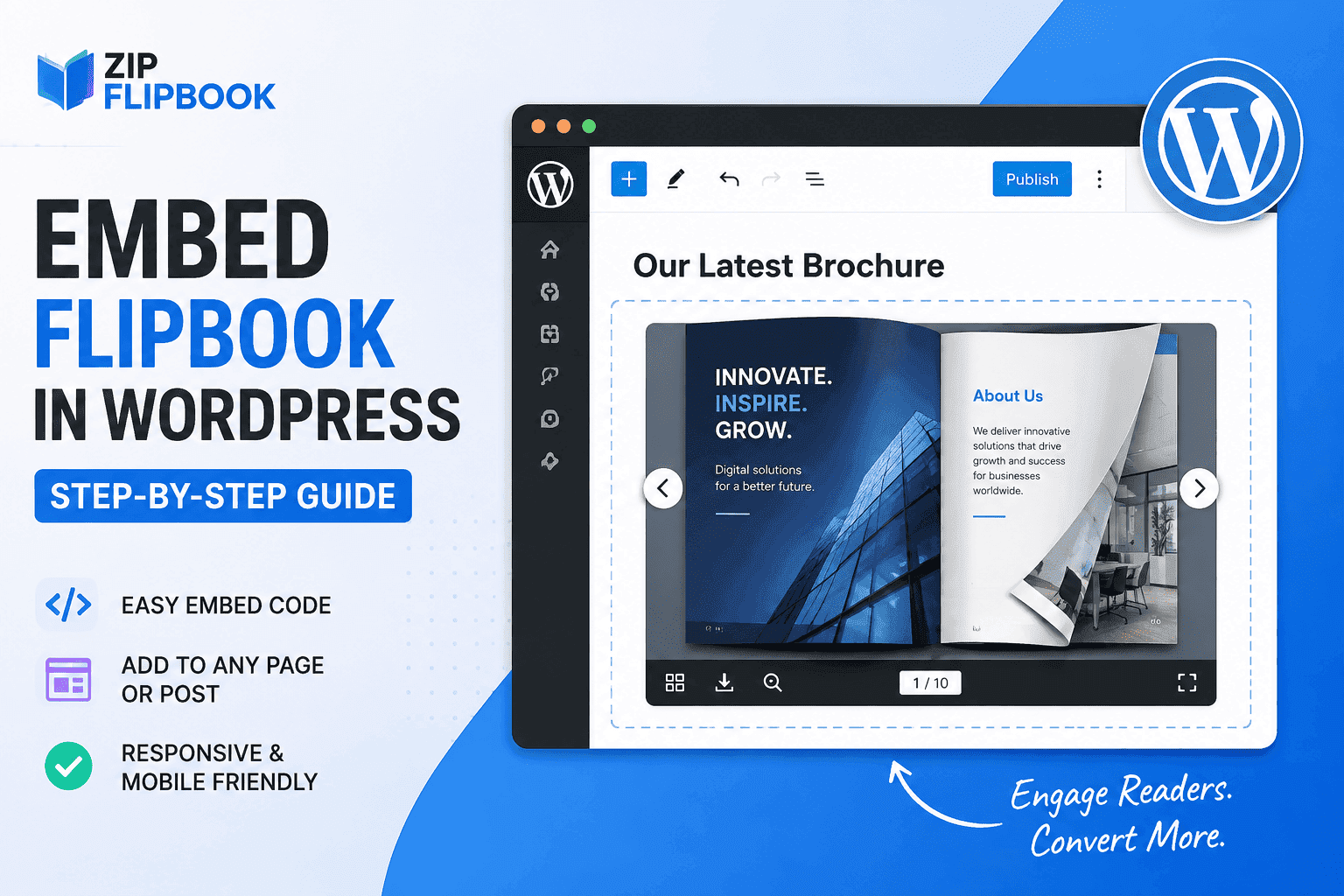
Most people skip straight over the actual ambush: your WordPress theme's container logic was never designed to host a full-screen, JavaScript-driven object. The distance between grabbing an iframe link and seeing it behave correctly on your live URL is deceptively wide, and it's where perfectly good projects go to die.
I've seen four recurring failure modes:
The embed renders inside a container with a fixed height set by the theme, so the flipbook gets cropped or forced into an awkward aspect ratio no matter what size you export it at. The page builder — Elementor, Divi, whatever's in use — wraps the iframe in its own responsive logic, which fights with the flipbook's own responsive behavior, and on mobile you get double-scrolling or a flipbook that's half off-screen. Caching plugins serve a stale version of the embed after every update, so a client updates their catalog and their own site keeps showing last month's pricing. And lazy-load plugins, which exist to speed up image-heavy pages, sometimes intercept the flipbook's iframe entirely and it just never loads.
All four have straightforward resolutions. But not a single one of them gets resolved by blindly pasting the embed output into a text widget and crossing your fingers—that approach just gives you four different ways for the same embed to break simultaneously.
Turn Your PDFs into Lead Generation Machines
Start getting highly-qualified leads from your PDFs and landing pages today. It takes exactly 2 minutes to set up.
No credit card required • Sign up in 10 seconds
What Actually Works, in Order
Compile and clean the source PDF first — one file, consistent sizing, sane compression. Convert it to a flipbook once, not three times while you're still fiddling with the source. Test the embed on a staging environment or a low-traffic page before it goes anywhere near the homepage, specifically checking mobile behavior and what happens after a cache clear. And if the site's plugin stack is already complicated, budget for someone to sort the WordPress side properly rather than losing a weekend to it yourself.
The squashed catalog from the intro didn't need a new PDF and it didn't need a different flipbook tool. It needed the source file rebuilt properly and a fifteen-minute fix to a caching plugin that was serving a broken container size. Once both were sorted, load time dropped to just over two seconds and the catalog looked, on the actual site, exactly like the one someone had paid a designer for in the first place.
That's really the whole point. The conversion from PDF to flipbook was never the bottleneck in any of these cases. The actual headache—and the part that devours your staging environment's sanity—was always the ecosystem around it: the theme's rigid wrappers, the caching intervals, and the plugin conflicts that don't show up until you hit publish.