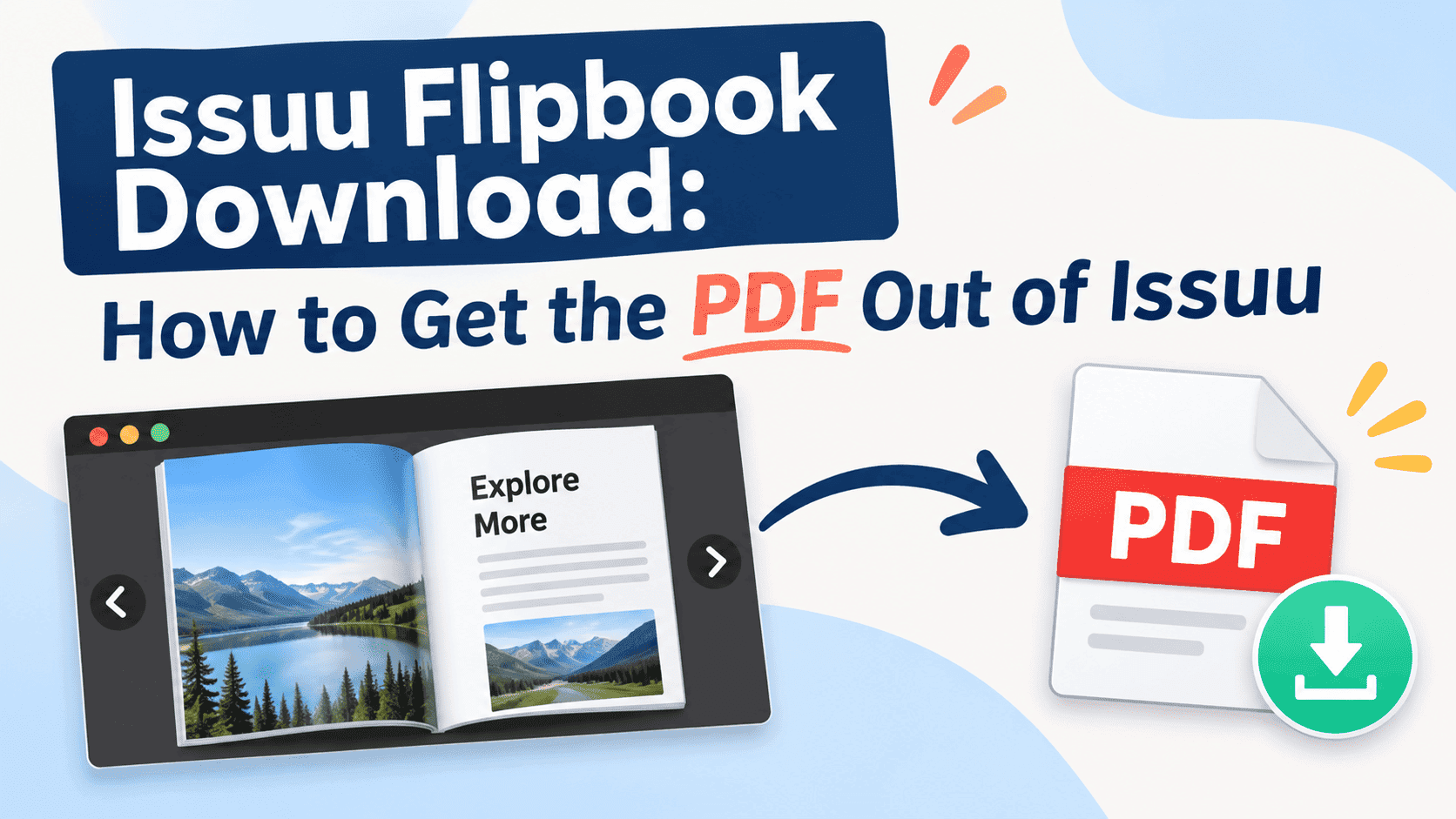
People search for "issuu flipbook download" for two reasons. Either the original PDF of your own catalogue has disappeared into a dead laptop or a former colleague's inbox and the Issuu copy is the only one left, or somebody sent you an Issuu link, you want it offline for a flight or a meeting, and the page has no download button anywhere.
The fix depends on who published it. Issuu is built to keep people reading on Issuu, so a download option exists only when the publisher switched it on and their plan allows it. That setting explains most of the confusion.
Why an Issuu flipbook has no download button
An Issuu publication is not the PDF itself. Issuu takes the PDF you upload, converts every page into something its viewer can render, and serves that to readers. The viewer is the product. A download button lets readers leave with the file, so it is off unless the publisher enables it.
So the button is a setting. Publishers can allow downloads on a publication, or they can leave it off, and many publishers leave it off because the public page looks complete without it. Magazines and paid titles turn it off on purpose. Small businesses often don't know the option exists, then get emails from customers asking where the PDF is.
Plan limits matter too. Issuu has changed which features are free, and downloads are one of them. Check the current free-plan limits before assuming downloads are included. Our guide on whether Issuu is free covers them.
If you can't find a download button on someone else's publication, the publisher either didn't enable it or couldn't. Nothing is wrong with your browser, and you haven't missed a hidden menu.
Turn Your PDFs into Lead Generation Machines
Start getting highly-qualified leads from your PDFs and landing pages today. It takes exactly 2 minutes to set up.
No credit card required • Sign up in 10 seconds
Getting your own publication back
Start with the source file. Look for it before you go digging through Issuu. The PDF you uploaded came from somewhere: InDesign, Canva, Word, a print shop's proof, an email thread titled "FINAL_v7_actualfinal.pdf". Search your sent mail for the word "catalogue" or "brochure" with an attachment filter. Check the shared drive. Ask whoever designed it. The original is often still in someone's downloads folder, and it's a better file than anything you'll pull back out of a platform.
If that fails, go into Issuu itself.
- Log in and open the publication from your dashboard rather than from its public link. The owner's view shows settings that readers never see.
- Look through the publication's settings for a download or sharing option. The exact label and location change when Issuu redesigns its dashboard, so poke around instead of trusting a screenshot from a two-year-old tutorial.
- If a download toggle exists, switch it on, then open the public page in a private browser window to check the button appears for readers.
- If there's no toggle at all, your plan probably doesn't include it. Check the plan page before paying for anything, and read the next section before assuming a paid tier solves your problem.
- If neither works, contact Issuu support from the account that owns the publication. They can usually confirm in one reply whether a file can be retrieved.
One warning: the file you get back may not be byte-for-byte what you uploaded. Depending on how the platform processes pages, you can end up with a PDF that's recompressed, a bit softer on images, or missing the clickable links you spent an afternoon adding. Open the downloaded file and click a few links before you delete anything else. If the links are dead and the images look mushy, treat the download as a rescue copy and rebuild from the design file when you get the chance.
Downloading someone else's Issuu flipbook
If the publication belongs to someone else, the answer is simpler and less satisfying. Look at the page for a download icon, usually near the share and fullscreen controls. If it's there, use it. If it isn't, the publisher has decided not to offer one.
Then ask the publisher. Most people don't, but it usually works. A small business that published a catalogue usually wants people to have it. Email whoever sent you the link and say you'd like the PDF for offline use. Most will attach it in minutes, and you'll get the original file, not a degraded copy. If it's a company you've never dealt with, the contact page or a sales address works just as well. Event organisers, in particular, nearly always have a PDF of the programme sitting on a hard drive.
Publications from magazines and paid titles are different. There the lack of a download is deliberate, and asking for the file won't go anywhere. If you need it for something like research or a reference you're allowed to keep, check whether the publisher offers a licensed copy or a subscription with offline access.
Printing to PDF from the browser is the workaround people try next. It works badly. You usually get one page per screen, cropped, with viewer chrome around it and text that can't be selected or searched. It is better than nothing on a flight, but not good enough to share, archive, or print.
The "free Issuu downloader" sites
Search results for this topic are full of websites that promise to turn any Issuu link into a PDF in seconds. I would avoid them for three reasons.
First, most are covered in ads, pop-ups, and fake download buttons, and some bundle software you didn't ask for. The site makes money from your click; it does not protect your laptop. Second, the output is frequently a stitched set of screenshots rather than a real PDF, so you inherit the same problems as browser printing with extra steps. Third, and most important, the publisher chose not to offer a download. Pulling the content out through a third-party tool against their wishes is a copyright problem for you if you do anything with the result beyond reading it privately, and in a business setting that's a conversation you don't want to have with a client or their lawyer.
If the content is yours, use your account. If it is someone else's, ask. That covers almost every legitimate case.
What you get when the download works
Check a few things as soon as the file downloads, because they decide whether it is usable.
File size comes first. A 40-page catalogue that started life at 25MB and comes back at 3MB has been compressed hard. That's fine for reading on a phone and noticeably worse for printing. Next, zoom in on an image and a block of small text. Soft text means the pages were rasterised somewhere along the way, which also means you can't select or search it. Then test the links. If your original had product links, a table of contents with jump links, or a "book a call" button on the last page, click each one. Links often break during conversion.
For print work, none of this is good enough. If you need to send something to a printer, go back to the source file or ask the designer for a print-ready export. A platform copy is built for screens; a print shop will reject it quickly.
Turn Your PDFs into Lead Generation Machines
Start getting highly-qualified leads from your PDFs and landing pages today. It takes exactly 2 minutes to set up.
No credit card required • Sign up in 10 seconds
When a download problem is an Issuu problem
Sometimes a missing download button means you are on the wrong platform. You published a catalogue, a client wanted a PDF, you couldn't give them one without upgrading, and now you're comparing plans. That's the point to ask whether you're on the right platform at all.
Issuu works well as a public magazine rack. It is less suited to being a small business's document library. Pricing rises when you want branding, analytics, or control over downloads, and many people find that out after publishing. Before committing to a monthly bill, check where the free plan ends in the Issuu pricing breakdown.
And if you've already decided to leave, get your files out first. Download every publication you can, confirm the downloads open and the links work, and only then cancel. If you cancel first, you can lose content you thought was backed up. The steps for ending a plan without getting caught by a renewal are covered in how to cancel an Issuu subscription.
One rule matters after this: never let a hosting platform be the only home for a document. Keep the PDF in your own storage under a sensible file name, with the version date in it. A flipbook is a way of presenting a file, and the file stays with you.
A flipbook link people can use, plus a PDF you control
Most people searching for an Issuu flipbook download want two things that are hard to combine. They want readers to enjoy the page-turning view, and they want to keep control of the actual document. That's the problem ZipFlipbook was built around: you upload your PDF, get a flipbook link and an embed code, and the PDF stays yours because you never gave it up in the first place.
Lead capture is the useful part for a small business. If the catalogue is worth reading, ask for an email address before access. Put a form in front of the flipbook and you find out who opened it, instead of watching an anonymous view counter creep up. The analytics show which pages people read and where they drop off, so you learn that nobody gets past page six of your 24-page brochure and can fix page six.
The free plan comes with a watermark and display ads, which is the trade for not paying. Pro is $19 a month and removes the ads and the limit on flipbooks, and Business at $49 adds a custom domain, white-label branding and Zapier integrations. Free works if you only need a catalogue online. If it goes to customers under your brand, use Pro or Business.
If you're weighing up where to move, a comparison of the options is in our guide to the best free replacement for Issuu embeddable PDFs. And when you do migrate, you'll need the PDFs in hand first, which loops back to everything above.
Frequently asked questions
Can you download an Issuu flipbook as a PDF? Only if the publisher turned downloads on and their plan supports it. If you own the publication, check the settings in your dashboard. If you don't, look for a download icon or ask the publisher for the file.
Why is there no download button on my Issuu publication? The download option is off by default or isn't included in your plan. Check the publication's settings first, then the plan details, and contact Issuu support if the toggle is missing entirely.
Is it legal to download someone else's Issuu publication? It depends on the publisher's permission. If they enabled the download button, you're fine. If they didn't, running the link through a downloader site means copying content they chose not to give out, which can breach copyright if you use it beyond private reading.
How do I save an Issuu flipbook to read offline? Use the download button if it's there. If it isn't, email the publisher and ask for the PDF. Browser printing works in a pinch but gives you cropped pages with no searchable text.
Do Issuu downloader sites work? Some produce a file, many don't, and most are packed with ads and fake buttons. The output is often a pile of screenshots, not a real PDF. I wouldn't put one on a work laptop.
Will the downloaded PDF keep my links? Not reliably. Test every link in the file after downloading. If they're gone, rebuild the PDF from your design software and re-upload it.
What's a good alternative if I need people to download my flipbook? Any platform where you control the PDF. ZipFlipbook lets you upload your own file and share it as a flipbook link or embed, with lead capture if you'd like emails in return for access.
Turn Your PDFs into Lead Generation Machines
Start getting highly-qualified leads from your PDFs and landing pages today. It takes exactly 2 minutes to set up.
No credit card required • Sign up in 10 seconds
What to do next
If the publication is yours, look for the source PDF first, then the Issuu settings, then support. If it belongs to someone else, ask them for the file and skip the downloader sites. Whatever platform you use next, keep your own copy with a date in the filename, so you do not have to search for "issuu flipbook download" again late at night.