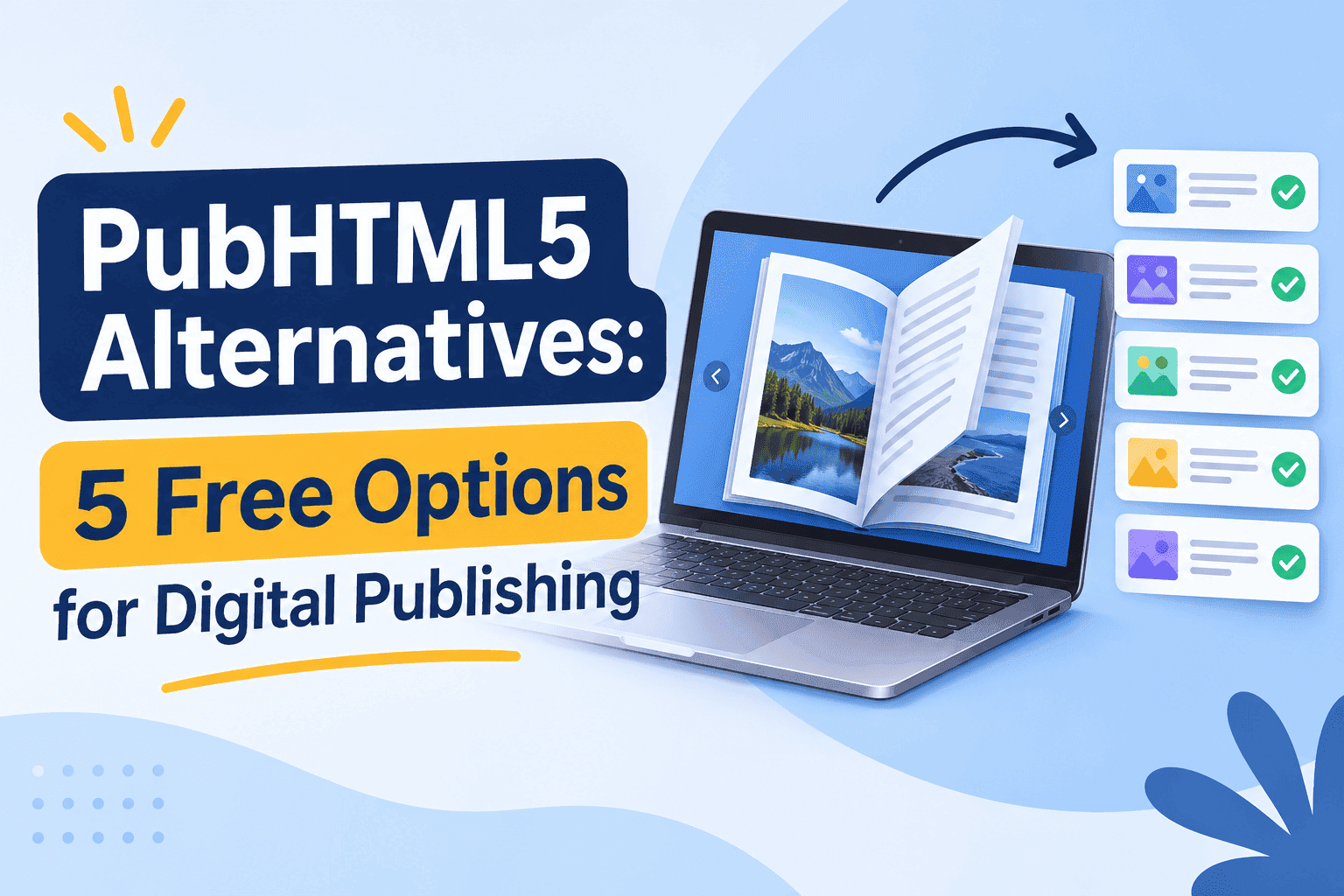
Most people leave PubHTML5 for one of three reasons. The free plan caps how many books you can publish. The watermark sits on every page of something you wanted to send to a client. Or the editor feels like it was built in 2014 and never got a visit from a designer since.
I run ZipFlipbook, so I'm biased, and I'll say so now so you can discount me accordingly. But I've also spent a stupid number of hours uploading the same test PDF into every flipbook tool I can find, and I have opinions about which ones are free in a way that helps you and which ones are free in a way that helps their sales team.
Here are five free options I'd actually use, including the parts that annoyed me.
What PubHTML5 does well, and why people leave
PubHTML5 is a flipbook host. You upload a PDF, it turns into a page-turning book with a shareable link and an embed code. It does the job. Plenty of people use it for catalogs and school newsletters and never think about it again.
Most people leave when they hit the limits. A free account gets you a handful of publications, a logo you can't remove, and a few features that appear in the menu with a little lock next to them. That's standard freemium; other tools do it too. The issue is when the lock is on the thing you need. If you want lead capture, or analytics that tell you more than a view count, or an embed that doesn't look like an ad for the platform, you're being nudged toward a paid plan before you've shipped a single book.
So the question for any alternative is what the free tier lets you finish. Not try. Finish, send to a real person, and not be embarrassed by.
I tested each of these with the same 38-page PDF, around 22MB, with a cover, a table of contents with links, two embedded images that were too large on purpose, and a page with a YouTube link on it. Nothing scientific, but it's enough to show you where a tool wobbles.
1. ZipFlipbook
The free plan doesn't require a card and doesn't expire. The trade is that free books carry a ZipFlipbook watermark and display ads. If that's a dealbreaker for a client-facing document, the Pro plan at $19 a month removes the ads and lifts the book limit, and the Business plan at $49 a month adds a custom domain, white-label, Zapier and deeper drop-off analytics.
I built it around the stuff people usually have to pay for elsewhere: lead capture in front of a book, embedded media, links that open properly on a phone, and analytics that show where readers stopped. If you send brochures to people you'd like to hear back from, a gate that asks for an email address and then drops them into the book is more useful than a prettier page-turn animation. I wrote about how that works in a piece on the best free flip book makers with no watermark.
Weak spots: the watermark is real, and the template library is smaller than the big names. If you want fifty pre-made magazine layouts inside the tool, this isn't it. It's PDF-first. You make the document in Canva, InDesign or Word, then bring it here.
Turn Your PDFs into Lead Generation Machines
Start getting highly-qualified leads from your PDFs and landing pages today. It takes exactly 2 minutes to set up.
No credit card required • Sign up in 10 seconds
2. Heyzine
Heyzine is the closest direct competitor here. It takes a PDF, it makes a flipbook, and the page-turn is smooth. The editor lets you add links, video and some basic interactive bits without leaving the browser.
The free plan is limited in the number of flipbooks and the file size, and published books carry Heyzine branding. I hit the size limit with my 22MB test file and had to compress it first, which took five minutes and cost me a bit of image quality on the cover. If your PDFs are routinely heavy, that's a recurring chore.
The reader looks clean, less cluttered than the older tools. The problem is that the useful business features are paid, so the free version feels like a trial and not something you'd run a small business on for a year. I went through the trade-offs in more detail in this Heyzine alternatives post for small businesses.
3. Calaméo
Calaméo is old, and it shows: huge public library, dated interface. The library means your publication can be found by strangers inside Calaméo itself. That's a real upside for a free magazine, a community newsletter or a catalog for a craft fair.
The free tier shows ads and limits how many publications you can keep. Your document also lives on Calaméo's pages with Calaméo's navigation around it, so it doesn't feel like yours. It's a poor choice for a private proposal or a pricing sheet, where the reader shouldn't be seeing "other publications you might like" beside your content. I put together a list of Calaméo alternatives for small businesses that covers what each one charges once you outgrow the free plan.
4. Yumpu
Yumpu leans hard into being a reading platform. Your document goes into a searchable catalog, gets an indexable page, and shows up in a clean viewer. For publishers who want extra eyes on a magazine or a regional guide, that's useful.
The free version is ad-supported, and the ads are not subtle. They're the kind that make a perfectly good brochure look like a parked domain. I wouldn't send a quote to a new client through it. Setup is quick, though, and the text search inside the book works well on PDFs with real text rather than flattened images, which matters for manuals and price lists.
5. Issuu
Issuu is the name everyone knows, and the free plan is the one most people are really asking about when they search for alternatives. It's good at one thing: getting a magazine, zine or portfolio in front of an audience that already uses Issuu to read.
The catch is that the free tier has tightened over the years, and features that used to be included, such as removing branding or getting proper stats, now sit behind paid plans. If you publish a zine and want the community, Issuu makes sense. If you want a private brochure link with lead capture, it's the wrong tool in a nicer coat. I've covered the free-versus-paid split in an Issuu alternative post aimed at small businesses.
Side-by-side, in plain words
ZipFlipbook is the only one here with lead capture and analytics on the free tier, and you pay for that with a watermark and ads. Heyzine gives you the cleanest embed but caps books and file size and puts its branding on free output. Calaméo and Yumpu are built for public discovery and both run ads, which is fine for a magazine and wrong for a sales document. Issuu suits writers and zine makers who want an existing readership, with branding on free books and lead capture behind a paywall.
Limits change often, so check each tool's pricing page before you commit. Free tiers get reshuffled quietly and I'm not watching all five every week. If one of them has changed since I tested, the behaviour described above is what I saw, not a promise about today's plan.
What to check before you pick
First question: who's reading? If it's the public, and you'd like strangers to find it, Issuu, Calaméo and Yumpu all have built-in audiences. If it's a specific person you're trying to sell to, you want a tool that gets out of the way, and ads and "related publications" sidebars work against you.
The file matters too. A 5MB flyer converts anywhere. A 60MB catalog with hundreds of product images is where free tiers break. Test with your real file, not the demo PDF every platform supplies, because the demo is always light and it always looks good.
One more thing: what happens if the free plan disappears? Export, download, keep the original PDF somewhere you control. Every one of these tools is a host, not an archive. I've seen people lose a year of publications because they treated a free account as storage.
Test mobile last. More than half of the people opening your link will do it on a phone, and a flipbook that needs pinching and dragging on a 6-inch screen is a flipbook that gets closed. Open your test book on your own phone, on mobile data, not on office wifi, before you send it to anyone.
Mistakes I keep seeing
People upload a PDF that was built for print, with tiny type and crop marks, and wonder why it reads badly on a phone. Export a screen-sized version if you can. A 10pt body font that's fine on A4 is miserable at 375 pixels wide.
People also forget the links. A table of contents that doesn't click is a missed chance. Most of these tools keep links from the PDF, but not all of them do it reliably, so click through every one before you share.
And plenty of people publish with the default cover thumbnail. That's the picture shown in the email preview or the social card, and it decides whether anyone opens the thing. Choose it on purpose.
FAQ
Is PubHTML5 free? Free enough to try, not free enough to run a business on. The free plan caps publications and keeps branding on your books, and the business features cost money.
What's the best free PubHTML5 alternative? ZipFlipbook for brochures and sales documents, because lead capture and analytics are on the free tier. I'd switch to Issuu only if I wanted a public magazine in front of an existing readership.
Can I make a flipbook without a watermark for free? Almost never. Every tool in this list puts a watermark, ads or branding on free books. If a clean client-facing look matters, budget for a paid plan.
Do flipbooks work on phones? Yes, but some are clumsy on a 6-inch screen. Open your book on a real phone over mobile data and tap every link before you send it.
How big can my PDF be? Depends on the tool, but my 22MB test file hit Heyzine's free cap. Compress anything above about 20MB before uploading anywhere.
Turn Your PDFs into Lead Generation Machines
Start getting highly-qualified leads from your PDFs and landing pages today. It takes exactly 2 minutes to set up.
No credit card required • Sign up in 10 seconds
Where I'd start
If you're moving away from PubHTML5 this week, pick two tools from the list, upload your real PDF to both, and open the links on your phone. It takes twenty minutes. You'll know within the first scroll which one feels like something you'd be happy to send to a customer.
If the answer is ZipFlipbook, you can try it here for free. If it isn't, I'd rather you found the right fit than stuck with the wrong one.