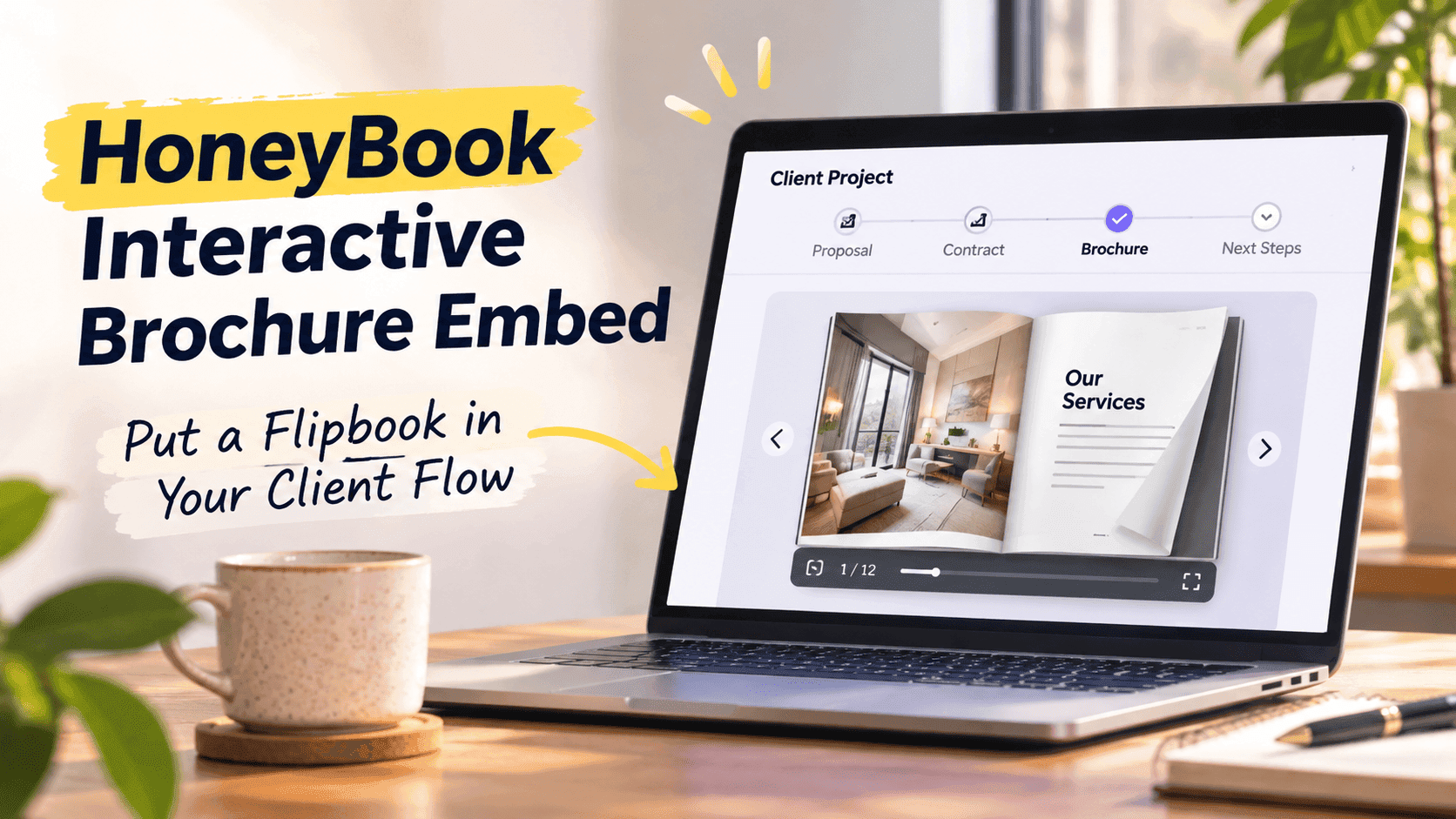
People search for "HoneyBook interactive brochure embed" expecting one thing: a flipbook inside a HoneyBook file that opens on click and pushes the client toward booking. In practice, I end up setting it up in three different places. Only one of those involves pasting embed code.
HoneyBook already has its own brochures. They are image-based pages with service selections on them, and a lot of photographers and planners build theirs by designing each page in Canva, exporting it as a JPEG and uploading the pages one at a time. That is fine for a three-package price menu. It gets clumsy when you want a 40-page portfolio, a welcome guide with video in it, or a brochure that lives on your website as well as in a lead's inbox.
A flipbook handles that second job. You keep HoneyBook for proposals, contracts, invoices and scheduling, and you use the flipbook for the thing a client actually wants to flip through. Below is how I connect the two, where an embed works, and what I do where it doesn't.
What a HoneyBook brochure does well
The built-in brochure does one thing outside tools can't: it turns service selections into a draft proposal. A client ticks the services they want, submits, and HoneyBook drafts a proposal from those choices. It does not send the proposal for you, so you still review it, but the step where you retype a client's selections into a quote disappears. If you sell packages with add-ons, that alone justifies using it.
Design and sharing are where it falls short. Pages are flat images, so there is no page-turn, no embedded video that plays in place, and no way to link from page 12 to a specific gallery. HoneyBook has also been moving people from the older brochure files to Smart Files, and the help articles on recreating legacy brochures as Smart Files show how much the format has shifted. Sharing is its own chore. One HoneyBook community thread has a photographer asking how to text a pricing brochure to someone who is not yet a client, and the answer involves a view-only toggle in the file's security settings or a lead form with service blocks. Both work. Neither feels like sending a link.
That's usually when people search for an embed. They aren't unhappy with HoneyBook; they want a brochure a stranger can open in two seconds on a phone, with no project and no login.
Turn Your PDFs into Lead Generation Machines
Start getting highly-qualified leads from your PDFs and landing pages today. It takes exactly 2 minutes to set up.
No credit card required • Sign up in 10 seconds
Where a HoneyBook interactive brochure embed can go
An embed is just a code snippet that puts the flipbook inside another page, so the page has to accept code. Some places do; some don't.
Your website is the straightforward place. Squarespace, Wix, WordPress, Webflow and Framer all take an embed block, and a lot of HoneyBook users already have a contact or inquiry form on that site, either a HoneyBook form or a link to one. Putting the flipbook above the form on a services page is the most natural HoneyBook interactive brochure embed there is.
HoneyBook emails and files are the hard one. I have not found a place to paste iframe code into a HoneyBook Smart File or an email template, and I would not build a workflow that depends on it. Both accept links and attachments, so that is what you use there. The link opens the flipbook full-screen, which on a phone is a better reading experience than a small embedded frame anyway.
The third spot is easy to miss: the thank-you step. After a lead submits a HoneyBook form, you can send them to a page on your site that has the flipbook embedded, or include the link in the confirmation email. That gets the brochure in front of a person who has just shown intent, which is a better moment than a cold first message.
That usually means: embed on the site, link inside HoneyBook, and keep HoneyBook's own brochure only for the service-selection-to-proposal step if you rely on it.
Turning your existing brochure PDF into a flipbook
You probably already have the source. If you designed your HoneyBook brochure in Canva, download the same design as a PDF instead of exporting JPEGs. If you used Photoshop, InDesign or Word, export to PDF at screen quality. Once you have the file, turning any PDF into an interactive digital brochure takes a few minutes. Here's the route I use:
- Upload the PDF to ZipFlipbook. It converts each page into a flip-style reader in the browser.
- Add the extras: a video on the page where you introduce yourself, links on your package names that go to your booking page, a link on the last page to your scheduling tool.
- Switch on lead capture if you want an email address before someone sees the full thing, or leave it open if you would rather not add friction.
- Copy the share link and the embed code. You will use the link in HoneyBook and the code on your website.
The free plan has a watermark and ads on the reader. For a brochure you are sending to paying clients, that usually means the $19 a month Pro plan, which is ad-free with unlimited flipbooks. The Business plan at $49 a month adds a custom domain, white-label and Zapier, which matters if you want the link to look like it comes from your own site.
File size matters here. A 60 MB wedding portfolio full of full-bleed photos will load slowly on a phone no matter what reader shows it. Compress the images before you export. Aim for a PDF under 15 MB and check it on mobile data, not your office wifi.
Embedding the flipbook on your website next to a HoneyBook form
This is where you actually paste code. The steps barely change between website builders: add an embed or custom code block, paste the iframe snippet, save, and check the page on your phone.
Where you put it matters more than which builder you use. These three placements have worked:
- A services or pricing page, with the flipbook above the inquiry form. The visitor reads the packages, then sees the form while the prices are still in their head.
- A dedicated "Download our guide" page, linked from your Instagram bio or email signature, where the flipbook replaces a PDF download button.
- The thank-you page that a HoneyBook form redirects to after submission.
Set the frame to roughly 600 to 700 pixels tall on desktop and let it go full width. On mobile, most website builders shrink an iframe awkwardly, so give the section its own padding and test it. If the flipbook looks cramped on a phone, add a plain "Open full screen" link under it that points at the share link. Plenty of people read brochures on their phone in bed, and a full-screen view beats a postage-stamp embed.
A flipbook is a heavy element, and putting one near the top of your homepage can drag down load time. Keep it lower on the page or give it a page of its own, not the hero section.
Sending the flipbook from HoneyBook emails and automations
Inside HoneyBook, the flipbook is just a link. That feels like a downgrade, but email clients strip embedded content anyway. Most inboxes strip iframes and scripts, so a pasted embed would show up as nothing. The better trick is a cover image that links to the live flipbook, which is the approach in embedding a flipbook in an email campaign.
In HoneyBook, the practical places for that thumbnail and link are:
- Your inquiry-response email template. The first reply to a new lead is the best time to send the brochure, since they are reading it while you are still the fastest answer in their inbox.
- An automation triggered when a lead form is submitted. HoneyBook automations can send an email template as an action, so the brochure link goes out without you touching it.
- A follow-up template three or four days later, for the leads who went quiet. "Did you get a chance to flip through the guide?" gets more replies than "just checking in", mostly because it gives them something specific to answer.
You can still attach your HoneyBook brochure or proposal alongside the flipbook link. The mobile app allows only one HoneyBook file per email, so if you reply from your phone, put the flipbook link in the body and attach the HoneyBook file.
Two habits make this easier. Use the same short link in every template, so that when you update the flipbook you only change it in one place. And write the link as words a human would click, like "Browse the 2027 wedding guide", not as a raw URL, which looks like a spam filter test.
Turn Your PDFs into Lead Generation Machines
Start getting highly-qualified leads from your PDFs and landing pages today. It takes exactly 2 minutes to set up.
No credit card required • Sign up in 10 seconds
Lead capture and knowing who opened it
HoneyBook tells you when a client opens a file you sent into a project. It cannot tell you anything about the person who got your public price guide through Instagram and never filled in a form. The flipbook covers that side. With lead capture on, a visitor enters an email address before reading, and you get the name or email of someone who was interested enough to ask. Setting it up is covered in the walkthrough on collecting leads with PDFs using ZipFlipbook.
Gating the whole brochure depends on your business. For a luxury wedding photographer with a six-month waiting list, a gate filters out price shoppers, which is a feature. For a dog groomer, an email wall before a price list is just a reason to leave. A middle option is to leave the first six pages open and put the gate before the pricing pages.
Analytics tell you the other half. Page-level drop-off shows you where people stop reading. If a third of your readers leave on the page where the prices start, you have learned something no amount of guessing would tell you. The Business plan's drop-off analytics go further than the standard counts on Pro, but the standard version is enough to spot a page that is losing people.
To get those leads into HoneyBook, the manual route is to add the person as a contact yourself and send an inquiry reply. The automated route is Zapier: ZipFlipbook's Business plan has Zapier integrations, and HoneyBook has a Zapier integration of its own, so a new flipbook lead can trigger a new HoneyBook contact. Test it with your own email address before you trust it with real inquiries.
A setup for a wedding photographer
Here's a photographer I'd use as an example: she sells three collections plus a second shooter, an engagement session, and a printed album. Right now she has a HoneyBook brochure built from nine Canva JPEGs, and she sends it as a project file after a lead fills in the inquiry form.
Here is how I would rebuild it around a flipbook without throwing away what works.
- Export the same Canva design as a 12-page PDF, with a cover, an about page, a gallery spread, the three collections, add-ons, a testimonials page and a booking page. Compress the images so the file lands under 10 MB.
- Upload it to ZipFlipbook. Add a short intro video on page two and a link on each collection name to its own gallery page on her website.
- Embed the flipbook on the website's "Investment" page, above her HoneyBook inquiry form. Add an "Open full screen" link beneath it for phone visitors.
- In HoneyBook, put the flipbook link into the inquiry-response template and into the automation that fires when the form is submitted.
- Keep the HoneyBook brochure for one job: after the first call, she sends it into the project so the couple can pick their collection and add-ons. HoneyBook drafts the proposal from their choices, she checks it and sends it for signature.
The flipbook handles browsing and selling; HoneyBook handles the paperwork. The couple sees a polished brochure before they have to log in.
Mistakes that make the brochure underperform
The most common one is sending the brochure with no message. A link and a signature line gets skimmed. Two sentences about what is in it and which page to look at first changes that. "Page 6 has the album options most couples ask about" tells the lead where to go.
The second mistake is leaving an old version live. If you update prices and forget that your Instagram bio still points at last year's PDF, you will get inquiries at prices you no longer offer. A flipbook with a stable link solves that, because you replace the file and the link stays the same. Check that your plan lets you update in place before you rely on it.
File size is another one. Photographers love full-bleed images and every one adds weight. A brochure that takes eight seconds to open on a phone loses people before page one. Resize photos to around 1600 pixels on the long edge, and drop anything that does not earn its page.
Some people gate everything. If your brochure is mostly a price list and you ask for an email first, expect a lot of bounces. Gate the high-value material, such as a full guide or a sample gallery, and leave the pricing open if price is the first question every lead asks.
Finally, people build the brochure and never check the numbers. Check the analytics after two weeks. If most readers stop at page three, the cover or the opening spread has the problem, and you fix that page, not the whole thing.
Turn Your PDFs into Lead Generation Machines
Start getting highly-qualified leads from your PDFs and landing pages today. It takes exactly 2 minutes to set up.
No credit card required • Sign up in 10 seconds
FAQ
Can you do a HoneyBook interactive brochure embed inside a Smart File?
I have not found a way to paste iframe code into one, so I send a link from HoneyBook and keep the embed for my website.
Does HoneyBook have interactive brochures?
Yes. Clients tick services and submit, and HoneyBook drafts a proposal from their choices. The pages are images, so there is no page-turn or video playing in place.
How do I share a HoneyBook brochure with someone who is not a client yet?
Turn on the view-only option under Security and File Access in the file's settings, or use a lead form with service blocks. A flipbook link is quicker.
Can I send a flipbook in a HoneyBook email?
Yes, as a link. Most inboxes strip embedded frames, so a thumbnail that links to the flipbook works better than code.
Is a flipbook better than a PDF brochure in HoneyBook?
For browsing, yes. A PDF attachment sits in a download folder, while a flipbook opens in the browser and shows you how far people read. For service selection and proposals, stay with HoneyBook's own brochure.
Will it work on mobile?
Yes, but test it. Keep the PDF under about 15 MB and add a full-screen link under any website embed.
Start with the PDF you already have
A HoneyBook interactive brochure embed is really two jobs: one on your website and one with links. Put the flipbook on the page where leads land, send its link from your HoneyBook templates, and let HoneyBook's own brochure handle the moment a client picks packages. Take the PDF behind your current brochure, upload it to ZipFlipbook for free, and send yourself the link before you change anything in HoneyBook. If it opens fast on your phone, you are ready to wire it into the inquiry template.