I spent an evening a few months back testing every "free" flip book maker I could find, mostly out of spite. A user had emailed me asking why ZipFlipbook doesn't add a watermark, phrased in a way that suggested she assumed there was a catch coming. There wasn't one, but the question stuck with me because she'd clearly been burned enough times by other tools that "free" now came with an asterisk in her head by default. So I went and confirmed she was right to be suspicious.
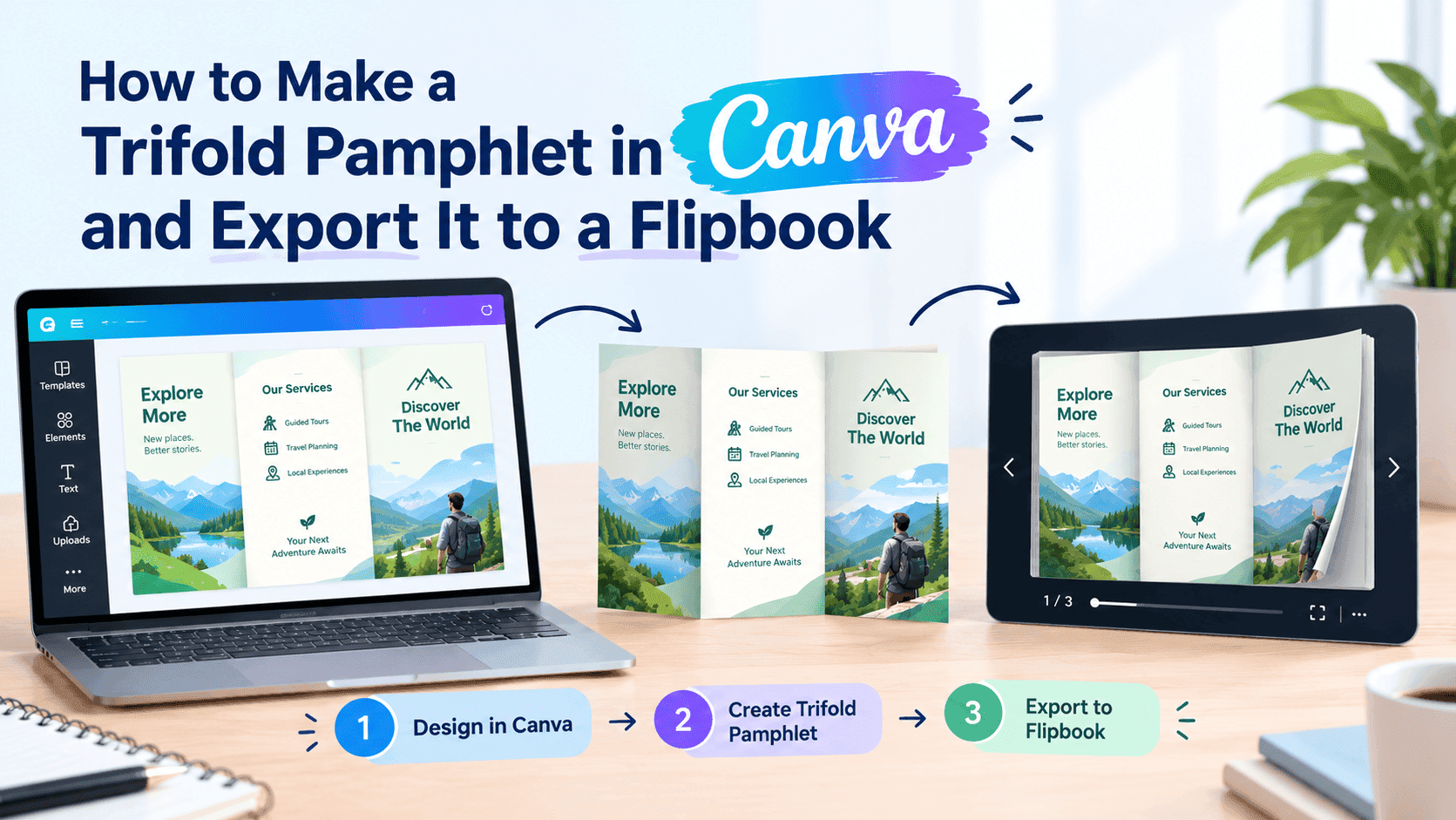
Here's what I found: most of the big names in this space run the same playbook. You upload your PDF, the tool converts it into a lovely page-turning flipbook, you get excited, and then you notice a little badge in the corner or a full-page interstitial that says something like "Made with [Tool Name] — Upgrade to remove." Some of them are subtle about it. Some of them are not. FlipHTML5 puts a small logo watermark on free-tier books unless you're on a paid plan. Issuu, depending on which era of their pricing you're looking at, gates a lot of what actually matters — analytics, embed controls, download restrictions — behind a subscription, and the free tier feels more like a trial than a genuine free product. Flipsnack has historically done the same thing, watermark included, with limits on how many flipbooks you can have live at once. Canva can technically export something flipbook-adjacent if you get creative with its presentation tools, but it's not really built for this, and you'll be fighting the interface the whole way.
I'm not going to pretend this is some grand betrayal. Software companies have to keep the lights on, and slapping a watermark on free stuff is the oldest trick in the book to push upgrades. I'm not going to pretend that's some kind of moral failing on their part. But it does mean that if you're a small business owner trying to turn a product catalog into something shareable, or a photographer sending a wedding album preview to a client, or a teacher making a digital worksheet packet, the phrase "free flip book maker" on Google is mostly false advertising. Free-with-a-watermark and free-with-a-usage-cap aren't really free. They're demos wearing a free label.
What "no watermark" actually needs to mean
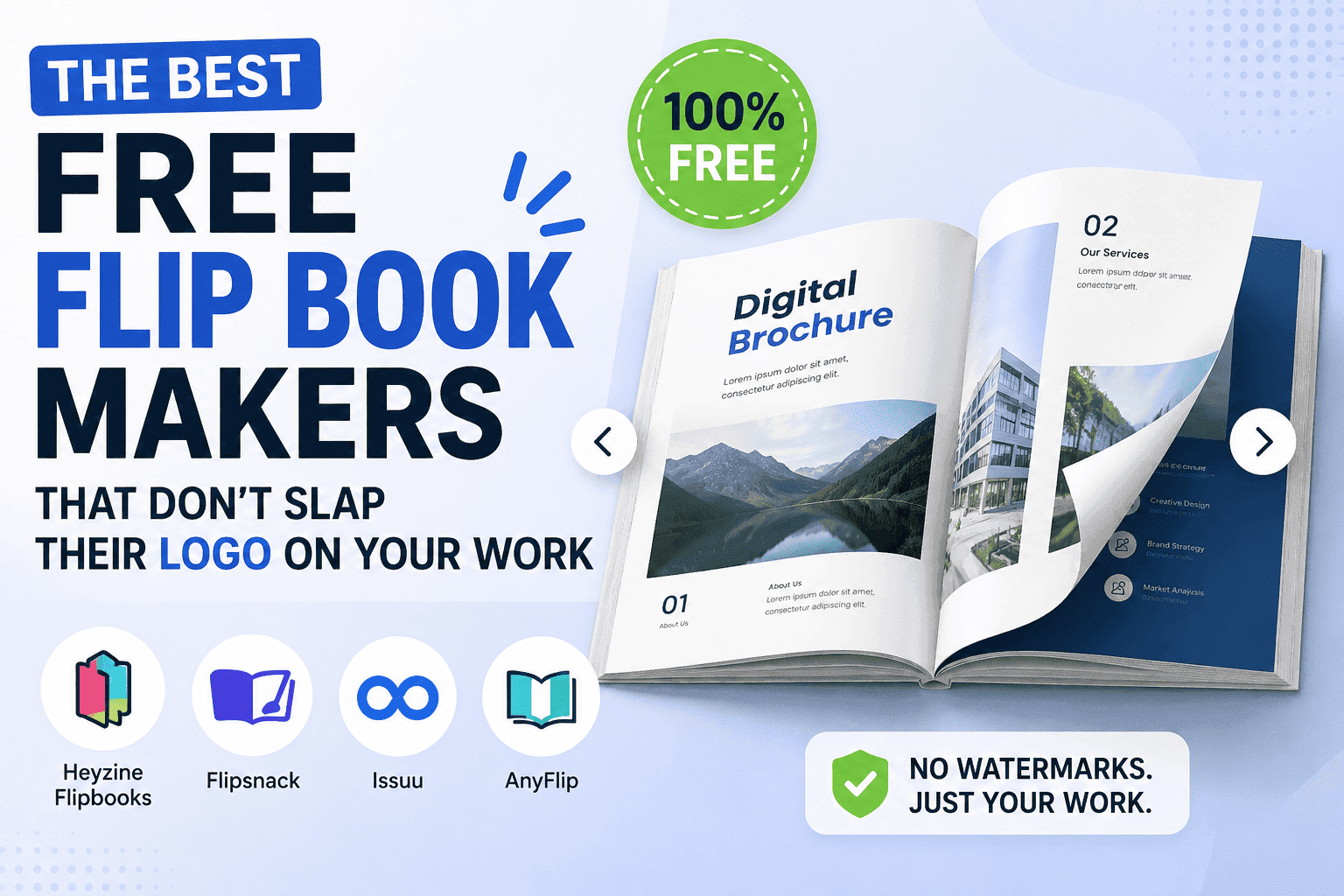
I want to be specific here because "no watermark" gets thrown around loosely, and half the tools that claim it are only telling you half the story. A genuinely watermark-free flip book maker should mean three things at once, not just one.
First, no visual branding stamped on the pages themselves — obviously. If there's a logo bug sitting in the corner of every page of your catalog, that's the whole ballgame lost before you've even started.
Second, no forced landing page or interstitial before someone can actually read your document. I've seen tools that technically don't watermark the pages but instead wrap the whole flipbook in their own branded viewer shell, complete with their nav bar and their "create your own" call-to-action sitting above your content. That's just a watermark with a fake mustache on.
Third — and this is the one people forget to check — no feature-based watermarking, where the visible book looks clean but sharing, downloading, or embedding it anywhere triggers a paywall. A flipbook that looks great in isolation but can't actually be embedded on your own website without an upgrade isn't free. It's a preview.
I built ZipFlipbook specifically to avoid all three of those, partly because I got tired of recommending tools to Slingshot's clients and then having to explain, halfway through onboarding, that actually you'll need to upgrade for the parts that matter. That's an awkward conversation to have with a plumber who just wanted a digital brochure to text to potential customers. He doesn't care about your freemium funnel. He wants a link that works.
Where the free tools genuinely differ
Once you get past the watermark question, the tools split apart pretty quickly on things that actually affect day-to-day use.
Speed matters more than people expect. Some converters queue your PDF for processing and email you a link twenty minutes later, which is fine if you're planning ahead and useless if you're trying to send something to a client in the next five minutes. A browser-based converter that processes locally or near-instantly changes how you actually use the tool — you stop treating it as a batch job and start treating it as something you can iterate on. I've rebuilt the same catalog three times in an afternoon because the first two versions had a typo I didn't catch until I saw it as a flipping page instead of a flat PDF. You only bother iterating like that when the tool is fast enough that redoing a file doesn't feel like pulling teeth.
Account requirements are the second big split. A lot of these tools want an email and a password before you can even see what the output looks like, which is a strange amount of friction for something you might use exactly once. I'm biased, obviously, but this is the specific decision I made with ZipFlipbook — no signup wall before conversion, because I don't think someone testing whether a flipbook tool is any good should have to create an account first and hope it was worth it.
The real deal-breakers only pop up after you've actually hit send—can you embed it cleanly, does the analytics show anything useful, and does it actually load on a phone without stuttering? A lot of free flipbook tools were clearly designed and tested on desktop and then ported to mobile as an afterthought, and it shows the moment you try to pinch-zoom into a catalog page on your phone and the page-turn animation stutters or the text becomes unreadable. If most of your traffic to a shared flipbook is going to come from someone tapping a link in a text message — and for small businesses, it almost always is — mobile behavior isn't a nice-to-have, it's the whole product.
Turn Your PDFs into Lead Generation Machines
Start getting highly-qualified leads from your PDFs and landing pages today. It takes exactly 2 minutes to set up.
No credit card required • Sign up in 10 seconds
Here's what I'd actually stress-test before committing to one
If you're evaluating flip book makers right now, skip the marketing copy and go straight to testing the failure modes, because that's where the free-tier restrictions actually live.
Upload a real document, not a demo file, and go all the way through to getting a shareable link. Then open that link on your phone, on a different network than the one you built it on, and see if it loads without you being logged in. Try embedding it on an actual webpage, not just previewing it inside the tool's own dashboard. Check whether you can update the file later without the link breaking, because catalogs and menus change, and a flipbook tool that forces you to generate a brand new URL every time you fix a price is going to be a headache within a month.
And check what happens to analytics on the free tier, if the tool offers them at all. Knowing that twelve people opened your flipbook is close to useless. Knowing that four of them got to page nine and then dropped off tells you something about your pricing page or your menu layout. A lot of "free" tools reserve that kind of data for paid accounts, which is fair from a business standpoint, but worth knowing going in rather than discovering it after you've already built your whole workflow around a tool that won't show you what's working.
The real-world uses nobody mentions in the marketing copy
Most of the landing pages for these tools show you the same three use cases — a fashion lookbook, a restaurant menu, a real estate brochure — and leave it there, which undersells how often this category of tool gets used for things that aren't glamorous at all. A property manager I know converts her lease agreements into flipbooks so tenants can flip through the terms instead of squinting at a scanned PDF on a phone screen. A wedding photographer client of ours turns raw proof galleries into flipbooks so couples can browse the shoot in order, page by page, the way you'd flip through a physical album, instead of scrolling a flat grid of thumbnails that loses all sense of pacing. A local trades business uses one as a leave-behind after a quote visit — a link texted over that shows the full range of past jobs, rather than a five-page PDF nobody opens because PDFs on mobile are miserable to read.
None of those use cases care about fancy animation effects or a huge library of templates. What they care about is whether the link works reliably for the person receiving it, whether it looks legitimate rather than like a demo product with someone else's logo plastered across it, and whether updating the content later is simple. That bar is low, but surprisingly, most tools built for this space manage to trip right over it—either by watermarks you can't ditch or by locking the embed button behind a paywall you didn't know existed.
Turn Your PDFs into Lead Generation Machines
Start getting highly-qualified leads from your PDFs and landing pages today. It takes exactly 2 minutes to set up.
No credit card required • Sign up in 10 seconds
The honest version of this recommendation
I run ZipFlipbook, so take the recommendation with the appropriate grain of salt — I'm not a neutral party here and I'm not going to pretend otherwise. But the reason I built it the way I did is that I kept running into the exact frustrations I've described above, both as someone building small web tools and as someone doing SEO work for clients who just wanted a clean digital brochure without a hidden cost showing up three weeks later. No watermark, no signup to get started, embedding that actually works, and lead capture and analytics available without needing a card on file. I built to that bar for a reason, and it's exactly what I'd tell anyone to demand from any other tool before they waste an afternoon building something that breaks the moment they update a price.
Most "free" tools in this space are really just holding your work hostage until you actually need to use it for something real. Ignore the marketing. The only ones worth a damn are the ones that don't yank the rug out from under you right as your finger hits the publish button.