The best free digital pamphlet makers are not the ones with the biggest "Get started free" button. Plenty of tools put that button on the homepage and then hand you a 14-day trial. Publuu works that way. One pricing tracker says Flipsnack retired its free plan around July 2026 and replaced it with a $16/month Starter tier. Flipsnack's help pages still mention a free plan, so verify before you build there. You can lose an evening designing a pamphlet and then find it locked behind a paywall.
This list is about the $0 tier: what you get, what each tool withholds, and which one I'd use for a given pamphlet.
What counts as a digital pamphlet
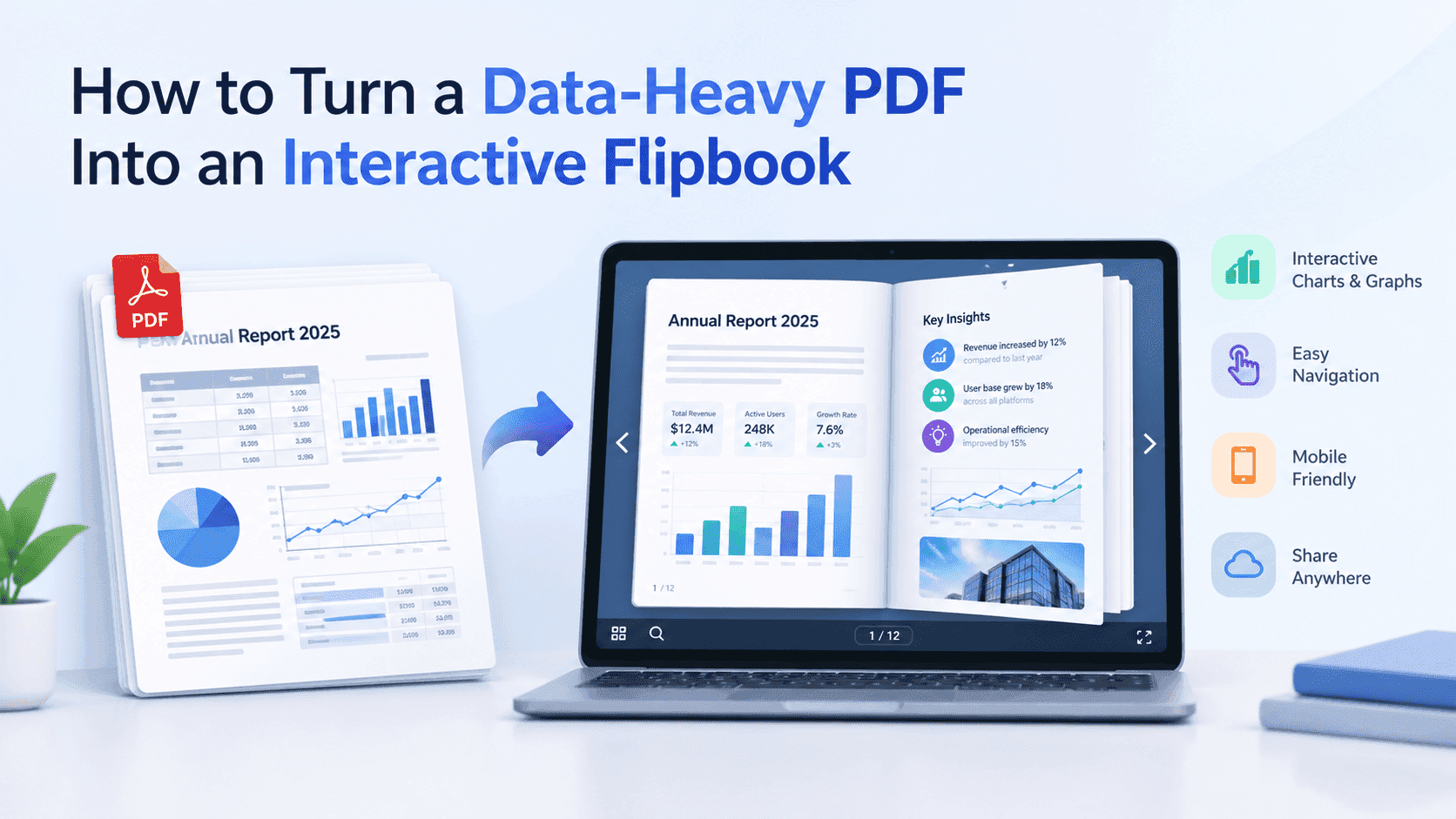
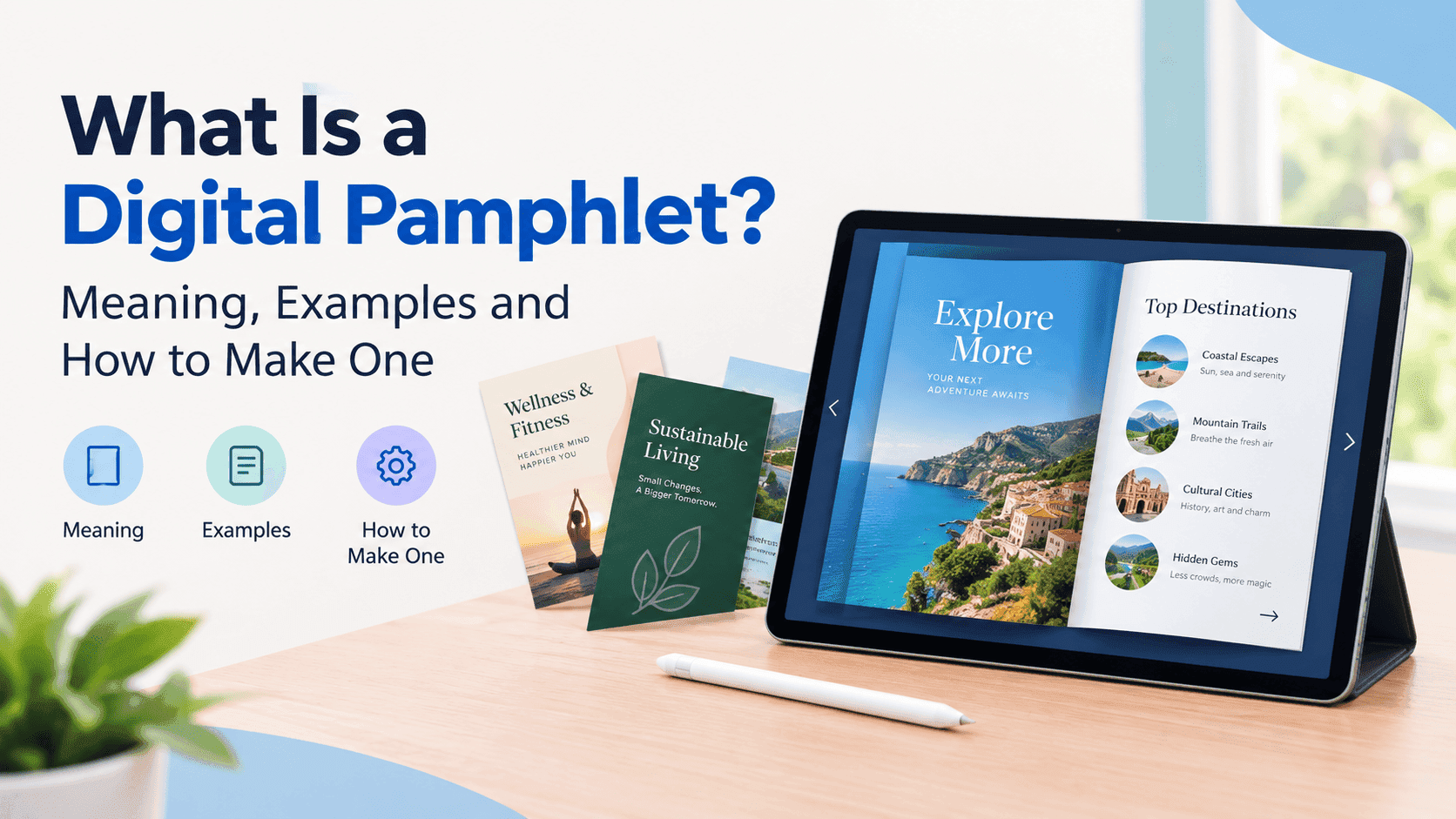
A digital pamphlet is the folded leaflet or small booklet you'd normally print, rebuilt to be opened on a phone or laptop. Usually that means a PDF turned into a page-turning flipbook with a link you can send, embed or put behind a QR code. If you want the longer definition, I covered what a digital pamphlet is in its own post, and I'll skip it here.
Two different jobs get lumped together here. One is designing the pamphlet (layout, fonts, images). The other is publishing it as something people can flip through online. Almost no free tool does both well. That's why this list mixes design tools with publishing tools.
The free digital pamphlet makers worth trying
ZipFlipbook
Full disclosure, this one is mine. I built ZipFlipbook because the free flipbook tools I kept running into either capped what I could publish or made the result look like an advert for the tool. You upload a PDF, it becomes a flipbook with a shareable link, and you can embed it on your own site.
What I care about most for pamphlets is the stuff a printed leaflet can never do. You can put a lead capture form in front of the pages, see in the analytics who opened it and how far they got, and drop video or other media into a page. A tradesperson handing out a service pamphlet, say, can find out whether anyone read past the front cover. It starts from a PDF, so the design happens in whatever you already use, Canva or Word or InDesign.
Pamphlets with a clear next step suit it best: a quote request, a booking page, a phone number you want people to ring. Put the form or link on the page where the offer appears, then use the analytics to see which pages people leave on and fix those pages in the PDF.
Canva
Canva is where most people design the pamphlet itself. The free plan has a big pile of brochure and pamphlet templates, you edit them in the browser, and you export a PDF or an image. That covers the design half completely.
Canva won't give you a real flipbook with analytics and lead capture. Export the PDF and feed it into a publishing tool from the rest of this list. Google Slides or Word work for the same purpose if you'd rather not make another account.
One snag on the free plan: Canva marks some templates, photos and graphics as Pro-only, and they carry a watermark if you export them without paying. Filter for free elements before you start so you don't build a layout around something you can't use.
Heyzine
Heyzine's free plan allows 5 flipbooks with unlimited pages and no forced ads. The trade-off: Heyzine branding on every free publication. The paid Standard plan is about $49/year billed annually. It removes the logo and lifts the flipbook cap, so it's a relatively cheap upgrade.
Five flipbooks run out fast if you make one per service, event, or client. Capterra reviewers mention accidentally deleting a flipbook with no way to recover it. Keep your source PDFs.
FlipHTML5
FlipHTML5 has a permanent free plan with unlimited documents but a five-upload-a-day cap, plenty for a pamphlet. The cost is a watermark and FlipHTML5 branding on what you publish. Reviewers call the interface dated, and I agree: it feels like software from a few years ago. I go through the specifics in my FlipHTML5 free limit post.
Issuu
Issuu has a free tier and a large reader marketplace, which helps if you want strangers to find your pamphlet. For a business pamphlet you'll send directly, it's a poor fit. Free accounts show ads, carry Issuu branding, and get limited analytics and downloads. The Starter plan removes some of that for $19/month.
Publuu and Flipsnack
Both are good products, and both start with a trial. Publuu gives you 14 days with everything switched on and then asks for money, with the Basic plan around $7 a month. Flipsnack's position is murkier for the reasons above. If your pamphlet needs to stay live for a year, don't build it on a trial.
Turn Your PDFs into Lead Generation Machines
Start getting highly-qualified leads from your PDFs and landing pages today. It takes exactly 2 minutes to set up.
No credit card required • Sign up in 10 seconds
Free digital pamphlet makers compared
ZipFlipbook is free for turning a PDF into a flipbook, with a shareable and embeddable link, lead capture and analytics, but it starts from a PDF, so the design happens elsewhere. Canva gives you free pamphlet templates and PDF export, though it designs the pamphlet and doesn't publish a flipbook. Heyzine allows 5 flipbooks with unlimited pages and no ads, and puts its own branding on each one. FlipHTML5 allows unlimited documents at up to 5 uploads a day, with a watermark and a dated interface. Issuu has a free tier with built-in readership, but it shows ads, its own branding and limited analytics. Publuu is a 14-day trial, with the Basic plan around $7 a month afterwards. Flipsnack's free plan is unclear after its 2026 pricing change, so check its pricing page.
Plan limits change often, as Flipsnack showed this year, so check each pricing page before you commit.
How to pick one
Start with where the pamphlet will live. If it's going on your website or in an email, you want a clean embed without someone else's logo on it, and that rules out most free tiers. I went through the options for that in my post on a free flipbook maker with no watermark.
Then decide what you want to learn from it. A pamphlet at a trade show, a clinic or a dealership produces no data once it's printed. A digital one can tell you how many people opened it and, with a form up front, who they were. If that matters, check for analytics and lead capture; many free plans omit both.
Next, think about how people will reach it. A plain link goes in an email signature or a WhatsApp message. An embed sits on a page of your site and keeps visitors there. A QR code on the printed pamphlet, a shop window or a van sends people from paper to the flipbook. Any of those works with the tools above, but check what happens to the link if the plan lapses. A flipbook that vanishes six months after you printed 2,000 QR codes is a nasty surprise, and it's why I'd keep trial-only tools away from anything that goes on paper.
If you're also comparing platforms for single-page leaflets, I wrote up the best digital leaflet platforms separately, since a leaflet and a multi-page pamphlet need slightly different things.
Prepare the PDF before you upload it
Most of the pain with free tools comes from the PDF, not the tool. Export at the page size you want people to read. A4 or US Letter works for print, but on a phone a landscape page with big type is easier to read than a portrait page with 9-point body copy.
Embed your fonts when you export, or the flipbook may show a fallback font and wreck your layout. Compress the images too. Most free plans cap upload size, and a 60 MB PDF full of uncompressed photos will crawl on mobile data even where it's allowed. If a page has a phone number or a booking link, make it a real link in the source file, then tap it on an actual phone after you upload.
Keep the cover simple. It's the only page most people see before deciding whether to flip, so it needs the title, who it's from and one line on what's inside. Folded layouts are the main trap. A tri-fold exported in print order puts the panels out of reading order, so re-sequence the pages before you export.
FAQ
What is the best free digital pamphlet maker?
Use Canva to design it, then ZipFlipbook to turn the PDF into a flipbook you can share, embed, and track. If you only need to publish and don't mind branding, Heyzine's five free flipbooks work.
Can I make a digital pamphlet for free with Canva?
Yes. Choose a pamphlet or brochure template, edit it, and export a PDF. Upload that PDF to a flipbook tool to get a page-turning link.
Do free digital pamphlet makers add watermarks?
Most do. Heyzine brands free flipbooks, FlipHTML5 adds a watermark, and Issuu shows its logo and ads on free accounts.
Is a digital pamphlet the same as a digital brochure?
Nearly. Pamphlets are usually shorter and lighter; brochures are more polished and multi-fold. The same tools handle both.
Can I put a digital pamphlet on a QR code?
Yes. Any shareable flipbook link works. Paste it into a free QR code generator and print the code on your paper copies.
Can I embed a digital pamphlet on my website?
Yes. Embedding is a standard feature in flipbook tools, though some free tiers restrict it or add branding, so test it on a live page before you announce anything.
How many pages should a digital pamphlet have?
Between 4 and 12 for most pamphlets. Past 20 pages you're making a brochure or a catalogue, and readers need navigation more than a page-flip effect.
Turn Your PDFs into Lead Generation Machines
Start getting highly-qualified leads from your PDFs and landing pages today. It takes exactly 2 minutes to set up.
No credit card required • Sign up in 10 seconds
Which free digital pamphlet maker should you use
Match the tool to the job. An event programme you'll hand out once is fine on Heyzine's five free flipbooks. A service business that wants enquiries needs a form and some numbers behind the pamphlet, which is the case for ZipFlipbook. Something you want strangers to stumble on is the one situation where Issuu's marketplace helps.
Design the pamphlet in Canva, export the PDF, then publish it. For publishing, I'd use ZipFlipbook if you want analytics or lead capture, Heyzine if five simple flipbooks with a logo are enough, and nothing trial-based unless you're ready to pay within two weeks. Upload a PDF at zipflipbook.com and read it on your phone before you decide.