There's nothing worse than watching a print PDF fall apart on a phone screen. A client hands you a print-ready flyer, tells you it needs to "go on the website too," and suddenly you're wrestling with a file format that was never designed to be read on a screen you can hold in one hand. If you've ever tried to zoom into a leaflet PDF on your phone and watched the text slide off both edges at once, you already know the problem I'm talking about.
Digital leaflets and flipbooks solve that problem, in theory. In practice, the market is stuffed with tools that either cost too much, lock your content behind a paywall the moment you want to remove their branding, or produce something so bloated it takes twelve seconds to load on a train platform with two bars of signal. So I went looking for the platforms actually worth using in 2026, tested a handful myself, and I'm going to walk through what I found — including where I think my own tool fits into the picture, because I built it specifically to fix the things that annoyed me about everyone else's.
What "digital leaflet" even means now
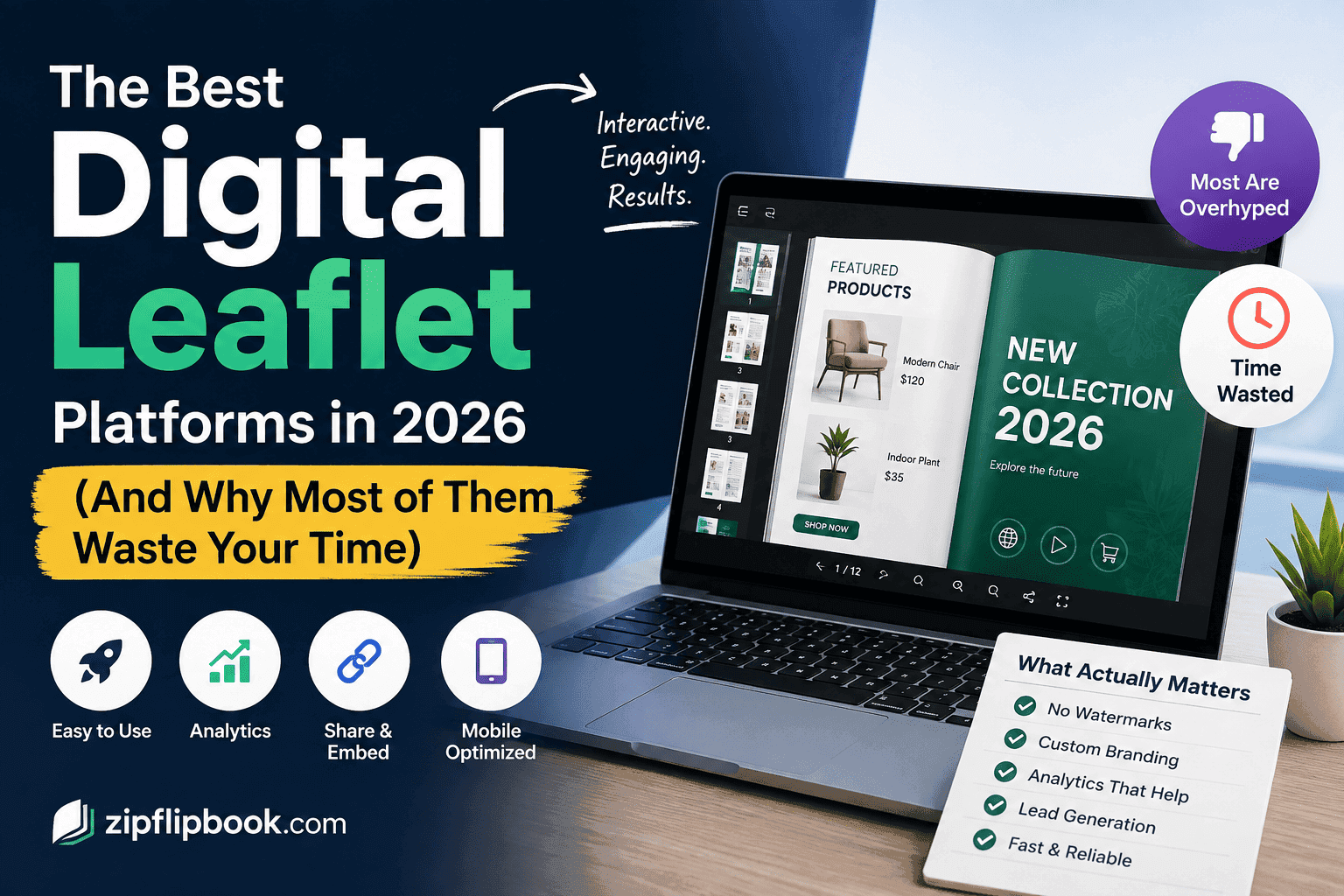
A few years ago this category was mostly page-flip animations slapped on top of a PDF. Fancy, a bit gimmicky, not much else going on under the hood. That's changed. The better platforms today treat a leaflet less like a digital brochure and more like a small, self-contained landing page: embedded video, clickable product links, lead capture forms sitting inside the page rather than bolted on afterward, and analytics that actually tell you whether anyone got past page two.
That shift has quietly changed who actually needs these tools. It's not just marketing agencies producing seasonal catalogues anymore. Real estate agents use them for property brochures. Restaurants turn their printed menus into something a customer can browse from a QR code on the table. Manufacturers convert spec sheets into interactive product catalogues their sales reps can send instead of a 40MB PDF attachment that bounces off half the inboxes it's sent to.
Issuu
Issuu is the name most people think of first, mostly because it's been around forever and has a huge library of publicly discoverable content. That's actually a double-edged sword. The discovery angle is genuinely useful if you want organic traffic from people browsing Issuu's own platform, but it also means your leaflet can end up sitting next to unrelated content, which isn't always the vibe you want for a client brochure. Pricing climbs quickly once you need to remove Issuu branding or unlock decent analytics, and the free tier is restrictive enough that most businesses outgrow it within a month.
Issuu's real advantage is its built-in audience. If you want strangers to find your leaflet organically, it's genuinely useful. If you don't, it's a liability. I've written a longer comparison of free alternatives to Issuu if that trade-off is the deciding factor for you.
FlippingBook
FlippingBook leans hard into the "make a physical book feel digital" experience, and it does that particular thing well. The page-turn animation is smooth, and it supports interactive elements like video embeds and clickable hotspots. It's aimed more at the corporate end of the market — think annual reports and internal training materials rather than a quick flyer you need out the door in twenty minutes. That shows up in the pricing, which is built around annual plans rather than a quick one-off use case. If you're publishing one leaflet a month for a small business, you're paying for a lot of capability you won't touch.
Canva's flipbook exports
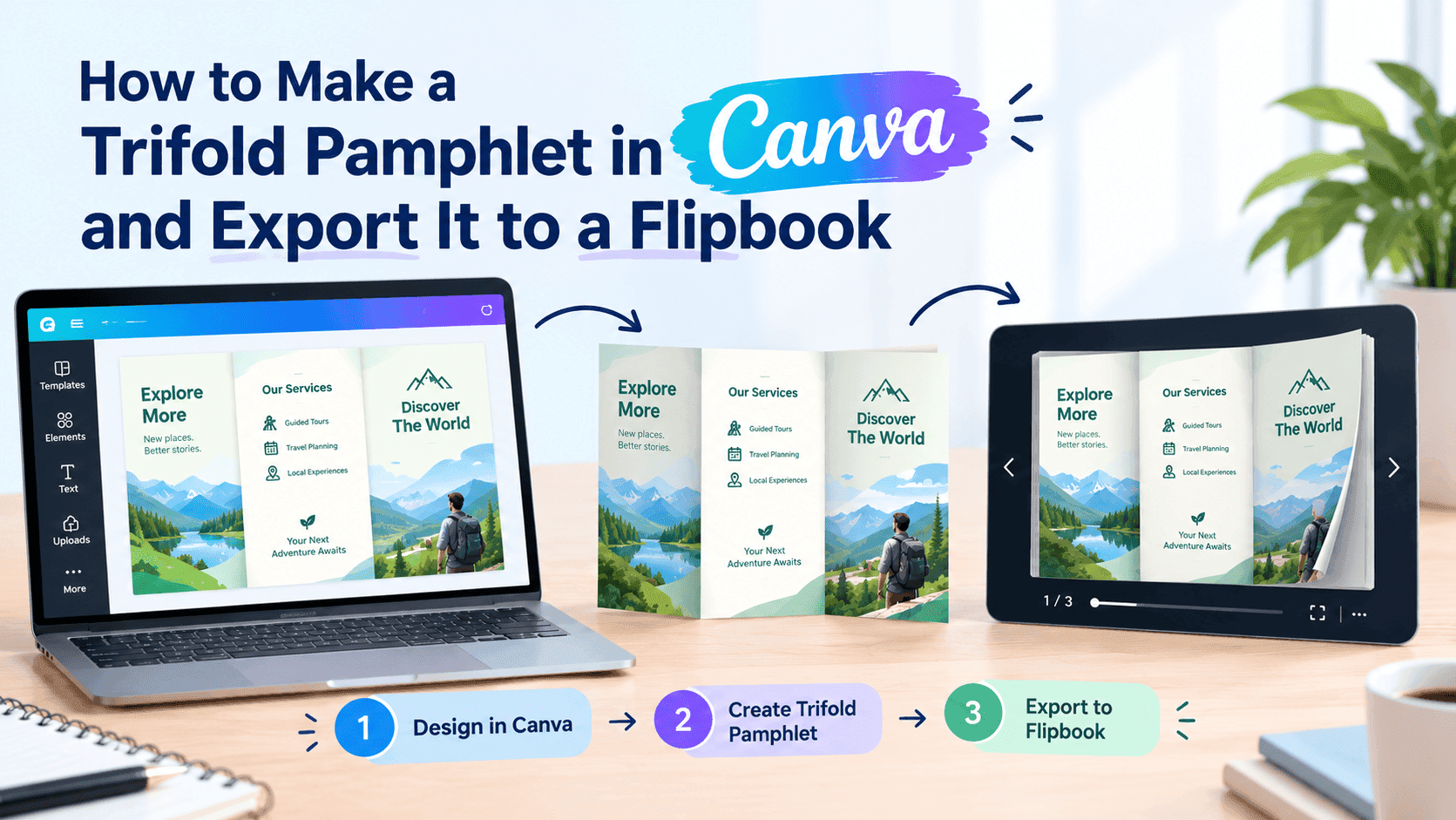
Canva's flipbook feature is fine for a single-page flyer. But it's not a real platform. Where it falls apart is anything beyond a simple, one-off flyer. There's no lead capture built in, the analytics are essentially nonexistent, and the flipbook export feature feels like it was added because a competitor had one, not because Canva actually wanted to own this use case. Treat it as a stopgap, not a platform.
Publuu
Publuu sits somewhere between Issuu and the more corporate tools — decent flipbook effect, reasonable pricing tiers, and it supports embedding video and links. Publuu works well if you just need a flipbook and don't care about design control. It's not exciting, but it's reliable. The free plan caps you at a small number of publications, which is workable for a solo user testing the waters but gets restrictive fast for an agency managing multiple client leaflets at once.
Flipsnack
Flipsnack gets recommended a lot in the same breath as Issuu, and for good reason — it's been building out its editor for years and now lets you design a leaflet from scratch inside the platform rather than just uploading a finished PDF. That's handy if you don't already have a design tool in your workflow. The catch is that the good stuff — custom branding, decent analytics, higher publication limits — sits behind the paid tiers, and the free plan feels more like a trial than something you'd actually run a business on long-term. It's a capable tool if you're planning to build your leaflets inside it from day one, less so if you already have a finished PDF and just want it converted quickly. I put together a closer Flipsnack vs. ZipFlipbook breakdown if you want the specifics.
Heyzine
Heyzine is one of the cheaper paid options and it does the basics competently: PDF-to-flipbook conversion, some customization on the cover and background, decent enough page-turn animation. I've used it for quick one-off jobs before and never had a complaint about the output itself. Where it shows its age is the interface, which feels like it hasn't been touched in a while, and the lead capture options are fairly basic compared to newer tools. If budget is genuinely the deciding factor and you don't need anything fancy, it's a reasonable pick.
Turn Your PDFs into Lead Generation Machines
Start getting highly-qualified leads from your PDFs and landing pages today. It takes exactly 2 minutes to set up.
No credit card required • Sign up in 10 seconds
The pricing trap nobody mentions
Almost every tool above runs the same playbook: free tier gets you a watermarked, feature-stripped taste, then the price jumps hard the moment you need branding removed or analytics that actually mean something. For a one-off leaflet, that's fine. For an agency running five or six client leaflets a month, those "starter" plans stop looking like $15 and start looking like $60 or $90 once you add the seats and publication caps you actually need. Read the pricing page twice before you commit to anything, because the number on the homepage is rarely the number you end up paying.
Where ZipFlipbook fits in
Every platform above hit the same wall: decent output, but everything useful was locked behind a paid plan. So I built one that wasn't. It's free, browser-based, and you don't need to install anything — you drop a PDF in, and it comes out the other side as an interactive flipbook with embedded media support, clickable links, and lead capture built in rather than tacked on as a paid add-on.
Analytics is the reason I built this in the first place. When I'm handing a leaflet to a client, "trust me, people are reading it" isn't good enough — I want to be able to show them which pages people actually spent time on, and where they dropped off. ZipFlipbook gives you that without needing an enterprise contract to unlock it — I've broken down exactly how the open-tracking works here if you want the mechanics. And because every flipbook gets an embeddable link, you're not stuck sending people to some third-party gallery page full of other publishers' content — it sits directly on your own site, under your own domain, doing your own SEO some good instead of someone else's.
If you're a tradesperson or small business owner who just needs a menu, a catalogue, or a spec sheet to look right on a phone without paying a monthly fee for the privilege, that's the gap this fills. Try it at zipflipbook.com.
What actually matters when you're choosing
Skip the sales pitch and ask yourself four things instead. First: does the reader experience actually work on mobile, not just desktop, because that's where most of your traffic will land whether you planned for it or not. Second: can you get your own branding on it without paying extra, because a leaflet covered in someone else's logo undermines the entire point of putting your business in front of a customer. Third: does it give you lead capture and analytics without an enterprise sales call, because most small businesses don't have the patience or budget for that conversation. And fourth: how long does it actually take to go from PDF to published link, because if the answer is "longer than it took to design the leaflet in the first place," you've picked the wrong tool.
Here's the thing nobody tells you: a flipbook is not a landing page. It's a browsing format, not a conversion engine. And no platform can fix a badly designed leaflet — the tool changes the packaging, not the content inside it.
Turn Your PDFs into Lead Generation Machines
Start getting highly-qualified leads from your PDFs and landing pages today. It takes exactly 2 minutes to set up.
No credit card required • Sign up in 10 seconds
The bottom line
If discoverability matters more to you than control, Issuu's ecosystem is hard to beat. If you're producing something closer to a corporate report with a real budget behind it, FlippingBook's polish is worth the price. If you're already in Canva and just need a quick export, use it. But don't mistake it for a strategy. And if you want a free, no-nonsense way to turn a PDF into something people will actually read on their phone, with lead capture and real analytics baked in rather than bolted on — that's the exact problem I built ZipFlipbook to solve, and it's worth five minutes to see if it fits what you need.
Whatever you pick, test it on your own phone before you send it to a client. Half the leaflet platforms out there look great in a demo video and terrible the moment you're standing in a shop with one bar of signal trying to show a customer your new menu.