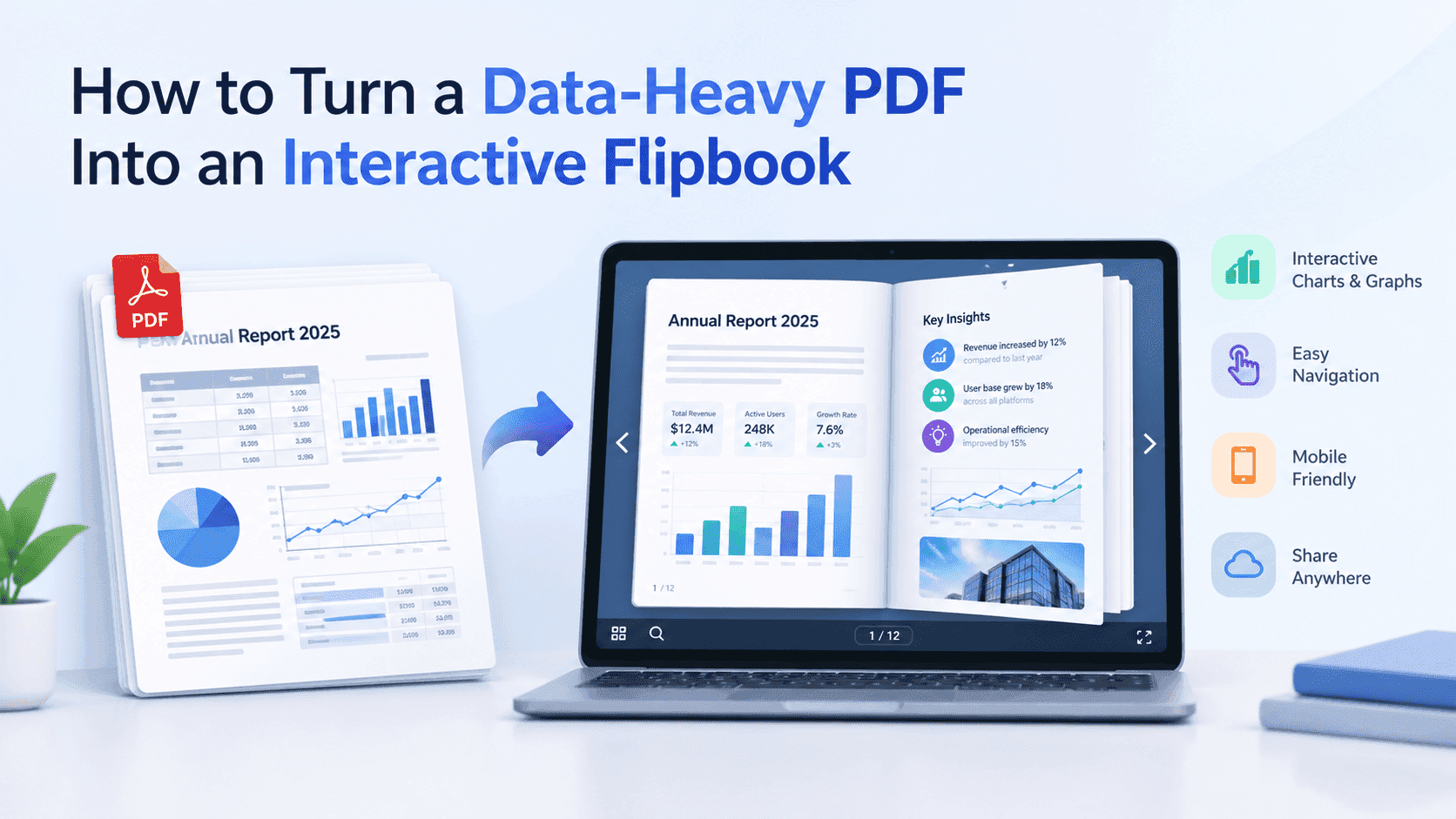
A digital pamphlet is a short, single-topic document made to be read on a screen instead of handed over on paper. It might be four pages or twelve. It covers one subject, such as aftercare advice, a donation appeal, a service offer or a recycling schedule, and it gets shared as a link, a QR code or an embed on a web page. Readers open it on a phone, flip through it, tap the links and leave. Whoever sent it can see that it was opened.
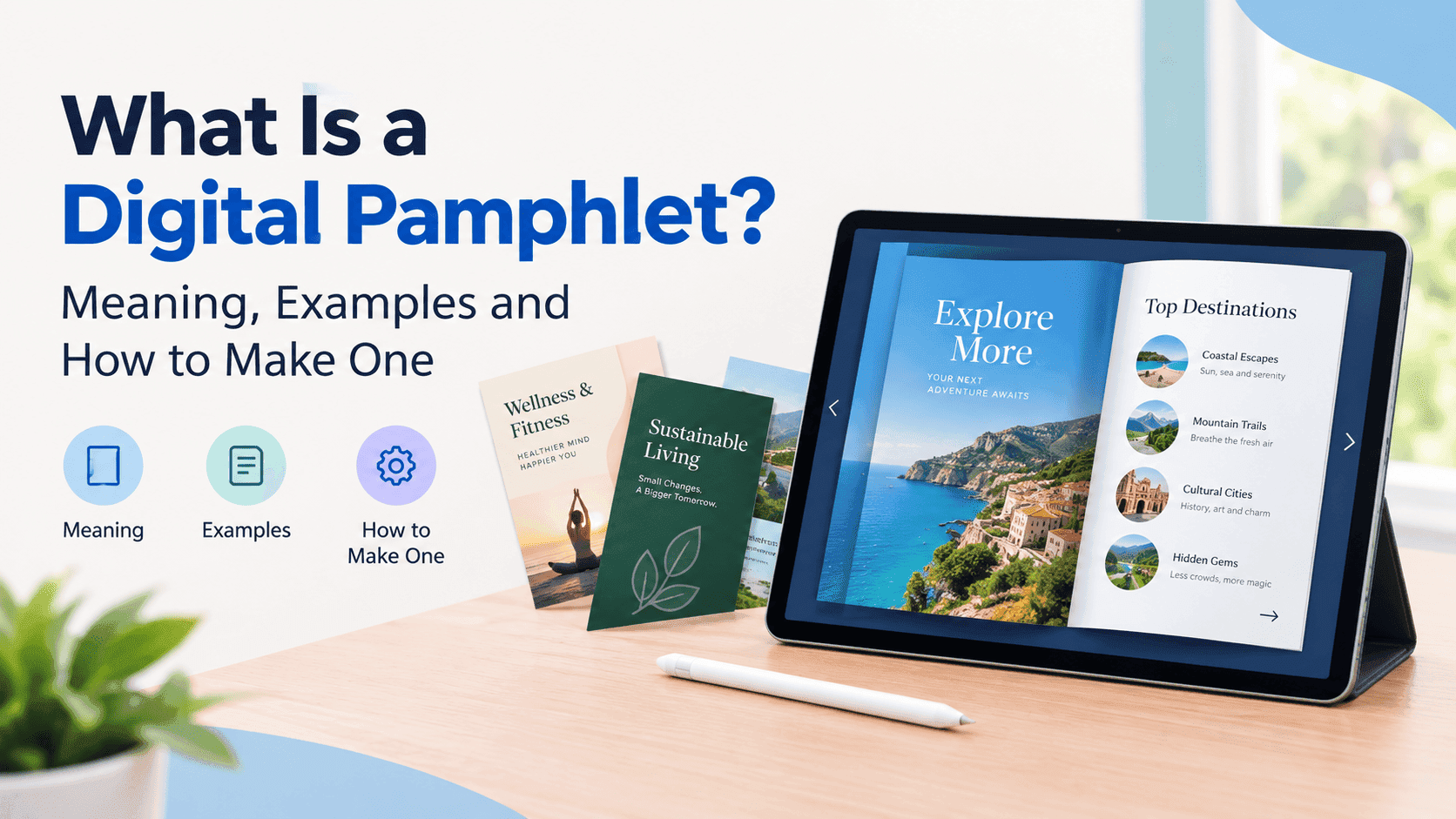
What is a digital pamphlet, exactly?
The printed pamphlet has been around for centuries. It is a small, unbound booklet or a folded sheet that explains one thing: how to register to vote, what to do after a knee operation, why a charity needs money. Pamphlets inform first and sell second, which is why you find them in doctors' waiting rooms and council offices rather than shop windows.
A digital pamphlet keeps that job and drops the paper. The content lives online, usually as a web-based flipbook or a mobile-friendly page, and it can carry things paper never could: clickable links, embedded video, a form that collects an email address, a phone number that dials when tapped. You will also hear it called an online pamphlet, an electronic pamphlet or an interactive pamphlet. They all mean roughly the same thing.
Digital pamphlet vs PDF pamphlet
Most people who think they have a digital pamphlet actually have a PDF. They are not the same thing, and you notice the difference the first time you open one on a phone.
A PDF pamphlet is a print file sitting on a screen. It arrives as an email attachment, often 15 to 40 MB if the photos weren't compressed, and the reader pinches and drags to find the text. Gmail may clip it, a work inbox may bounce it, and you will never learn whether it was read past page one.
A digital pamphlet opens in the browser from a link. You turn pages, the text stays readable on a small screen, and any file-size delay lasts a second or two at most. If you already have a PDF, you don't need to redesign anything. Just convert it. Our guide to the digital brochure covers the wider version of the same process.
Pamphlet, leaflet and brochure: what separates them
People use the three words interchangeably, and that is usually fine. They do different jobs, though.
A pamphlet explains. It carries a point of view or a body of information and may run to several pages or a few folds. A leaflet is usually one sheet with one message and one call to action, made for letterboxes and events (see what is a digital leaflet). A brochure is the sales piece: glossier, heavier on photography and pricing, aimed at someone already considering a purchase.
In a flipbook those lines blur, since a folded layout becomes a set of pages anyway. For bifold, trifold and z-fold layouts and when each is worth using, read digital pamphlet vs digital brochure.
Digital pamphlet examples
The format suits anyone with something to explain and no budget for print runs.
A physiotherapy clinic can replace the photocopied exercise sheet with an aftercare pamphlet that includes a short video for each movement, so patients stop ringing reception to ask what "hold for 10 seconds" meant. Charities can email a donor pamphlet with one gift button on the last page and see how many people reached it. For a council, a recycling pamphlet can change when collection days change instead of needing 20,000 reprinted copies. At the school gate, a QR code can open the open-day pamphlet.
Small trades use them too. A heating engineer who sends a boiler service offer as a four-page pamphlet with prices, a photo of the van and a tap-to-call button looks like a firm that has its act together, and the customer can read it standing on a doorstep. Event organisers use them, and so do estate agents, wedding venues and software teams launching a product. Each sticks to one topic and a few pages, and ends on one action.
Turn Your PDFs into Lead Generation Machines
Start getting highly-qualified leads from your PDFs and landing pages today. It takes exactly 2 minutes to set up.
No credit card required • Sign up in 10 seconds
Why use a digital pamphlet instead of print
Printing a pamphlet commits you to its contents. A wrong phone number or an old price means pulping the stack or living with it. An online pamphlet can be corrected in a minute, and everyone holding the link sees the fixed version.
Cost is the obvious advantage. Reach is the next one. A link can go into an email, a WhatsApp group, a Facebook post, a bio, an email signature or a QR code on a van. Paper only travels as far as someone's hand.
You also find out what happened. With a flipbook you can see how many people opened the pamphlet, how far they got and where they dropped off. If half your readers quit on page three, page three is the problem, and you can fix it. A printed pamphlet tells you nothing at all.
Accessibility improves too. Readers can zoom without losing quality, text can be searched, and a pamphlet built from a clean, tagged PDF is far easier to make compliant than a scanned one.
How to make a digital pamphlet for free
You don't need a designer or a monthly subscription. This order works:
- Write for one reader and one action. Decide what the person should do after the last page, and put that action on page one and again on the final page.
- Design it in whatever you already know. Canva, Word, Google Docs, InDesign and Affinity all work. Keep it to 4 to 8 pages and set body text at 11 pt or larger so it holds up on a phone.
- Export to PDF and compress it. Aim for under 10 MB. Photos exported at 150 dpi look fine on screen and cut the file size dramatically.
- Upload the PDF to ZipFlipbook, a free browser-based digital pamphlet maker, and it turns the file into an interactive flipbook with page turns.
- Add links, embedded video and, if you want leads, an email capture step.
- Share the link, put the QR code on whatever you print, or embed the flipbook on your website.
- Open it on your own phone before anyone else sees it. Check that the text is readable and the buttons are big enough for a thumb.
Turn Your PDFs into Lead Generation Machines
Start getting highly-qualified leads from your PDFs and landing pages today. It takes exactly 2 minutes to set up.
No credit card required • Sign up in 10 seconds
What makes a good digital pamphlet
Stay narrow. If a pamphlet tries to explain the whole company, it turns into a brochure with a worse cover. Find the one question the reader came with and answer that.
Use short paragraphs and real headings, because people skim on screens. Put a contact method on every page that matters, not only the back. Avoid pale grey text on white, which looks elegant in the design tool and disappears in sunlight. And keep the video short. Thirty seconds that show the thing beat three minutes of introduction.
If you put a form on the first page, you will likely lose readers before they start. Want an email address? Ask after they have seen a page or two and know what they are getting.
Digital pamphlet FAQ
What is a digital pamphlet? A short, single-topic document designed to be read online, usually as an interactive flipbook or mobile page that you share by link or QR code. It replaces the printed pamphlet and adds links, video and tracking.
Is a digital pamphlet the same as a PDF? No. A PDF is a file you download and pinch around on a phone. A digital pamphlet opens in the browser, turns pages, and tells you who opened it. You can make one from a PDF in a couple of minutes.
What is the difference between a pamphlet and a brochure? A pamphlet explains something, usually with more text and fewer photos. A brochure promotes a product or service and leans on photography and pricing.
How many pages should a digital pamphlet be? Between 4 and 8 for most uses. A clinic aftercare pamphlet can run to 12 if each page covers one exercise. Past that, call it a booklet.
How do I make a digital pamphlet for free? Design it in Canva or Word, export a compressed PDF, then upload it to a free flipbook maker such as ZipFlipbook. No watermark on the output and no design skills needed.
Can I track who reads my digital pamphlet? Yes. A flipbook shows opens and page-level reading, and it can collect an email address if you add a capture step.
Can I put a digital pamphlet on my website? Yes. Copy the embed code into any page builder, including WordPress, Wix, Squarespace and Shopify.
Turn Your PDFs into Lead Generation Machines
Start getting highly-qualified leads from your PDFs and landing pages today. It takes exactly 2 minutes to set up.
No credit card required • Sign up in 10 seconds
If you have a pamphlet PDF sitting in a folder somewhere, upload it to ZipFlipbook and send yourself the link. Opening it on your phone will tell you most of what you need to know.