Most data-heavy PDFs get opened once, scrolled at double speed on a laptop and closed. On a phone they often don't get opened at all. If you've ever sent a 60-page price list, a quarterly report or a technical spec sheet to customers and heard nothing back, the format is a decent suspect.
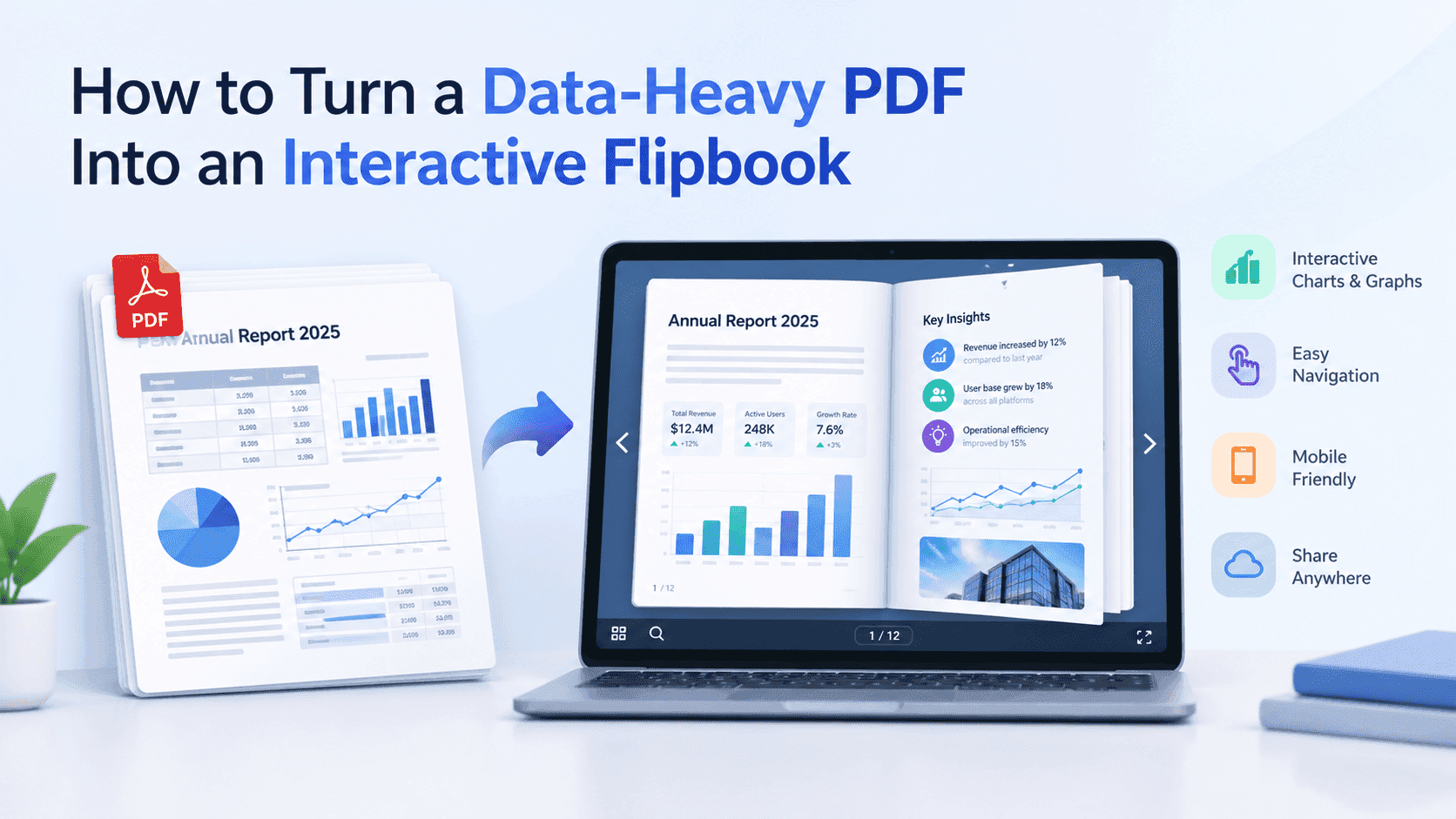
You can turn a data-heavy PDF into an interactive flipbook in about the time it takes to make a fresh export. The result loads in the browser, turns pages with a swipe, needs no download, and lets you see whether anyone got past page three. Tables and charts behave differently from a brochure, though, so a handful of decisions made before you upload will save you a lot of squinting afterwards.
Here's the process I use in ZipFlipbook, the free browser-based tool I built for this job. Most of it carries over to any flipbook maker, so even if you pick another one the groundwork is the same.
Why big tables fall apart in a PDF
A PDF is a photograph of a printed page. That works for a one-page invoice. Put a 14-column specification table on it, open it on a phone that's 390 pixels wide, and every row means pinching, dragging sideways and losing the column header the moment you scroll. People give up quickly, and they don't tell you they gave up.
Size is the other problem. A report with embedded charts and a scanned appendix can hit 30 or 40 MB. Plenty of mail servers bounce that, and on mobile data it crawls. When it does arrive you have no idea whether the reader reached page 4 or page 40, and once it's been forwarded twice your pricing is floating around in inboxes you've never heard of.
A flipbook won't turn your tables into a database. It will load the same pages quickly in a browser, let people swipe and zoom, and report back on how far they got. If the document's job is to get read, that fixes the main ways the PDF version fails.
Decide who this is for before you upload
Before you upload anything, decide who's reading and what you want them to do next. A catalogue for trade buyers should help them find a part number, check a price and get to the order form. A board results report should push them to the summary on page 4 and the one chart that matters. Engineers reading a spec sheet will want the numbers in their own tools, which I'll come back to.
Write the audience down in one sentence. "Trade buyers who need to check a price and place an order by Friday." If you can't write the sentence, the document is trying to do too much, and that's usually why it ran to 60 pages.
Pick one action and put it on the first page and the last: call this number, fill in this form, book a demo.
Then decide whether it's gated. A market report that took you three weeks to write is worth an email address, so put the capture form in front of it. A price list for customers who already buy from you isn't, and making them type an email to see a price will only annoy them. Gate things people would pay for and leave the working documents open.
Fix the PDF before you convert it
The flipbook can't fix a messy PDF. Ten minutes on the source file now saves you from ugly pages later.
Export from the source file. If the table lives in Excel, Google Sheets or Word, save as PDF from there rather than printing a screenshot or running the page through a scanner. A scanned page is a picture of text: it goes soft when readers zoom, and nobody can search it. If a scan is all you have, run OCR on it first.
Look at the page layout. A table with more than eight or nine columns won't fit on a portrait A4 page at a readable size. Switch that section to landscape, or split the table across two pages and repeat the first column on both so readers don't lose track of which row they're on. Nothing in a table should be smaller than 9 point, because phone readers zoom in and tiny type blurs.
Check your charts too. Axis labels and legends set at 8 point vanish on a phone. Rewrite the chart titles so they state the finding ("Orders up 18% in Q3") instead of describing the chart ("Orders by quarter"), because that title is the first thing a skimming reader looks at. If the chart needs a paragraph of explanation to make sense, the explanation belongs in the chart's title and a one-line caption underneath.
Trim the fat. Blank pages, a 12-page legal appendix, three versions of the same chart. Pull anything people won't read into a separate file. I'd get anything over about 25 MB down before uploading: compress the photos but leave charts as vector graphics so they stay sharp.
Finally, click through the contents page in the PDF itself. If those links are broken now, they'll be broken in the flipbook.
Upload it and check every page
Go to zipflipbook.com, upload the PDF and give it a name you'll recognise in six months. Not "final_v7". Let it convert, then open the result.
Go through it page by page, with extra attention on the table pages. You're looking for columns cut off at the right edge, fonts that swapped to something ugly, and numbers that wrapped onto a second line and now look like a different number. If anything's wrong, fix the source and upload again. Patching around a bad export costs more time than redoing it.
Once it looks right you've got a link you can send straight away, paste into an email signature, or embed in a page on your own site. Send it to yourself first and open it from the email, because that's how most of your readers will arrive. It catches the page that looked fine on your monitor and doesn't on theirs.
Test the table pages on a real phone
Browser dev tools lie about how fingers behave. Open the link on your own phone, and ideally on an older, smaller one too, then try to read the densest page without zooming.
If you need to zoom on every page, the source layout is the problem. Bigger type and fewer columns per page fix most of it. Put the column people care about first (product name, part number, region) so it stays visible even when the rest of the table gets cut off. Light grey banding on alternate rows helps the eye track across a wide table far better than heavy gridlines do.
Wide landscape tables deserve a second look. They shrink to fit a narrow screen, so a table that felt roomy on your monitor can end up smaller than the portrait version you started with. Try it both ways. Splitting one table over two portrait pages sometimes reads better than squeezing it onto one landscape page.
Add a summary page near the front with the five or six numbers a reader would take away if they only had ten seconds. Someone on a train isn't going to hunt through 40 pages of tables for the headline figure. Put it on page 2 and let the tables sit behind it as evidence for anyone who wants to check.
Add links, video and an email gate
A flipbook can be just static pages, but links are the easiest improvement: make the contents page clickable, point product rows at the product page or order form, and link each source in a report back to the original. Readers who can jump straight to what they need stay longer than readers who have to flip.
A short video often explains a dense page faster than another paragraph does. A 90-second recording of you walking through the methodology, or a product demo sitting next to the specification pages, covers what 400 words of footnotes can't. ZipFlipbook handles embedded media, so the clip lives on the page it explains instead of in a separate email nobody opens.
If the document's worth gating, put the email form after the summary page, not on the cover. Let people see what they're getting, then ask. Name and email is enough. Every extra field loses you some readers, and phone number loses the most. Test the form yourself on your phone with a throwaway address before the link goes out.
Some readers want the spreadsheet
Some readers don't want pages. They want numbers. Accountants, analysts and the buyer who's going to paste your price list into their own ordering system will ask for a spreadsheet within a day of reading your flipbook. Sorting, filtering and formulas belong in a spreadsheet; a flipbook is for reading.
So offer both. Use the flipbook for reading, and the spreadsheet for sorting, filtering and formulas. If you built the document from an Excel file in the first place, that's easy: export the sheet and link it from the last page. If all you have is the PDF, you'll need to extract the tables, and that's fiddly. Merged cells break, tables split across pages, and copy-paste from a PDF tends to dump a whole row into a single cell. This guide on converting PDF to Excel from Perfect Parser walks through the options. Read it before you lose an afternoon to retyping.
One approach that's worked for me: leave the flipbook free and put the spreadsheet behind the email form. The reader gets the pages straight away, and anyone who wants the raw data is usually serious enough to hand over an address.
Watch where people stop reading
Once the flipbook is live, look at where readers drop off. ZipFlipbook has built-in analytics, so you can see how people read it instead of guessing from the silence after you hit send. If most readers stop around page 6, that's your dense table, and you know exactly where to restructure. If readers get past your summary and keep going, the summary is doing its job.
Wait a week before you treat the analytics as a real pattern. One day of data is mostly your own testing and a couple of colleagues poking around. After a week, patterns show up in where people stop and how far they get.
If you're capturing emails, you also end up with a list of people who asked for the document, which is a better list than people who merely received it. Write the follow-up accordingly. Then fix the weakest page, re-upload, and see whether the drop-off moves.
FAQ
Can I turn a PDF with tables into a flipbook?
Yes, pages appear as they do in the PDF. A clean export gives you a clean flipbook; a blurry scan gives you a blurry one.
Is ZipFlipbook free?
Yes. It runs in the browser, so there's nothing to install.
Does a flipbook work on a phone?
Yes. It opens in the mobile browser, no app needed. Check your densest table page on a real phone before you send the link.
Can I collect email addresses from readers?
Yes. Lead capture is built in. Put the form after the summary page rather than on the cover.
How do I get a PDF table into Excel?
Use a PDF-to-Excel converter. The guide linked above covers the options and the traps, like merged cells and tables that break across pages.
Can I embed a flipbook on my website?
Yes. You get an embed link you can drop into any page.
Start with the ugliest PDF you have
Pick the one with the widest table, the one you're mildly embarrassed to send. Fix the layout, upload it to ZipFlipbook, and open the link on your phone. If you can read the numbers without pinching, send it. If you can't, bump the font size and go again. Twenty minutes of that will do more for the next customer who opens your price list than another email asking whether they got the last one.