A 60-page landscape PDF full of plans, sections and renders is a hard thing to send. It weighs 120MB, Gmail refuses anything over 25MB, and the Dropbox link you paste in instead opens a viewer that shrinks every A3 sheet to the size of a stamp on a phone. An architecture portfolio flipbook fixes the sending and the reading in one go: a single link, pages that turn, drawings you can zoom into, and no attachment to bounce. This post shows how to turn an architecture portfolio or interior design lookbook PDF into a digital architecture presentation clients open, and how to see what they read.
Why your 120MB portfolio never reaches the client
Gmail caps attachments at 25MB. Outlook's default sits around 20MB. A landscape architecture portfolio with full-bleed renders, a few site plans and a set of elevations blows past both before you reach page 30, so you reach for a transfer link. The client gets an email with a download button, clicks it on their phone between meetings, and waits on a 120MB file over mobile data. Many of them never see page one.
Even when it opens, phone PDF viewers wreck landscape sheets. Most are built for portrait pages, so an A3 landscape sheet shrinks to a thumbnail with hairline linework turned to mush. The dimension strings on your plan, the material callouts on the section, the little north arrow you spent ten minutes aligning: none of it can be read without pinching, panning and losing your place.
This matters more in architecture and interior design than in most trades because the sale is expensive and slow. A homeowner commissioning a kitchen extension, a developer weighing three practices for a mixed-use scheme, a hotel group shortlisting designers for forty rooms: they pass your work around. One person opens the email, forwards it to a partner, who forwards it to a surveyor or a bank. Every extra hop is another chance for an attachment to bounce, for a link to expire, or for someone to give up and move to the next name on the list.
For a high-ticket project, a 120MB attachment is a bad first impression. Most clients won't fight it.
Turn Your PDFs into Lead Generation Machines
Start getting highly-qualified leads from your PDFs and landing pages today. It takes exactly 2 minutes to set up.
No credit card required • Sign up in 10 seconds
What an architecture portfolio flipbook is
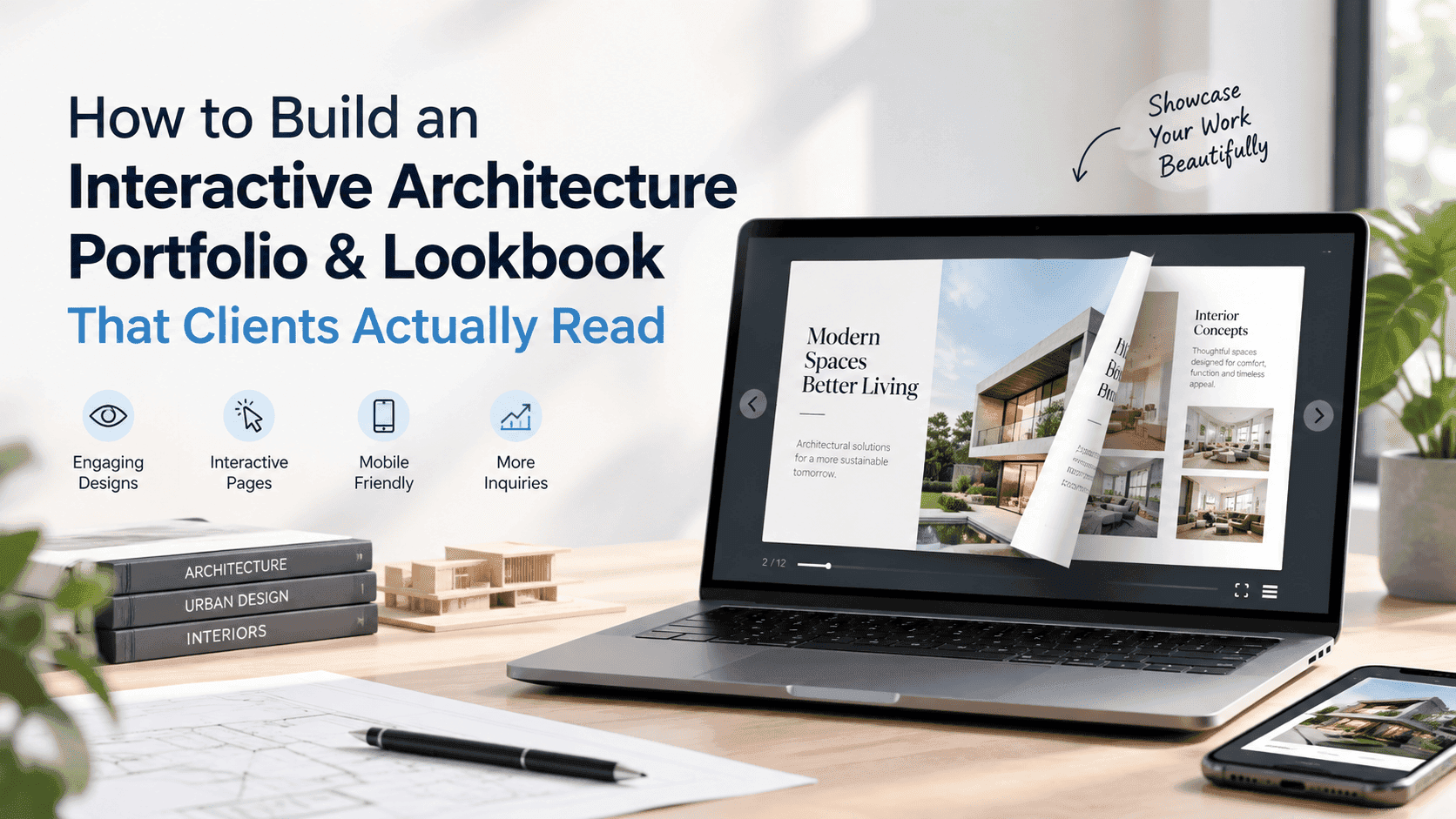
An architecture portfolio flipbook is your PDF hosted at a link. The client opens it in a browser and nothing downloads. Pages turn on a laptop or a phone. Your page order stays as you set it. Your landscape sheets stay landscape.
A flipbook can also carry an embedded video, so the walkthrough of the atrium sits on the same page as the plan of the atrium. It can hold clickable links to a supplier's tile range or a planning portal. It can ask for a name and email before opening, or leave the whole thing open if you'd rather not put a gate in front of a warm client. And because it's a web page, you can embed it in the portfolio section of your own site instead of sending people off to a download.
That's why I built ZipFlipbook. It's free, runs in the browser and converts a PDF into a flipbook with lead capture, analytics, embedded media and shareable links.
Good drawings still get lost in a 120MB attachment. A flipbook removes that excuse. The advice below is about packaging, not design.
Get the PDF ready before you upload anything
Most of the weight in an architecture PDF comes from a handful of images exported at print resolution. You don't need 300 dpi renders on a screen. A 60-page A3 landscape portfolio exported at around 150 ppi usually lands somewhere between 25MB and 60MB. If yours is still 150MB, a 600 dpi render or an uncompressed TIFF is hiding in there, so go and find it.
A few settings do most of the work when you export from InDesign, Affinity Publisher or whatever you lay your sheets out in:
- Export single pages, not printer spreads. A spread view splits the drawing across the gutter and doubles the page count.
- Use RGB for screen. Your CMYK profile was chosen for the printer and will look flat on a phone.
- Downsample images to about 150 ppi and set JPEG quality to roughly 75 to 80 percent. Check one render at full zoom before you commit.
- Turn off crop marks, bleed and hidden layers. They add weight and show up as stray lines.
- Embed fonts, and keep tables and finish schedules as live text so the reader can search them.
- Keep one page size throughout. A single A4 portrait page sitting in a landscape run looks like a mistake.
Sort the page order before you export, because it is a pain to fix afterwards. Put the cover alone as page one. Open with your strongest project, not your practice history. Group drawings so a reader moves from site plan to floor plans to sections to renders without having to hunt.
If it's still too large, cut the heaviest images first. I wrote a longer walkthrough on how to optimize large PDFs for lightning-fast online flipbooks, with more on compression.
Building an interior design lookbook PDF people flip through
An interior design lookbook PDF has a different job from the portfolio. The portfolio shows you can detail a building. The lookbook shows a client how a room will feel, and clients skim it like a magazine.
Use fewer words and bigger images. One strong photograph or render per page beats a collage of six. Add a one-line caption for each room and let the image do the selling. If you've done a before-and-after, put them on facing pages so the change lands at once.
Then add a material and finish page for each project. It is the most useful page in the whole file for a client who is about to spend money. List the paint reference, the flooring, the worktop, the fabric, and link each one to the supplier. In a flipbook those links are clickable. In a printed brochure they would be a tiny paragraph of product codes nobody ever types in.
It's closer to a product catalogue than most designers admit. If you're unsure which one you're making, digital lookbook vs digital catalog sets out how the two differ and when to combine them.
A sensible running order for a residential lookbook goes cover, a one-page brief describing the client and the constraints, the floor plan, then room by room, then the finishes page, then a closing page with your contact details. Don't bury the contact page. Someone who has just worked through thirty pages of your kitchens is the best lead you will get all month.
Turning it into a digital architecture presentation
For tenders and developer pitches, the reader is comparing you against six other practices. They have a scoring sheet and a deadline, so your digital architecture presentation has to open fast.
Start with a cover that says what the document is and who it is for. "Riverside Residential, Design Proposal, Stage 2" beats a logo on a white page. Put your site analysis early, because evaluators like to see that you understood the plot before you drew on it. Follow it with the concept in three or four pages, then the drawn set.
Video is the one thing a PDF can't do well. A 60-second video flythrough on the page next to the ground floor plan answers questions a still render can't: how wide the corridor feels, where the light falls, how the garden connects to the kitchen. If you work in landscape architecture, a short seasonal time-lapse of a planting scheme does the same job. Where a video would push the file past what's sensible, link out to a hosted 3D model or a drone clip instead and keep the page light.
Should you gate it? Depends on the lead. For cold traffic, say someone landing on your portfolio page from a search for a practice in their city, asking for a name and email before the full book opens turns a reader into a lead you can follow up. For a client you've already met, or a tender where a form would read as an obstacle, leave it open. A flipbook lets you do either with the same document.
You can also put the link on a QR code. Put one on the cover of a printed proposal, on exhibition boards, or on a site hoarding, and anyone with a phone lands on the full interactive book. Embed it in your website's projects page so visitors read it without leaving the site.
Sending it, then finding out who opened it
Send the link in the body of the email as plain text with one sentence on what's inside. Skip the attachment altogether. Say it's best on a laptop or tablet if there are large drawings, but that it works on a phone too, so nobody feels they have to wait until they're at a desk.
The useful part is what happens after they open it. A PDF attachment disappears into someone's inbox and you learn nothing. A flipbook link reports back. You can see how many times it was opened, how far people got and which pages held them. If you want the mechanics, how to track PDF opens for free covers what to measure and what the numbers can and can't tell you.
Open data tells you what to say on the follow-up call. Say the link has been opened three times in two days and most readers stopped on the kitchen pages. You now know what to bring up on the call. If it was opened once and abandoned on page four, the file is too long or the opening projects are the wrong ones, and you can fix that before the next pitch rather than guessing.
After a quarter, check which projects get read and which get skipped. You may find the project you lead with is not the one clients linger on.
Mistakes that make a good portfolio unreadable on a phone
The usual phone killers are tiny type, too many pages, dense sheets, uncaptioned mood grids and no contact page. Annotations at 6pt look fine on an A3 print and vanish on a 6-inch screen, so keep room names, areas and key dimensions at 9 or 10pt at export size. Lead with three or four projects and put the rest in a second book. Split any sheet that crams a plan, two sections and three elevations onto one page. Caption each mood grid with what the images are evidence of, and end on a contact page with a name, a phone number and a link to book a call. Before you send it, open the flipbook on your phone and pinch into a plan. If you can't read the dimensions, neither can your client.
FAQ
What is an architecture portfolio flipbook?
It's a web-based, page-turning version of your portfolio PDF. Clients open it from a link in any browser, with no download and no attachment size limit to fight.
How big should an architecture portfolio PDF be?
Aim for under 50MB before you upload. A 60-page A3 landscape file exported at around 150 ppi usually fits. Anything over 100MB has full-resolution images in it that nobody will see on a screen.
Can I email an interior design lookbook PDF?
Only if it's under about 20MB, which most lookbooks aren't. Send a link instead. It sidesteps Gmail's 25MB cap and Outlook's lower default.
Do I lose drawing quality in a flipbook?
You lose whatever you compressed away before uploading. Export plans at a sensible resolution, check them zoomed in, and the lines hold up fine.
Is there a free way to share a digital architecture presentation?
Yes. ZipFlipbook is free and runs in the browser, and it covers embedded video, lead capture and open tracking. Check its current limits before a big pitch.
Should I put my whole portfolio behind an email gate?
Gate it for cold website visitors and leave it open for clients you've already spoken to. A form in front of a tender reviewer costs you goodwill for no gain.
Turn Your PDFs into Lead Generation Machines
Start getting highly-qualified leads from your PDFs and landing pages today. It takes exactly 2 minutes to set up.
No credit card required • Sign up in 10 seconds
Try it with one project
You don't need to rebuild your whole portfolio to try this. Take your best recent project, export 20 or 30 pages at screen resolution, add a finishes page and a contact page, and turn it into an architecture portfolio flipbook. Send the link to the next person who would otherwise have received an attachment. See what people read, then add the next project.
If you want to try it on a real file, ZipFlipbook converts a PDF into an interactive flipbook in your browser for free, with the video, links, lead capture and analytics covered above. If it opens in two seconds on a phone, they'll read it. That beats a beautiful PDF nobody opens.