You spent three days on that brochure. Picked the fonts. Agonized over the photos. Paid the print shop. Stacked the copies neatly by the front desk.
Two weeks later, your pricing changed.
Now you've got 200 wrong brochures and a choice: trash them or hand them out anyway and hope nobody notices. Neither is a good look.
Somebody usually suggests going digital at this point. But what does that actually mean? Uploading a PDF and calling it a day doesn't count.
What Is a Digital Brochure?
Not a PDF. Let's start there.
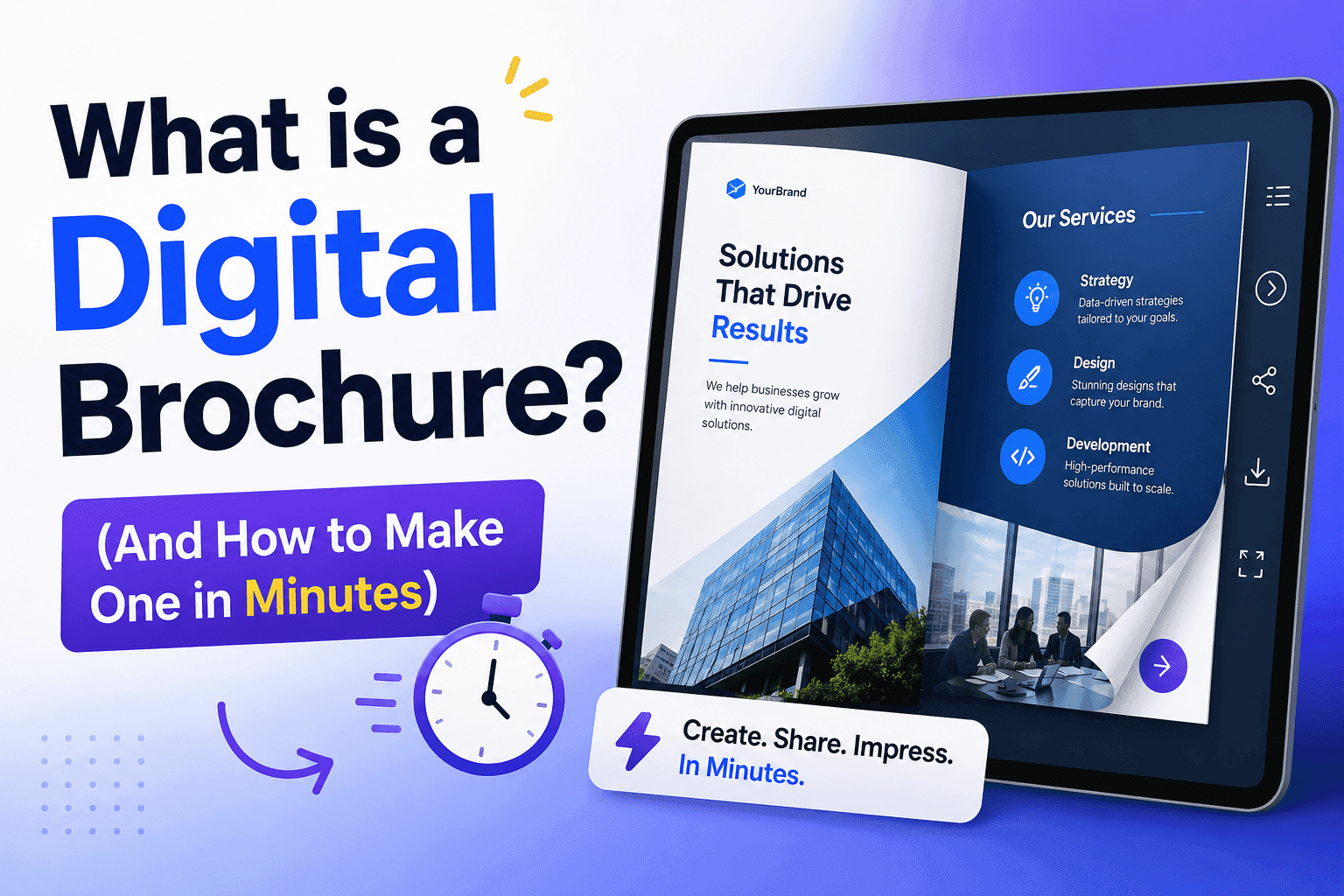
A digital brochure is a web-based document, usually a flipbook, that lives at a shareable link, opens on any device, and does things paper simply can't. People click links inside it. Videos play. Forms collect leads. Pages flip with that satisfying turn animation that keeps readers around longer than they planned. If you want the longer definition, what is an interactive brochure covers it.
Platforms like ZipFlipbook convert your existing PDF into that experience automatically. Upload your file, get a link. Done in minutes.
The gap between a PDF and a proper digital brochure is bigger than most people realize. PDFs were designed to preserve print layouts across different printers. They weren't built for marketing, or for phones, or for tracking whether anyone actually read past page two. A digital brochure was built for all of that.
Digital Brochure vs. PDF: Why PDFs Are Lazy Marketing
PDFs are fine for contracts. For invoices. For anything where preserving formatting is the only goal.
For marketing? They're a cop-out.
Last month, a supplier sent me a 34-page product catalog as a PDF attachment. I didn't open it. The file size alone was a red flag. Most people don't open PDF attachments from companies they don't already trust, and even when they do, the file is broken on mobile, impossible to forward elegantly, and completely untraceable. You have zero idea whether anyone read it.
A digital brochure sidesteps all of that. No download required. It opens instantly in the browser and looks right on a phone. You can also see exactly who opened it, which pages they lingered on, and where they stopped reading. I made the longer argument in digital brochure vs. static PDF: 5 reasons to upgrade.
Your printed catalog never told you any of that.
Three Things a Digital Brochure Can Do That Print Never Could
Update itself. Prices change Tuesday, your brochure reflects it by Tuesday afternoon. Every link you've ever shared still works, still shows the right version. No reprints. No awkward stickers over the old price.
Tell you what's working. Page 3 gets skipped by 80% of readers? Cut it. Page 7 keeps people reading for four minutes? Lead with whatever's on page 7. This is data you simply don't get from paper.
Travel on its own. Send one link. That link gets forwarded, shared in a WhatsApp group, dropped in a Slack channel, embedded in a newsletter. Your brochure goes places you never sent it, and still looks exactly as you designed it.
Who Actually Needs a Digital Brochure?
Most businesses. Some need one more urgently than others.
Real estate agents are the clearest example. A property listing as a polished flipbook, with full-page photography, a floor plan and a clickable "Book a Viewing" button, tends to beat anything flat. When a buyer shows the listing to their partner that evening, they're sharing the whole experience. Not a screenshot. Not a bland listing URL. There's a fuller breakdown in the guide to digital property brochures for real estate agents.
Hotels and travel companies sell feeling before they sell facts. A digital brochure can hold a video walkthrough, a seasonal package overview, and a direct booking button, all inside something that looks like a glossy travel magazine. Here's how to add video to a digital brochure. A trifold from the hotel lobby can't compete with that.
B2B companies are the ones most likely leaving money on the table here. Sending a Word document proposal after a first sales meeting is a missed opportunity. Send a polished ZipFlipbook brochure instead. It's more memorable, it's easy for the recipient to share internally, which matters when multiple people sign off on a purchase, and you'll know exactly when they open it.
Schools and universities replacing printed prospectuses with digital versions aren't just cutting print costs. They're reaching prospective students on the screens those students actually use, with content they'll actually engage with.
Do Page-Flip Brochures Actually Work?
Yes, and the reason is psychological rather than cosmetic.
When a digital document mimics something familiar, like flipping through a magazine, people interact with it the way they interact with a magazine. They're curious what's coming next. They flip forward, then back. They slow down on pages that catch their eye.
Flat scroll feels like reading a wall. Page-flip feels like browsing. Those are different states of mind, and browsing is the one that keeps people on your content longer.
ZipFlipbook builds that experience automatically from your PDF. No animation to configure, no code to write. Upload a file, it works.
How to Make a Digital Brochure in Minutes (5 Steps)
Step 1: Design your pages. Canva is the easiest starting point if you're not a designer. Hundreds of brochure templates, drag-and-drop, export as PDF in one click. Google Slides works too. Whatever you use, design for screens: bigger text than you think you need, strong visuals, lots of white space. Print layouts look awful on phones. Don't use a print layout.
Step 2: Upload to ZipFlipbook. Drop your PDF into the uploader. The platform converts it into a flipbook, page-turn animation included, in seconds. The full walkthrough is in how to turn any PDF into an interactive digital brochure.
Step 3: Customize. Set your cover thumbnail (the image people see before clicking). Add your logo. Match the viewer colors to your brand. Want it password-protected for a specific client? One toggle.
Step 4: Add links. Click on any element and link it. Product image goes to the product page. "Book a call" text goes to your calendar. This is the step most people skip, and it matters most. A static brochure is just a pretty PDF. An interactive one is a sales tool.
Step 5: Share it. You get a link. That's the whole distribution strategy. Drop it in your email signature, post it on LinkedIn, embed it on your website, or print a single postcard with a QR code pointing to it. Update the brochure later and the link still works, the QR code still works. Nothing breaks.
Digital Brochure Mistakes Worth Avoiding
Designing for print, uploading as-is. Print layouts have small body text designed to be read eight inches from someone's face. A phone screen is further away and smaller. If your text is under 14pt, it's already too small for mobile. Redesign or resize before uploading.
Making it too long. Eight to twelve pages is the sweet spot for most businesses. A product catalog can run longer because people expect to browse. A company overview that hits forty pages is just a document nobody asked for and even fewer will finish.
Hiding the call to action. Put it on page two. Put it in the middle. Put it at the end. A reader ready to act on page four shouldn't have to flip to the back cover to find out what to do next. Make the next step obvious, early, and more than once.
How to Measure a Digital Brochure: The Numbers That Matter
Once your brochure is live, three numbers matter most. If you're not sure how to collect them yet, how to track PDF opens for free is a good place to start.
Open rate. Are people clicking the link at all? If not, the problem is upstream: how you're presenting the brochure, your email subject line, your social caption. The brochure itself isn't the issue.
Time per page. Which pages hold attention and which get skipped. Skipped pages are either in the wrong position or saying the wrong thing. Both are fixable.
Link clicks. How many readers are actually taking action. This is the number that tells you whether the brochure is working commercially, not just whether it looks nice.
Readers who return more than once are usually preparing to make a decision or showing it to someone else internally. Follow up with those people. They're warm.
Digital Brochure FAQ
What's the difference between a digital brochure and a PDF? A PDF is a fixed file made for print layouts. You download it, and after that you have no idea what happens to it. A digital brochure lives at a link, opens in the browser, can hold clickable links, video and forms, and tells you how people used it. The content can be the same. What you can do with it is very different.
Do I need design experience? Less than you'd think. A Canva template gets you about 80% of the way, and ZipFlipbook handles everything after you export.
Can I update it after sharing? Yes. Update the source file and the link stays identical, so everyone who has it sees the new version automatically. That includes QR codes you've already printed.
Does it work on mobile? ZipFlipbook is built mobile-first, so it works on phones and tablets without extra effort from you. Just make sure your text is big enough to read on a small screen. There's more on that in how interactive brochures behave on desktop, tablet and phone.
What about privacy? Password protection is built in. Send the link to some people and the password separately, and only the right ones get in.
Conclusion
Somewhere out there is a stack of 200 brochures with the wrong price on them. The digital version of that problem doesn't exist. You change the file, the link stays the same, and nobody has to peel a sticker off anything.
That's the real case for a digital brochure, and it's a bit dull compared with page-turn animations and analytics. Your brochure stays right, it reaches people on the device they're actually holding, and for the first time you find out whether anyone read it.
So take a PDF you already have (a company overview, a menu, a service list, literally anything) and upload it to zipflipbook.com. Two minutes. See what it looks like.
If it doesn't look better than what you're currently sending people, don't use it.
But it will.