Type "is Issuu free" into Google and you'll get a pile of answers that all disagree with each other. One says unlimited uploads. Another says five documents. A third says fifty pages per file. Every one of them was probably correct when it was written. Issuu moves the goalposts that often.
This version matches Issuu's own help pages as of September 2026. I've also included my take on whether the free plan is worth your time.
Turn Your PDFs into Lead Generation Machines
Start getting highly-qualified leads from your PDFs and landing pages today. It takes exactly 2 minutes to set up.
No credit card required • Sign up in 10 seconds
Yes, Issuu Has a Free Plan
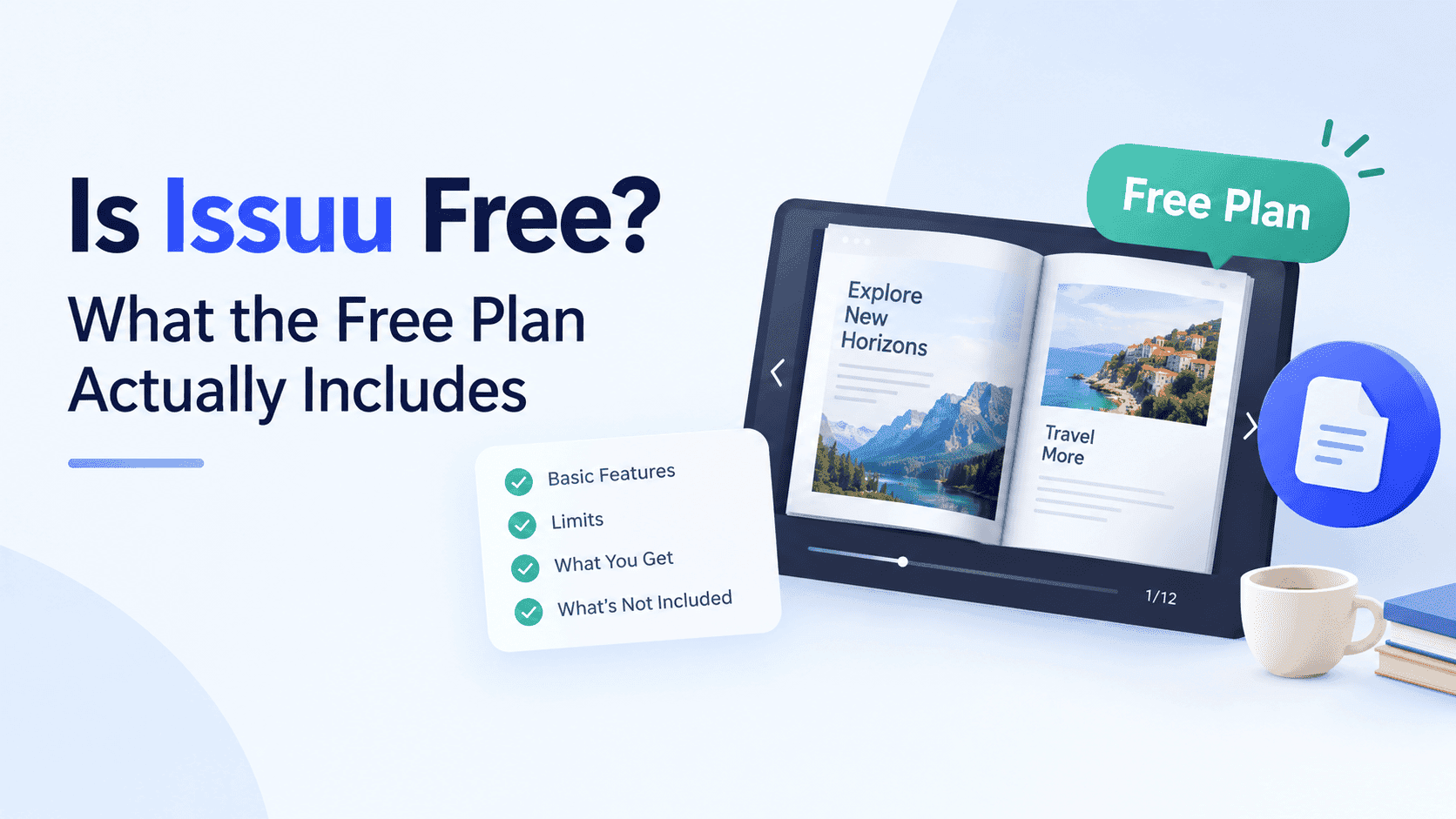
Issuu sells four plans at the moment: Basic (the free one), Starter, Unlimited and Teams. You can sign up for Basic and publish a PDF the same day without paying anything, so yes, it's free.
What you get for free is another story. Issuu's help centre says Basic accounts can hold up to 5 published documents, and each one is capped at 10 pages and 50 MB. That's it. Five documents, ten pages each, for a maximum of fifty pages across your entire account.
Basic does include a couple of useful extras. You can edit links inside a publication (web links and shopping links), and you get basic statistics covering the last 30 days. Everything else costs money.
If you've read an older review that mentions 50 pages per upload, or a generous number of documents, it wasn't lying. Issuu started enforcing the 5-document limit on all free accounts on 29 May 2025, and the page cap has come down too. Anything you'd uploaded beyond the fifth document stays on Issuu's servers but becomes unreadable to the public until you upgrade or delete something. That trips up more people than anything else.
The 10-Page Problem
Ten pages sounds fine until you look at what small businesses publish.
A two-page flyer fits. A one-page menu fits with room to spare. But a product catalogue rarely comes in under twenty pages, a decent lookbook runs longer, and a property brochure with floor plans and photography can hit thirty without trying. Even a modest company profile usually ends up between twelve and sixteen pages once you add a cover, a contact page and a back page nobody reads.
You could split a 40-page catalogue into four 10-page chunks and publish them as four separate documents. People do this. It eats four of your five slots, readers have to jump between links, and the whole thing looks like something you cobbled together at midnight, because it is.
The page cap is the price of the free plan. The plan is free in the same way a free sample of cheese is free: enough to know whether you like it, not enough for dinner.
Turn Your PDFs into Lead Generation Machines
Start getting highly-qualified leads from your PDFs and landing pages today. It takes exactly 2 minutes to set up.
No credit card required • Sign up in 10 seconds
What You Don't Get on Free
Free and paid part ways here.
Embedding. Issuu's own documentation lists embed functionality and full-screen sharing among the paid features that switch off when an account drops to Basic. Your publication lives on an Issuu page, not on yours. If you were hoping to drop a flipbook into your homepage or a product page, the free plan won't do it. Search takes a hit too: every visit, every dwell-time signal and every bit of link value from that content goes to Issuu's domain instead of your own site. I wrote a separate guide on how to embed a PDF into your website if you're deciding.
Private or unlisted publishing. Basic publications are public. If you wanted to send a quote or a price list to one client without the whole internet being able to find it, that's a paid feature.
Branding and ads. Third-party reviews keep saying that free-plan publications carry Issuu branding and that readers see ads around your content. The details shift from year to year, and Issuu doesn't shout about them, so check the pricing page before you assume anything. Removing the Issuu logo and adding your own is one of the most expensive features, not the cheapest.
Lead capture. There's no email gate on the free plan, and as far as I can tell there isn't one on Starter either. Reviews put lead capture on the Unlimited tier, which is a long way from free.
Useful analytics. Thirty days of basic statistics will tell you people looked at your document. It won't tell you which page they left on, how long they read, or which link they clicked. If you're trying to work out whether a brochure produces enquiries, you're mostly guessing.
What Paying Gets You
Because the free plan is so limited, most people who stay on Issuu end up paying. Pricing has shifted enough that older articles are unreliable. Take these numbers as rough estimates and check Issuu's pricing page.
Starter is the entry-level paid plan. Listing sites put it at roughly $19 a month on annual billing, and it costs more if you pay month to month. It lifts the page and file-size caps and turns on embedding, link editing and video. Issuu's help centre also mentions a 25-publication limit on Starter, so it isn't unlimited despite what some listings claim.
Unlimited is the plan you need for the features most businesses want: removing Issuu's branding, private publishing and lead capture. Listing sites quote around $188 a month on annual billing. Teams is quoted individually, aimed at organisations that need multiple users and single sign-on.
The jump from $19 to $188 is the thing people grumble about. Until October 2024 there were Premium and Optimum plans sitting in the middle. Issuu merged them into Unlimited that month, and publishers who had been paying a fraction of the new price were moved across at renewal. The company had been bought by Bending Spoons a few months earlier, and a fair number of long-time customers made no secret of what they thought about the timing. If you've ever wondered why Issuu comes up in complaints threads, that restructure is most of the answer.
That doesn't make Issuu a bad product. But the sensible tier for a small business, one with branding control and real data, costs as much as enterprise software.
Turn Your PDFs into Lead Generation Machines
Start getting highly-qualified leads from your PDFs and landing pages today. It takes exactly 2 minutes to set up.
No credit card required • Sign up in 10 seconds
Starting Free and Upgrading Later
Most people start on Basic, see how it goes and pay only if they outgrow it. That works if you go in with your eyes open, because you'll outgrow it fast.
Say you publish a 24-page catalogue on a free account. It won't upload, because it's over the page cap. You trim it to ten pages, lose half the products, and publish anyway. A month later a customer asks for the full range, you can't embed the flipbook on your site, and the only fix is a paid plan. At that point you're not upgrading for extras. You're paying for the basic thing you wanted on day one.
There's also the quiet lock-in to think about. Every link you've shared, every QR code you've printed and every mention on a social profile points at an issuu.com address. Move to another tool later and you'll be updating all of them by hand. Decide where a document should live before you print its link on a hundred flyers.
That's normal freemium. But with Issuu, the free tier exists to push you to paid, and the gap is wide.
Who the Free Plan Suits
Basic is perfectly fine for some people, and I won't pretend otherwise.
A poet with a six-page chapbook. A student putting a portfolio sample online. A small café with a single-page menu that gets linked from an Instagram bio. Someone who wants to see how Issuu's reader feels before deciding anything. If the document is short, the audience is small and you don't care where it lives, Basic does the job for nothing.
It's a poor fit for anyone with a catalogue, a lookbook, an annual report or a sales brochure that needs to sit on their own website. It's also a poor fit if you want to know who's reading and whether they came back. For those jobs the free plan is a demo.
Free Alternatives Worth Trying
If the limits above are already ruling Issuu out, you have options that don't ask for $188 a month.
I built ZipFlipbook because I kept watching small businesses hit these same walls. You upload a PDF in the browser and get an interactive flipbook back. It's free to use, you can embed it on your own site, and lead capture, analytics and embedded media are part of the product instead of a premium upgrade. The flipbook lives on your domain, which means the traffic and the SEO value stay with you.
I'm biased, obviously. Issuu has a bigger reader network and a longer track record, and if your goal is to be discovered by strangers browsing a public magazine feed, that's a point in its favour. For most of the small businesses I talk to, though, discovery inside Issuu was never the plan. They wanted their own customers to open a PDF on their own website and to know when it happened.
If you want to compare more than one tool before choosing, I've put together a list of free flip book makers that don't stamp a watermark on your work. It covers what each one limits on its free tier, the detail most listicles skip.
Whatever tool you try, upload your longest real PDF on day one instead of a short test file. Short samples make every free plan look generous. Then check three things before you commit: whether the flipbook can be embedded on your own domain, whether there's a watermark on the pages, and whether you can see anything more useful than a raw view count. Few free tools pass all three. If one does, keep it.
Turn Your PDFs into Lead Generation Machines
Start getting highly-qualified leads from your PDFs and landing pages today. It takes exactly 2 minutes to set up.
No credit card required • Sign up in 10 seconds
Quick Answers
Is Issuu free forever? Basic has no expiry date. The limits, though, have tightened over time, so what you get today may differ from what you got two years ago.
How many documents can I publish for free? Five, each up to 10 pages and 50 MB.
Can I embed an Issuu flipbook on my website on the free plan? Issuu lists embedding as a paid feature that is disabled on Basic. You get a link to the publication on Issuu instead.
What happens if I have more than five documents? The extra ones stay hosted but can't be opened by readers until you upgrade or bring the total back down.
Does the free plan remove Issuu's logo? No. Removing branding is reserved for higher paid tiers, and Issuu's own pricing page is the place to confirm the current details.
Issuu changes its limits and pricing more often than most tools in this space, so check issuu.com/pricing before you build a workflow around any number in this article, including mine.