I made a client report in Piktochart back in March. A roofing company in Macclesfield wanted something to hand out at a trade show — before/after shots, a pricing breakdown, a few stats about insulation savings. Piktochart was the obvious pick. Fast templates, drag-and-drop, looks professional in about forty minutes flat. I had it done before lunch.
Then I hit export.
The free tier gives you a PNG or a low-res PDF. Fine if you're printing it, useless if you're trying to send something that looks sharp on a phone screen at a trade show booth. I upgraded the account for one month just to get a decent export, because at that point I'd already sunk the time in and wasn't about to start over somewhere else. Got my high-res PDF. Sent it to the client. And that's when the actual problem showed up — not the export, the after.
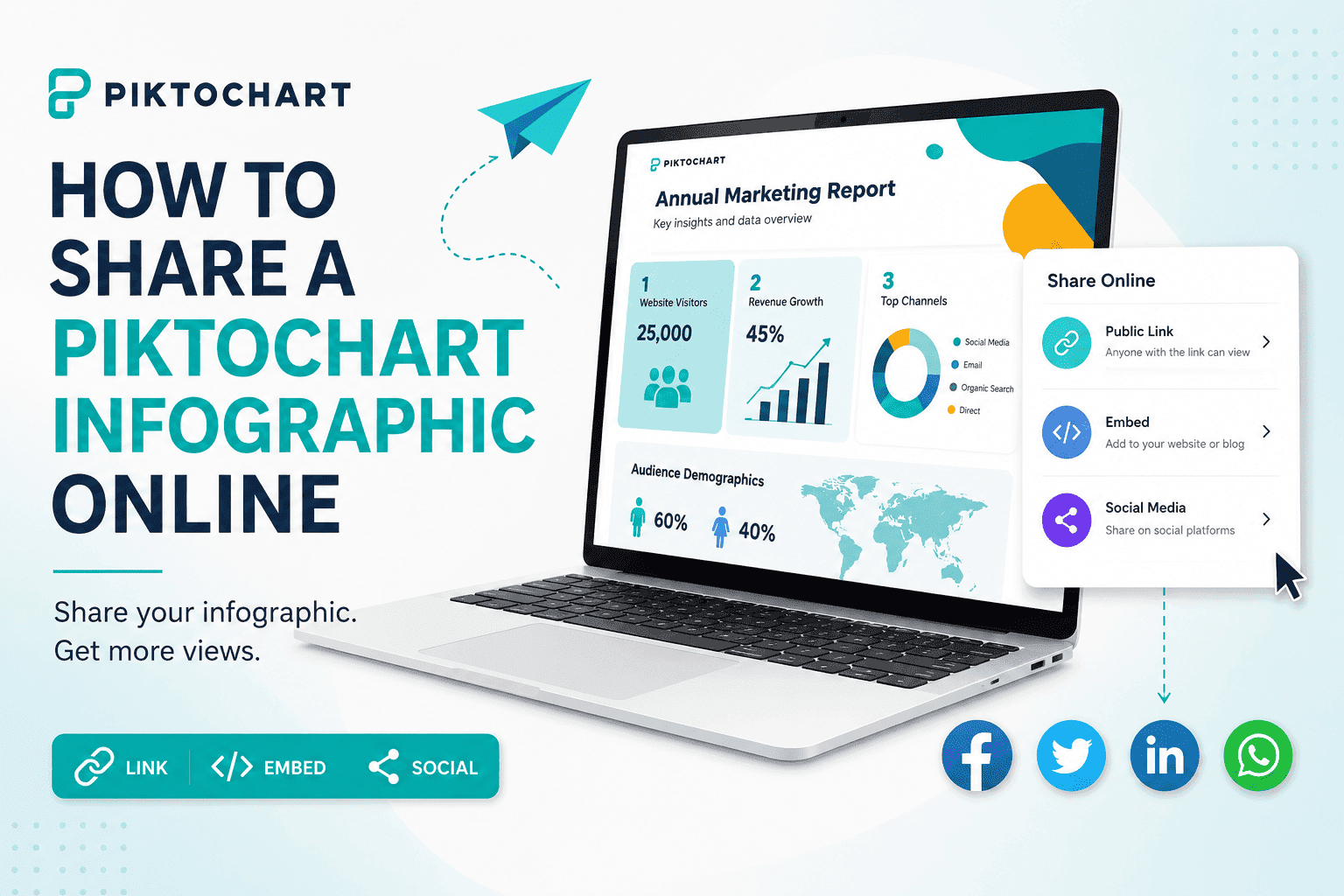
The infographic looked great in the editor. Then it became a PDF.
This is the bit nobody warns you about when they're selling you on infographic tools. The editor is gorgeous. Interactive-feeling, animated hover states, the whole thing. Export it and all of that collapses into a flat image or a static PDF. No interactivity, no page-turn, no zoom that doesn't just pixelate. You spent an hour making something dynamic and it left the building as a JPEG.
For a trade show handout that's semi-tolerable — people are looking at a screen for ten seconds while they decide if they want a flyer. But my client also wanted to email it to leads who didn't make it to the show. And a flat PDF attachment in an email is basically where attention goes to die. Nobody opens those. If they do, they're squinting at tiny text on mobile, pinch-zooming a static image, giving up halfway through.
I'd built something that looked properly good and then handed it over in the least good format available.
Piktochart's own sharing options aren't really built for outside use
Piktochart does let you publish and share a link from inside the platform, and if you're just sharing internally with a team that already has an account, that's fine. But the moment it needs to go outside — into an email campaign, embedded on a client's website, dropped into a proposal doc — you're back to exporting, and back to the same flat-file problem. The embed code they give you is also tied to their viewer, which on a couple of the older WordPress sites I manage for Slingshot clients just didn't render properly. Blank box where the infographic should've been. Had to pull it and swap in a screenshot, which is its own small defeat.
None of this is really a knock on Piktochart as a design tool — it does what it says on the tin, which is let you build infographics fast without a design background. It was never trying to be a publishing platform. That's just not the job it does. The gap is entirely on the distribution side, and that's the part I had to solve myself.
What I actually did with the PDF
I ended up running the exported PDF through ZipFlipbook, which is the tool I built for exactly this kind of situation — so take that as you will, I'm not pretending to be neutral here. But the reason I built it in the first place was this exact moment: you've made something that deserves better than an attachment, and you don't want to pay for a full publishing suite just to send one report properly.
Dragged the PDF in, it converts into a page-flip version automatically — no re-designing anything, it just takes the PDF you already have and wraps it into something people can actually flick through on a phone or a laptop without pinch-zooming. Got a shareable link out of it in about two minutes. Sent that link instead of the attachment.
The difference showed up immediately in how it got used. The client told me a few of the trade-show leads had actually gone back to the link days later — something that basically never happens with a PDF attachment, because nobody re-opens those, they get buried in a downloads folder within the hour. A link with a bit of interactivity to it gets revisited in a way a file just doesn't.
There's a lead capture option too, which mattered more than I expected for this one. The roofing client wanted to know who was actually engaging past the front page, not just who'd been handed a flyer. A flat PDF tells you nothing once it leaves your hands. A flipbook link at least gives you a read on whether anyone got past page two.
Turn Your PDFs into Lead Generation Machines
Start getting highly-qualified leads from your PDFs and landing pages today. It takes exactly 2 minutes to set up.
No credit card required • Sign up in 10 seconds
If you don't want to use a flipbook tool at all
Not everyone needs this. If the infographic is genuinely a one-off — internal use, a single social post, something that lives and dies in one email — exporting straight from Piktochart as a PNG and dropping it into the email body (not as an attachment) will usually outperform a PDF attachment on its own. Images in the body of an email get seen. Attachments get ignored. That alone fixes half the problem for free.
Embedding directly on a website works reasonably well too, if your CMS plays nicely with Piktochart's embed script — worth testing on a staging page first, because I've had it fail silently on more than one older site.
Turn Your PDFs into Lead Generation Machines
Start getting highly-qualified leads from your PDFs and landing pages today. It takes exactly 2 minutes to set up.
No credit card required • Sign up in 10 seconds
Where this actually matters
The honest answer is it depends on how much life you need the infographic to have after the day you make it. A trade show handout that gets glanced at once doesn't need much. A report you're sending to leads over weeks, or embedding somewhere it needs to keep working for months, is a different job entirely, and that's the point where the export wall starts costing you more than the ten minutes it takes to fix it.
Piktochart's good at what it does. I'll keep using it for the actual design work — the templates save real time and the output looks properly professional without needing a designer on staff. But I stopped treating the export button as the finish line. These days the PDF that comes out of it is just the raw material. What happens after — whether that's a proper flipbook link, an embedded image, or just pasting it straight into an email — is where whether anyone actually sees the thing gets decided.