A friend of mine finished a 32-page poetry chapbook in March. She exported the PDF, uploaded it to Issuu, and sent me the link with three exclamation marks. It looked lovely. Two weeks later she messaged again, less cheerful. She'd tried to put it on her own website, the embed carried branding she couldn't remove, and she had no idea whether anyone had got past the second poem.
She'd picked a tool built for one job and asked it to do another. That's not really Issuu's fault. I hear versions of this story every couple of weeks, mostly from writers, and it's why I'm writing this.
I make ZipFlipbook, so weigh my opinions accordingly. I'll try to be fair to Issuu anyway. I've used it for years, and a few people I know publish there happily.
What Issuu is actually for
Issuu is a publishing platform with an audience attached. People go there to browse magazines, lookbooks and zines the way they'd browse a newsstand. If you make something visual, put out issues on a schedule, and want strangers to stumble across you, that audience is worth something you can't easily build alone. A small press with a following there gets real readers out of it.
The problem is the word platform. Your work lives on their site, inside their interface, ranked by their algorithm, and tied to their pricing. If you want discovery, that's a fair trade. If you want your own readers on your own page, it starts to chafe.
Check what the free plan includes today before you decide anything. Limits move around, and whatever I told you here would be stale by the time you read it.
Turn Your PDFs into Lead Generation Machines
Start getting highly-qualified leads from your PDFs and landing pages today. It takes exactly 2 minutes to set up.
No credit card required • Sign up in 10 seconds
Where writers run into trouble
Think about what a writer usually wants from a PDF. A novelist wants the first three chapters readable on her author site, under her bio and above her newsletter form. A consultant with a forty-page guide wants an email address before page ten. A zine maker wants the thing to sit inside a page that looks like his own. A poet wants to know whether anyone reads past poem two.
All of those depend on the reader arriving on your ground. A discovery platform sends them somewhere else. Clean embeds, capture forms and page-level analytics usually sit on higher plans. That's normal for a subscription business, but it means the tool you started with can quietly turn into a monthly bill.
I built ZipFlipbook out of irritation with that shape. Upload a PDF, get a link, embed it anywhere, see where people stop, and pay nothing to start.
The file matters more than the tool
After a lot of conversions, this is what I'd tell any writer before they compare a single platform: most flipbook disappointments trace back to the PDF, not the viewer.
If the PDF is bad, the flipbook will be bad. Full-resolution images the size of a billboard make pages crawl on a phone. Margins that were an afterthought show up every time someone turns the page. Paste text in from six places and you get six slightly different fonts; no viewer will tidy that up.
A woman I helped last year had a short story collection she'd drafted across three apps. She pasted everything into a word processor the night before launch and exported a 46MB PDF. Heading sizes wandered from story to story. There was a blank page in the middle of story four. On her laptop it was fine. As a flipbook on mobile it stuttered, and the blank page made it look like the book had crashed.
No flipbook tool would have saved that file. She had to go back to the draft.
These days I write the words in one online writing tool, keep the formatting dull on purpose, and leave design until the text stops changing. Consistent headings, one font, nothing pasted in from elsewhere. The export comes out clean because there was nothing messy to export. Then I lay it out, squash the images, and make the PDF. A dull, consistent draft usually makes a clean flipbook. A pretty, messy one usually makes a long debugging session.
Most PDFs are too big. If yours is north of 20 or 30MB, spend ten minutes shrinking a bloated PDF before you upload it. We wrote up the exact steps. Mobile readers won't thank you, but they'll stay longer.
Getting the PDF in
Once the file is clean, the process is short. You go to zipflipbook.com, drop the PDF in, and the browser converts it into an interactive flipbook. You get a shareable link and embed code, and you don't need an account to try it. After that you can add lead capture, drop in embedded media like a video or an audio clip, and check the analytics.
I keep coming back to the analytics because they changed how I write. I used to guess which chapter lost people. Now I look. On one guide I published, nearly everyone left on the same page, which held a dense comparison table I'd been quietly proud of. I cut it to three lines and the drop-off moved about ten pages further on. A download counter would never have told me that. It only knows the file left the building.
Why the embed matters
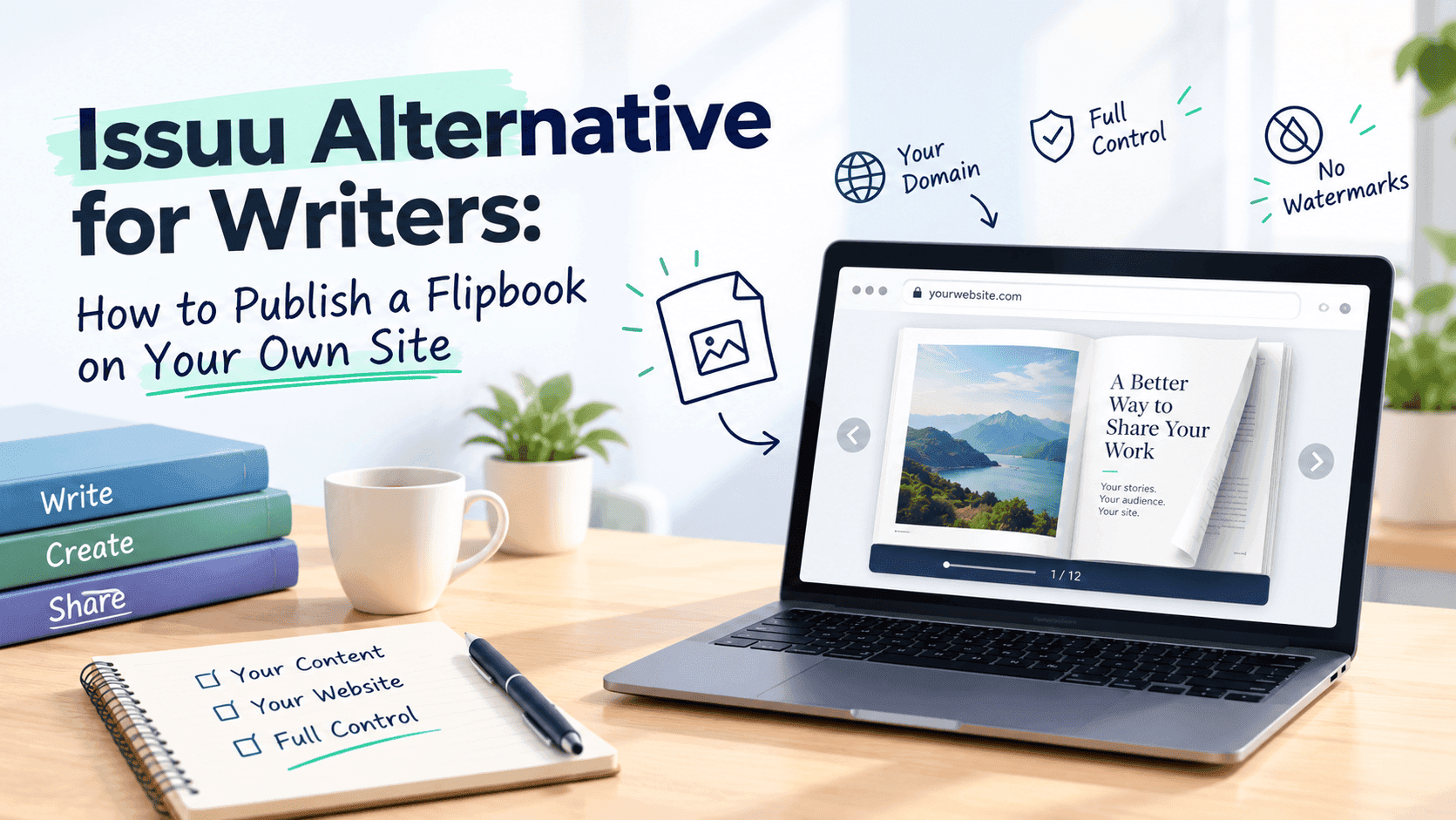
An embedded flipbook lives on your page, under your domain, next to everything else you've written. The reader doesn't get sent anywhere. Your newsletter signup is a scroll away, your about page is in the nav, and your other work is right there.
With a hosted-only viewer the reader leaves and you hope they come back. Plenty don't. If you're building an audience on your own site, keeping the reading on your site matters more than most feature checkboxes.
There's probably a search benefit too. Content that keeps people on your pages and earns links to your domain tends to help that domain. I wouldn't oversell it, but I'd rather build those signals for my own site than for someone else's.
Turn Your PDFs into Lead Generation Machines
Start getting highly-qualified leads from your PDFs and landing pages today. It takes exactly 2 minutes to set up.
No credit card required • Sign up in 10 seconds
Lead capture without the pop-up dread
I have mixed feelings about gating content, and I suspect you do too. A wall on page one is obnoxious: it demands an email before the reader has seen anything. But if the reader gets a full guide and you get an address from someone who actually wanted it, that's a fair swap.
The page number matters more than the gate itself. Let the first several pages be free and ask for the email once the reader is hooked. A wedding photographer I work with lets people flip through ten pages of her pricing guide and asks for an email at page eleven. She says the people who hand it over already know roughly what she charges, which spares her a lot of awkward first calls.
We put together a longer piece on how to gate content without losing the leads you're gating it for, including where the wall tends to go wrong. Read that before you settle on a page number.
What to test before you commit to any tool
Before you commit to any flipbook tool, mine included, run a small test with one real PDF, not the demo file.
Load the embed on your own site, on a mid-range phone, over mobile data. That's where most flipbooks break, and it's how most of your readers will see it. Look for any logo or banner you can't remove. Find out whether the analytics show individual pages or only a total view count. And ask what happens to your link the day you stop paying or leave. A dead link in a newsletter you sent two years ago is a miserable way to find that out.
You can check all of that without paying. Most people don't.
When Issuu is still the better call
I'd be lying if I said everyone should switch, and I have no interest in talking a happy Issuu publisher out of it.
Issuu has built-in discovery and a readership a standalone tool can't match. A regular magazine with followers and a publication page gets something from that ecosystem that an embed won't give it. And if you're already established there and it works, moving just costs you a weekend.
But say what you have is a PDF that needs to look good on your own site, with some idea of who read it and some way of catching the ones who want more. A lighter tool is usually the better match for that.
Turn Your PDFs into Lead Generation Machines
Start getting highly-qualified leads from your PDFs and landing pages today. It takes exactly 2 minutes to set up.
No credit card required • Sign up in 10 seconds
The first question: where do you want the reading to happen?
Some people want to be found by strangers browsing publications, and a platform built for that will serve them well. Others want the reading on their own site or behind a link in an email, with their branding and their analytics attached, and a tool built for that job fits better. I've watched people fight the wrong choice for months because they picked whichever result ranked first on Google.
Then sort out the PDF. Clean draft, sensible images, consistent formatting. That matters more than switching platforms.