Look, I built ZipFlipbook while running a marketing agency on the side, so I've been the guy on both ends of this conversation. You open your budget, see $400 left over after payroll, and have to decide: pay a designer, or wing it and hope the PDF looks okay.
Most of the agency blogs telling you to "just outsource it" have never had to make that choice with their own money. And the DIY evangelists telling you to do everything yourself have usually never run a business with a real Tuesday-afternoon deadline breathing down their neck. Neither group has skin in the game the way you do.
So here's the version I'd give a friend. Not a listicle of forty tools. A straight answer on what to build yourself, what to buy, and where the line actually sits.
The Real Question Isn't "Can I Do This Myself"
It's whether the thing you're building needs to keep working while you're not looking at it.
I learned this the hard way when I tried to manage my own Google Ads account while I was heads-down building the flipbook editor. Ignored it for three days. Came back and the algorithm had happily spent forty bucks showing my ad to people searching for something completely unrelated in a state I don't even do business in. Nobody was watching it, so it just did whatever seemed cheapest to the algorithm, not whatever was actually smart.
That's the difference. A brochure, a flyer, a set of product photos — you can DIY those, mess them up a little, fix them next week, no harm done. But an ad account, your local search rankings, your email deliverability — those don't sit still while you're busy. They punish you for looking away.
DIY: Your Sales Materials, Because They're Yours to Get Wrong
Every business needs some version of a brochure, catalog, or sell sheet, and I built ZipFlipbook specifically because I got tired of watching small business owners either pay a designer $400 for a PDF nobody would open, or skip it entirely because the whole process felt like overkill for a two-page flyer.
Here's the thing about sales materials: nobody has better instincts for what your product needs to say than you do. You know which features actually close deals versus which ones just sound impressive in a meeting. A freelancer you hire for $300 doesn't know that. They'll make something polished and generic, and polished-and-generic converts worse than rough-and-specific almost every time.
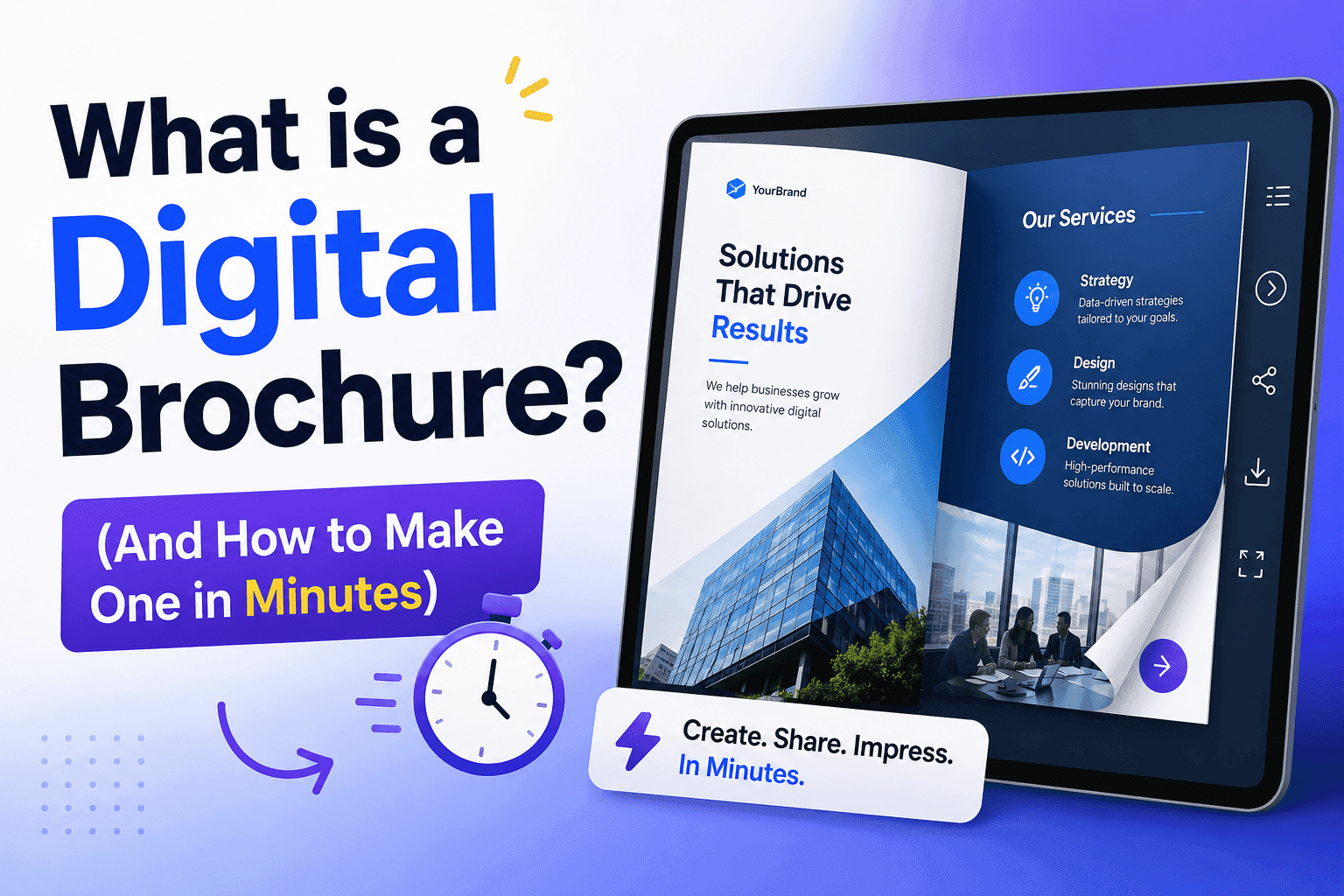
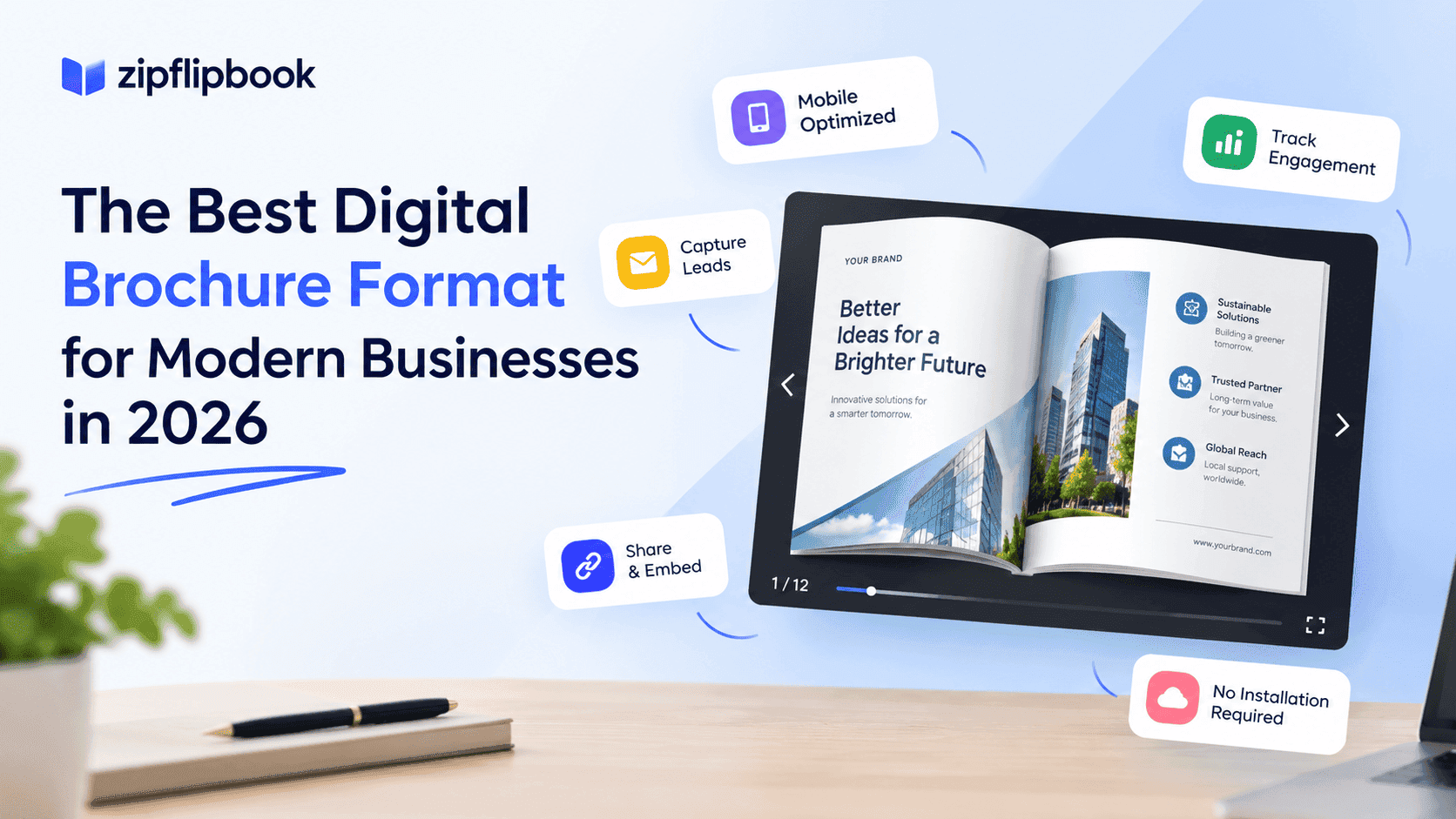
So build it yourself. I built ZipFlipbook specifically to kill that $400 PDF invoice. Why pay a freelancer for a static document that's outdated the second your prices change? Upload the PDF you already have sitting in a folder, get back an interactive flipbook you can embed on your site and track opens on, move on with your day. Takes about twenty minutes, and it's free. If it's taking you longer than that, you're overthinking it.
I'm biased, obviously, I built the thing. But I got tired of watching businesses either overpay a designer for a static PDF or skip it and hand customers a wall of unstyled text nobody reads.
DIY: Your Google Business Profile Basics
Claiming your profile, adding photos, writing your business description, listing your hours — none of that requires an agency. It requires about ninety minutes and a willingness to actually finish the setup instead of abandoning it halfway through, which is what most small businesses do. I've pulled up client profiles that were "claimed" three years ago and have four photos and a description written by whoever set it up at 11pm before giving up.
Do the basics yourself. Respond to your own reviews for the first few months so you understand what customers are actually saying about you — that's information you want firsthand, not filtered through a monthly report from someone else.
DIY: Basic Social Proof and Reviews
Asking a happy customer for a review takes one text message. You don't need a review management platform for a business doing forty transactions a month. Print a QR code, stick it by the register, ask people directly when the job goes well. This is relationship work, and you're better at your own relationships than any tool is.
Outsource: Anything With Compounding Technical Debt
This is where I'd tell a friend to stop being frugal, because I've watched the alternative play out too many times.
Local SEO and Google Business Profile optimization — as opposed to the basic setup I just described — is a different animal. It's not a task you complete, it's a system you maintain: category selection that changes as Google updates its taxonomy, review response strategy that affects ranking, post scheduling, photo cadence, citation consistency across directories, and a dozen small signals that individually look meaningless but compound over eighteen months into either "top three local pack" or "buried on page two."
I know this because I've done SEO cleanup for clients who tried the DIY route for a year, made a well-intentioned mess — duplicate listings, inconsistent NAP data, a profile category that technically fit but hurt their relevance — and then paid more to fix it than they would have paid to get it right from month one. Technical debt in marketing is real, and it's expensive to unwind. The same rule applies to your website; investing in proper Web design little rock early on saves you from rebuilding a broken DIY template later
Outsource: Paid Ad Accounts
I'll say this plainly because I don't think enough people do: a small business running its own Google Ads or Meta Ads account without any experience is usually just donating money to Google and Meta. Not always — some owners have a knack for it — but the failure mode is common enough that I'd default to hiring help here unless you've got real time to learn the platform properly.
Here's the cold, honest version of why: Google and Meta don't care if you make money, they care if they make money. Left alone, the algorithm optimizes for whatever's cheapest to serve, not whatever's actually going to walk through your door. If you don't know how to rein that in, you're not running ads, you're renting clicks to tire-kickers. If you're going to spend $1,500 a month on ads, the extra $400 to have someone who does this daily manage the account isn't overhead — it's the difference between a campaign that finds customers and one that just finds clicks.
If you're a business that depends on local search — and if you have a physical location or a service area, you almost certainly do — this is the one place I'd tell you to hire out early rather than late. A dedicated agency doing Google Business Profile management Oklahoma City businesses actually trust, for instance, is going to catch category mismatches and citation errors that a business owner squeezing this in between real work simply won't notice until rankings have already slipped. That's not a knock on you — it's a bandwidth problem, and bandwidth problems are exactly what outsourcing is for.
Turn Your PDFs into Lead Generation Machines
Start getting highly-qualified leads from your PDFs and landing pages today. It takes exactly 2 minutes to set up.
No credit card required • Sign up in 10 seconds
Outsource: Anything You'll Resent Doing
This one's less tactical and more honest. If there's a marketing task you dread so much that you keep pushing it to "next week," outsource it regardless of what the cost-benefit spreadsheet says. I say this as someone who almost didn't build ZipFlipbook's blog content strategy because I hate writing dry SEO copy — I only got moving once I stopped trying to force myself through work I was avoiding and instead focused my own time on the parts I was actually good at and enjoyed.
If Google Business Profile management, or ad accounts, or content calendars fill you with dread, that dread is worth paying to remove — even before you get to the ROI math.
So What's the Actual Rule Here
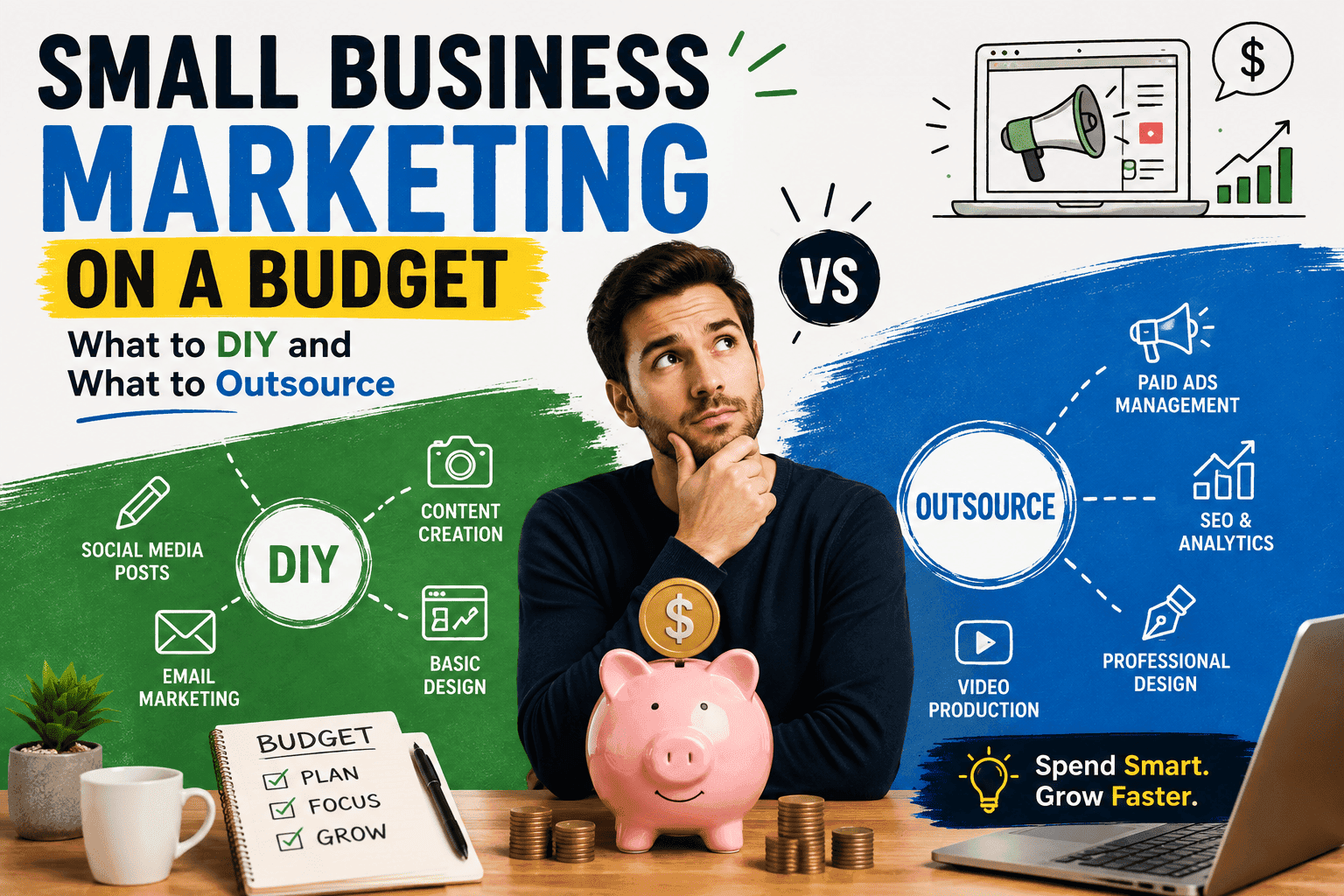
If you can do it badly and just fix it later, do it yourself. If it has a dashboard, real-time numbers, and an algorithm quietly making decisions while you sleep — ads, local SEO — pay someone before you break it and pay twice to fix it.
And stop paying a designer for a static PDF that's out of date in a month. Use the free stuff. Your budget's too tight to waste on something that expires.
Turn Your PDFs into Lead Generation Machines
Start getting highly-qualified leads from your PDFs and landing pages today. It takes exactly 2 minutes to set up.
No credit card required • Sign up in 10 seconds