It's July, and Target's already been running back-to-school ads for weeks. Office Depot mailed their catalog before the Fourth. Meanwhile, you've got a store, a stack of inventory, and exactly zero dollars for a marketing department. Sound familiar?
A free digital back-to-school catalog can be built this week, and it'll probably outperform whatever you were planning to spend money on anyway.
I want to walk through exactly how to do this without paying for design software, without paying a developer, and without paying for the tool that turns your catalog into something people actually want to click through.
Why back-to-school shoppers behave differently
Back-to-school buying is weirdly compressed. Parents aren't casually browsing the way they might during a holiday season — they've got a list, sometimes a literal school-supplied list, and a deadline. That means the businesses that win this season aren't necessarily the ones with the flashiest campaign. They're the ones that make it easiest to see what's available and grab it fast.
This is exactly where a lot of small retailers fumble. They post a few product photos on Instagram, maybe run one email blast, and hope for the best. But a parent standing in a store aisle at 9pm trying to finish a supply list wants something they can scroll through quickly on their phone, not a scattered set of social posts. A catalog — an actual, organized, browsable catalog — solves that. It just needs to be digital, because nobody's got time to wait for a mailer in August.
What "free" actually means here
When people search for a free back-to-school digital catalog, they usually mean one of two things: either they want a free tool to build one, or they want to browse other people's catalogs to comp their own pricing and product selection. I'm going to cover the first one, because that's the part you can control.
The good news is that building a genuinely professional digital catalog costs nothing if you're working from a PDF you already have, or one you build using free design tools. You don't need Adobe InDesign. You don't need a paid Canva subscription — the free tier handles catalog templates just fine. And you don't need to pay a platform fee to turn that PDF into something interactive; ZipFlipbook lets you convert a PDF into a flipbook-style catalog for free, no credit card, no trial period that quietly turns into a bill three weeks later.
Step one: pull together what you're actually selling
Before you touch any software, get specific about your back-to-school lineup. This sounds obvious, but a lot of retailers try to cram their entire year-round inventory into a "back to school" catalog because it's faster than curating, and it shows. Parents aren't looking for your whole store. They're looking for backpacks, notebooks, lunch supplies, dorm essentials if you're in that category, maybe a uniform line if that's your niche.
Pick twenty to forty items, tops. A tight, well-photographed selection converts better than a sprawling one, and it's also just less work for you to build.
Step two: lay it out in a free design tool
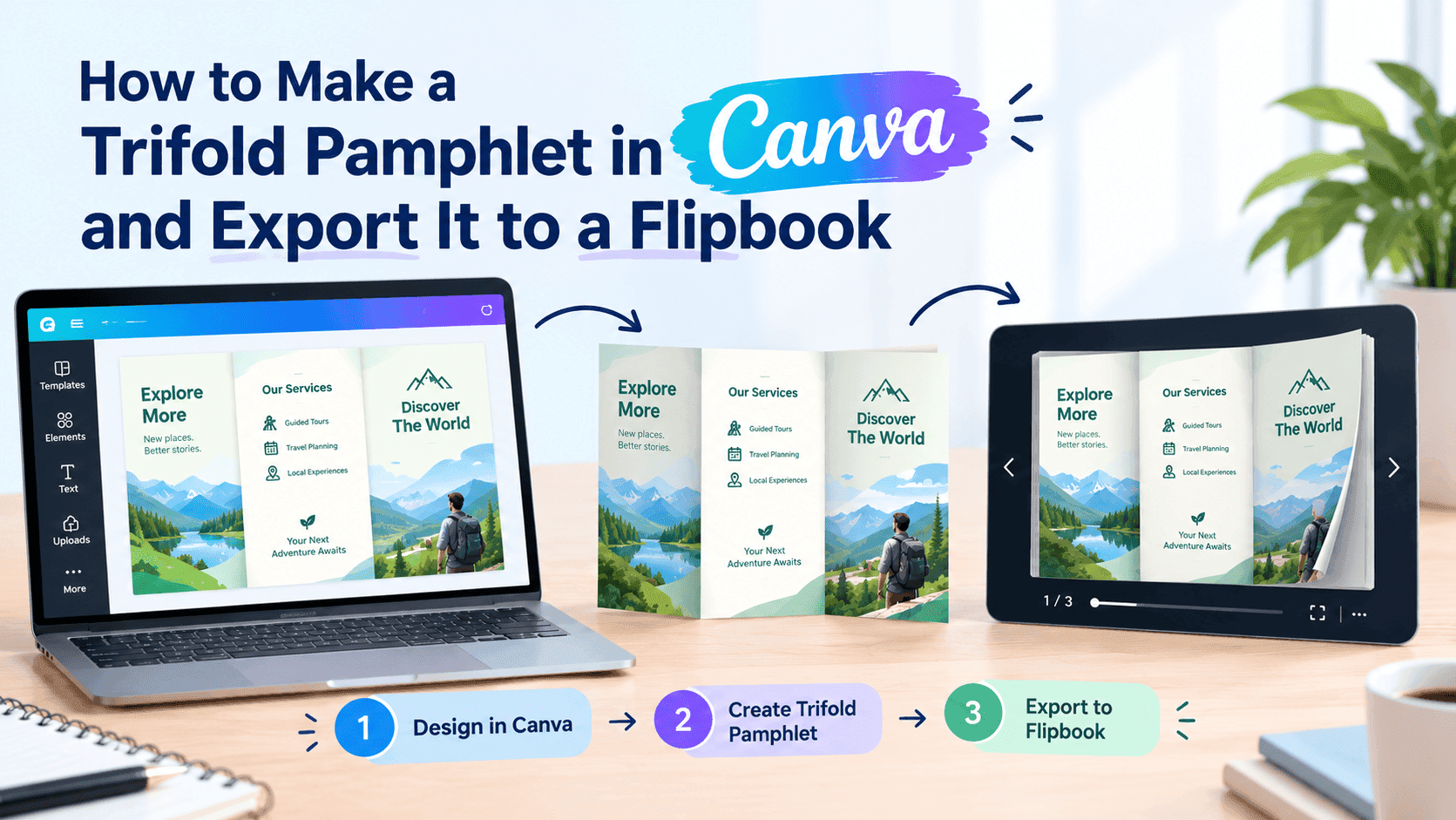
If you don't already have a catalog PDF, Canva's free plan has back-to-school and retail catalog templates built in, and you can swap in your own product photos without touching a single design principle you don't already understand. Keep it simple: one product per section, a price, maybe a one-line description. Resist the urge to write paragraphs about each item — nobody's reading marketing copy for a pack of glue sticks.
Export it as a PDF. You've got your starting point.
Step three: turn the PDF into something people can actually shop from
Here's where most people drop the ball. They upload a PDF to their website and call it done. But a static PDF is basically a digital paperweight — downloaded, glanced at, then buried in a folder forever. It doesn't let anyone click through to buy, and it definitely doesn't work well on a phone screen, which is where most back-to-school browsing happens this time of year.
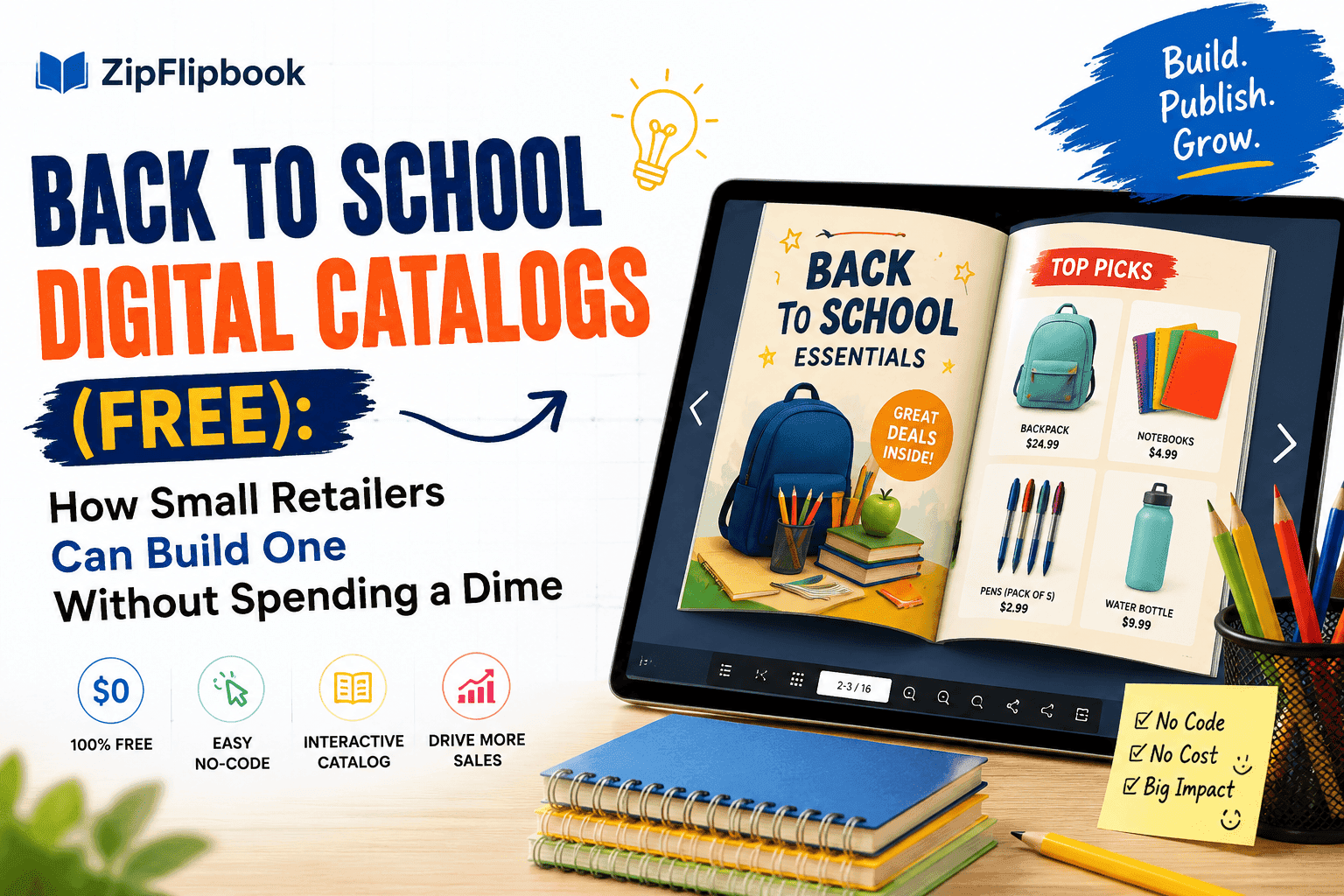
Upload your PDF to ZipFlipbook and it becomes a page-turning digital catalog that renders properly on mobile, the same way a magazine app would. You can add clickable links directly on product images so a parent looking at a backpack can tap it and land straight on your product page instead of hunting for it themselves. You can also drop a simple email capture on the cover or the last page — something like "get 10% off your first order" — which turns casual back-to-school browsers into a list you can market to again in September when supply runs out mid-semester and parents need refills.
All of this is available on ZipFlipbook's free tier. You're not paying for the privilege of having a professional-looking catalog; you're paying, if anything, later, when you want more advanced analytics or higher volume.
Turn Your PDFs into Lead Generation Machines
Start getting highly-qualified leads from your PDFs and landing pages today. It takes exactly 2 minutes to set up.
No credit card required • Sign up in 10 seconds
Step four: get it in front of parents where they're already looking
A catalog that lives only on your website's "About" page nobody visits isn't doing its job. Once it's built:
Drop the link on Facebook and Instagram — and don't skip local parent groups. Those boards are buzzing with supply-list panic right now, and they actually want to hear about local shops.
Embed the catalog directly on your homepage instead of burying it. ZipFlipbook gives you a simple embed code that drops into Squarespace, Wix, Shopify, or basically any site builder without custom development.
Send it in an email instead of attaching a giant PDF file half your list won't bother opening. A flipbook link previews cleanly and loads instantly, which matters a lot when you're competing with a parent's forty other unread emails.
If your shop has any local partnerships — PTA newsletters, school supply drives, church bulletins — a flipbook link is a much easier thing to hand someone than a PDF attachment nobody can open on their phone.
Step five: keep an eye on what's actually working
This is the part a printed catalog could never give you. Once your digital catalog is live, you can see which pages people are actually spending time on. If your backpack section is getting three times the views of your notebook section, that's useful information — maybe backpacks deserve a bigger push in your emails, or maybe your notebook photos just need to be better.
Small retailers rarely get this kind of visibility without spending real money on analytics tools. A digital flipbook catalog hands it to you as a built-in feature, and it's the difference between guessing what worked this back-to-school season and actually knowing.
A quick note on timing
Back-to-school shopping starts earlier every year. A lot of parents are buying supplies by mid-July, well before the "official" late-August rush, especially for big-ticket items like backpacks and electronics. If you're reading this in July, you're not early — you're roughly on time. If it's already August, don't skip the catalog thinking it's too late; plenty of buying happens right up through the first week of school and into the first round of "oh no, we forgot the folders" purchases in September.
Turn Your PDFs into Lead Generation Machines
Start getting highly-qualified leads from your PDFs and landing pages today. It takes exactly 2 minutes to set up.
No credit card required • Sign up in 10 seconds
The bottom line
Competing with the big guys doesn't take money — it takes focus. Pick 20 good products, lay them out cleanly, and make it dead simple for a tired parent to shop from their phone. That's it. That's the whole thing. If you've already got a PDF sitting around from a previous season, even better — upload it to ZipFlipbook, update the products, and this year's catalog is live.