I've had this conversation more times than I can count. Someone on a five-person team gets handed a task like "make our catalog look less like a Word document" and their first instinct is to ask the designer. Except there is no designer. There's a founder, a part-time marketer, and whoever answered the phone when the client called asking for a brochure. Welcome to running a small team.
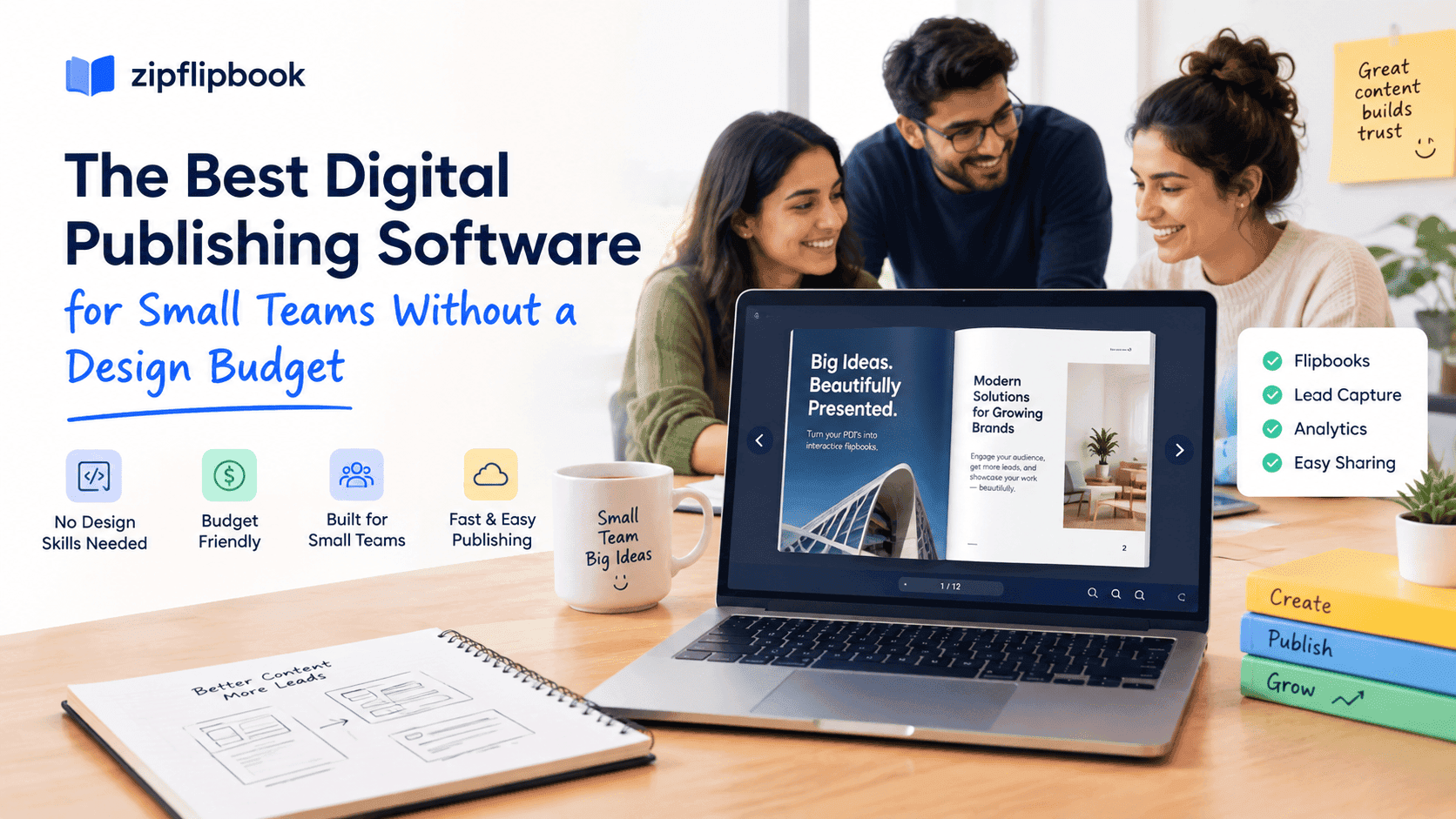
Digital publishing software exists to solve exactly this gap, but most of it is built and priced for people who already have a design department. That's the part nobody tells you when you start looking. You open a pricing page expecting to spend twenty minutes comparing plans, and two hours later you're still trying to figure out why "Team" costs more than your monthly rent and still doesn't include the analytics you actually need.
I built ZipFlipbook because I was on the wrong side of that gap myself, running an SEO agency out of Congleton with clients who needed proposals and catalogs that didn't look like they'd been knocked together in Canva at 11pm — even though, let's be honest, they had been. So this isn't a neutral roundup written by someone who's never had to justify a software bill to themselves. It's what I'd tell a friend who messaged me asking "what do I actually use for this."
What "no design budget" actually means
Before getting into tools, it's worth being precise about the problem, because "no design budget" gets used to mean about four different things and they need different fixes.
Sometimes it means no money for a designer's time, but the content itself is fine — you've got decent product photos, reasonable copy, you just need it to look presentable and shareable. Sometimes it means no money and no design skill, so even choosing a font feels like a trap. Sometimes it means you have a perfectly good PDF already — the kind your accountant or your ops person put together in Word or InDesign — and the only gap is that it looks and behaves like a dead file sitting in someone's downloads folder. And sometimes, frankly, it means you've got a design tool already (Canva, typically) and the actual problem is distribution: how does this thing get from your laptop to a customer's screen without turning into an email attachment nobody opens.
That last one matters more than people think. A shocking amount of "we need better publishing software" conversations are really "we need our existing document to stop looking like a 2009 PDF when someone opens it on their phone." Different problem, different fix, and worth knowing which one you actually have before you start comparing tools.
The tools that actually fit small teams
If you already have a design tool and just need distribution. This is the most common situation and the cheapest to fix. If your team is already making things in Canva, or exporting from InDesign, or even just formatting nicely in Word, you don't need a design platform — you need something that turns a finished PDF into a page-flipping, trackable, embeddable link. This is the exact use case behind flipbook converters, and it's worth reading through a genuine comparison of free digital brochure maker tools before picking one, because the free tiers vary wildly in what they actually let you keep for free once you've built something you like.
If you're migrating off Issuu or a similar incumbent. A lot of small teams inherited their publishing software from whoever set things up three years ago, and Issuu is the most common inheritance. It's fine until you actually look at what you're paying for a handful of catalogs a year, or you hit the point where you want to remove their branding and discover that's a separate tier. If that's your situation, it's worth going through what an Issuu alternative built for small business looks like before you renew anything automatically, because the switching cost is usually smaller than people assume — most of these tools take the same PDF you already have.
If the team is retail or product-heavy. Catalogs are a different animal from brochures because they live longer, get updated more often, and someone eventually asks "can customers click through to buy from this." If that's the shape of your problem, don't start with generic publishing software — start from the retail angle specifically, because the buying decisions (searchable product grids, seasonal updates, whether you need shoppable links now or later) are different enough that a general buyer's guide for small business digital catalog software will save you from picking a tool built for magazines when what you needed was built for SKUs.
If you're a one-person marketing function. This is its own category and it deserves honesty: you are not going to learn a full design suite this quarter, and you shouldn't try. The move here is to pick the tool with the least friction between "I have a PDF" and "I have a link I can put in an email," and to accept that the output will be good enough rather than beautiful. Good enough, shipped, beats beautiful, still sitting in your drafts folder, every single time. I say this as someone who has personally sat on a "perfect" version of something for three weeks while a rougher version from a competitor quietly outranked me.
What actually separates the free tools from each other
Once you strip away the marketing language, the differences between free-tier digital publishing tools come down to about four things, and none of them are the page-flip animation, no matter how much the demo videos want you to think otherwise.
The first is the watermark question. Some tools let you build for free and then hold the finished product hostage behind a paywall unless you pay to remove their logo from the corner of every page. That's a fine business model for them and a genuinely annoying surprise for you if you find out about it after your client has already seen the draft.
The second is what happens to your file's SEO value. A flipbook that lives entirely inside someone else's app with no crawlable page, no metadata you control, and a URL that looks like a string of random characters is invisible to Google. If you're putting any real content into these — and small teams often are, because the catalog or brochure is doing double duty as marketing content — you want a tool that gives the finished piece an actual indexable page, not just an embed code.
The third is whether you get any sense of what happens after you hit publish. Did anyone open it? How far did they get before they closed the tab? Did they click through on the one page with your pricing? Most free publishing tools treat this as a premium feature, or don't offer it at all, which is strange given how easy it is to answer — there's no real technical reason a basic open-and-page-depth report should be locked behind an enterprise tier, and if you want to see what a genuinely free version of that looks like, it's worth reading how to track PDF opens for free at all.
The fourth is embedding. A publishing tool that only gives you a standalone link is fine for email, but useless the moment you want the flipbook sitting inside your actual website — on a landing page, in a product description, wherever your visitors already are. If the tool's embed code breaks your site's load time or looks like a foreign object bolted onto your homepage, that's a real cost even if the software itself was free.
The afternoon test
Here's a filter I actually use when someone asks me to look at a publishing tool for their team: could a reasonably capable but non-designer person go from "I have a PDF" to "I have a link I'm not embarrassed to send a client" in one afternoon, with no calls to support?
Most tools fail this quietly. Not because the software is bad, exactly, but because it was designed for someone who already understands the vocabulary — bleed, crop marks, page templates, asset libraries — and a five-person team doesn't have that person on staff. You end up spending the first ninety minutes figuring out where the upload button lives, then another hour discovering that the free plan doesn't actually let you download or embed what you just built, it just lets you preview it.
The afternoon test also catches a subtler problem: tools that make the upload easy but the output ugly. A flipbook that loads slowly, or that forces awkward page proportions onto a document that wasn't built for them, or that slaps an animated page-curl effect on every single page whether it needs one or not, isn't actually solving the "we look unprofessional" problem — it's just moving the unprofessional part somewhere else. I'd rather ship something plain and fast than something flashy and broken on half of mobile browsers, and if you're testing tools yourself, open whatever you build on your own phone before you send it to anyone. It's the single fastest way to catch a bad choice before a client does.
Turn Your PDFs into Lead Generation Machines
Start getting highly-qualified leads from your PDFs and landing pages today. It takes exactly 2 minutes to set up.
No credit card required • Sign up in 10 seconds
What this looks like for a real small team
Say you run a five-person landscaping company and someone in sales wants a seasonal services brochure to leave with quotes. You've got a decent PDF already, made by whoever's handiest with Word or Canva. There's no design budget, there's no time to learn a new platform, and the brochure needs to exist by Friday.
The right move isn't to open a design tool and start from scratch. It's to take the PDF exactly as it is, run it through a converter, and get a link back that flips like a real brochure, tracks whether the prospect actually opened it, and can sit on your website's quotes page without anyone touching a line of code. That's a two-hour job, not a two-week one, and it's the entire reason tools in this category exist — not to replace your design process, but to stop a perfectly decent document from dying the moment it becomes a PDF attachment nobody opens.
A quick word on what not to do
Don't buy a "publishing platform" when what you need is a converter. I've watched small teams sign up for tools with full content management systems, team permissions, approval workflows, the works — because the sales page made it sound comprehensive — when the actual task was "make this one PDF look nice online three times a year." That's not a criticism of those platforms; some of them are genuinely good for the media companies and enterprise marketing teams they're built for. It's a mismatch problem. A five-person team doesn't need a workflow engine. It needs a fast, honest tool that gets a document from "flat PDF" to "shareable, trackable, embeddable link" without a training session.
And don't assume free means limited in a way that matters to you. It's tempting to treat "free" as a synonym for "compromised," but for a huge chunk of what small teams actually need — one clean brochure, one seasonal catalog, one proposal that needs to look like it wasn't an afterthought — the free tier of the right tool does the whole job. The compromises usually show up in volume (how many pieces you can have live at once) or in branding removal, not in whether the reader's experience is any good.
Turn Your PDFs into Lead Generation Machines
Start getting highly-qualified leads from your PDFs and landing pages today. It takes exactly 2 minutes to set up.
No credit card required • Sign up in 10 seconds
What I'd actually tell you to do
If you're reading this because someone just handed you "make our stuff look more professional" with a budget of zero, here's the honest, non-salesy version of my advice: figure out which of the four situations above you're actually in, pick one tool, and give yourself a strict two-hour limit to get something published. Don't shop for a week. The perfect publishing software doesn't exist, and even if it did, the version of your brochure that's live and getting read beats the version you're still comparing pricing tiers for.
That's more or less the whole philosophy behind ZipFlipbook — take the PDF you've already got, however it was made, and get it into something people will actually read, without asking you to learn a new design tool or hand over a card number first. It won't do everything a full publishing platform does. It's not trying to. It's trying to be the two-hour version that gets shipped.