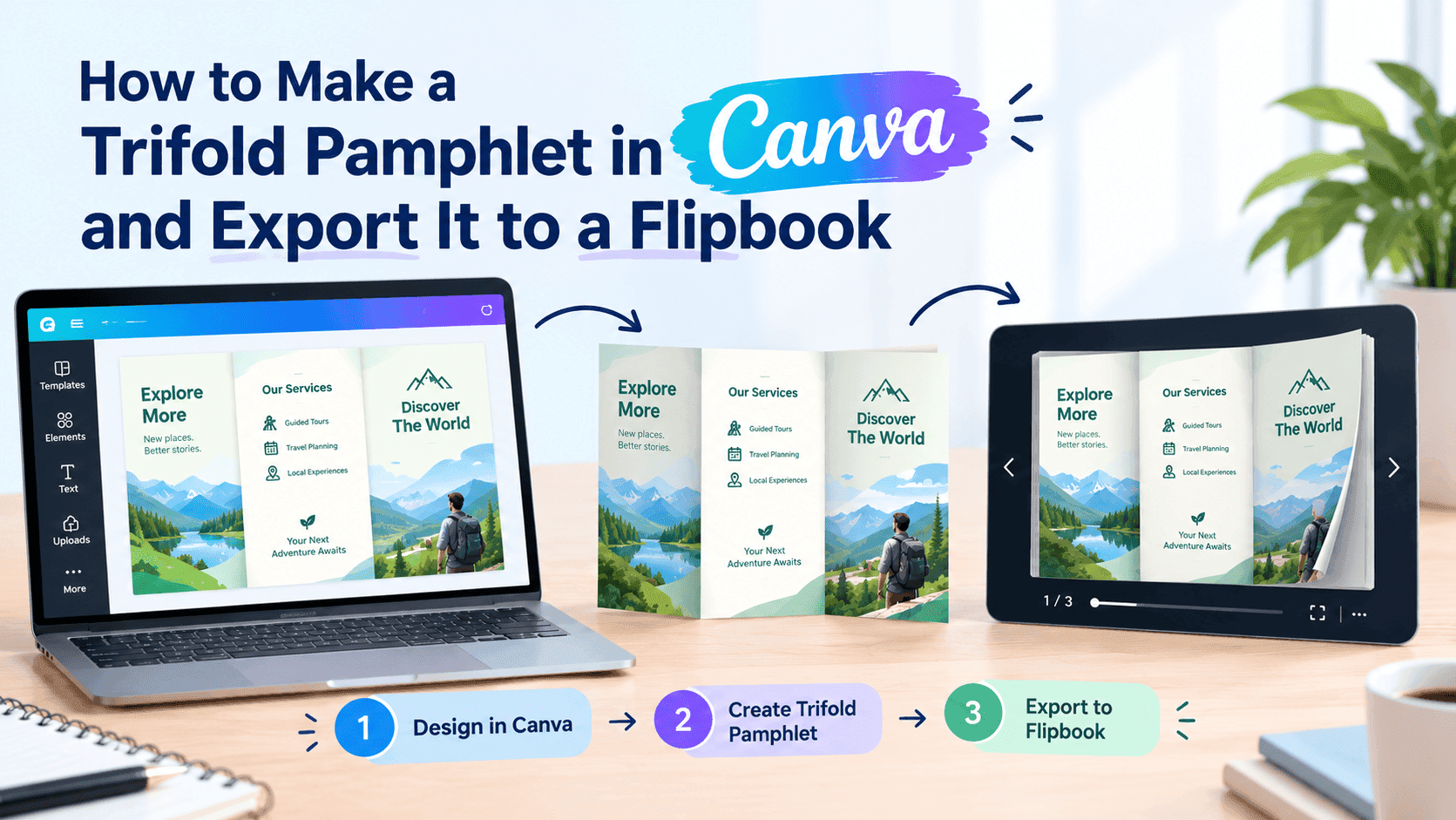
I've been making zines since college, and I still love the chaos of them — staple-bound, photocopied, usually a little crooked. But let's be real: if you're not putting yours online, most people aren't going to see it. Good news: Canva makes the design easy, and there's a trick to actually get people reading it.
Canva solves the design half of this problem well. It's free, it's got zine-shaped templates already built in, and you don't need to know anything about bleed margins or CMYK to make something that looks intentional. What Canva doesn't solve is distribution — once you export your zine as a PDF, it just sits there as a file. Someone has to download it, open it in whatever PDF viewer their phone defaults to, and scroll through something that was never designed to be read on a six-inch screen.
Let's start with the design in Canva, then I'll show you the part every other tutorial forgets to mention — the way a real zine gets passed around, except now it can reach anyone with a link instead of just whoever's at the show.
Picking your format before you open Canva
Figure out your fold first — it changes your page count. The classic 8-page mini is great for comics or a single short piece. Half-size gives you more room per page. Full-size if you're doing something meatier, like an ongoing series or anthology. Pick one, then open Canva.
Building it in Canva
Open Canva and search "zine" in the template bar. You'll get a mix of pre-built layouts in different folds — some minimal, some collage-heavy, some that lean into a more zine-punk aesthetic with torn paper textures and handwritten fonts. Pick one close to what you want rather than starting from a blank canvas. Even if you strip out ninety percent of the template's design, having a starting point saves you from staring at an empty page trying to invent grid spacing from scratch.
A few things that make a real difference once you're in the editor:
Go wild with fonts if that's your thing, but if people can't read it on a phone, they'll swipe away. One readable font goes a long way.
Use Canva's grid and alignment guides even if your final look is meant to be messy. Deliberately imperfect and accidentally illegible are two different things, and the guides help you stay on the right side of that line.
If you're building an 8-page mini zine, lay your pages out in reading order inside Canva rather than trying to account for the weird fold-and-cut page order upfront. You're not printing this one physically as your main distribution method, so you don't need to wrestle with imposition — just design it front to back like you'd read it.
Drop in your images, your text, whatever collage elements you're using, and don't overthink the page count. Zines run short. Eight to twenty pages is normal. Nobody's expecting a novel.
Exporting from Canva
Once you're happy with it, export as a PDF — Canva's free plan handles this fine, no need to upgrade for a simple zine. Pick "PDF Print" if you want higher resolution images, or "PDF Standard" if file size matters more and you're mainly distributing this online rather than printing physical copies too.
At this point you've got exactly what most zine tutorials stop at: a PDF sitting on your desktop. It looks good. Almost nobody's going to see it, because a bare PDF link is a dead end. It doesn't preview well when you share it, it renders awkwardly on mobile, and it gives you zero information about whether anyone actually read past page two.
Turn Your PDFs into Lead Generation Machines
Start getting highly-qualified leads from your PDFs and landing pages today. It takes exactly 2 minutes to set up.
No credit card required • Sign up in 10 seconds
Turning the PDF into something people can actually flip through
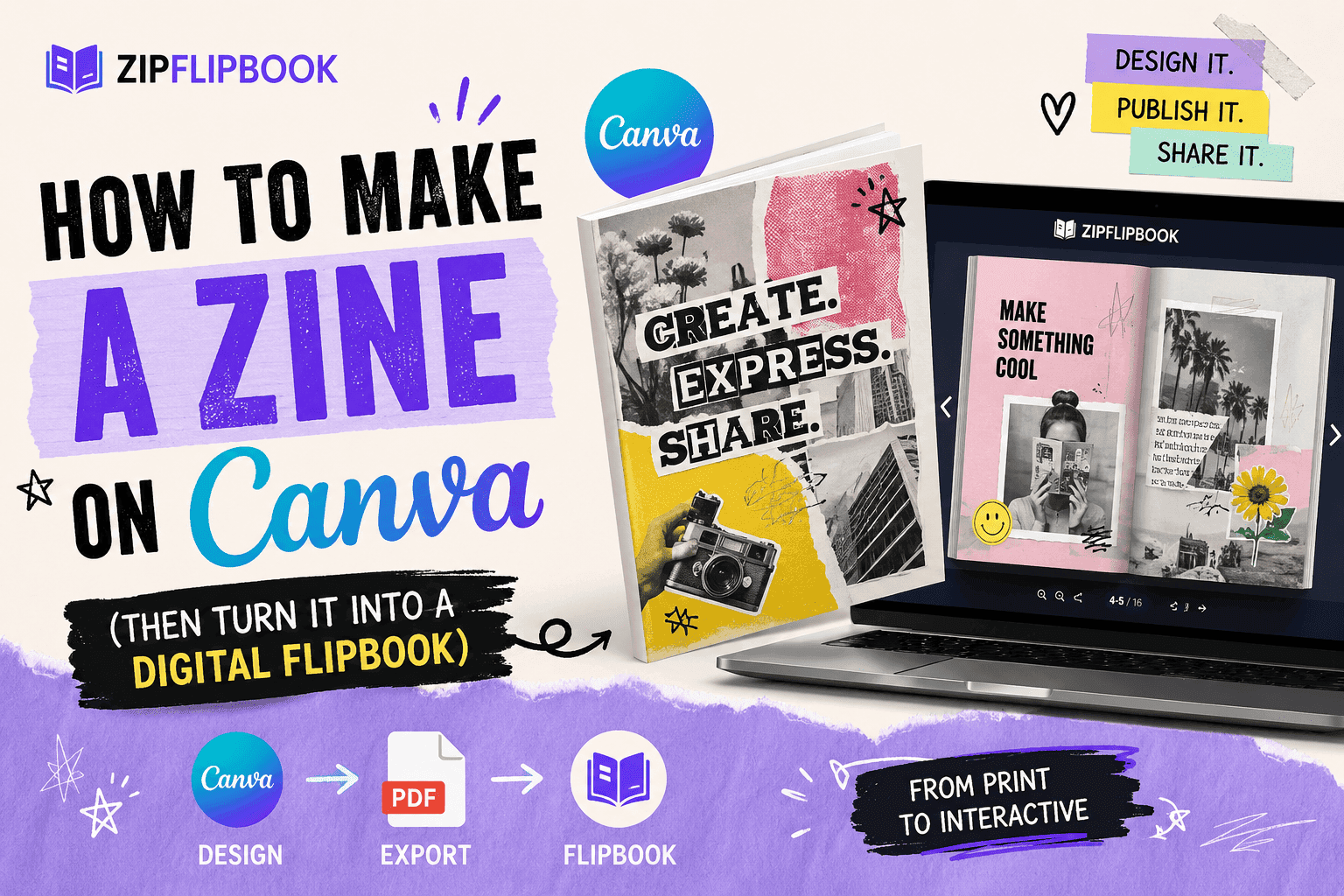
This is the part that changes everything about how far your zine travels. Upload your exported PDF to ZipFlipbook and it converts into an interactive, page-turning flipbook — the kind where someone can drag or tap through pages the way they would a real booklet, except it works properly on a phone, loads fast, and doesn't require anyone to download a file first.
A few things this unlocks that a plain PDF can't:
ZipFlipbook gives you a link that actually works. No download, no janky PDF viewer — just a flipbook people can tap through. Throw it in a group chat or your Linktree and people will actually open it.
You can embed it. If you've got a personal site, a Linktree, a Bandcamp page, or anywhere else your audience already hangs out, ZipFlipbook gives you an embed code that drops the whole flipbook directly onto that page. No separate click required — people just start reading.
You can see if anyone's actually reading it. This is the part zine culture never really had access to before. ZipFlipbook shows you page-level views, so you can tell whether people are making it to the end or bailing on page three. If you're putting out a recurring zine, that's genuinely useful — you'll know which pieces are landing and which ones people are skipping.
You can add a way for people to follow you. Drop a simple sign-up or a link to your next issue on the last page, and casual readers who found your zine through a shared link have an easy way to stick around for the next one instead of forgetting you exist by next week.
None of this requires touching code, and the free tier covers exactly this kind of use case — a single PDF, converted into a flippable format, shareable however you want.
Where to actually put it once it's live
A link with nowhere to go still doesn't get read, so don't stop at "it's converted now." Post the flipbook link anywhere your usual audience already is — your Instagram bio, a pinned post, a Discord server if that's where your readers hang out. If you're part of a zine fair or a local scene, a QR code linking to the digital version works well as a companion to physical copies at your table; people who don't want to carry paper home can still grab it.
If you're building this out as an ongoing series rather than a one-off, consider linking each new issue back to the last one at the end of the flipbook. It costs you two minutes and turns a single zine into an actual archive people can work through.
Turn Your PDFs into Lead Generation Machines
Start getting highly-qualified leads from your PDFs and landing pages today. It takes exactly 2 minutes to set up.
No credit card required • Sign up in 10 seconds
The point of all this
The whole point of a zine is that anyone can make one. Canva handles the design, ZipFlipbook handles the distribution. Don't let yours rot as a file on your desktop.
Build it in Canva, export the PDF, and run it through ZipFlipbook before you call it done. That last step is the difference between a zine that lives in a folder on your desktop and one that actually gets read.