We have all been there. You just finished a high-stakes client proposal, a beautiful new pitch deck, or an incredibly detailed whitepaper. You attach the PDF to an email, write a perfectly crafted message, and hit "send."
And then... nothing. Silence.
You find yourself staring at your inbox, wondering: Did they even get it? Did it go to spam? Did they open the email but ignore the attachment? Did they read the whole thing, or did they stop after the first page?
If you are sending standard PDF attachments in your outbound sales or marketing campaigns, you are essentially sliding your most valuable assets under a locked door and just hoping the person on the other side calls you back. It is a completely blind process.
In today's data-driven world, hoping is not a strategy. You need to know exactly how your prospects are interacting with your content. In this comprehensive guide, we are going to break down why the "old ways" of tracking PDFs are failing you, and how you can implement a modern, foolproof system to track exactly who opens your documents and how long they spend reading them.
Turn Your PDFs into Lead Generation Machines
Start getting highly-qualified leads from your PDFs and landing pages today. It takes exactly 2 minutes to set up.
No credit card required • Sign up in 10 seconds
The Big Misconception: Email Trackers vs. Document Trackers
When most sales professionals or marketers ask, "How do I track a PDF?" their first instinct is to install a standard email tracking extension like Mailtrack, HubSpot Sales, or Yesware.
Here is the hard truth: Email trackers do not track your attachments.
Standard email tracking software works by embedding a microscopic, invisible, one-pixel image into the body of your email. When the recipient opens the email, their email client (like Gmail or Outlook) downloads that invisible image from a server. When the server registers that download, it sends you a notification saying, "John Doe opened your email."
But that is where the tracking stops.
If you attach a 10MB PDF file to that email, the tracking pixel cannot see inside it. The prospect might open the email, glance at your opening sentence, and immediately delete the message without ever clicking on your PDF. Your email tracker will still happily report: "Email Opened!" giving you a false sense of security and leading to incredibly awkward follow-up calls where the prospect has to admit they never actually read your proposal.
To track a document, you must track the document itself, not just the envelope it arrived in.
The Flawed "Workarounds" People Try
Before we get to the ultimate solution, let's look at a few common workarounds teams try to use to track their PDFs, and why they ultimately fall short.
Flawed Method 1: The Read Receipt The oldest trick in the book is requesting a "Read Receipt" in Outlook or Gmail.
- Why it fails: It is incredibly unprofessional for outbound sales. It forces a pop-up onto the prospect's screen asking them to confirm they read the email. Most people instinctively click "No," and many modern email clients block them entirely. Even if they click yes, it still doesn't tell you if they opened the PDF.
Flawed Method 2: Google Drive or Dropbox Links Instead of attaching the file, many reps upload the PDF to Google Drive and paste the link in the email.
- Why it fails: While this solves the "large attachment" spam filter problem, the analytics are virtually non-existent. You might be able to see if the link was clicked, but you have no idea who clicked it (if forwarded), how long they spent reading, or if they just downloaded it to their desktop and forgot about it. Furthermore, a bare Google Drive link doesn't look premium or branded.
Flawed Method 3: Heavy Enterprise Document Trackers Some teams turn to legacy enterprise platforms (like DocSend) to track their files.
- Why it fails: While the tracking is good, the user experience is often terrible. These platforms frequently force a "Hard Gate," meaning the prospect is forced to enter their email address on a blank screen before they can even see the cover of your document. This high-friction barrier causes massive drop-off rates. If they do enter their email, they are usually rewarded with a clunky, gray, infinitely scrolling PDF viewer.
For a broader look at how modern SaaS tools are being evaluated against legacy platforms, RuntimeBuzz covers software analysis and tool teardowns worth reading
The Ultimate Solution: The Interactive Link Strategy
If you want to track your PDFs accurately without ruining the user experience, you need to completely change the format of what you are sending. You need to transform your static PDF into a trackable, web-native experience.
This is exactly why we built ZipFlipbook.
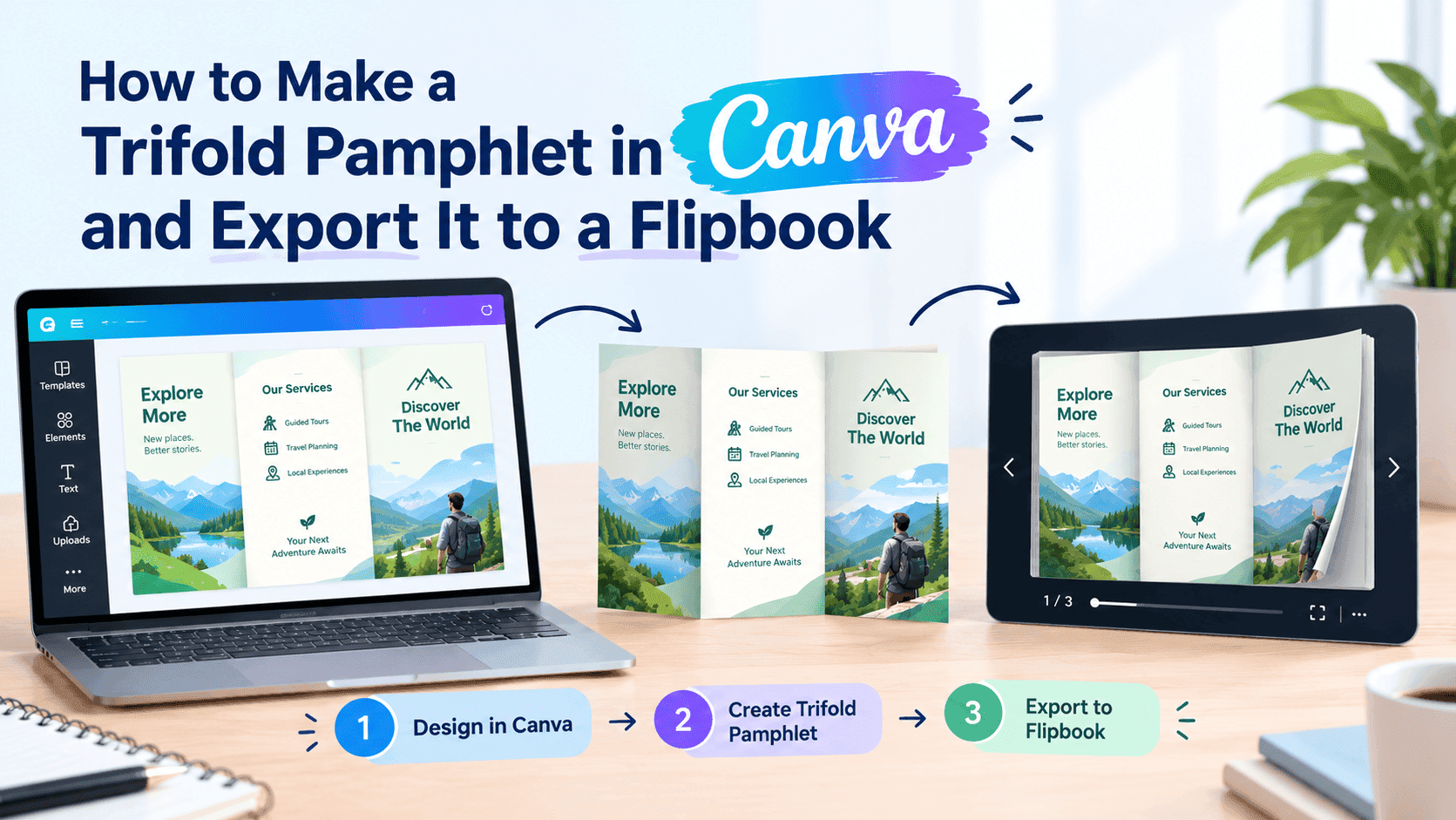
Instead of sending a blind attachment, ZipFlipbook allows you to upload your PDF and instantly convert it into a stunning, interactive, page-turning digital flipbook. Because the document is now a live web experience rather than a static file, you unlock a level of "X-Ray vision" into your sales pipeline that standard PDFs simply cannot match.
Here is how the modern document tracking workflow operates:
Step 1: Upload and Convert
You drag and drop your standard PDF proposal, pitch deck, or lead magnet into the ZipFlipbook dashboard. Within seconds, it is converted into a beautiful digital magazine hosted securely in the cloud. No coding or design skills required.
Step 2: Generate a Trackable Link
Instead of attaching a heavy file that triggers spam filters, you generate a clean, secure ZipFlipbook link. You paste this link into your cold email or LinkedIn message. Because there is no bulky attachment, your deliverability rates instantly skyrocket, ensuring your message actually lands in the primary inbox.
Step 3: Access Granular, Page-by-Page Analytics
The moment your prospect clicks the link, the magic happens. They don't have to download anything. The interactive flipbook opens instantly in their browser, looking premium and branded on both desktop and mobile devices.
Simultaneously, your ZipFlipbook analytics dashboard lights up. You aren't just seeing that they clicked the link; you get granular data that fundamentally changes how you follow up.
The Data You Actually Need to Close the Deal
When you track a PDF using ZipFlipbook, you gain access to intent-based data. Here is what you can finally see:
1. Total Time Spent Reading Did they open the document and close it after 3 seconds, or did they spend 12 minutes deeply engrossed in your content? Knowing the total time spent helps you instantly separate your tire-kickers from your highly qualified leads.
2. Page-by-Page Engagement This is the holy grail of sales analytics. ZipFlipbook shows you exactly how long the prospect spent on each individual page.
- Imagine looking at your dashboard and seeing that a prospect rapidly clicked through the first 8 pages, but then spent a full 4 minutes staring at your "Pricing and Tiers" page. You no longer have to guess what they care about. When you call them for a follow-up, you know exactly how to steer the conversation.
3. The Exact Drop-Off Point If you send out a 20-page whitepaper and your analytics show that 85% of your readers close the document on Page 6, you have just uncovered a critical flaw in your marketing funnel. You know exactly where your content gets boring or confusing, allowing you to rewrite and optimize that specific section.
4. Forwarding and Resharing tracking If your primary contact forwards the ZipFlipbook link to their CEO or the purchasing department, you can see those new sessions pop up in your analytics. You can literally watch your document move through the decision-making chain of a target company.
Stop Guessing. Start Tracking.
Turn Your PDFs into Lead Generation Machines
Start getting highly-qualified leads from your PDFs and landing pages today. It takes exactly 2 minutes to set up.
No credit card required • Sign up in 10 seconds
In outbound sales and B2B marketing, information is your ultimate leverage. Every time you send a raw PDF attachment, you are throwing away critical data that could help you close the deal.
By upgrading your static PDFs into trackable, interactive flipbooks, you protect your email deliverability, provide a superior reading experience that delights your prospects, and equip your sales team with the exact intent data they need to strike while the iron is hot.