I spent four years watching sales teams email 40MB PDFs to procurement managers who never opened them. If you sell to other businesses, you already know the problem: your product catalog is probably a PDF, it was probably designed by whoever was free that week, and it probably hasn't been opened past page 3 by anyone outside your own company.
B2B buyers don't read catalogs the way consumers do. They skim on a laptop between meetings, forward a link to three colleagues, and expect to find the one SKU they care about in under thirty seconds. A flat PDF fights every part of that behavior. It doesn't search well, it doesn't track who's actually looking, and it definitely doesn't tell your sales team when a hot prospect just spent ten minutes on your pricing page.
An interactive catalog needs to do four jobs. Here's how to get there from the PDF you already have.
What a static PDF catalog costs you
Send a plain PDF and three things tend to happen.
First, it gets stuck. Most corporate email filters choke on large attachments, and a 200-page product catalog with high-res images is rarely small. Half the time, the person you sent it to never even receives it cleanly.
Second, it gets forwarded and you lose the thread. Once a PDF leaves your inbox, you have zero visibility into what happens next. Did the buyer open it? Did they share it with their finance team? Did they get to page 47 where your best-margin product lives, or did they bail after the cover page? You're flying blind on exactly the moment your sales team needs the most information.
Third, it just looks dated. B2B buyers use Amazon and Zillow like everyone else. They expect search and tap, not Ctrl+F.
The PDF isn't the problem. The attachment is.
Turn Your PDFs into Lead Generation Machines
Start getting highly-qualified leads from your PDFs and landing pages today. It takes exactly 2 minutes to set up.
No credit card required • Sign up in 10 seconds
What "interactive" actually needs to mean for a product catalog
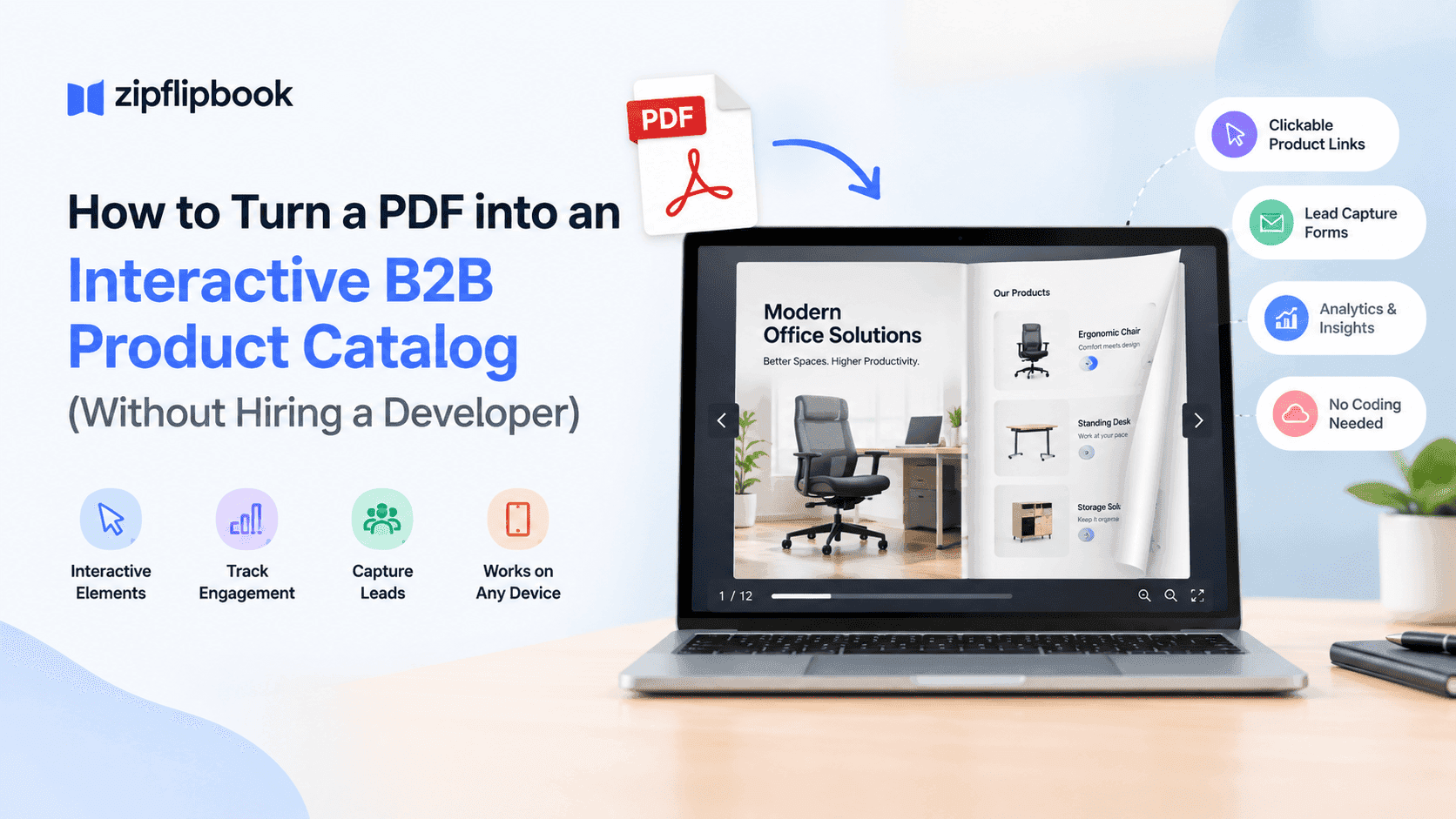
Most "interactive" catalogs are just page-flip animations. That's not enough. For a product catalog, interactive means:
Clickable product links are table stakes — images, SKUs, and category headers should lead somewhere: a spec sheet, a quote request form, a related product. A catalog that's just a prettier version of a static document hasn't solved anything.
You also need intent data. If someone spends real time on your industrial fasteners page and none on your adhesives page, that's a signal your sales rep should have. If you can't see who read which page, you're guessing.
Search indexing matters too. Buyers, and Google, should be able to find specific products inside your catalog without opening a PDF viewer and hunting manually. If your catalog content can't be crawled, you're also throwing away organic search traffic that would otherwise land directly on your products.
And zero-download access. Every extra click between "here's the link" and "here's the product" loses you a percentage of buyers. A catalog that opens instantly in a browser tab, on any device, beats one that requires a download and a compatible PDF reader.
Turning your existing PDF into one, step by step
You don't need a redesign, a developer, or a new content strategy. Change how it's delivered and tracked.
1. Start with the PDF you already trust. Don't rebuild your catalog from scratch for this. Your existing layout, product photography, and copy have already been approved by whoever needed to approve them — use that file as-is.
2. Convert it into a page-flip format that runs in the browser. This is the step that actually changes the buyer's experience — pages turn like a real catalog, load fast, and work on a phone in a hotel lobby as well as a desktop in an office. We compared the formats with real catalog examples here: digital catalog guide.
3. Add clickable links to the products that actually make you money. Every "Request a Quote" button, every link to a spec sheet PDF, every jump to a related SKU — these should be dropped directly into the flipbook, not left as an afterthought in the email you send alongside it.
4. Turn on lead capture before you share the link. Even a simple form — email and company name — gated on page one or two gives your sales team something to work with. You're not trying to gate the whole catalog behind a form (that kills conversion), just capturing enough to know who's browsing.
5. Check your analytics after the first week, not the first day. Page-by-page view data takes a few real prospects to become useful. Once you have it, look for the pages people are actually spending time on — that tells you more about buying intent than any survey your marketing team has ever run.
6. Make sure the catalog is accessible. Accessibility is usually skipped, and some of your buyers are using screen readers, and some of your biggest enterprise accounts have accessibility requirements written into their procurement policy. If this is new territory for you, here's what ADA compliance actually requires for digital documents — it's a shorter list than most people expect.
7. Embed it where your buyers already are. Your website's products page, a follow-up email, a LinkedIn message to a prospect — the catalog should be a link or an embed, not an attachment. This alone fixes the email-filter problem from earlier.
The mistake most companies make with this
The failure mode is usually organizational, not technical. A marketing team builds a beautiful interactive catalog, gets excited about the page-flip effect, and then never looks at the analytics again. The whole value of moving off a static PDF is the visibility you get afterward — which products get attention, which pages people abandon on, which leads are worth a phone call this week instead of next quarter.
If you're going to do this at all, put someone in charge of checking the numbers monthly, even if it's just you glancing at a dashboard for five minutes. That habit is worth more than any design choice you make in step one.
Turn Your PDFs into Lead Generation Machines
Start getting highly-qualified leads from your PDFs and landing pages today. It takes exactly 2 minutes to set up.
No credit card required • Sign up in 10 seconds
Where to actually build this
You can do all of the above with ZipFlipbook without touching a line of code. Upload the PDF, and it converts into a browser-based interactive flipbook with clickable links, lead capture forms, embedded video support, and page-level analytics built in. Free, and live on a shareable link in a few minutes. If your catalog currently lives as a PDF sitting in a shared drive somewhere, that's really the only prerequisite.
You're not choosing between PDF and interactive catalog. You're choosing how to deliver the catalog you already have.