Microsoft Publisher is gone. Microsoft 365 subscribers lost access on 1 October 2026, and support for the perpetual version that shipped with Office 2021 ended on 13 October. Open Microsoft 365 today and you won't find the Publisher tile. A lot of small businesses, village newsletters, school offices and sports clubs have a decade of flyers, price lists and event programmes sitting in .pub files, and they now need free publisher software that does the same job without the learning curve of a professional design suite.
That sounds simple, but it rules out most free design tools. Publisher was bad at real design work, but it didn't punish you for dragging a text box where you wanted it. You dropped in a text box, dragged it where you wanted it, and printed. Any replacement has to be judged against that, not against InDesign.
Below you'll find what to do with the old files first, the free desktop publishing software and browser tools worth installing, how Scribus and Canva differ, and what to do once the layout is built and you want people to read it on a screen instead of a printout.
What happened to Publisher, and what didn't
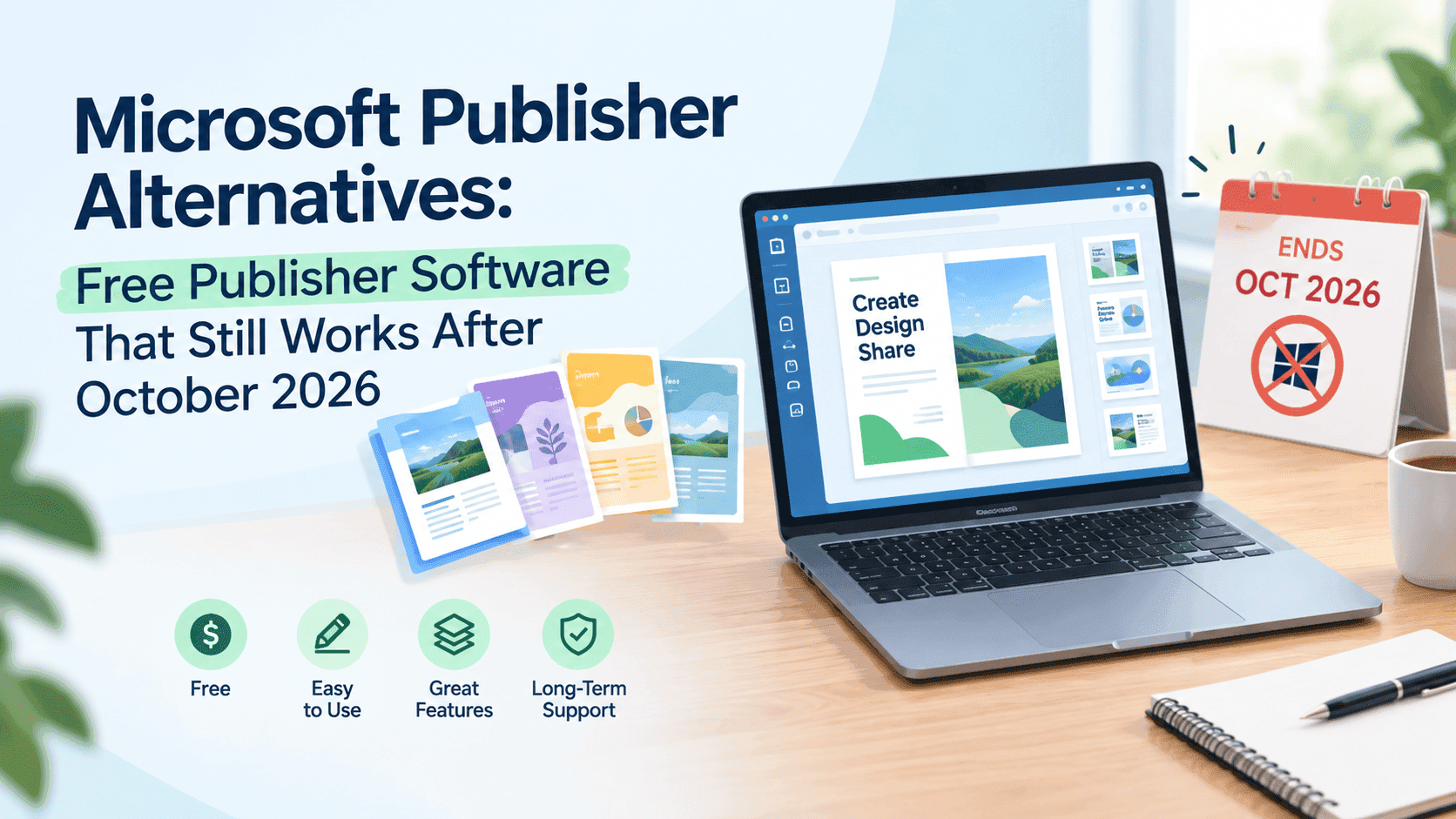
Microsoft announced the retirement a year ahead, and two dates get mixed up. 1 October 2026 is when Publisher stopped being part of Microsoft 365 subscriptions. 13 October 2026 is when Office 2021 and Office LTSC 2021 lost support, and Publisher went with them.
If you bought a one-off copy of Office 2019 or 2021 and installed it, that copy still launches. It will never get another security patch, though, and running an unsupported program on a work machine is the sort of thing an IT contractor or an insurer eventually asks about.
The files are a different matter. A .pub file isn't locked or encrypted, and nothing deletes it. The software expired, not the documents. Before you install anything, get the old files out.
Rescue your .pub files before you pick a tool
If you still have a machine with Publisher installed, a perpetual copy or a laptop that hasn't been updated, open it today and export everything that matters. Go to File, then Export, and save a PDF for the layout. Save a Word file as well if you need the text to stay editable. Microsoft also published a PowerShell script called Convert-PubFileToPDF.ps1 that converts a whole folder in one go, which saves a lot of clicking if you have hundreds of files. It needs Publisher installed to run, so it only helps while that machine still works.
No Publisher install left? Scribus can import .pub files, and so can LibreOffice Draw. Neither import is clean. Fonts get swapped, text boxes shift by a few millimetres, and anything fussy like WordArt or linked text frames arrives mangled. Use the import to pull out the text and images, then rebuild the layout in a fresh template. For anything already printed and finished, a PDF is the only version you will need again. Keep it somewhere that isn't the same hard drive.
Search every drive, OneDrive folder and shared drive for *.pub before you decide what to convert. They turn up in strange places, like a former colleague's Documents folder or a USB stick labelled "Spring fair".
Turn Your PDFs into Lead Generation Machines
Start getting highly-qualified leads from your PDFs and landing pages today. It takes exactly 2 minutes to set up.
No credit card required • Sign up in 10 seconds
Free publisher software: the shortlist
These six cover most people. I've skipped tools that watermark your export unless you pay.
Canva
Canva's free plan is the nearest thing to Publisher for someone who wants a flyer finished by lunch. Thousands of templates, drag and drop, and a browser tab is all it needs. Free accounts export PDFs and PNGs and handle most A4 and A5 jobs without complaint.
There are four catches worth knowing. CMYK PDF export for print sits behind the paid plan. A lot of the best templates and stock photos carry a premium label. Everything lives in your Canva account rather than as a file on your drive. And multi-page work is clumsy: Canva has no linked text frames, so a 16-page newsletter means cutting and pasting text from page to page by hand. Making a pamphlet in Canva takes about twenty minutes the first time, and the layout steps in this guide to making a pamphlet in Canva carry over to flyers and menus.
Scribus
Scribus is free, open source and runs on Windows, Mac and Linux. It is the only program on this list built the way Publisher was: a desktop page layout application with linked text frames, master pages, spot colours, bleed settings and PDF/X export for commercial printers.
It is also the one that will make you swear for the first hour. The interface looks like 2008, and some operations, like putting a picture into a frame, aren't where you'd guess. After a couple of jobs, it's the most capable free desktop publishing software for long documents.
LibreOffice Draw and Writer
LibreOffice is free and already installed on plenty of office machines. Draw works as a single-page layout tool, so flyers and posters are fine. For a newsletter, use Writer with columns and text frames. Neither gives you the control Scribus does, but the learning curve is a fraction of it, and it opens .pub, .docx and .pdf files.
Microsoft Word and PowerPoint
Word, PowerPoint and Microsoft Create templates are Microsoft's own suggested landing spot. If you already pay for Microsoft 365, it's the lowest-friction move. Trifold brochures and newsletters in Word hold up as long as you leave floating pictures alone, because that is where Word layouts fall apart. PowerPoint is oddly good for posters: fixed canvas, objects stay put.
Google Docs and Slides
Free, collaborative and weak at layout. Slides set to a custom page size makes a workable flyer maker, and Docs is for text. Reach for them when the people editing are volunteers on five different devices and nobody is going to install anything.
Affinity
Affinity by Canva became free to download in late 2025, as one app that combines its layout, photo and vector tools. It feels the closest to InDesign of anything here, with a smoother interface than Scribus. It is Canva's product now, and some features tie into a Canva account, so read the current licence terms before building a business process on it.
Adobe InDesign and QuarkXPress remain the paid professional options. If you're ordering a 64-page catalogue from a commercial printer every quarter, they earn their subscription. For the rest of us, the six above are enough.
Scribus vs Canva
The Scribus/Canva question usually comes down to page count and who's doing the printing.
Once a document passes four or five pages, Scribus pulls ahead. Text flows from one frame to the next, so a late edit on page two pushes everything along without you touching pages three to ten. Master pages keep headers and page numbers consistent. The PDF it exports can be sent straight to a commercial printer with bleed and crop marks. Files are saved as .sla, an open format that sits on your own drive and opens in Scribus on any operating system. No account, no subscription.
Take a quiz night flyer for the village hall. In Canva a non-designer has a decent A5 version done in fifteen minutes, with a real template, stock photos and brand colours already loaded. Two or three people can edit at the same time. Social media versions of the same flyer take a click. For anything under four pages and anything that ends up on a screen, it is the faster tool by a wide margin.
Lock-in matters here. Publisher users just got a forced lesson in it. Canva designs live on Canva's servers. If the plan changes, the pricing changes or the template you built on is retired, you work around it. Scribus files live with you. For a one-off poster, who cares. For a newsletter you'll still be making in 2030, it matters.
If it were me: Canva for a one-off flyer, Scribus for the monthly newsletter and anything going to a printer. If you can't face the Scribus learning curve, Affinity covers most of the same ground with a friendlier interface.
Turn Your PDFs into Lead Generation Machines
Start getting highly-qualified leads from your PDFs and landing pages today. It takes exactly 2 minutes to set up.
No credit card required • Sign up in 10 seconds
Picking a tool by job
Flyers, price lists and menus go to Canva or Word. A one-page job doesn't need frame linking or master pages, and you'll want a template to start from.
A four to eight page newsletter depends on who edits it. A volunteer team with mixed computers should use Word or LibreOffice Writer, because everyone already knows them. A single person who makes it every month should learn Scribus once and never rebuild the layout again.
Catalogues over twenty pages belong in Scribus or Affinity. Text frames and master pages stop being optional at that length, and a commercial printer will want a clean PDF/X file.
Trifold brochures work well from a Word template or a Canva trifold. Just check the panel order before printing, because the inside flap sits slightly narrower than the other two.
Posters at A3 and above go to Canva or PowerPoint, exported as a print PDF at the largest size your printer accepts.
Free publishing software for sharing the finished PDF online
PDFs from these tools print fine but are awful to share: a 30MB brochure bounces off email limits, loads slowly on a phone, and tells you nothing about who opened it. That is the part Publisher never solved either, and it is where a lot of old newsletters quietly stopped being read.
A flipbook solves the sharing side. ZipFlipbook is a free browser tool that takes a PDF from Scribus, Canva or Word and turns it into a page-turning link you can share or embed on your site, with optional lead capture and open analytics so you can see who read what. If you're curious how that works, this walkthrough on turning any PDF into an interactive digital brochure takes you from upload to share link.
The wider field of free publishing software for small businesses includes plenty of tools that skip print altogether, which is worth knowing if your Publisher files were mostly flyers that people now read on phones anyway.
FAQ
What is the best free alternative to Microsoft Publisher? Scribus if you want the same kind of program and can survive a steep first week. Canva if you want a flyer finished this afternoon.
Is there free publisher software for Mac? Yes. Scribus, LibreOffice, Affinity and Canva in the browser all run on a Mac. Publisher itself never did.
Can I still open .pub files? Yes. Scribus and LibreOffice Draw import them with some damage, and a PDF exported from an old Publisher install is much cleaner.
What is the best free desktop publishing software? Scribus for print work and anything multi-page. Affinity if you'd rather have a modern interface and don't mind the Canva account link.
Scribus vs Canva: which is better? Canva for speed and short documents, Scribus for multi-page print jobs and keeping your files on your own drive.
Is Microsoft Publisher still usable? A perpetual copy still launches but gets no updates or support. Microsoft 365 subscribers can no longer open it.
Turn Your PDFs into Lead Generation Machines
Start getting highly-qualified leads from your PDFs and landing pages today. It takes exactly 2 minutes to set up.
No credit card required • Sign up in 10 seconds
Moving on from Publisher
The bigger problem isn't replacing Publisher; it's the archive of .pub files. Convert the .pub files to PDF this week while you still can, and stash a second copy somewhere safe. After that, the free publisher software choice is easy once you know the job: Canva for quick single pages, Scribus or Affinity for anything long or printed in volume, Word if your team lives in Microsoft already. The first newsletter will take longer. The second one won't.