Microsoft Publisher stopped being part of Microsoft 365 on 1 October 2026. Perpetual copies lose support on 13 October. If you run a café, a plumbing firm or a three-person shop, you probably have a folder of .pub files (price lists, flyers, the menu you update every spring) and a growing suspicion that nothing will open them next year.
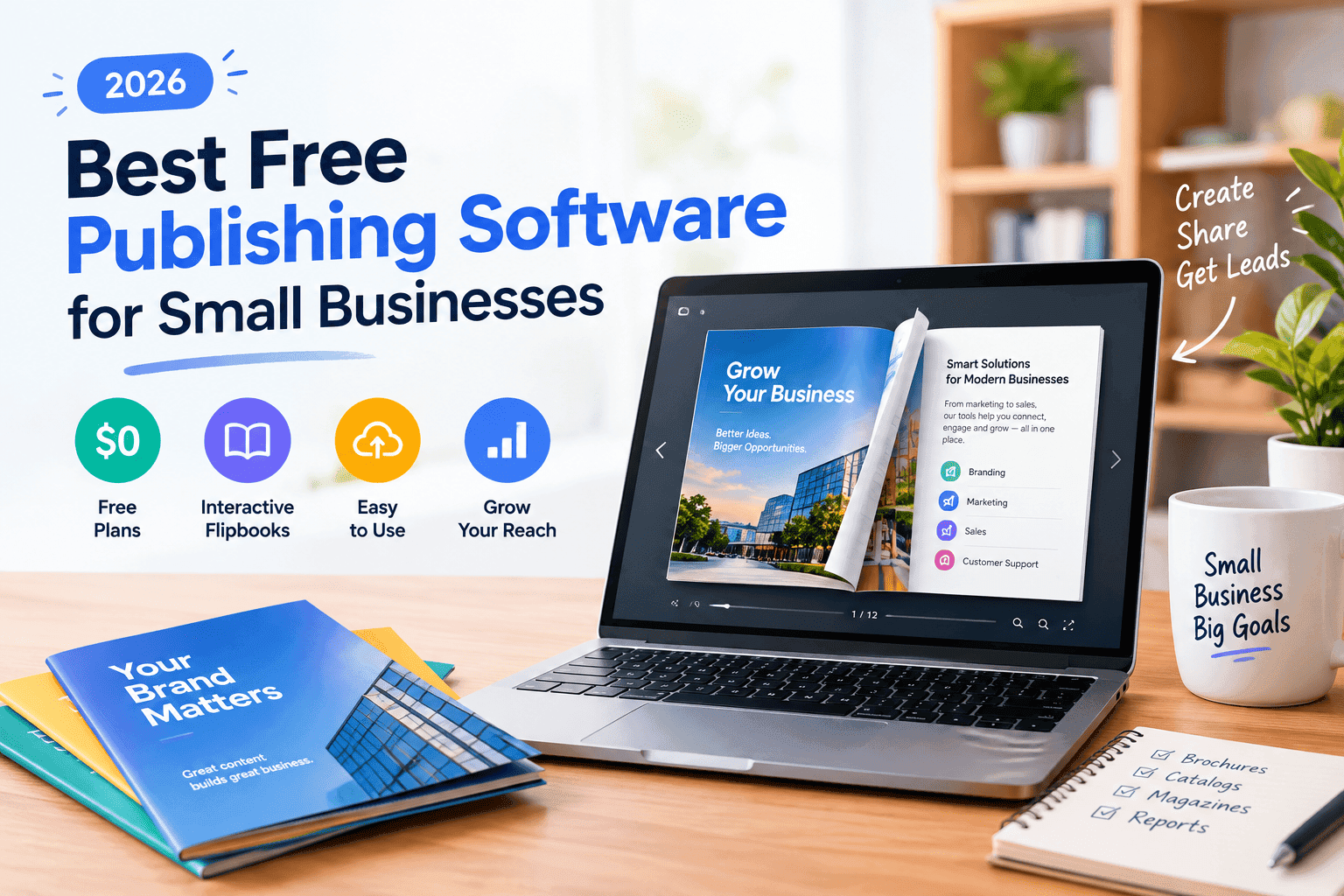
So here's a roundup of the best free publishing software for small businesses right now, based on what each tool does well when you need a flyer, a brochure, a banner or an invoice out the door. Some of these are proper desktop publishing (DTP) programs. One runs in a browser but is too useful to leave off. All of them have a free tier that does real work.
I run an SEO agency whose clients are mostly tradespeople and small local firms, and I also build ZipFlipbook, so I see what people actually produce: a PDF brochure, a PDF price list, a PDF quote. The design tool matters less than what comes out of it. More on that near the end.
What "free" should cover for a small business
A free tool that can't export a print-ready PDF is a toy. Before you pick anything, check four things: can it export PDF with bleed and crop marks, does it handle CMYK (or at least let you convert later), are there templates so you aren't starting from a blank A4, and can you get a second person into the file without a licence fight.
Templates matter more than designers admit. Most small businesses don't want to learn master pages. They want a decent flyer by Thursday.
Affinity by Canva: the best free InDesign replacement
In October 2025, Canva (which bought Serif, Affinity's maker, in 2024) folded Designer, Photo and Publisher into one app called Affinity and made it free. The page layout part is now called Layout. It runs on Windows and Mac, the iPad version is promised, and you need a free Canva account to activate it. After that it works offline.
The core app has no feature restrictions. The paid bit is Canva's AI tools (generative fill, background removal and the like), which need a Canva Pro-type plan. If you don't care about AI, you're not missing anything.
For layout it's the closest thing to InDesign without the subscription: master pages, paragraph styles, proper bleed, press-ready PDF export. Files from the old V2 Publisher open in it, and it now saves in a single .af format. Templates are thin compared with Canva, so you'll build more from scratch. If you're moving across from Adobe, my guide to making an interactive brochure in InDesign covers the workflow you'd be leaving behind, and most of it carries over.
Pick it if you want a real desktop layout program and don't mind a learning curve. Skip it if you need an invoice by 5pm.
Scribus: open-source, print-serious, a bit stubborn
Scribus is the open-source answer to InDesign, and it's been around since the late 1990s. The current stable release is 1.6.6 (13 April 2026), with the 1.7 branch available as a preview. It's GPL-licensed and runs on Windows, macOS and Linux.
What it does well is the print side: CMYK, spot colours, PDF/X-4 export, bleed, colour profiles. If a commercial printer is going to run your brochure, Scribus will give them what they want, and it costs nothing. It also imports ODT and HTML text and has paragraph and character styles.
What it doesn't do well is feel friendly. The interface looks like 2008, the built-in template selection is small, and you'll spend your first evening finding where the text frames went. It's a good fit for a club newsletter, a village magazine, or a small business that produces the same brochure layout every quarter and wants to set it up once. It's a poor fit for a one-off banner.
Turn Your PDFs into Lead Generation Machines
Start getting highly-qualified leads from your PDFs and landing pages today. It takes exactly 2 minutes to set up.
No credit card required • Sign up in 10 seconds
LibreOffice Writer and Draw: invoices, price lists and plain flyers
LibreOffice is on version 26.2 now, and Writer is the quiet workhorse for small business documents. Invoices, quotes, letterheads, price sheets: Writer handles those with templates, mail merge and one-click PDF export. Draw is the freer-form option for single-page flyers and posters, and it exports PDF too.
Writer also has a brochure print option (File, Print, Brochure) that imposes pages into a folded booklet, which is handy for a simple A5 leaflet run off the office printer.
The weakness is looks. Draw has very few templates, and a flyer made in it tends to look like a flyer made in Draw. Use LibreOffice when the job is mostly text and numbers. For anything customer-facing and pretty, use one of the others and keep LibreOffice for the paperwork.
Canva: the one with the templates
Canva isn't desktop software, and it isn't open source. It earns a spot because for small businesses it's usually the fastest route from nothing to a finished flyer, banner or brochure, and the free plan covers a lot: thousands of templates, PDF export, 5GB of storage.
For print, the free plan lets you add bleed (File, Show print bleed) and export as PDF Print with crop marks. CMYK export is a Pro feature, so if your printer is fussy about colour, expect some shift between screen and paper. Magic Resize (one design into flyer, poster and social sizes) is also Pro-only. Premium assets are mixed into the free templates, so watch for the crown icon before you spend an hour on a design you then can't export clean.
Pick Canva if speed matters and you're making things for screens and office printers. For a 5,000-copy print run, test a proof first.
Marq: brand templates for people who keep touching the logo
Marq (formerly Lucidpress) is browser-based, aimed at businesses that want staff to make on-brand material without wrecking it. You lock the logo, fonts and colours in a template, and everyone else edits only the parts you allow.
The free plan is the limitation: capped at three documents, according to Capterra's listing, and paid tiers add premium templates and more. Review sites disagree on the exact price of the entry paid plan, so check Marq's own pricing page before you commit. It's a reasonable choice for a franchise, a multi-branch business or an estate agent's office, and overkill for a sole trader.
Which one for which job
Affinity by Canva and Scribus are the two for serious print work: both are free, both export press-ready PDFs with bleed, and both expect you to build your own layouts because neither ships with many templates. Affinity suits brochures and catalogues, Scribus suits newsletters and anything you reprint every quarter. LibreOffice is the one for invoices, price lists and plain flyers, with basic templates and PDF export built in. Canva has thousands of templates and is the quickest for flyers, banners and social graphics, though CMYK export sits behind Pro. Marq's free plan stops at three documents, so it only makes sense if you need locked branding across a team.
If you want desktop publishing software with out-of-the-box templates for quick flyers, banners and invoices, the honest answer is a pair: Canva for the flyer and banner, LibreOffice Writer for the invoice. Nothing on this list does all three well in one program.
Best software for brochure design
For a brochure you'll send to a printer, Affinity by Canva or Scribus. Both give you master pages, bleed and a proper press PDF, and both cost nothing. Affinity is easier to live in. Scribus is better if you work on Linux or want fully open-source tooling.
For a brochure that mostly gets emailed or linked, Canva is quicker, and you'll finish before the printer would have finished reading your spec sheet.
Either way you end up with a PDF. A PDF is a fine thing to hand a printer. It's a mediocre thing to send a customer: it downloads as a heavy attachment, it doesn't tell you whether anyone opened it, and it can't capture a lead.
Turning your PDF into a flipbook with ZipFlipbook
This is the step most "best publishing software" lists skip. You've made the brochure. Now it has to be read on a phone, linked from a quote email, and embedded on your site.
Export the finished layout as a PDF from whichever tool you used. Use the screen-optimised or "small file" setting rather than the press-ready one, because a 60MB print PDF will make a slow flipbook. Then upload it to ZipFlipbook, which is free and runs in the browser, and it turns the PDF into a page-turning flipbook with an embeddable link. You can add a lead capture form, embed video, and see how many people opened it and how far they got. If you want the longer walkthrough, I wrote one on how to turn any PDF into an interactive digital brochure.
It works the same whether the PDF came from Scribus, Affinity, LibreOffice or Canva, which is the point: you can pick the design tool for how it lays out the page, and treat the distribution as a separate decision. If you're weighing up the flipbook side too, I compared the platforms in best digital publishing software for small teams.
FAQ
What is the best free publishing software for small businesses? Affinity by Canva if you want a proper layout program, Canva if you want templates and speed. Use LibreOffice Writer for invoices.
Is there free desktop publishing software with templates for flyers, banners and invoices? Canva has the most templates but runs in a browser. On the desktop, LibreOffice Writer has invoice and letter templates, while Affinity and Scribus lean toward building your own.
What is the best software for brochure design? Affinity by Canva for print, Canva for quick digital brochures. Scribus if you need open source.
What replaces Microsoft Publisher now? Microsoft points people to Word and PowerPoint. For real page layout, Affinity or Scribus is closer. Convert old .pub files to PDF or Word before you lose access.
Is Scribus good enough for professional printing? Yes. It exports PDF/X-4 with CMYK and bleed, which is what printers ask for.
Can I turn a PDF from any of these tools into a flipbook? Yes. Upload it to ZipFlipbook and it becomes an embeddable flipbook with lead capture and analytics.
Turn Your PDFs into Lead Generation Machines
Start getting highly-qualified leads from your PDFs and landing pages today. It takes exactly 2 minutes to set up.
No credit card required • Sign up in 10 seconds
Conclusion
The best free publishing software for a small business depends on the job in front of you. Affinity by Canva and Scribus handle serious layout and printing. Canva gets flyers and banners done fast. LibreOffice covers the invoices. Whatever you pick, export a PDF, and if you want people to actually read it online, put it through ZipFlipbook.