Most catalogues I see end up as a PDF in a shared folder or a link in the footer. The download count rarely gets checked. The design may have taken weeks and the photography wasn't cheap, but the file is 62 MB; a customer on a train with one bar of signal probably won't wait for it.
Uploading the PDF and linking to it is the usual first attempt. It gives you a download, not a catalogue website. Google can read text inside a PDF, but the visitor still has to download it, pinch-zoom it on a phone, and then find their way back to you. Most don't. What usually works better is a page that loads in a couple of seconds, shows the products, and gives people a reason to enquire or buy before they leave.
There are three routes, and which one fits depends on how many products you carry and how often prices change. A 24-page trade brochure and a 3,000-SKU parts book shouldn't be handled the same way.
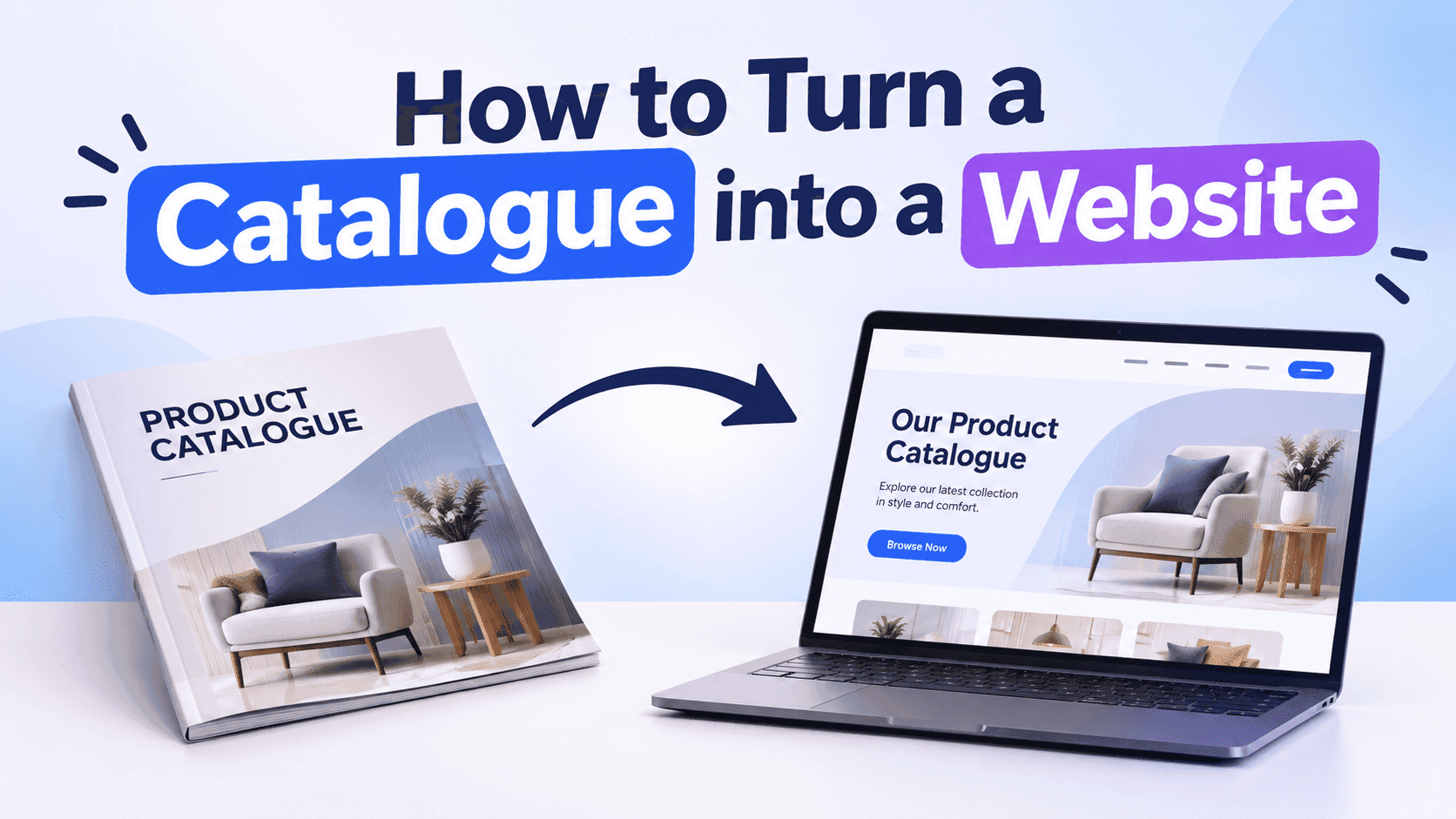
Why a PDF on a website is not a catalogue website
Start with the file size. A 60-page catalogue exported from InDesign or Canva at print quality usually lands between 40 and 80 MB. On office wifi that's tolerable. On a phone, where over half of web traffic comes from, it's usually a spinner and then a closed tab.
Then there's SEO. A PDF gets one URL, so all 80 products share it; you can't rank the stainless steel hinges for "stainless steel hinges" and the brass ones for something else. Google does index PDFs, but they rarely beat an ordinary web page for the same query, and they carry none of your navigation, your phone number or your other products.
You also get almost no analytics. A download tells you very little about what the buyer read or skipped. You don't know if the buyer read page 3 or bailed on the cover, and you can't see which category people lingered on. Compare that with a web page where you can at least see scroll depth, clicks on the enquiry button and where visitors came from.
Last, version control. Somebody emails the January catalogue to a trade customer in June, and the prices are wrong. The old file is now out in the world with your logo on it and you can't recall it. If the catalogue lives at one web address, you can update it in place; there's no older file for someone to open by mistake.
Keep the PDF, though. You'll need it as the source for whichever route you take below.
Three ways to turn a catalogue into a website
The first is to embed the catalogue as a flipbook on a page of your site. You take the PDF, convert it into a page-turning reader, and drop it into a normal web page with a heading, some intro text and a call to action around it. It takes an hour or two. Your layout stays exactly as designed, which matters if the catalogue is photography-heavy or the page design is half the appeal.
The second is to rebuild the catalogue as product pages. Every product gets its own URL, its own photo, price and description, and the whole lot sits inside category pages. This is the version search engines can index best, and it's the one that takes real work: a 200-product catalogue is a week of copy-pasting, or a CSV import if your platform supports one.
The third is both. The flipbook sits on a "download our catalogue" page that people can browse, while your best sellers and highest-margin lines get proper product pages. Most small businesses I'd point at this one.
Which route fits. Under 100 products and prices that change once or twice a year: flipbook. Several hundred products, stock levels that move weekly, or a shop that needs a basket: product pages. Somewhere in between, or you don't have the time to rebuild everything: do the flipbook first and add product pages for the top 10 or 20 lines over the next month. If you haven't got a clean PDF yet, this walkthrough on making a catalogue online covers the building side before you get to the website part.
Turn Your PDFs into Lead Generation Machines
Start getting highly-qualified leads from your PDFs and landing pages today. It takes exactly 2 minutes to set up.
No credit card required • Sign up in 10 seconds
Turning a catalogue PDF into an embedded flipbook
This is the quickest way to turn a catalogue into a website page, and it's the one most people should start with. The steps are:
- Shrink the PDF first. Export at screen quality rather than print quality. A 60 MB file often drops under 10 MB with no visible difference on a monitor, and the flipbook will load faster for it.
- Upload it to a flipbook tool. On ZipFlipbook you drop the PDF into the browser and it turns each page into a page-turning view. There's no software to install.
- Add the interactive parts. Link product photos to the matching page on your shop, put a video on the pages that need explaining, and add an enquiry form if you want the catalogue to bring in leads instead of just views.
- Copy the embed code or the share link.
- Paste it into your site. On most platforms that means an HTML or custom code block. If you're on WordPress, this embed guide covers where the block goes and what breaks.
The embed is only part of the page; the copy around it matters as much as the flipbook. A flipbook on its own, under a heading that says "Catalogue", tells Google very little. Write a proper intro above it: who the catalogue is for, what's in it, the year or season it covers, and what to do if they want a price. 150 to 250 words is plenty. Add a button underneath for the people who'd rather open it full screen.
Cost. ZipFlipbook's free tier puts a watermark and display ads on the reader, which is fine for testing and for catalogues you only share with friendly trade contacts. If the catalogue is going in front of customers, the Pro plan at $19 a month removes the ads and allows unlimited flipbooks. Check the current plan details on the pricing page before you commit.
The flipbook route has one clear weakness. Search engines only see the text you put around the embed, not each product inside it. For a small catalogue that's acceptable. For a big one, it's the reason to build product pages too.
Rebuilding your catalogue as product pages
If you sell online, or you want individual products to rank, each item needs its own page. Pull the data out of the catalogue into a spreadsheet: product name, SKU, short description, price or "from" price, dimensions, material, and the filename of its photo. Shopify, WooCommerce and Wix all take a CSV import, so a 300-line spreadsheet beats 300 manual entries by a wide margin.
The photos also need work. Cropping them out of the PDF gives you soft, small images. Go back to the original design files or the photographer's folder if you can. Product images at 1200 pixels on the long edge, compressed to under 200 KB each, load quickly and still look sharp on a retina screen.
Write the descriptions fresh rather than pasting catalogue copy. Catalogue text is written to sit beside a photo on a printed page, so it tends to be three words and a dimension. A web page has to make sense without the printed page around it. Say what the product is, who buys it, what it's made of, and what it's compatible with. Two or three sentences per product is enough to start, and the best sellers can get more later.
Then group the products into category pages with their own intro text. "Stainless steel hinges" as a category page, with 150 words about the grades and finishes above a grid of products, will pick up searches that no single product page would.
You don't have to choose between this and the flipbook. A hybrid setup keeps the flipbook on a "Download our catalogue" page for people who like browsing, and links from its pages to the live product pages for anyone ready to buy. This guide on shoppable digital catalogues goes through how the linking works, so the flipbook sends people to checkout and doesn't sit there as a dead end.
Getting your catalogue website found on Google
Once the catalogue is a website, it still has to be findable. Most of the work is basic housekeeping, and it's easy to skip.
Give the catalogue page a title that matches what people type. "Catalogue" by itself competes with every other catalogue on the internet. "Spring 2027 Trade Catalogue | Hinges, Handles and Fittings" at least tells Google what's inside. Put the main phrase in the page title, the H1 and the first paragraph, then leave it alone. Stuffing it into every sentence reads badly and doesn't help.
Name your images. A photo called IMG_4471.jpg says nothing, while stainless-steel-door-hinge-100mm.jpg does. Add alt text that describes the product in a short plain sentence. This helps people using screen readers too, which is a good enough reason by itself.
Add the catalogue page to your main navigation. A page buried three clicks deep and linked only from the footer looks unimportant, and search engines tend to treat it that way. Link to it from relevant blog posts and category pages as well, using wording that describes the destination.
If you've built product pages, add Product structured data with the name, image, price and availability. Most shop platforms generate this automatically, but check it with Google's Rich Results Test, because themes break it more often than you'd expect.
Make sure the page is in your XML sitemap and submit it in Google Search Console. Then wait. A new page can take a few days to a few weeks to appear, and a few months to settle into its real position. Check the Pages report in Search Console after a week and see whether it's been indexed.
Speed matters throughout. Compress images, avoid autoplaying video above the fold, and test the page on your own phone on mobile data. If it takes more than three seconds to show something useful, trim it before you worry about anything else on this list.
Gating the catalogue and other common mistakes
The most common mistake is putting the whole catalogue behind a sign-up form. Collecting emails is a fine goal, and I'm all for it, but a wall on page one means nobody sees a product before being asked for their details. Let people browse the first five or six pages freely, then ask for an email when they want the rest or want to download the price list. You'll get fewer sign-ups from strangers and better ones from people who already like what they've seen.
The second is leaving the old PDF live at the old address. If the January file is still sitting at /downloads/catalogue-2026.pdf, it will keep turning up in search results with last year's prices. Delete it, or redirect that URL to the new catalogue page.
Third, tiny text. Catalogue pages are designed for A4 and a 10-point font looks fine in print. On a phone it needs zooming, and people won't zoom for long. Open your flipbook on your phone before you publish and check you can read a price without squinting.
Then there's the page with no next step. If someone reaches page 40 and decides they want the item, they need something obvious to click or call. There should be a phone number, an enquiry button or a link to the product on every spread, or at least in a bar that follows the reader down the page.
Last, forgetting to look at the numbers afterwards. Whichever tool you use, check which pages are viewed most and where readers stop. If 70% of visitors drop off before page 12, your best products are in the wrong place, and moving them costs you nothing.
Turn Your PDFs into Lead Generation Machines
Start getting highly-qualified leads from your PDFs and landing pages today. It takes exactly 2 minutes to set up.
No credit card required • Sign up in 10 seconds
FAQ
How do I turn a catalogue into a website for free?
Upload the PDF to a free flipbook tool, copy the embed code and paste it into a page on a free site builder such as WordPress.com or Wix. Expect a watermark and ads on the free tier.
Can I convert a PDF catalogue directly into a website?
Not into a full multi-page site. A converter can turn the PDF into an embeddable reader, which gives you a single catalogue page. Product-by-product pages need the data pulled out into a spreadsheet and imported.
How long does it take to turn a catalogue into a website?
An embedded flipbook takes one to two hours including the intro text. A 200-product rebuild with new descriptions takes about a week of part-time work.
Do I need a developer?
No, unless your platform is custom-built. Shopify, WordPress, Wix, Squarespace and Webflow all accept embed code or a CSV import.
Does a flipbook hurt SEO?
Only if it's the only thing on the page. Wrap it in 150 to 250 words of real text and it ranks like any other page.
Should I still offer a PDF download?
Yes, for trade buyers who want to forward it internally. Put it behind the web page, so the page gets the traffic and the PDF is a secondary option.
Turn your catalogue into a website this week
Pick the route that matches your product count, shrink the PDF, and get one page live before you start polishing. A live page that loads fast and has a phone number on it beats a perfect rebuild that's still half finished in March. Add product pages for the top sellers when you have a spare hour, and look at the page views once a month to see what to fix next.