I did this with Canva two years ago: sixty products, no categories, and a Sunday gone before I'd even picked a font. By Monday I had a PDF that looked fine and told a customer nothing about what to click next.
For years, making a catalog meant one of two things: hire a designer and wait two weeks, or fight desktop publishing software you open twice a year and forget how to use every time. For most small shops, neither makes sense now.
Here's the process I use now: what a catalog online needs, the tools worth your time, and the mistakes that kill conversions before anyone notices.
What "Catalog Online" Even Means Now
A print catalog and an online catalog are not the same product with a different delivery method. That's the mistake most people make first. They design something meant for paper, with big spreads and tiny footnotes and page numbers that matter, then just stick it on a website as a PDF and call it done.
An online catalog needs to do things print never had to:
- Load fast on a phone, because that's where most people will open it
- Let someone click a product and buy it, or at least ask about it
- Track who's looking, because "post it and pray" isn't a strategy
- Update without a reprint every time a price changes
If your "catalog online" is just a static PDF sitting in a folder link, you've built half a catalog. It looks the part but doesn't do the job. One retailer I worked with spent three weeks on a beautifully designed catalog, uploaded it, and had no idea for six months whether a single person had opened it. That's a PDF, not a catalog.
Turn Your PDFs into Lead Generation Machines
Start getting highly-qualified leads from your PDFs and landing pages today. It takes exactly 2 minutes to set up.
No credit card required • Sign up in 10 seconds
Step One: Get Your Content Together Before You Touch a Tool
Before you open a catalog builder, get these four things ready:
Product photos. Consistent lighting and background matter more than resolution. A catalog with twelve different photo styles looks like it was assembled by twelve different people, because it was.
Pricing and descriptions. Decide now whether prices go in the catalog or whether you're using it to drive inquiries instead. Trying to answer that question halfway through building the thing is how catalogs end up half-priced and half-not, which looks worse than either option alone.
Categories. Even a modest 30-product catalog benefits from grouping. Nobody wants to scroll past garden furniture to find kitchen taps.
Your CTA. What do you actually want someone to do after flipping through this? Buy now, request a quote, book a call, sign up for something? If you can't answer that in one sentence, the catalog won't answer it for your reader either.
This prep work is what makes the catalog convert.
Step Two: Choose the Right Format (This Matters More Than You Think)
There are three real routes for turning your content into a catalog online:
- A flat PDF hosted somewhere. Cheapest, fastest, worst experience. Fine for internal documents, bad for anything customer-facing where engagement matters.
- A dedicated e-commerce catalog page. Great if you're already running Shopify or WooCommerce and want products individually browsable and purchasable. Overkill if you just need something to send in an email or embed on a landing page.
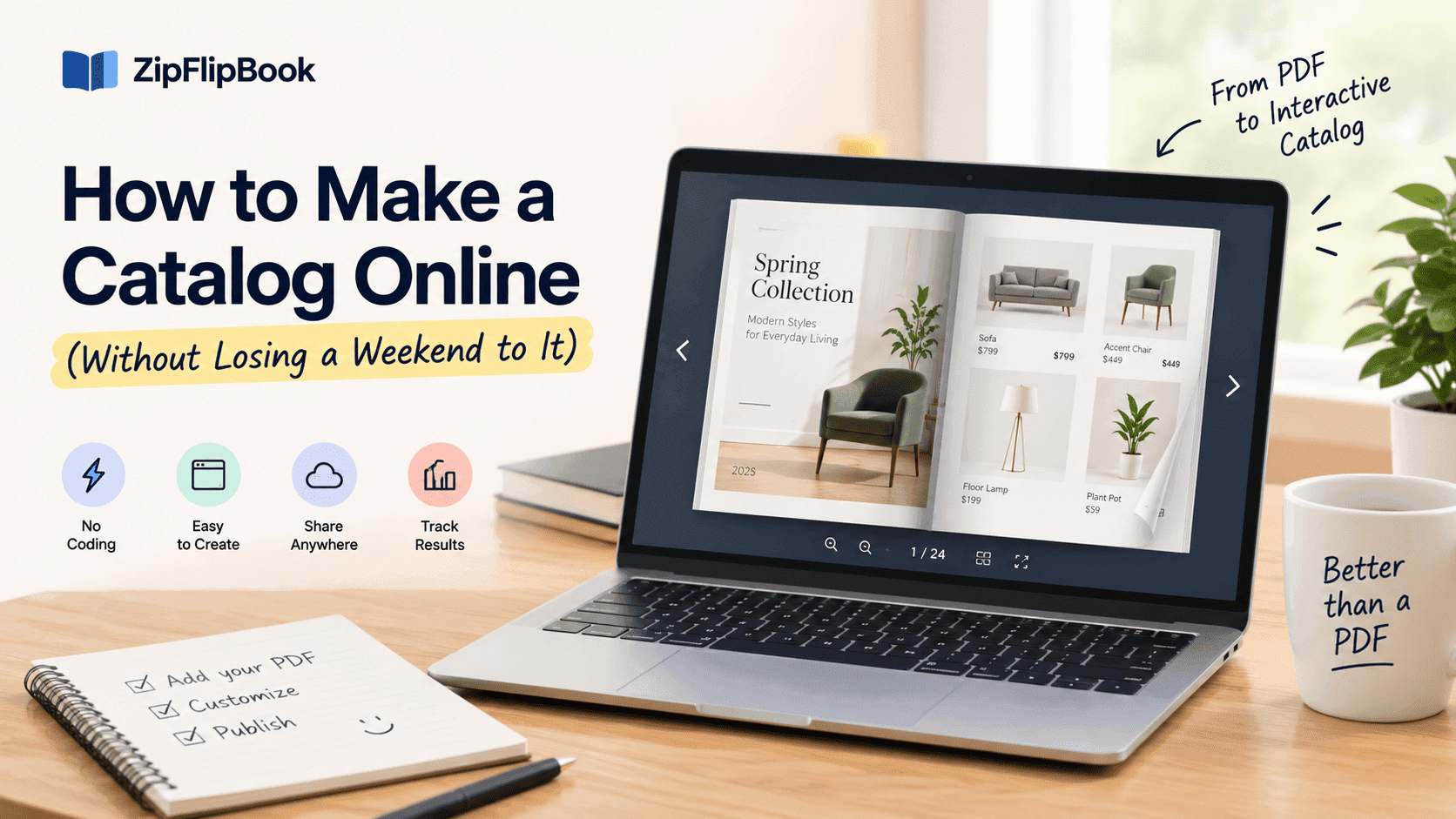
- An interactive flipbook. For many small retailers, this is the sweet spot — something that feels like a real catalog, with page-turn interactions, clickable links, embedded video, and lead capture, but doesn't require rebuilding your whole storefront.
If you're comparing formats, this breakdown of digital versus static PDFs covers the engagement difference — it shows up more in the numbers than in how the thing looks on a screen.
For most small retailers I've worked with, the flipbook route wins because it takes an asset they already have (a PDF) and makes it behave like a proper online catalog without demanding a redesign from scratch.
Step Three: Turn Your PDF Into Something Interactive
If you've already got a PDF — from Canva, InDesign, Word, whatever you used — you don't need to start over. People overcomplicate this step.
I use ZipFlipbook for this. Upload the PDF and it becomes an embeddable, page-turning flipbook in a couple of minutes, no design work required. From there you can:
- Add clickable links on individual pages so "Shop Now" goes somewhere
- Embed a product video instead of a static photo
- Capture an email address before someone views the full catalog, if lead generation matters more to you than open reach
- Get analytics on which pages people spend time on, which tells you more about your product lineup than any focus group will
The analytics are the useful part. One client of mine almost cut a lookbook page she assumed was dead weight, then found out from the page-view data that customers were spending three times longer on it than on her actual bestseller. You don't get that from a plain PDF.
If you're comparing tools, this buyer's guide covers the main options for small retailers, rather than whichever one has the loudest ad campaign.
Step Four: Design Choices That Actually Affect Sales
A catalog isn't a portfolio. Nobody's grading you on artistic merit. Every design decision should be judged by one question: does this make it easier or harder for someone to buy something?
A few things that consistently make a difference:
Cover page. The cover decides whether anyone opens it. A cluttered cover with five fonts and a stock photo of a handshake doesn't get a second look.
Page order. Lead with your strongest sellers, not alphabetically or by SKU number, which is how a lot of catalogs get organized by default because that's how the spreadsheet was sorted.
White space. Cramming twelve products onto one page to "save pages" doesn't save anything — it makes everything look cheaper and harder to browse. Online, page count is free. Use it.
Consistent CTAs. If half your pages say "Buy Now" and the other half say nothing, you're relying on the reader to guess what to do next. They usually won't guess. They'll just leave.
For a more exhaustive rundown, this checklist of design checks is worth skimming before you hit publish, especially on a first catalog.
Step Five: Get It in Front of People
Distribution is where most catalogs die. You can build the best-looking catalog online and it'll do nothing sitting in a Google Drive link nobody clicks.
Where to put it:
- Embed it directly on your website, not just link to it. A visitor who has to download a file loses momentum that a visitor who can flip through it inline never does.
- Email it as a link, not an attachment. Attachments get buried, flagged, or ignored by half the email clients out there.
- Share it on social with a direct link, rather than a screenshot of the cover. People want to interact with it, not admire a thumbnail.
- Put it in your Google Business Profile if you're a local business — that's often the first place a nearby customer looks before they ever hit your website.
None of this works if the catalog itself is slow to load or clunky to navigate on a phone, which is most people's first (and often only) device for browsing anything you send them.
The Mistakes I See Most Often
The same mistakes show up with people building their first catalog online:
Treating it as a one-time project. A catalog that never updates goes stale fast, especially with seasonal products or shifting prices. Build something you can actually update in ten minutes, not something that requires re-hiring a designer every quarter.
Skipping mobile testing. Something that looks fine on your 27-inch monitor can be a nightmare to navigate on a 6-inch screen. I once sent out a catalog where the price column ran off the edge of the page on iPhone and had to email everyone a correction the next morning. Check it on your actual phone before sending it to a single customer.
No tracking at all. If you don't know whether anyone's opening it, you're flying blind on whether the whole exercise was worth doing.
Overloading every page. More isn't more. A catalog that respects the reader's attention span outperforms one that tries to cram every feature onto page one.
Turn Your PDFs into Lead Generation Machines
Start getting highly-qualified leads from your PDFs and landing pages today. It takes exactly 2 minutes to set up.
No credit card required • Sign up in 10 seconds
How Long Should This Actually Take?
If you've done the content prep properly, the build itself shouldn't eat your week. Gathering photos and writing descriptions for a 40-product catalog might take a couple of days if you're doing it alongside everything else running a small business. The actual assembly — uploading the PDF, adding links, setting up lead capture — is closer to an afternoon than a project.
The revision cycle takes longer than the build. You'll look at it once it's live, notice the cover photo is slightly off-brand, realize page 12 has a typo in the price, and want to swap out three product shots that looked fine on your desktop but grainy on mobile. Budget time for that round — it always happens, and it's always faster than the first draft was.
Switching tools halfway through is what wastes time. I've watched a shop owner start in one platform, get frustrated with a formatting quirk, migrate everything to a second platform, then discover it doesn't do lead capture the way she wanted, so she migrated again. Pick something that covers interactivity, embedding, and analytics before you start, and you skip that entirely.
Do You Need a Different Catalog for Different Audiences?
Yes, sometimes. A catalog aimed at wholesale buyers who already know your brand can afford to be denser and more spec-heavy. A catalog aimed at a first-time retail customer needs more visual breathing room and clearer pricing, because you're doing more persuading per page.
Rather than trying to make one catalog serve both audiences and satisfying neither, it's often faster to build two lightweight versions from the same product library — same photos, same descriptions, different pacing and different calls to action. Updating an online catalog takes minutes rather than a reprint, so this isn't the expensive proposition it would've been with a print run — it's just another version you keep current alongside the main one.
That mistake costs sales. A wholesale-style catalog once got sent to a batch of retail customers by mistake at a company I worked with, and the drop-off in opens was immediate — dense product tables and no clear "buy this" moment reads as cold to someone expecting to be sold to a little.
SEO: Only If You Want Search Traffic
Not everyone wants their catalog to rank in search, but if you do, an online catalog can pull its weight in a way a print one can't. Embedding it on a page with real text around it — a short intro, category descriptions, maybe a couple of customer testimonials — gives search engines something to index beyond just images.
A flipbook alone, sitting on a bare page with no surrounding copy, won't do much for you here. Treat the catalog page itself as a small landing page: a sentence or two about what's inside, who it's for, and what to do next, with the catalog embedded below the fold rather than being the entire page. That combination tends to perform noticeably better than a catalog link dropped onto an otherwise empty page.
Turn Your PDFs into Lead Generation Machines
Start getting highly-qualified leads from your PDFs and landing pages today. It takes exactly 2 minutes to set up.
No credit card required • Sign up in 10 seconds
What to Do Next
Building a catalog online doesn't have to be the multi-day slog it used to be, and it doesn't need a design degree or a freelancer invoice. Get your content sorted first, pick a format that fits how customers will use it, turn your existing PDF into something interactive instead of starting from zero, base design decisions on what drives action rather than what looks nice in isolation, and then put effort into getting it seen.
The businesses that get real value out of their catalogs aren't the ones with the fanciest design — they're the ones who keep updating it and checking the numbers. Get the content and format right first. Everything else is easier after that.