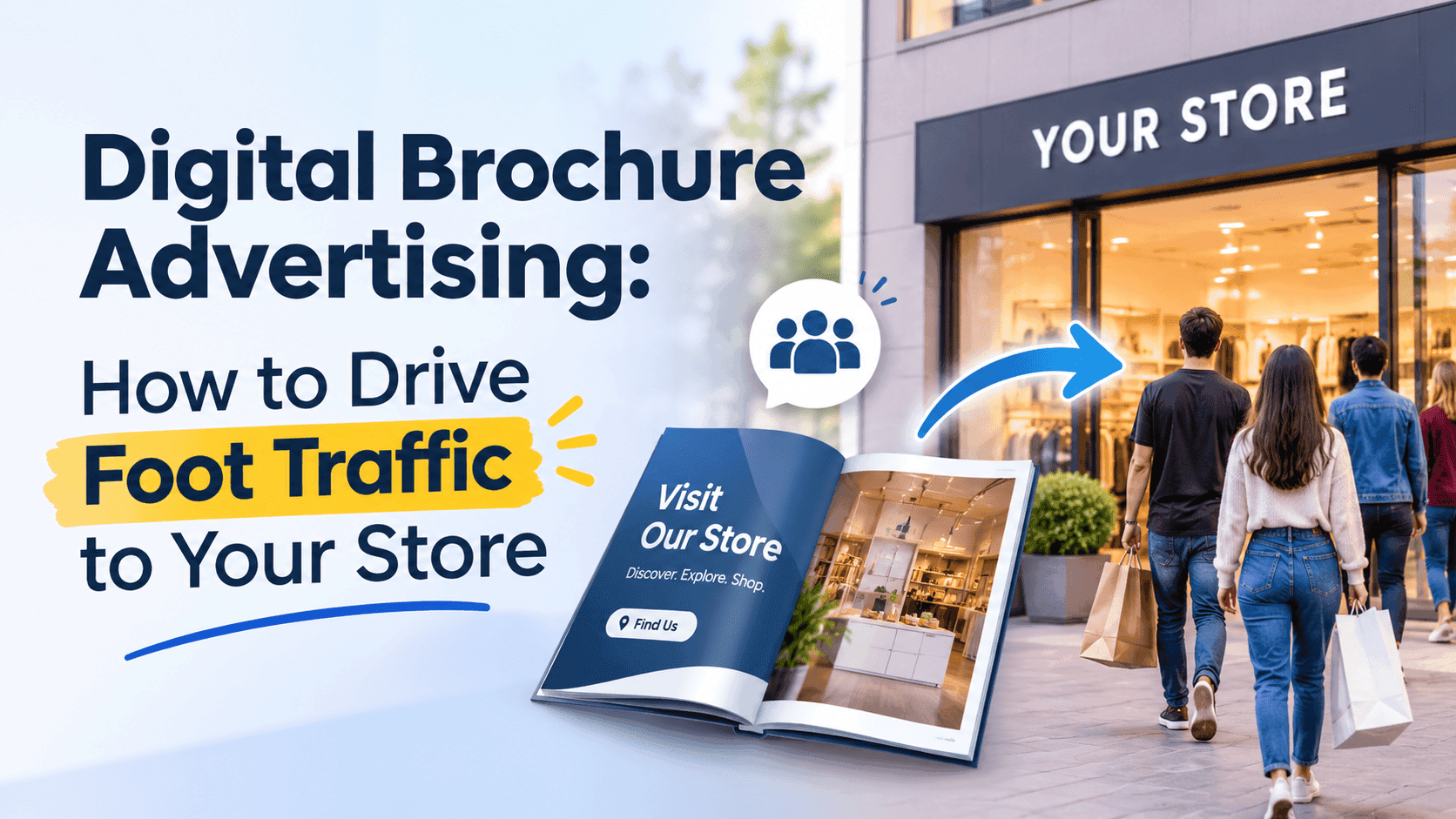
Digital brochure advertising only works for a local shop if the brochure ends with someone walking through your front door. Most small retailers still do it backwards. They build a nice PDF, post it on Facebook, and judge the result by how many people liked it. Likes don't pay the rent. Footfall does.
I run Slingshot Marketing, an SEO agency for tradespeople and small businesses in Cheshire, and I built ZipFlipbook, so I've seen a lot of small businesses make brochures. The shops that get people in on a wet Tuesday do one thing differently: they treat the brochure as an ad with somewhere to go.
Why a PDF attachment never gets anyone off the sofa
Take the usual route. You export a 40MB PDF from Canva, attach it to an email, and send it to your customer list. Gmail caps attachments at 25MB, so half your list gets a link to a Drive file instead, which needs a tap, a sign-in prompt and a download. On a phone, with a bar of signal, the PDF opens at A4 size and the reader has to pinch and drag to read a price. Most people give up on page one.
Even when it opens, a PDF has no pull. There's no map, no button to ring the shop, no reason to come in today rather than next month. It's a printout that lives on a screen. You wouldn't hand a stranger a folded A4 sheet and expect them to cross town for it.
A brochure that sits at a web link fixes most of this. It opens in the browser, the pages turn with a swipe, and it loads fast enough that someone standing at a bus stop will wait for it.
What a shop brochure actually needs to do
A digital brochure is a flipbook-style document that lives at a URL. Nobody downloads anything. It can hold links, video, a phone number that dials when tapped, and a button that opens your location in Google Maps. If you want the longer definition, our guide on what is a digital brochure and how to make one in minutes covers the basics.
The advertising is in where you put the link. A shop has a small catchment, usually a few miles, and a short list of places people actually see you: Google, Facebook, Instagram, WhatsApp, your own window. Digital brochure advertising means putting the same link in each of those places, with a reason attached to it, and then watching which ones send people in.
The advantage over print: a leaflet is finished the moment it leaves the printer. If the offer changes or you sell out of the lead item, the stack in the cupboard is waste paper. A new PDF and a new link cost you ten minutes.
Turn Your PDFs into Lead Generation Machines
Start getting highly-qualified leads from your PDFs and landing pages today. It takes exactly 2 minutes to set up.
No credit card required • Sign up in 10 seconds
Page one decides whether anyone visits
A shop brochure's cover needs two things: the offer and where you are. A cover that says "Autumn Collection 2026" tells a passer-by nothing. A cover that says "Winter coats from £39, in store until 14 December, Market Street" tells them what, how much, until when and where.
Page two should be the practical page. Opening hours, the postcode, which bus stops, whether there's parking behind the shop. Put all of it in real text rather than baked into an image, because text is searchable, copyable and readable by screen readers. Make the phone number a proper tap-to-call link and add a Maps link beside it. The person reading is probably already out and about, and every extra step between "I fancy that" and "I'm on my way" loses you some of them.
After that, keep it short. A shop brochure running 8 to 12 pages gets read. A 60-page catalogue gets bookmarked and forgotten. If you do have a big range, put the best twelve products up front and let people ask in store for the rest.
Give people a reason to come this week
A brochure alone is information. Footfall comes from a deadline.
Offers that only exist in the shop are the ones that move people. A garden centre might run 20% off bulbs until Sunday, redeemable at the till by showing page 3 on your phone. A bike shop could offer a free puncture check with any visit that mentions the brochure. A cafe could print a free-coffee-with-any-cake voucher on the last page. No code system needed—just an end date and a clear instruction for what to do at the counter.
Two rules: Always put the date on the offer, because "limited time" with no date is wallpaper. And make the in-store step easy for staff, so the person at the counter doesn't have to ask what you're talking about. Tell the team on Monday morning what the brochure says and what the deal is.
Seasonal timing helps too. The weeks before Christmas, Mother's Day, back to school and the first warm weekend are when people are already looking for something to buy. A brochure that lands the Thursday before a bank holiday weekend does more than the same one sent in the dead week after.
Where to put the link
A link only helps if it's in front of people who live near you.
Start with your Google Business Profile. This is where many people check your hours and read your reviews before they leave the house, so add the brochure link to a post and, where it fits, to your website or product links. A "Winter offers" post with a cover image and the link will sit right where someone has just searched for a shop like yours.
Facebook and Instagram ads come next, and for a shop the setting that matters is location. Draw a radius around the store, a mile or two for a town-centre shop and maybe five for somewhere people drive to, and send the ad to the brochure instead of your homepage. A homepage asks people to hunt. A brochure opens on the offer.
WhatsApp is one of the best channels for a local shop. Customers already use it, and they actually open messages. Don't attach the PDF. Send the link, which is the whole point of the format, and our post on sending a brochure on WhatsApp without the attachment size problem explains why a link beats a file every time. If you keep a broadcast list of regulars, one short message with the cover image and the link on a Thursday is enough.
Your email list gets the same link in a line or two, not the brochure pasted in. Local community groups on Facebook can work as well, but read the rules first, because plenty of them ban anything that looks like an advert.
Turn Your PDFs into Lead Generation Machines
Start getting highly-qualified leads from your PDFs and landing pages today. It takes exactly 2 minutes to set up.
No credit card required • Sign up in 10 seconds
Print still has a job: QR codes that lead to the brochure
Digital brochure advertising sits alongside the paper in your shop and gives it somewhere to go.
A QR code on the window turns passing traffic into readers, including the people walking by after closing time who would otherwise just see a locked door. Put one on carrier bags and till receipts, so customers leave with a reason to return. Stick one on the shelf next to the product it relates to, with a line like "See the full range". Counter cards, delivery boxes and van doors all work too.
Window codes fail more often than anything else, mostly because of size and glare. Make the code roughly the size of a beer mat if people will scan it from the pavement, print it dark on a plain light background, and test it on your own phone at the distance a real customer stands. If it takes three goes, it will lose people on the first.
We wrote more about this in interactive print brochures, which looks at how a printed piece and a digital one can share the same link.
Working out whether it brought anyone in
Shops have a harder attribution problem than online businesses, since nobody clicks a button at the till. You can still get a reasonable answer without special software.
Give every channel its own link or its own QR code, so "Facebook ad", "window" and "receipt" each show up separately in the numbers. Then pair that with something the customer does in store: show the page, quote a word from the cover, or hand over the voucher at the back. Keep a tally by the till for a fortnight. A fortnight of tally marks beats a dashboard nobody checks.
On the digital side, you want to know how many people opened the brochure, how many pages they read, and which links they tapped. If you're new to this, our walkthrough on how to track PDF opens for free shows what's measurable before you spend anything.
Then compare weeks. Take the number of brochure opens, the number of vouchers redeemed, and the till transaction count for the same weekday last month. You won't get perfect attribution, and you don't need it. What you're after is a pattern: Thursday WhatsApp messages produce more redemptions than Tuesday Instagram posts, say, so next month you send more Thursdays.
How to waste the effort
Most common: a brochure with no address inside it. People have seen your name on a social post and assume the brochure is for people who already know where you are. They don't, so put the address in.
Next: an offer with no end date, which gives nobody a reason to go today. Also common: a cover that's all brand and no message. Your logo is not why someone clicks.
Some shops also build the brochure on a laptop and never open it on a phone. Most of your readers will be on a phone, probably on 4G, probably one-handed. Open it on your own handset before you send it anywhere, and fix whatever annoys you.
And check the link before you print it. A QR code that points to a test version or a dead page, printed on 500 bags, is an expensive way to find out.
Setting one up in ZipFlipbook
If you already have a PDF from Canva, Word or InDesign, upload it to ZipFlipbook and you get a flipbook link you can share straight away. From there you can add clickable links for your phone number and Maps location, embed a short video of the shop or a product, and add a lead capture form on the voucher page if you want email addresses in return for the offer.
The free plan is fine for testing a first brochure, but it carries ads and a watermark. If the brochure is going in front of customers on your window and your Facebook ads, you'll probably want Pro at $19 a month, which removes the ads and gives you unlimited flipbooks and standard analytics. Business at $49 a month adds a custom domain and deeper drop-off analytics, which only matters once you're running several brochures at once.
No design software is required. Most shops I'd point at this already have a PDF of their price list or seasonal range sitting on a laptop.
Turn Your PDFs into Lead Generation Machines
Start getting highly-qualified leads from your PDFs and landing pages today. It takes exactly 2 minutes to set up.
No credit card required • Sign up in 10 seconds
FAQ
What is digital brochure advertising?
Sharing a browser-based brochure by link, ad, message or QR code. For a shop it should carry an offer, map and opening hours, and the goal is a visit.
How do you get foot traffic from a digital brochure?
Put a dated, in-store-only offer on the cover, your address and a Maps link on page two, then share the link where locals already look: Google Business Profile, WhatsApp, nearby Facebook ads, window QR codes.
How long should a digital brochure for a shop be?
Eight to twelve pages. Best offer first, voucher at the back.
Is a digital brochure better than a printed leaflet?
Use both, but for different jobs: leaflets hit letterboxes; the digital brochure is the updatable, trackable version that QR codes point to.
Can I track whether a brochure brings people into my store?
Roughly. Give each channel its own link or QR code, add an in-store step like showing a page at the till, and compare week on week.
Is it free to make a digital brochure?
Yes. ZipFlipbook's free plan carries ads and a watermark; paid starts at $19 a month.
Start with one offer and one link
Digital brochure advertising doesn't need a campaign calendar or an agency. Pick one offer with an end date, build an eight-page brochure around it, and share the link with your Google profile, your WhatsApp contacts and one QR code in the window. Watch the till for a fortnight. If people walk in holding their phones, do it again with a different offer next month.