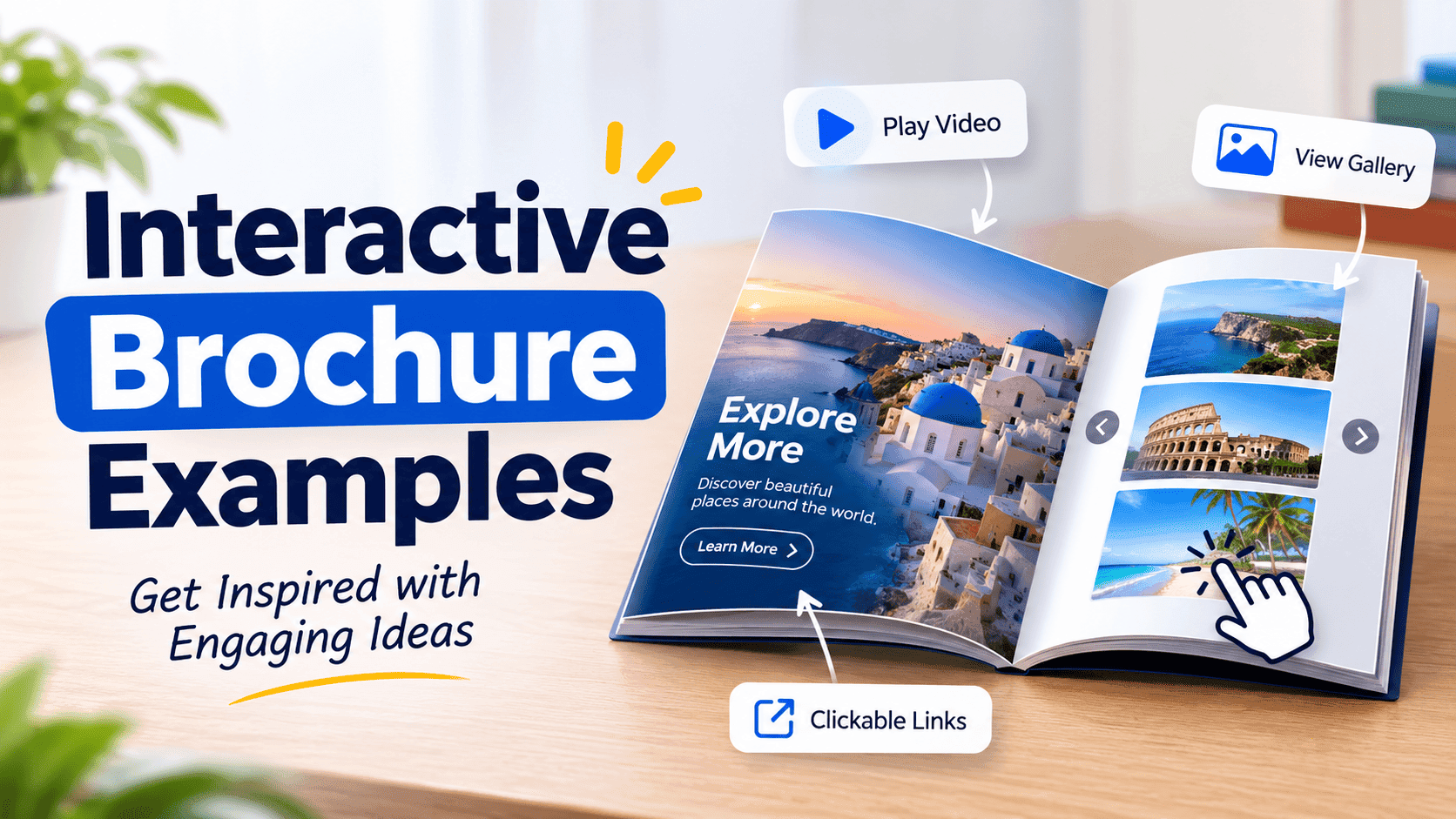
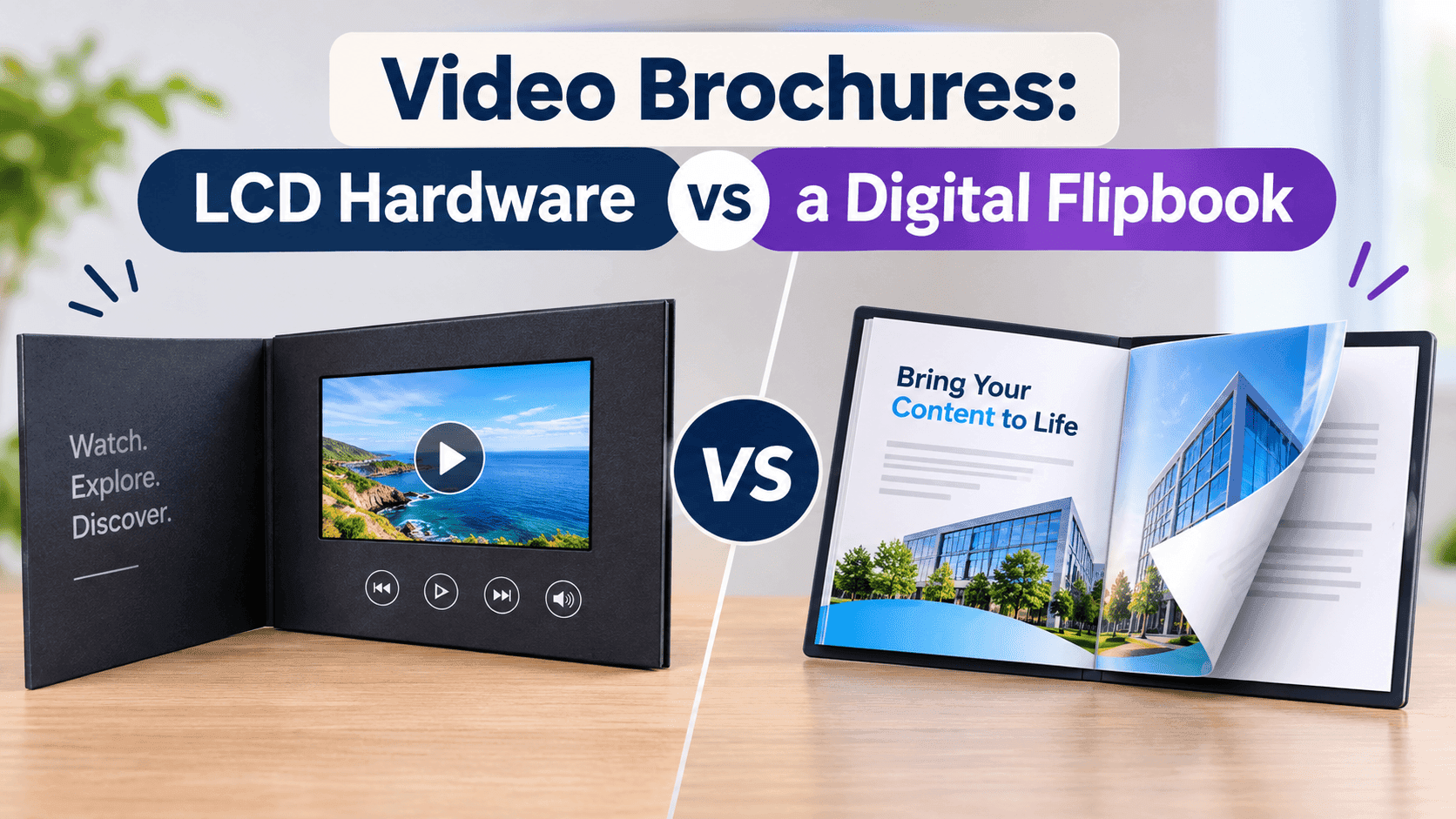
A printed brochure has one big weakness. Once it leaves your hand, you never find out what happened to it. It might get read on the train, stuck under a fridge magnet, or used to level a wobbly table. Interactive print brochures fix that by tying the paper to a screen, so the person holding it can scan, tap or type a short address and land on something they can watch, click and respond to. You keep the printed piece, and you get a way to see who cared.
Below is the practical version: what goes on the paper, what the scan should open, how big the code should be and where to put it, plus the mistakes that waste the effort. You won't need a developer for any of it.
What interactive print brochures actually are
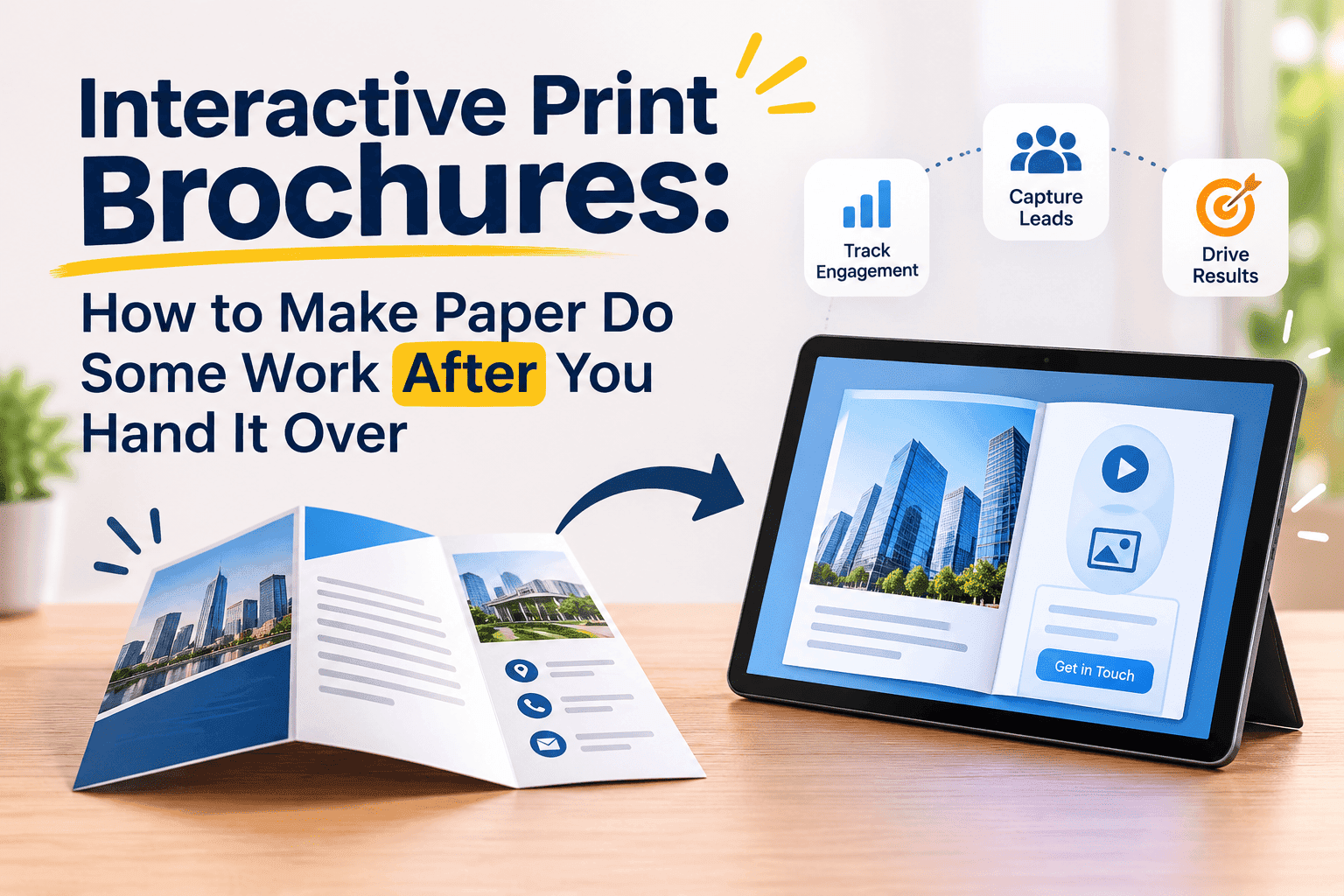
The phrase gets used loosely, so here is the version I mean. An interactive print brochure is a normal printed brochure (bifold, trifold, A5 flyer, whatever you already order) with a bridge on it to a digital version. The bridge is usually a QR code. Sometimes it is a short web address, and sometimes an NFC tag glued inside the cover that opens a page when a phone touches it.
On the other side of the bridge sits the interactive part: a flipbook version of the same brochure with video, clickable links, a contact form, maybe a price list that can change without a reprint. If you want the broader definition of an interactive brochure with no paper involved, we wrote that up in what is an interactive brochure. The print-plus-digital version is a narrower thing, and it has its own rules.
Augmented reality brochures exist too, where you point an app at the page and a 3D model pops up. They look great in a pitch deck. Almost nobody downloads an app to look at a leaflet, so I would skip them unless you are selling to an audience that already has the app.
Why bother with the digital half at all
Paper still does a few things a screen doesn't. A brochure on a desk gets looked at without a notification pulling attention away, and a good paper stock tells people something about the business before they read a word. Nobody is arguing you should drop it.
The trouble is what print cannot do: show a 45-second video of your team installing a bathroom, update when your prices change in March, or tell you that 300 copies went to a trade show and 12 people looked at the online version. If you printed 2,000 brochures and have no idea whether anyone engaged with them, that is the cost of running print alone.
There is also the length problem. A twelve-page product brochure in your hands is fine. The same twelve pages as a PDF attachment on a phone, on mobile data, with a 25 MB file that stalls at 60 percent, is a miserable experience. A flipbook loads page by page and does not make anyone download a file first. We covered the cost side of print in what printed property brochures actually cost, and the numbers there explain why wasting a print run on a brochure nobody can track stings.
Turn Your PDFs into Lead Generation Machines
Start getting highly-qualified leads from your PDFs and landing pages today. It takes exactly 2 minutes to set up.
No credit card required • Sign up in 10 seconds
Three ways to connect paper to screen
QR codes are the default for a reason. Every current iPhone and Android camera reads them without an app. A code costs nothing to generate, prints on any surface and works at arm's length. Make it a static code that points to a fixed address you control. Avoid the free generators that wrap your link in their own redirect and then switch it off after 14 days or a few hundred scans. That has caught a lot of small businesses out. The brochures are in the van, the code now lands on a "upgrade to keep this link active" page, and the print run is wasted.
A short typed address is the backup for people who do not scan. Put something like yourdomain.com/brochure under the code, in plain text. Better still, make that address a redirect on your own domain that points at the flipbook. When the flipbook link changes, or you move platforms, you repoint the redirect and every printed copy keeps working. If you only do one technical thing from this article, do this. It takes about five minutes with your website host.
NFC tags are the third option. A sticker the size of a coin costs pennies in bulk, and a phone that touches it opens a page. They suit hotel rooms, showroom displays and menus on a table, where the object stays in one place. For a brochure that gets posted or dropped through letterboxes, a QR code is enough and NFC is extra cost for little gain. If you want a worked example of a code on a table, our piece on QR code menus for cafes and pubs goes through the setup.
What the scan should open
Most interactive print brochures fail at this point. Someone scans the code and arrives at a homepage with six menu items and a cookie banner covering half the screen. They scan once, shrug and put the brochure down.
The scan should open the brochure itself, or the single page the printed copy told them to expect. If the front of the leaflet says "See our kitchen installs in 60 seconds", the code goes to the video. If it says "Get the full price list", the code goes to the price list, with no detours.
The simplest setup: take the PDF you sent to the printer and turn that same file into a phone-friendly flipbook. In ZipFlipbook you upload the PDF, add a video or a link where the content calls for one, switch on lead capture if you want an email before the last pages, and copy the link. The tool is free to start with. It works for this because the print file and the digital file are one document, so the two versions match and you are not maintaining a second brochure.
Put these in the digital version, because paper can't do them:
A short video next to the page it relates to, not a gallery of videos at the end. A phone number that dials when tapped. A form with two fields at most, because a form with six fields loses people on a phone. Anything seasonal, like opening hours over Christmas or a spring offer, that you would hate to reprint for.
Designing the print side so the code gets scanned
The digital half can be perfect and still get ignored if the paper side is careless. These are the problems I see most.
People underestimate the size issue. A code smaller than about 2 cm square on a hand-held leaflet starts failing on older phones, and anything on a wall or poster needs to scale up with the distance. Test with your own phone at the distance a real person would hold it, and then test on the oldest, cheapest phone you can borrow.
Next is contrast and quiet space around the code. A code needs a clear margin around it, roughly the width of four of its smallest squares, and dark squares on a light background. Reversed codes (white on black) fail on a lot of scanners. A code printed over a photograph, even a faded one, is asking for trouble.
Placement matters too. Keep it off the fold, off glossy areas that throw light back at the camera, and off the back cover where it will be face-down on a table. The inside front or the front panel works better than the very last page.
Then the call to action. A bare code is a puzzle. People scan when you tell them what they get: "Scan to watch the 2-minute tour" beats "Scan me" every time. Tell the reader what they get, put that promise right beside the code, and make sure the scan delivers exactly that.
Last, print a proof. Order one copy, scan it from a printed sheet and not from the screen, and only then approve the run. Printers will happily produce 5,000 copies of a code that does not read.
Turn Your PDFs into Lead Generation Machines
Start getting highly-qualified leads from your PDFs and landing pages today. It takes exactly 2 minutes to set up.
No credit card required • Sign up in 10 seconds
A workflow that works without a developer
The order below matters, mainly because it puts the digital link ahead of the print order. People who do it the other way round end up designing around a placeholder.
- Finish the brochure content and export a print-ready PDF, plus a smaller web version of the same file if the print one is huge.
- Upload the PDF to a flipbook tool and add the video, links and any lead capture form.
- Open the flipbook on your own phone, on mobile data, and check it loads in a few seconds.
- Set up a redirect on your own domain (yourdomain.com/brochure) that points at the flipbook link.
- Generate a static QR code for that redirect address and drop it into the brochure design with a short call to action.
- Print one proof, scan it, and fix whatever does not work.
- Approve the full run.
If you want a version of this where the digital side is built from a Word file or a PowerPoint before it ever reaches a printer, the same logic applies. The flipbook is just made from whichever source file you have.
Measuring what the paper is doing
This is why the extra hour is worth it. A flipbook with analytics tells you how many people opened it, which pages they reached and how long they stayed. A lead form tells you who they were.
To separate one print run from another, use a different redirect for each. yourdomain.com/trade-show and yourdomain.com/mailer both point at the same flipbook, but you can see how many visits each one drove. If you hand out brochures at three events, give each event its own address, and after the month you will know which one was worth the stand fee.
Be realistic about scan rates. A brochure with a vague code and no reason to scan might see one or two percent of recipients open it. One with a clear offer next to the code, like a price list, a video or a booking link, does noticeably better. I would not trust any single figure someone quotes for scan rates, because they swing wildly by audience and offer. Run your own test with two versions of the call to action and look at the numbers after a month.
A small warning on privacy. If the flipbook collects emails, say what you will do with them in a line under the form, and make sure your policy covers it. People are used to scanning and landing on a form now, but they still notice when it feels like a trap.
Who gets the most out of this
The businesses that benefit most are the ones that already print a lot and know little about what happens afterwards. Estate agents printing property brochures for every listing. Restaurants with a table menu that changes weekly. Tradespeople who post a leaflet through 500 doors and wait for the phone. Event organisers with a printed programme, a schedule that moves and 400 attendees.
It matters less for a brochure that sits in a reception area for a year and says nothing that ever changes. A trusted printer, a clean layout and a phone number will do the job there, and you can skip the extra step.
Mistakes that waste a print run
The worst is a dead link. Domains lapse, free tools disappear, and a link that worked in March can go to a parking page by August. Using your own redirect, as above, protects against most of this.
The second is a code that opens a PDF download. On a phone, that means a file to wait for, a viewer to open and a page to pinch and zoom. A responsive flipbook solves it.
The third is sending everyone to your homepage. If the code does not match the promise printed beside it, people feel misled and leave.
Smaller ones: forgetting a plain-text web address for people who cannot or will not scan, skipping the proof, and placing the code where a thumb covers it when the brochure is held normally.
FAQ
What are interactive print brochures? Printed brochures that include a QR code, short link or NFC tag leading to a digital version with video, links, forms and tracking.
Do I need special software to make interactive print brochures? No. Any tool that turns a PDF into a mobile-friendly flipbook, plus a free static QR generator, covers it.
How big should the QR code be on a printed brochure? At least 2 cm square for something held in the hand, with a clear margin around it. Scale it up for posters and anything viewed from a distance.
Will the QR code stop working? Only if it points at a link that disappears. Use a static code that points to a redirect on your own domain and you can repoint it whenever you like.
Can I track how many people scan my brochure? Yes. Give each print run or event its own redirect address and check visits for each one in your flipbook analytics.
Should I use NFC or a QR code? QR for anything mailed or handed out. NFC only for fixed objects like table displays or showroom stands.
Turn Your PDFs into Lead Generation Machines
Start getting highly-qualified leads from your PDFs and landing pages today. It takes exactly 2 minutes to set up.
No credit card required • Sign up in 10 seconds
Order the print run once the link works
Interactive print brochures work best when you plan the link before the print. Build the digital version first, test it on a cheap old phone, point the printed code at an address you own, and print a proof before the full run. Then the brochure still does its paper job, and it also tells you who looked, where they stopped and whether the print bill paid off.