Most interactive brochure examples you'll find online are a PDF with a play button stuck on page three. Somebody drops in a video, calls the whole thing interactive, sends it to 400 people, and then can't work out why the reply rate looks the same as it did with the flat file.
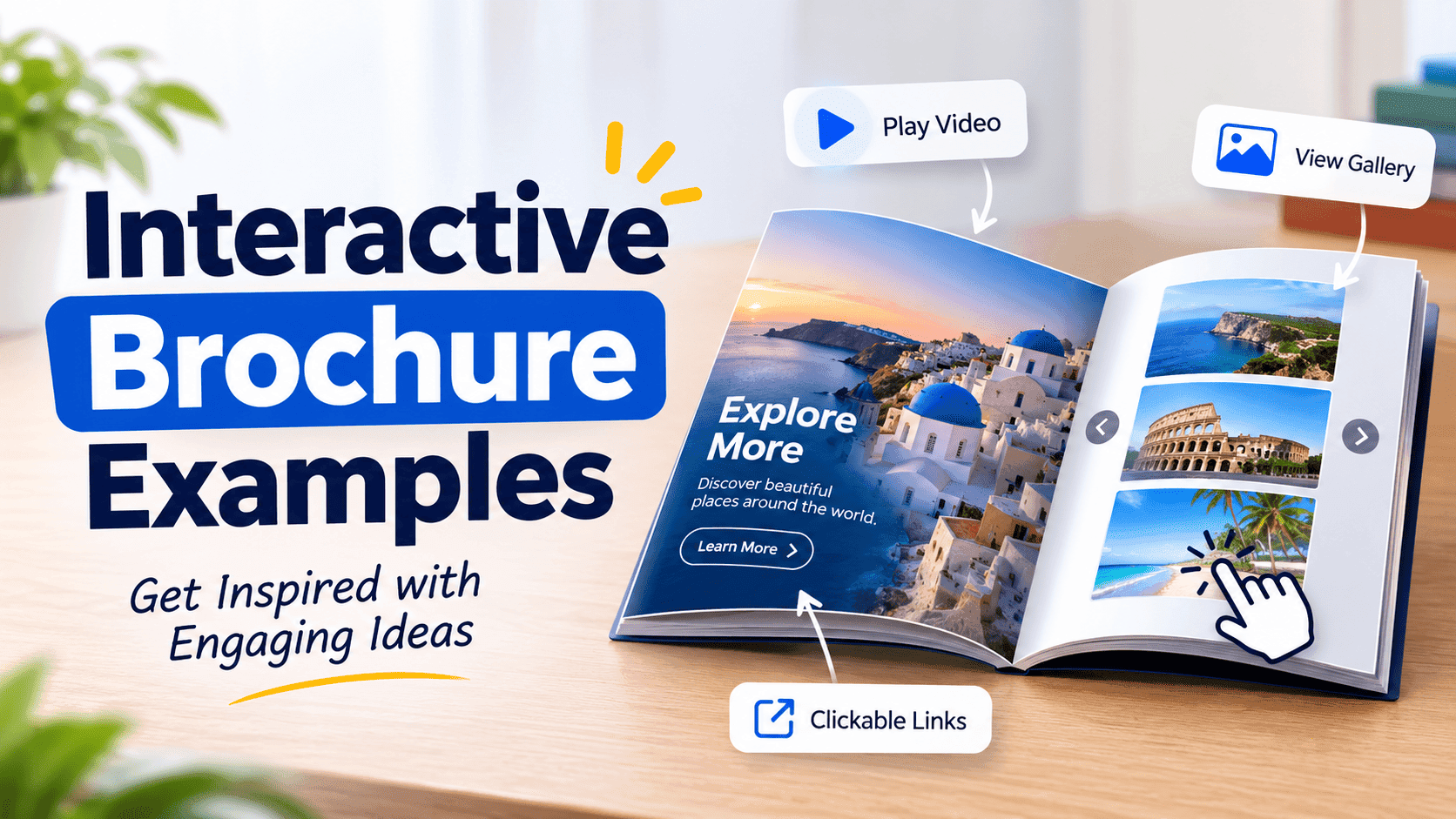
An interactive brochure is a digital document you read in the browser, with clickable links, embedded media and some way for you to see what readers did with it. The format is the easy part. What makes one work is a dull decision you have to make before you open any tool: what should the person do next? Ring you, book a table, order a pallet, forward it to their boss. If the brochure has no answer to that, it's a nicer-looking PDF and nothing more.
The twelve examples below are the types I'd build first, each tied to a particular job. None of them are fancy. Most start as a PDF someone already had, uploaded to a flipbook tool such as ZipFlipbook, with links and media layered on top. They're specific enough to copy this week.
What makes an interactive brochure example work
Take any brochure you've made and point at each page. Say out loud what that page wants the reader to do. If the answer for half of them is "admire it", the brochure is too long, and no amount of animation will fix that.
A lot of readers open these on a phone, usually while doing something else. Small type fails there. Pages with one idea and one obvious tap work. Every example below is built around that.
The other thing that decides whether a brochure works is where the first tap lands. Put the main action on page one or two, not page nine. People who are going to act usually do it early, and people who aren't won't reach page nine anyway.
So here are the twelve, each with the job it does, what goes in it, and the one thing the reader should do next.
Turn Your PDFs into Lead Generation Machines
Start getting highly-qualified leads from your PDFs and landing pages today. It takes exactly 2 minutes to set up.
No credit card required • Sign up in 10 seconds
1. The restaurant menu that takes bookings
Job: get a table booked.
A menu is already the most-opened document most small restaurants have, so it's a good place to put the action. Keep the dishes as clean pages, and add a "Book a table" button on the first page and again on the last. Link it to your booking form or even a WhatsApp number. Mention allergens on the page where the dish appears instead of on a separate page nobody flips to.
Next step for the reader: tap "Book".
2. The property brochure with a viewing link
Job: turn "looks nice" into a viewing.
Estate agents send huge PDFs that choke on mobile data. A flipbook loads page by page, so the photos show up quickly. Add a video walkthrough on the living room page, a floor plan on its own page, and a "Book a viewing" button that opens a calendar link. Skip the paragraph about "sought-after location". Show the map instead.
Next step: book the viewing.
3. The B2B product catalogue with a real order path
Job: get a repeat buyer to place an order without phoning anyone.
This is the one that pays for itself fastest. Take the price list you already have and turn the PDF into an interactive brochure. Then make each product's code a link to an order form or a pre-filled email. Buyers don't want to read a catalogue. They want to find SKU 4417 and order 40 of them.
Next step: tap the product, send the order.
4. The sales rep's leave-behind
Job: survive being forwarded.
After a meeting, your contact usually sends your brochure to the person who actually signs the cheque. That second reader is the one who matters, and you'll never meet them. So make the first page self-explanatory, put your contact details on every page footer, and use a link that shows you when it's been opened. If you're not sure how, there's a free way to track PDF opens. When you see it opened three times on a Thursday, you know it's moving internally and it's time to call.
Next step: forward it, then reply.
Turn Your PDFs into Lead Generation Machines
Start getting highly-qualified leads from your PDFs and landing pages today. It takes exactly 2 minutes to set up.
No credit card required • Sign up in 10 seconds
5. The event guide people keep open all day
Job: be the thing attendees actually use.
Conference programmes get a quick look and then get lost in a tote bag. A digital one stays on the phone. Make the schedule page link to each speaker's bio, add a venue map, and put the Wi-Fi password on the first page, because everybody asks. Send updates by changing the file, not by reprinting.
Next step: tap a session to find the room.
6. The fashion lookbook where you can buy
Job: shorten the path from "I love that jacket" to checkout.
Full-bleed photos, one outfit per page, and each item tagged with a link to its product page. Don't cram six looks onto one spread. The photo does the selling, and the link just catches the impulse before it fades.
Next step: tap the item, land on the product page.
7. The car dealership spec sheet
Job: answer the questions before the test drive.
Buyers compare three cars in three tabs. Make yours easy: key specs on page one, finance options on page two, a short walk-around video, and a "Book a test drive" button. Keep one car per brochure so the link in a WhatsApp message always points to exactly the car they asked about.
Next step: book the test drive.
8. The travel itinerary that works on the road
Job: replace the pile of screenshots in a traveller's camera roll.
Day-by-day pages with the hotel address, booking reference, and a map link for each stop. Add the emergency contact on the first page. It's dull, but it's the page people are grateful for at 11 pm in a foreign airport.
Next step: tap the map link and go.
9. The agency proposal that tells you who read it
Job: make a proposal feel like a conversation instead of an attachment.
A proposal PDF vanishes into someone's inbox. A flipbook proposal can open with a two-line summary, put pricing on its own page, and end with one clear "Approve" or "Book a call" button. A short video intro from you on page one helps too, because people hire people. If you want to add one, here's a guide on how to add video to a digital brochure.
Next step: approve or book the call.
10. The school prospectus parents actually finish
Job: get an enquiry from a parent who's comparing four schools.
Parents read these late in the evening, on a phone, after the kids are asleep. Give them term dates, fees, and a link to book a tour, all within the first few pages. Add a short video of a normal school day instead of a staged one. Parents can tell the difference.
Next step: book a tour.
Turn Your PDFs into Lead Generation Machines
Start getting highly-qualified leads from your PDFs and landing pages today. It takes exactly 2 minutes to set up.
No credit card required • Sign up in 10 seconds
11. The software brochure with a live demo
Job: get a trial sign-up.
Most SaaS brochures are a features list with a screenshot. Better: one problem per page, a short screen recording that shows the fix, and a "Start free trial" link on every page, not just the last. Nobody should need to hunt for the button.
Next step: start the trial.
12. The weekly retail flyer
Job: bring people in this week, not eventually.
Grocers and small shops can swap the file each week while the link stays the same, so the QR code on your shop window never goes out of date. Put the best deal on page one, each offer linked to its product page or a "reserve this" form, and an end date you can't miss.
Next step: tap the offer, come in before Sunday.
Turn Your PDFs into Lead Generation Machines
Start getting highly-qualified leads from your PDFs and landing pages today. It takes exactly 2 minutes to set up.
No credit card required • Sign up in 10 seconds
The pattern behind all twelve
Look back at the list and you'll see the same three things each time:
- One job per brochure. Not "tell people about us", but "get a viewing" or "get an order".
- The action shows up early and often. Not buried on the last page.
- Some way to see what happened. Opens, clicks, which page people stopped on.
None of this needs a designer or a budget. Pick the example closest to what you already send, take the PDF you've got, and add the one button that matters. Send it to ten people, see who taps, and fix the page they dropped off at. That's a better use of an afternoon than redoing the cover for the fifth time.