I was sitting outside a Neapolitan place in my neighborhood a few months back, waiting for a table, and I watched four separate people do the same thing. Pull out their phone. Scan the QR code taped to the window. Wait. Squint. Pinch-zoom on a scanned image of a laminated menu that someone had photographed at an angle, on their phone, probably in 2023, and never touched again. One guy gave up entirely and just asked the host what they had.
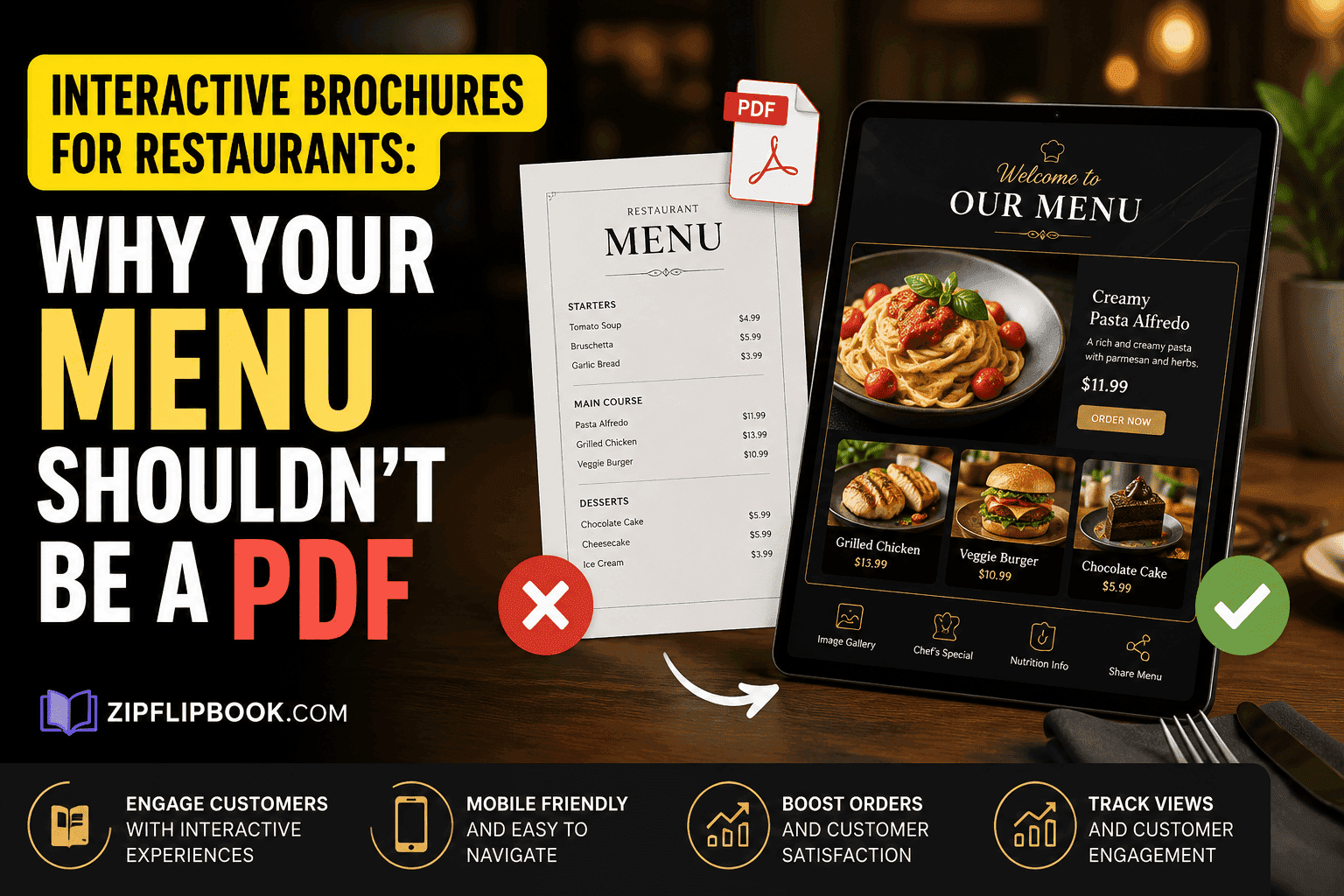
That's not a menu. That's a photo of a menu pretending to be a website.
Restaurants have somehow ended up with the worst digital experience of almost any small business category, and it's strange, because they've usually got the best physical one. You walk in, the smell hits you, someone hands you a menu with actual weight to it, maybe there's a wine list bound separately. Then you go to check the hours online before you book and you're staring at a blurry PDF that takes eleven seconds to load on 4G and doesn't tell you if the fish special is still eight dollars more than it was when they printed it.
I've watched this play out with three different restaurant clients now, and the pattern is always identical. Someone built the site two or three years ago, uploaded a PDF of the menu because it was fast and free, and then never touched it again because updating a PDF means opening InDesign, or paying whoever made the original file $75 to change one line, then re-exporting, re-uploading, and hoping the old cached version doesn't stick around in someone's browser for another six months. Prices drift. Seasonal items stay listed in December. Nobody notices until a customer calls annoyed that the branzino they came in for got discontinued in August.
What that blurry PDF actually costs you in cash
Forget "inconvenient" — let's look at the actual pound signs attached to that PDF. A small independent restaurant I worked with in Cheshire was reprinting physical menus roughly every six weeks during a period when they were testing new dishes — that's around £180 to £220 a batch depending on paper stock and whether they wanted the laminate finish, plus the design tweaks on top. Multiply that across a year and you're at over £1,500 just to keep paper current, and that's before you count the digital side, where the PDF sat wrong for weeks at a time because updating it wasn't anyone's actual job.
Then there's the mobile experience, which is where this really bites. Restaurant traffic is overwhelmingly mobile — someone's standing outside deciding whether to walk in, or they're on the train checking if the place does a vegan option before they book with friends. A native PDF viewer on a phone is clunky. It doesn't remember your zoom level between pages. It doesn't fit the screen properly half the time. And Google, for what it's worth, doesn't index PDF text nearly as reliably as it indexes a proper web page, which means your dish names and prices — the exact things people search for — often aren't showing up in search at all.
Why flipping beats pinching
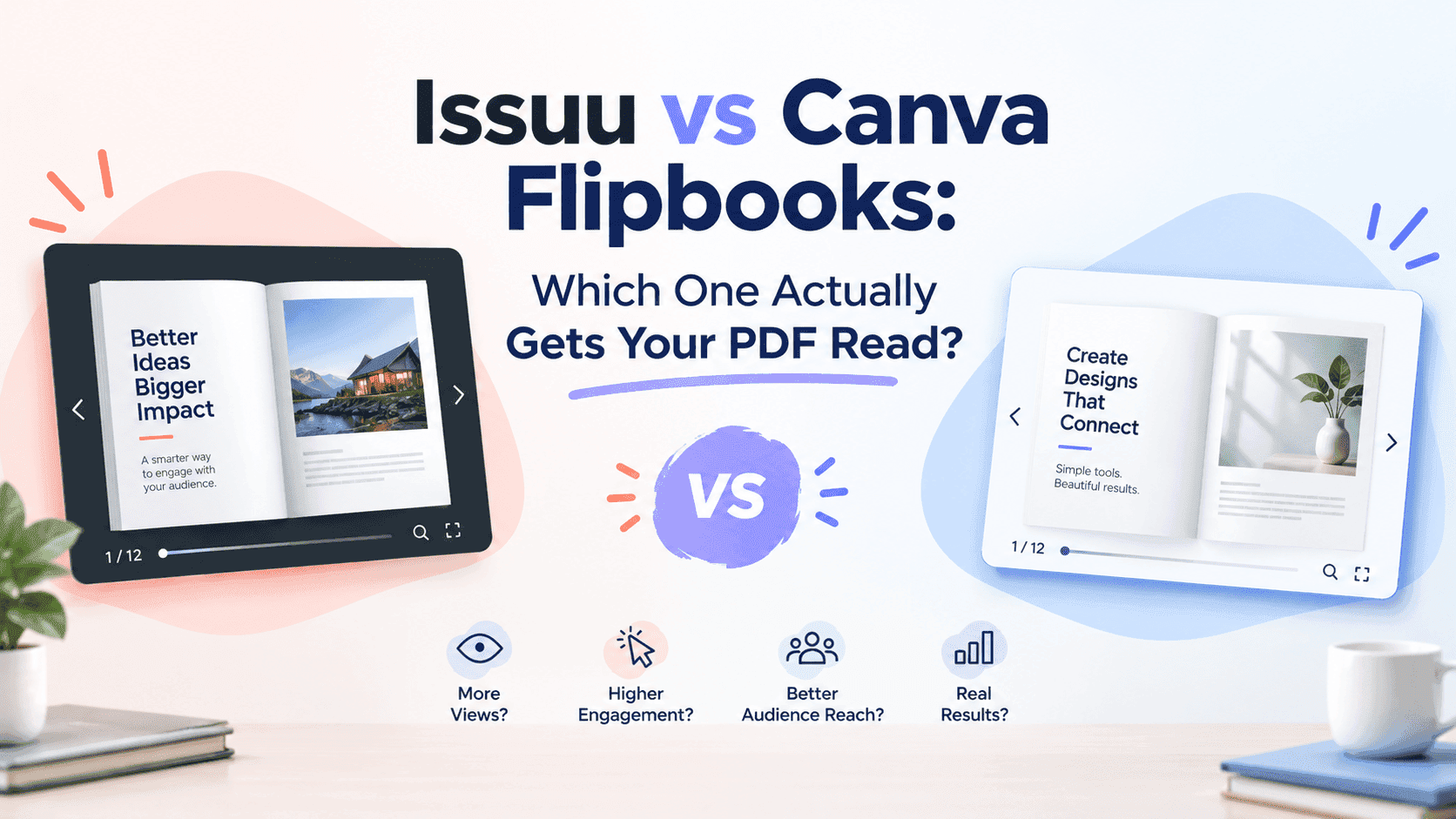
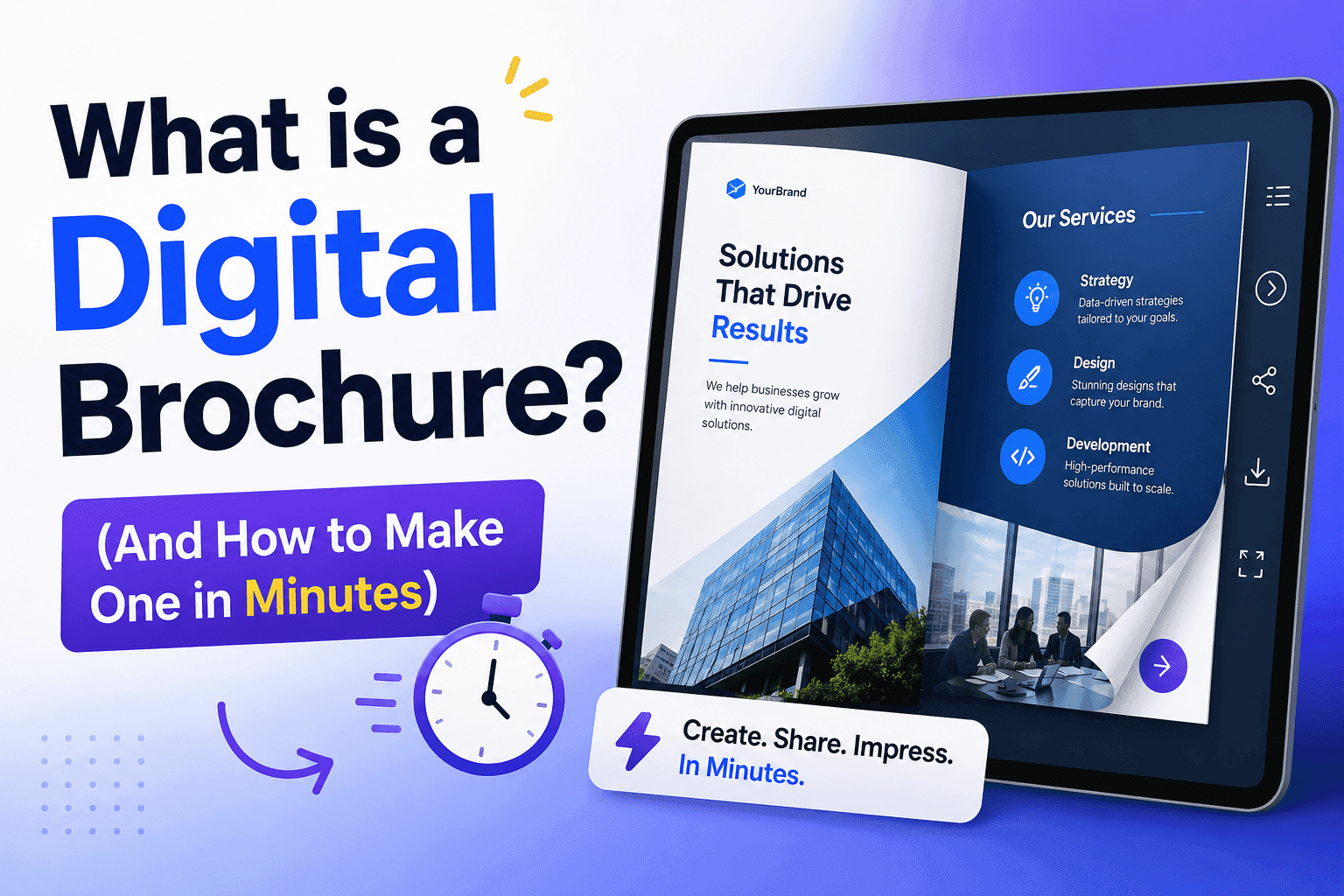
An interactive brochure, or a flipbook if you want the less corporate term, solves the specific problems a PDF creates without asking a restaurant to hire a developer. You upload the same PDF you already have — the one your designer made, the one that looks good — and instead of dumping it onto a page as a flat file, it becomes something that turns like an actual menu. Pages flip. Text is crisp at any zoom level because it's rendered properly instead of stretched. It works the same whether someone's on an iPhone standing in the rain or on a laptop planning a birthday dinner three weeks out.
The part that actually matters for a restaurant specifically is how fast the update loop gets. Salmon's off because the supplier fell through this week? Swap the page, reupload, done in under two minutes. Nobody's waiting on a designer. Nobody's paying £75 for one line change. You can genuinely react to what's in the kitchen instead of pretending your printed menu from March still reflects what you're serving in July.
Yeah, I hear "it's just a list of food" all the time. But interactive doesn't mean a spinning 3D carousel — it means your wine list actually links to tasting notes so I don't have to Google the grape while I'm hungry. It means the dessert page can embed a thirty-second video of the tiramisu actually being plated, which does more for a sale than any adjective ever will. It means a seasonal tasting menu can sit right next to a link to book the specific night it's running. None of that needs a developer. It needs uploading a PDF and dragging a few things onto pages.
Menus, wine lists, and the stuff that isn't the main menu
Most restaurants think about their online menu and stop there, but the real opportunity is everything adjacent to it. Wine lists specifically benefit from this format because they're often the thing customers most want to browse ahead of time and least want to squint at on a phone. A well-built wine flipbook with pages organized by region, a few tasting notes dropped in, and pairing suggestions linked to dishes does a genuinely different job than a static PDF — it starts feeling like something a sommelier handed you rather than a spreadsheet someone exported.
Catering and private event packages are the other underused one. I've seen restaurants bury their catering pricing three clicks deep on a website, in a format that looks like it was made for a different business entirely. That's the exact use case a flipbook is built for — a polished, professional-feeling document you can send as a link to anyone planning a corporate lunch or a wedding rehearsal dinner, without them having to download anything or dig through a website's navigation to find it.
Allergen and dietary information deserves its own mention because it's one of the few places where a PDF genuinely fails people in a way that matters. Someone with a shellfish allergy scanning a blurry photo-menu on their phone, trying to work out if the pasta has anchovies in the base, is not a good experience for anyone involved, least of all the server who then has to answer the same fifteen questions a clearer document would have already answered.
Please, don't hide your menu behind an email form
Because I build a tool with lead capture built in, people sometimes ask if they should gate the menu behind an email form. Don't. Nobody wants to hand over their email to see what's for dinner, and forcing it is the fastest way to get someone to close the tab and just call the place next door. Save the gate for things people actually want to trade information for — a seasonal tasting menu preview before it launches, early access to a holiday booking window, a loyalty or VIP list for regulars who want to know about pop-ups and special nights first. Those are things worth an email address. The regular dinner menu is not, and treating it like it is will cost you more covers than it earns you subscribers.
Setting this up isn't the hard part
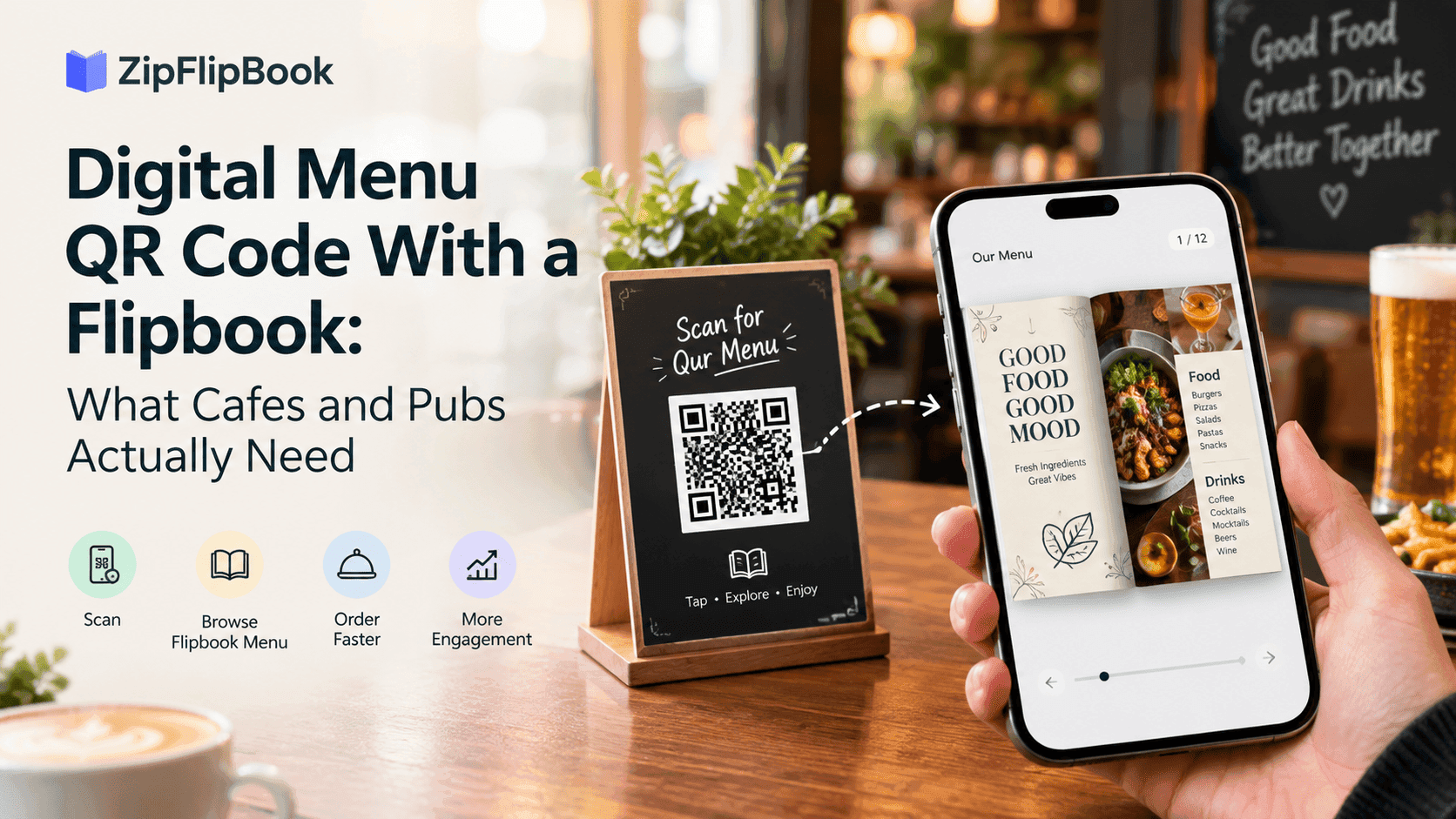
For a restaurant, the whole build usually comes down to three or four documents: the main food menu, a drinks and wine list, and a catering or events one-pager if that's part of the business. Each gets uploaded as a PDF, gets a link and an embed code, and the embed goes straight onto the existing website without touching the rest of the site's design. No rebuild, no developer — a basic flipbook tool (I use ZipFlipbook for clients, but anything similar works) gets it live in five minutes, and there's no monthly fee to keep it that way. The link itself becomes the thing you put in your Google Business profile, in your Instagram bio, on the QR code on the table — one URL that's actually current instead of a photo of a menu from eight months ago.
The bar here is low and that's sort of the point. A restaurant doesn't need a custom app or a six-week web project to stop embarrassing itself online. It needs the menu it already has, presented as something a person can actually read on the device they're already holding, updated in the time it takes to swap a page instead of the time it takes to book a designer.
The Google blind spot that's bleeding your bookings
Here's the bit restaurant owners almost never connect to their menu format, and it's probably the most expensive part of getting this wrong. Google is genuinely bad at pulling text out of scanned or image-heavy PDFs, which means the specific dish names, prices, and dietary callouts that people actually search for — "gluten free pasta near me," "best carbonara Congleton," whatever it is locally — often aren't crawlable at all. I checked Search Console for one client and their PDF menu had picked up almost no impressions for food-related terms in over a year, despite the restaurant ranking fine for its name and location. The menu was invisible to the exact searches it should have been winning.
A flipbook won't magically fix your SEO overnight — you still need actual text on the page, not just an image of one — but it closes the massive gap that a scanned PDF leaves wide open, and it gives you a clean, shareable link that's actually worth putting in a Google Business post or a local backlink instead of a dead-end file path buried three folders deep on the server.
Next time the fish special changes, or the wine list gets a new vintage, or you're tired of explaining to a customer that no, the thing they came in for isn't on the menu anymore even though the website still says it is — that's the moment to fix this. Not before a rebrand. Not "eventually." The next time it happens, because it will happen again in about six weeks if nothing changes.