Joomag's public pricing is a mess right now. Depending on where you look, you'll see $39 a month, $50 per user, or $400 per user for what is supposedly the same product. I went through the review sites and Joomag's own listings to write this, and I've built the post around the mismatch. Check Joomag's checkout page before you buy.
Joomag is a digital publishing platform that has been around since 2009. It turns PDFs and designed pages into interactive magazines, catalogs and newsletters, and it sells itself to marketing and communications teams. That positioning explains most of the pricing. This is software for companies that publish on a schedule, with several people involved, and that want a CRM and email tools attached. If you're one person with a brochure PDF, you're paying for machinery you won't touch.
Let's break down each plan, what it costs, and when it stops making sense.
Joomag pricing plans compared
These are the numbers I found, and where they came from.
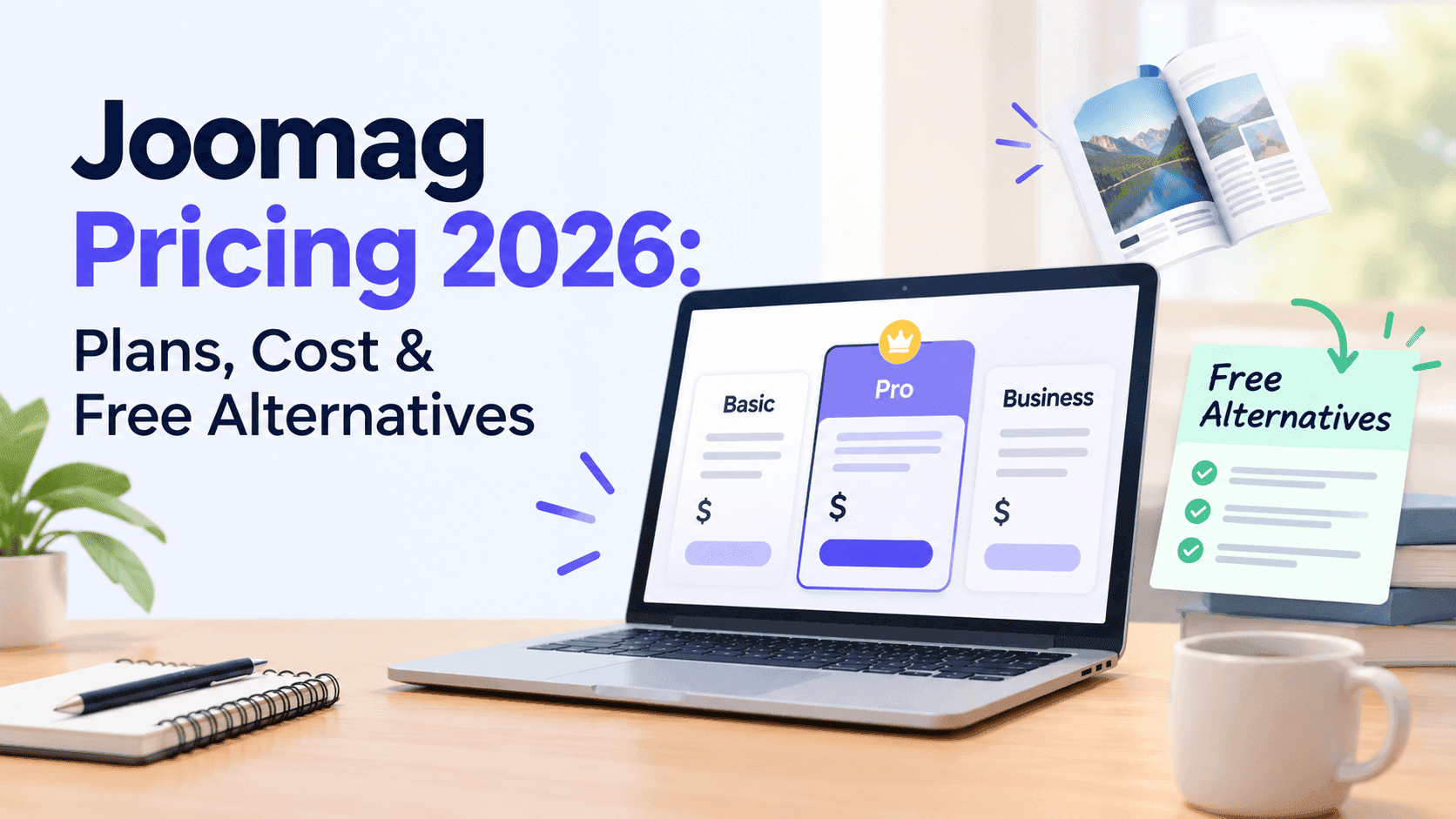
The older listings put Start at $39 a month, Grow at $79 and Scale at $149, all billed annually. Capterra, updated in March 2026, shows Start at $50 per user per month and Scale at $400 per user per month, with no Grow tier at all. Enterprise is a custom quote in both places. Some older listings mention a free Playground plan limited to one publication, while Capterra says there is no free version.
What you get climbs with each step. Start covers templates, branding, embedding and SEO tools. Grow adds privacy controls, analytics, CRM, email marketing, subscriptions and selling. Scale adds a custom domain, lead generation, integrations and user management. Enterprise adds advanced privacy, branded apps, an extended API, an account rep and an uptime SLA.
There are two odd things here. The first is that Capterra has no Grow tier at all, which suggests Joomag changed its plan structure and plenty of third-party sites never caught up. The second is that Capterra prices per user, while the older listings read as flat monthly fees. If the higher plans are per-user now, a team of five on Scale pays a very different bill from one flat $149.
Joomag's own pricing page is the only place that settles this. Take a screenshot on the day you sign up, because plans like these get reshuffled often enough that no third-party roundup, including this one, should be trusted over it.
Turn Your PDFs into Lead Generation Machines
Start getting highly-qualified leads from your PDFs and landing pages today. It takes exactly 2 minutes to set up.
No credit card required • Sign up in 10 seconds
What each Joomag plan includes
Joomag Start
Start is the entry paid tier. You get the 300-plus templates, the Crater editor (Joomag's drag-and-drop designer), branding options, embedding on your own site and basic SEO tools. For a small business that wants a magazine or catalog to look decent on a website page, that's enough.
The missing features are the real problem: no analytics on the older plan structure, no lead capture, no custom domain. You can publish, but you can't see much about who's reading.
Joomag Grow
Grow is where Joomag starts acting like a marketing platform. It adds publication privacy (password or restricted access), analytics, CRM connections, email marketing, subscription management and the ability to sell issues. If you charge for a magazine or run a members-only newsletter, this is the tier that does it.
Joomag Scale
Scale adds custom domain linking, lead generation tools, integrations and user management. The custom domain matters more than it sounds. Without it, your readers sit on a joomag.com address, and whatever search value that content earns goes to Joomag instead of your own site. Anyone doing SEO seriously gets pushed toward Scale or a different tool.
Joomag Enterprise
Enterprise is a custom quote. It adds advanced publication privacy, branded mobile apps, an extended API, a dedicated account rep and a 99.99% uptime SLA. Unless you're a large company distributing content to thousands of employees, you won't need it, and Joomag won't publish a number for you anyway.
Does Joomag have a free plan or a free trial?
A small free tier seems to exist, but it's capped hard. The trial is less clear.
Several listings describe a free "Playground" plan limited to one publication. Capterra says there is no free version and no free trial. Joomag's own site has shown a Start Free Trial button next to the paid plans. Those three can't all be current.
Sign up and see what the button does. If a card is demanded up front, you'll know where you stand. Assume there's no free plan until you see it at sign-up.
How much Joomag costs over a year
The monthly price isn't the real cost. Here's the yearly math.
Using the older flat-fee listings, billed annually:
- Start at $39 a month comes to $468 a year.
- Grow at $79 a month comes to $948 a year.
- Scale at $149 a month comes to $1,788 a year.
Using the Capterra per-user figures:
- Start at $50 per user per month is $600 a year for one person and $3,000 for a team of five.
- Scale at $400 per user per month is $4,800 a year for one person and $24,000 for five.
If Scale is really $400 per user, a five-person team pays $24,000 a year. That's the number to sit with. For someone running a subscription magazine business it might pay for itself. For a catalog and a brochure, it won't.
Check whether the price you're looking at is the annual rate or the month-to-month rate. The cheap-looking figures on most listings are billed annually, so paying monthly costs more, and a plan you cancel after three months can come out well above the sticker price.
What Joomag users say about the price
Capterra reviews split into two groups. The happy ones talk about an easy editor and strong results for magazine-style publishing. One reviewer had used it only to put printed pamphlets online as PDFs on a department website, and said they never touched most of the features. That's how a lot of small users end up: paying for a platform and using it as a viewer.
The negative review I kept coming back to was a 2-star one that called the support reps inexperienced and said the software had cost them time and money. One bad review proves nothing alone, but it's the kind of complaint you hear about platforms that have grown into enterprise sales, where the support experience depends on your plan.
That doesn't make Joomag bad. It just means you should check whether you'll use the features you're paying for.
Is Joomag worth paying for?
Buy Joomag if you publish a recurring magazine or newsletter with a team, want email marketing and a CRM connected to your readers, and plan to charge for issues or gate content behind subscriptions. It also suits larger organisations that need access controls, SSO and an uptime guarantee.
Skip it if your actual job is turning a PDF into something that flips, embedding it on a website and finding out who opened it. That's a much smaller task, and you can do it without a four-figure annual bill.
Turn Your PDFs into Lead Generation Machines
Start getting highly-qualified leads from your PDFs and landing pages today. It takes exactly 2 minutes to set up.
No credit card required • Sign up in 10 seconds
Joomag alternatives
If you're comparing Joomag, these are the tools you'll see most. I'm leaving out competitor prices because those move too, and the Issuu numbers already have their own post.
Joomag suits subscription magazines, teams and marketing automation, and its higher plans are priced per user. Issuu is the one to look at if you want public discovery and a built-in reader audience, and it has tiered plans plus a restricted free plan. Flipsnack is built around designing flipbooks inside the tool and sells monthly or annual plans. Heyzine is a quick PDF-to-flipbook converter with a free plan. ZipFlipbook turns PDFs into flipbooks with lead capture and analytics, and it's free.
If Issuu is the other name on your shortlist, our Issuu pricing breakdown goes through what each Issuu tier costs over a year, which makes a useful second column next to the Joomag numbers above. For the wider field, our list of Joomag alternatives covers the tools people most often switch to.
A free way to publish a flipbook instead
I built ZipFlipbook because a lot of people just need to upload a PDF, get a page-turning version they can embed or share by link, and see who's looking at it. That job shouldn't cost $50 a user.
ZipFlipbook is free and runs in the browser. You upload your PDF and get an interactive flipbook with lead capture, analytics, embedded media and an embeddable link. If you're putting a catalog on a retail site, sending a brochure by email or publishing a lookbook, it covers what most Joomag Start and Grow buyers are actually using. There are dedicated pages for the brochure maker, the magazine maker and the catalogue maker if you'd rather try one first.
If you're after free options in general, our guide to the best free flip book makers with no watermark lists the ones that don't stamp their logo across your pages.
Joomag still wins on paid subscriptions, deep CRM and email integration, branded apps and big-company access controls. If you need those, pay for Joomag and don't feel bad about it. If you don't, you're covering features you'll never open.
Joomag pricing FAQ
How much does Joomag cost? Older listings say $39 to $149 a month. Capterra says $50 per user for Start and $400 per user for Scale. Check Joomag's site before you buy.
Is Joomag free? Maybe. There's talk of a one-publication free plan, but Capterra says there's no free version. Don't count on it.
Does Joomag have a free trial? The pricing page has shown a Start Free Trial button, while third-party listings say no trial exists. Sign up and see before you enter a card.
What's the cheapest Joomag plan? Start, at $39 or $50 depending on which source you believe.
Why do Joomag prices differ between websites? Joomag seems to have restructured its plans, and review sites update at different speeds. Some list per-user pricing, some list flat fees.
Is Joomag worth it? Only if you need subscriptions, CRM, email and access controls. For a simple PDF flipbook, no.
What's a good Joomag alternative? Issuu for public discovery, Flipsnack for designing inside the tool, ZipFlipbook for free PDF flipbooks with lead capture. Our Joomag alternatives roundup compares them side by side.
Turn Your PDFs into Lead Generation Machines
Start getting highly-qualified leads from your PDFs and landing pages today. It takes exactly 2 minutes to set up.
No credit card required • Sign up in 10 seconds
So, is Joomag worth it?
Joomag pricing runs from nothing (maybe) to custom enterprise quotes, with Start around $39 to $50 and Scale anywhere from $149 to $400 depending on the source. The real number is the one on Joomag's checkout page. Screenshot it.
Buy Joomag if you need subscriptions, CRM and email under one roof. If you just need a good-looking flipbook from a PDF, try a free tool first and spend the money on something your customers will notice.