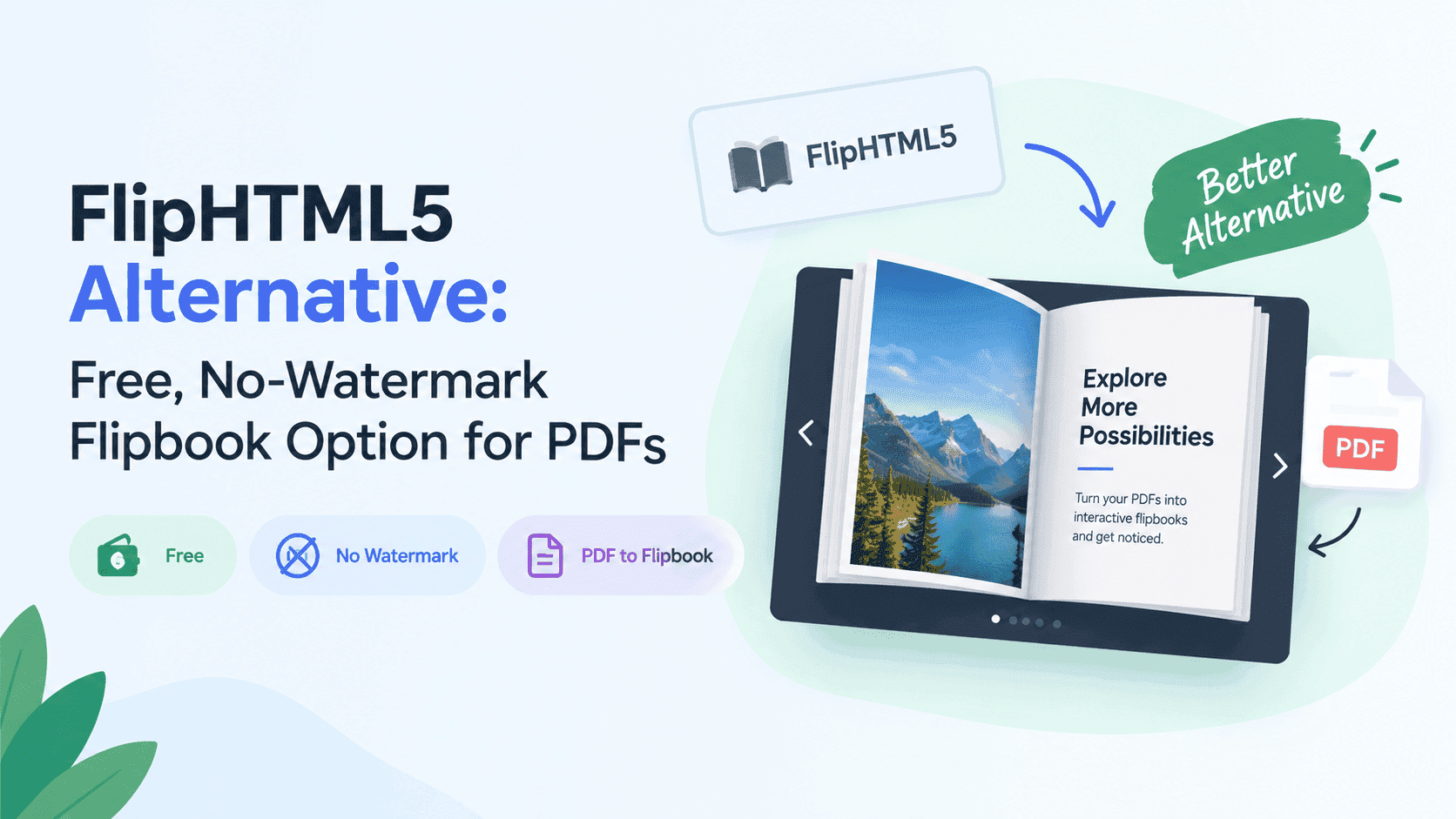
When someone searches for a FlipHTML5 alternative, the reason is usually a watermark on something customers will see. Sometimes it's the monthly fee, or an editor with far more in it than the job needs. FlipHTML5 is still a strong pick for publishers who want a deep editor. But if you just need to turn a finished PDF into a clean, trackable flipbook, a lighter FlipHTML5 alternative may suit you better. I make ZipFlipbook, so I'm biased. Below is where FlipHTML5 wins, when switching makes sense, and how to move without breaking links.
What FlipHTML5 Is Good At
It's a mature product with a large feature set. The editor has a lot of controls: animation, media placement, page rearranging, and a sizeable template library. Schools, publishers and corporate communications teams have used it for years, which explains why it sits near the top of search results.
There is a usable free plan. You can sign up, upload a PDF and share a flipbook without paying. The cost is a FlipHTML5 watermark stamped on the publication. The paid tiers (Pro, Platinum and Enterprise when I last looked) remove the stamp and raise limits on things like how many publications you can keep. Prices vary by plan and billing period, and review sites quote different figures, so read their current pricing page instead of trusting a number from me.
If you produce a lot of visually rich publications and like having a big toolbox, FlipHTML5 gives you one. A designer who wants control over page transitions will find more to adjust there than in anything I've built.
Turn Your PDFs into Lead Generation Machines
Start getting highly-qualified leads from your PDFs and landing pages today. It takes exactly 2 minutes to set up.
No credit card required • Sign up in 10 seconds
Why People Look for a FlipHTML5 Alternative
The watermark comes first. A stamped flipbook is fine for a school project or an internal draft. On a menu, a brochure, a pitch or a client's website, a third party's logo looks like a demo version. The owner often doesn't notice until a customer mentions it, and removing it means paying for a plan.
Limits come second. Free plans cap the number of books, the file size and the storage, which is reasonable because hosting costs money. It's still annoying to find out about a cap halfway through a project, with three books published and a fourth refusing to upload.
The third reason is that the software does more than you need. A café with one menu and a specials sheet doesn't need an animation engine, and a small law firm with a six-page brochure doesn't need forty templates. If setup takes longer than making the document, it's the wrong tool.
Then there's reader data. If you can't see which pages got read, or collect an email address before someone reaches page four, you have a PDF with a page-turn animation. Check what your plan includes before you build ten books around it.
Turn Your PDFs into Lead Generation Machines
Start getting highly-qualified leads from your PDFs and landing pages today. It takes exactly 2 minutes to set up.
No credit card required • Sign up in 10 seconds
When to Switch to a FlipHTML5 Alternative (and When to Stay)
Switch if you have a handful of PDFs that need to look decent on a phone: menus, price lists, a brochure, a seasonal catalogue. A tool with hundreds of design options is wasted on those.
Switch if you're a freelancer or agency sending documents to clients. A proposal with a third-party logo on it makes you look like you're running a trial. Multiply that across ten client accounts and the watermark question gets expensive fast.
Switch if you want lead capture and page-level stats without upgrading to a higher plan to get them.
Stay if you're a publisher or design-heavy team that needs fine control over how pages look and move. Pay for the plan that fits and use the editor.
Stay if you already have fifty books built there, with links shared in emails, on social profiles and on client sites. Moving all of that costs real time, and saving a monthly fee rarely pays for it.
Stay if you rely on the animation features I left out of ZipFlipbook. I'd rather you use the right tool than mine.
For a one-off job, such as a single flipbook for a single event, use whichever free plan gets you a link fastest.
ZipFlipbook as a FlipHTML5 Alternative
ZipFlipbook runs in the browser. You upload a PDF, it converts, and you get a link to share or code to embed. Nothing to install, and you don't need an account just to upload a file and see the result.
It's free, and that's deliberate. I built it because I kept seeing small business owners quoted monthly subscriptions for something that should take five minutes. I wanted people to put a flipbook in front of customers without a stranger's logo on it and without a checkout screen waiting at the end.
It covers the things small businesses ask me for. Lead capture lets you request an email address inside the flipbook. Analytics show which pages get read. Embedded media puts a video on the page where it belongs. Embeddable links let the flipbook live on your own site, not on a hosted page with someone else's navigation around it.
What it doesn't have is FlipHTML5's depth. There are fewer design controls and no huge template library. ZipFlipbook starts from a finished PDF, so you design in Canva, Word or InDesign, export, and upload. If you want to build pages inside the flipbook tool itself, this isn't the one.
If you're comparing more than two tools, I did the same kind of side-by-side against another popular option in Flipsnack vs ZipFlipbook. It uses the same format as this post.
How to Test a FlipHTML5 Alternative With Your Own PDF
Take the document that causes you the most trouble. Not a sample and not a three-page demo. Use the 80-page catalogue with heavy photos, or the brochure with a dozen links you carefully set up.
Run that same file through each tool you're considering and time the whole process, from upload to a link you could send. Then open the result on your phone using mobile data, not home wifi. Page turns that feel smooth on a laptop can stutter on a three-year-old Android, and text that looks fine full-screen can turn into a smear.
Click every link. Links that worked in the PDF sometimes die in conversion, and you want to find that out before a customer does. Look for anything on the page you didn't put there, such as logos, banners and upgrade prompts. Check whether you can paste the result into your own site cleanly, and whether you can see anything about the people who opened it.
File size affects load speed. Anything over about 30MB starts to feel slow on mobile data. I wrote up how to shrink large files in how to optimize large PDFs for lightning-fast online flipbooks, and it applies whichever tool you pick. Read it before you test, so a heavy file doesn't make a decent tool look slow.
The whole test takes around twenty minutes. If FlipHTML5 wins on your file, stay with it.
Embedding the Flipbook on Your Own Website
Most people want the flipbook sitting on a page of their own site, where it feels like part of the business. Embeds either work well or hurt page speed. A good one loads quickly, resizes sensibly on a phone, and doesn't drag the rest of the page down with it. A bad one shows a grey box for four seconds while your visitor decides to leave.
Give the embed a sensible height. Around 700 pixels works on desktop, and the default often clips the bottom of the page. Place it lower down, below the main content, so it doesn't compete with everything else for loading time at the top. Then test it on a phone before you tell anyone it's live.
I put the longer version in how to embed a flipbook on your website without slowing it down. Page speed affects how long people stay and how search engines treat your site, so the extra ten minutes pays off.
How to Migrate From FlipHTML5 to a New Alternative
Migration is easier if you follow a set order.
- Check you still have the original PDFs. If the only copy of a catalogue lives inside a flipbook tool, download or rebuild it before you do anything else.
- Convert one book first. Pick a low-stakes one, such as an old newsletter or a spare menu. Open it on a phone and a laptop, click every link, and note what behaves differently.
- Publish the new flipbook, then replace the old link on your website, in your email signature, on social profiles and in any campaigns still running.
- Rebuild anything that didn't transfer. Videos, buttons and overlays added inside FlipHTML5's editor usually don't come across with the PDF, so make a list and budget time for it.
- Leave the old books live for a couple of weeks. Take them down once the new links are in place everywhere and nothing has broken.
If you do these out of order, you end up with dead links in places you forgot about, usually an old email signature or a Facebook post from two years ago.
Turn Your PDFs into Lead Generation Machines
Start getting highly-qualified leads from your PDFs and landing pages today. It takes exactly 2 minutes to set up.
No credit card required • Sign up in 10 seconds
FlipHTML5 Alternative FAQ
What is the best free FlipHTML5 alternative without a watermark? For a small business with a few PDFs, I'd pick ZipFlipbook, which is my own tool, so weigh that. It's free in the browser and doesn't stamp its logo on your pages. Other free options exist and some do stamp their branding, so test the output before you commit.
Is ZipFlipbook a good FlipHTML5 alternative? If your starting point is a finished PDF and you want lead capture, stats and an embed, yes. If you want to design pages inside the tool or add animations, no. Stay with FlipHTML5 for that.
Is FlipHTML5 worth paying for, or should I switch? Pay if you use the editor heavily and publish often. Switch if you're mainly paying to remove a watermark from a few PDFs. Compare the monthly cost against what you actually use.
Can I migrate from FlipHTML5 to another tool? Not directly. You re-upload the original PDFs, which is why I keep telling people to hold on to their source files. Anything you added inside FlipHTML5's editor has to be rebuilt.
Does a FlipHTML5 alternative keep my PDF links? Links set in the PDF itself usually survive conversion. Buttons and overlays added later inside a flipbook editor don't. Click through every page of the new version before you share it.
Do I need an account to try ZipFlipbook? Not to upload a PDF and see the result. You'd want one later to manage several flipbooks and look at analytics.
How big can the PDF be? Keep it under 30MB if you can. That isn't a hard limit, just the point where mobile loading starts to feel slow. Compress your images before exporting and you'll notice the difference in any tool.
Is a flipbook better than sending a PDF? For anything someone has to browse, yes. A PDF gets downloaded and forgotten, while a flipbook is a link you can track. For a one-page invoice, send the PDF.
Should I gate a flipbook behind an email form? Only if the content is worth an email address. A catalogue most people want to browse shouldn't be gated. A buyer's guide or a pricing pack often can be, and a form a few pages in works better than one on the cover.
What's the biggest mistake when switching? Deleting the old versions too soon. Leave them up until the new links are in place everywhere.
Conclusion
Whichever FlipHTML5 alternative you try, test your own PDF, check the links, and compare the reader experience on a phone before switching. If FlipHTML5 handles your file better, stay with it. If the watermark, the limits or the missing reader data are the problem, upload the same file to ZipFlipbook and see how it compares.