I've tested both tools on client catalog projects, mostly because clients keep asking me the same question in slightly different words: "Should I use FlippingBook or Issuu for my catalog?" Usually they've already read three "top 10 flipbook software" listicles that all say the same three sentences about each product and call it a comparison. So I sat down, uploaded the same PDF to both, tried to break things, and paid attention to where each one made me want to close my laptop.
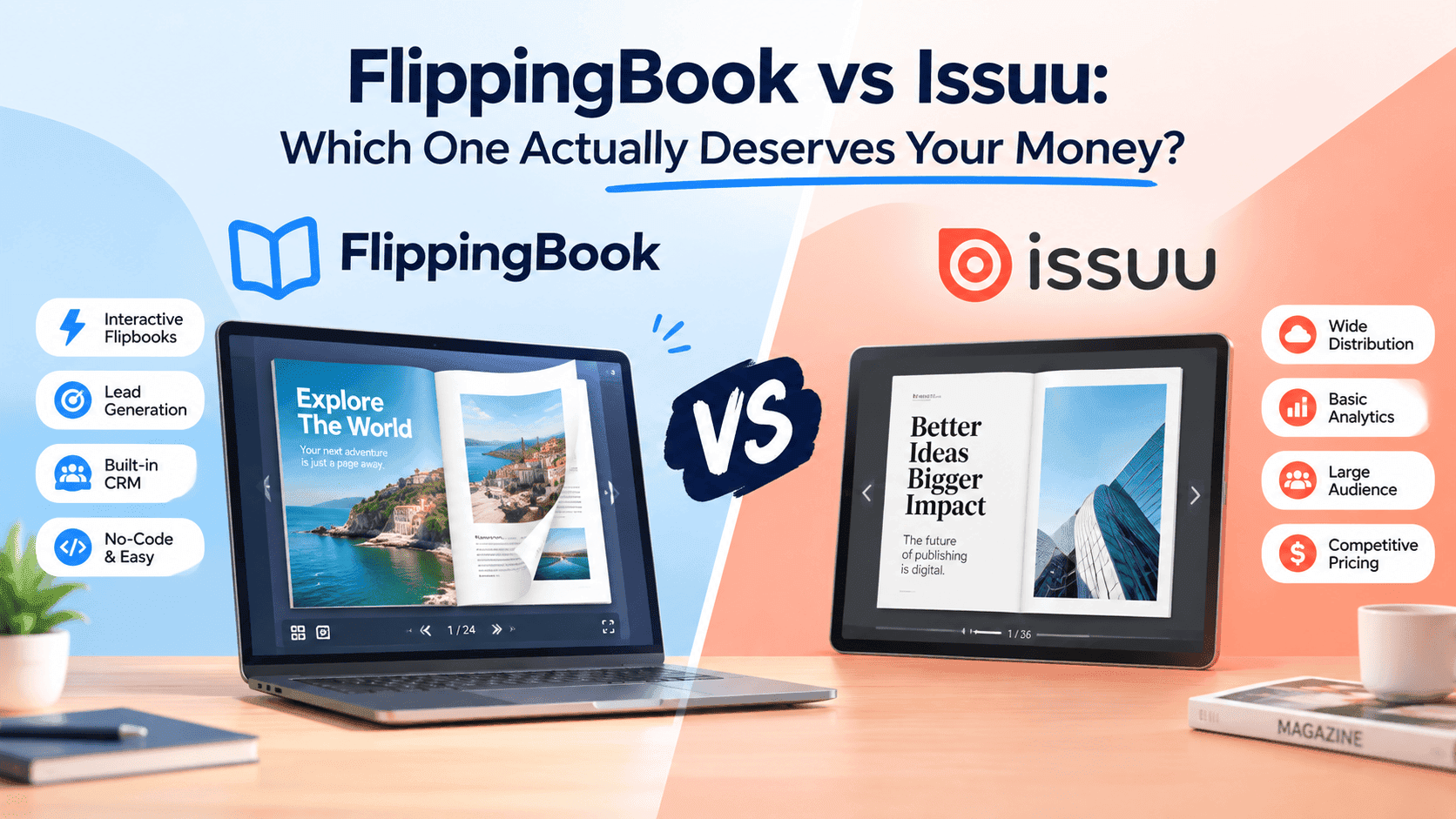
The pitch each one is selling
FlippingBook is aimed at businesses that want something that looks and feels expensive: real estate agencies, publishers, sales teams building proposals. It's polished, the page-turn animation is satisfying, and it comes with a price tag that reflects "we're built for companies with a marketing budget line item."
Issuu went the other direction. It started as a place to publish magazines and grew into a catalog-and-brochure tool that a huge number of small businesses default to, mostly because it's the name they've heard of. Free tier, easy sign-up, decent reach if you want your document discovered inside Issuu's own network.
Both are decent. The real question is who's using it, and how fast they need it done. Most comparisons skip that and just rank features.
Turn Your PDFs into Lead Generation Machines
Start getting highly-qualified leads from your PDFs and landing pages today. It takes exactly 2 minutes to set up.
No credit card required • Sign up in 10 seconds
Setup and first impressions
FlippingBook's onboarding is smooth if you already know what you're doing. Upload your PDF, pick a template, and it renders quickly with the page-curl effect turned on by default. The trouble starts after upload. Branding controls, embed settings, and analytics live behind different tiers, and I found myself hunting through menus more than once trying to find a setting I knew existed somewhere.
Issuu's upload flow is arguably faster, and the free version is usable for a first project. But the moment you want your document to look like it belongs to your brand rather than Issuu's, you hit a wall: Issuu's own logo sitting on your reader unless you pay to remove it. I've had clients message me confused about why "their" flipbook has someone else's watermark on it. The watermark is small, but it makes a client-facing link look cheap.
I wrote up the mechanics of this in more detail in a piece comparing free options if you want the screenshots: the best free replacement for Issuu's embeddable PDFs.
Pricing, because this is where people actually decide
This is where FlippingBook loses a lot of small operators. Plans start reasonable and climb fast once you need multiple users or want to remove branding limits, and for a solo operator or a two-person shop, it can feel like paying for a car when you needed a bike.
Issuu is the opposite problem. The free plan looks generous until you read the fine print on page limits, storage, and that watermark. Its paid tiers aren't outrageous, but they're not "small business doing five brochures a year" pricing either.
Disclosure: I built ZipFlipbook because small business owners kept getting quoted enterprise pricing for what amounted to "make my PDF look nicer online." It's free, browser-based, and doesn't paywall lead capture or basic analytics.
If price is the blocker, read this before paying annually: our breakdown for small businesses looking at Issuu alternatives.
Features that actually matter versus features that sound good in a sales call
Ignore the feature labels. Here's what mattered in testing.
FlippingBook's analytics are solid: page-level engagement data, useful if you're sending sales collateral and want to know whether a prospect opened page 12 where the pricing lives. Sales teams get real value out of that.
Issuu's analytics are thinner unless you're on a higher tier, and the "stats" tool has always felt bolted onto a publishing platform rather than built for marketers who need to prove ROI.
Both are weak at lead capture. Neither makes it easy to turn a reader into an email address without extra tools. Agency clients complain about this constantly, which is why I put lead capture directly into ZipFlipbook instead of treating it as a premium bolt-on.
Loading speed and the thing nobody puts in comparison charts
I tested the same 40-page PDF on both, on a throttled connection to simulate someone on a phone at a trade show with bad WiFi. FlippingBook loaded reasonably well but noticeably slower on first open, likely due to the animation rendering. Issuu was faster to first paint but stuttered on page turns for image-heavy pages.
This is boring, but it matters on mobile, and if you sell to retailers or run property viewings, mobile is most of your audience. I went deeper on this exact problem in our comparison of free digital magazine makers, including load-time numbers across a handful of tools.
Who should actually pick which
If you're a mid-size or larger company with a sales team that needs granular page-level tracking and doesn't blink at a monthly line item, FlippingBook earns its price. It looks good, it performs well once loaded, and the analytics help close deals.
If you're publishing digital magazines and want built-in discovery through an existing reader audience, Issuu still has a case, especially at the free tier for occasional use. Just budget for the watermark removal cost the moment this becomes a client-facing document.
ZipFlipbook is for small businesses and agencies that want a branded embed without the pricing maze: no watermark tax, browser-based so there's nothing to install, lead capture and analytics included rather than upsold.
Turn Your PDFs into Lead Generation Machines
Start getting highly-qualified leads from your PDFs and landing pages today. It takes exactly 2 minutes to set up.
No credit card required • Sign up in 10 seconds
So which one?
FlippingBook and Issuu are solid for their original audiences. The frustration I hear from clients isn't usually "this tool is bad." It's "I'm paying for features I don't use to get the one feature I actually need." That mismatch is worth checking before you sign up for either one.
Upload your PDF to both and test on your phone. Feature tables won't tell you how it feels. If you want a free option without watermark paywalls, try zipflipbook.com. You'll know within five minutes whether it fits what you're trying to do.