Most cold emails with a brochure attached never get read, and the reason is usually boring. The message lands in spam, or it gets quarantined by a corporate gateway, or it sits in Promotions where nobody looks. The brochure was fine. The delivery was the problem.
A flipbook link solves the size problem and creates a reputation problem. The size problem goes away because a link weighs nothing, so the 18MB PDF that kept bouncing off limits can stay on your hard drive. The reputation problem arrives because a link to a domain nobody has heard of is exactly what spam filters distrust. If you want to send flipbooks via cold email without getting flagged by spam filters, you have to treat the link as the riskiest object in the message and handle it carefully.
This is how I'd do it, in the order things tend to break.
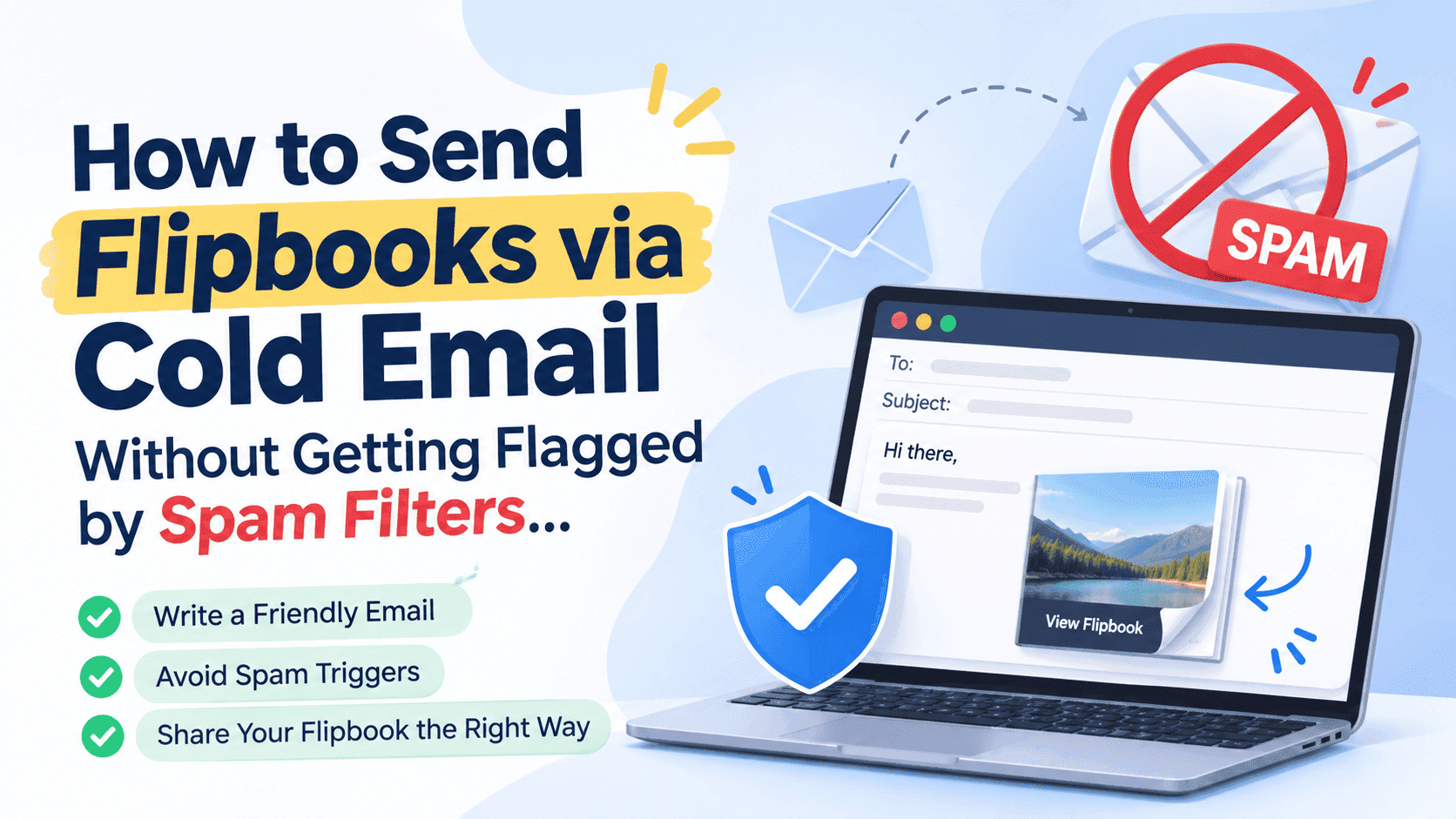
Why a flipbook link gets flagged when a plain link doesn't
A spam filter doesn't know your flipbook is a lovely product catalogue. It sees a message from a sender with a short history, containing a URL on a domain with a long history of being used by thousands of other people, some of whom are sending rubbish. Reputation is shared at the domain level, so you inherit whatever the neighbours have done.
On top of that, many business mailboxes sit behind a gateway like Microsoft Defender, Proofpoint or Mimecast. Those tools don't just read the email. They open the link in a sandbox, load the page, and judge it. A page that takes eight seconds to render, throws a cookie wall, then asks for an email address before showing anything looks a lot like a phishing kit. A page that opens straight onto page one of a document looks like a document.
There are two things to get right: the message has to look like it came from a real person with a real mailbox, and the page the link points to has to look boring and safe when a robot visits it. Most people fix the first and skip the second.
Sort out your sending domain before you write a word
Authentication is the part everyone has heard of and half of people skip. If you're sending from your main company domain, don't. Cold outreach carries a complaint rate that your normal customer email doesn't, and one bad week can drag down delivery for your invoices and support replies too. Buy a lookalike domain (yourbrand-hq.com, getyourbrand.com, whatever reads naturally), point it at your real site, and send from there.
Then set up three DNS records on that domain. SPF lists the servers allowed to send on your behalf. DKIM adds a cryptographic signature so the receiving server can tell the message wasn't altered. DMARC tells receivers what to do when either check fails, and it's the one Gmail and Yahoo now expect from anyone sending in volume. Since early 2024 both have enforced rules for bulk senders: authenticated mail, a one-click unsubscribe, and a spam complaint rate that stays under 0.3%. Google says it wants that figure closer to 0.1%. You may not be a bulk sender yet, but the same signals feed the filters that judge small senders too.
A new domain also needs warming. Start with a handful of emails a day per mailbox, mostly to people who will reply, and build up over three or four weeks. Cold sending from a two-day-old domain at 100 emails an hour is the fastest way to teach Google Workspace exactly who you are. Keep each inbox to roughly 30 to 50 cold emails a day once it's warm, and spread the volume across several mailboxes if you need more reach. A new domain that sends too fast gets burned, and a burned domain can take months to recover. Start slow.
Turn Your PDFs into Lead Generation Machines
Start getting highly-qualified leads from your PDFs and landing pages today. It takes exactly 2 minutes to set up.
No credit card required • Sign up in 10 seconds
Keep the first email light and plain
The email carrying your flipbook link should be dull to look at. Plain text, or something close to it. No banner image, no coloured button, no footer with six social icons. Every image and every extra link is another thing a filter can score, and a cold message with a hero graphic reads as marketing blast before a human has glanced at it.
Write it the way you'd write to a stranger you respect. Two or three short paragraphs, one clear reason you're getting in touch, one link, one question at the end. If you're stuck on structure, the post on how to improve cold email conversion rates covers the writing side in more detail, so I won't repeat it here. For deliverability the relevant points are narrow: keep it under about 125 words, avoid shouting words like "FREE", "ACT NOW" and "guaranteed", skip exclamation marks, and don't write a subject line in capitals.
Personalisation matters for filters as well as humans. Gmail in particular looks at whether recipients engage with what you send. A message that opens with something specific to the recipient (their recent product launch, a job post, a thing they wrote) gets replies, and replies are the strongest positive signal you can generate. A template with a first name merged into the greeting gets ignored, and ignored mail slides toward spam over time.
Send one link, and make it a clean one
This is where flipbooks trip people up, so be strict.
Don't use a link shortener. Bit.ly and similar domains are so heavily abused that some filters penalise the domain on sight. Don't wrap your flipbook link in a stack of redirects either. Many cold email tools rewrite every URL through their own click-tracking domain, and if that tracking domain is shared with ten thousand other senders, you've just put your message under someone else's reputation. Turn link tracking off in the sending tool for the first email, or set up a custom tracking domain on your own subdomain. You can still see who engages, because the flipbook itself reports it (more on that below).
Use one link only. A message with a link to the flipbook, a link to your website and a link to your calendar looks like a pitch. A message with a single link looks like a person pointing at a thing.
Make the visible text match the destination. If the anchor text says "zipflipbook.com/your-brochure" and the underlying URL goes somewhere else, that mismatch is a classic phishing marker. Paste the plain URL or write a short, honest label such as "the brochure, 12 pages". Skip "click here".
If your plan allows it, serve the flipbook from a domain you control. A flipbook at flipbooks.yourbrand.com inherits your reputation and nobody else's. On ZipFlipbook that's part of the Business plan, along with white-label viewing, and if you're sending cold outreach at any real volume, this is the fix that does the most work.
Don't attach the PDF, and don't embed the flipbook in the email
Both of these feel like they should work and both cause trouble.
Attachments break in three ways, and each one is bad enough on its own. Many gateways strip or quarantine PDFs from unknown senders, since PDFs are a common malware carrier. Large files push the message toward size limits and slow delivery. And an attachment tells you nothing afterwards, because you never find out whether anyone opened it. A link fixes all of that.
Embedding is the other temptation. Email clients strip iframes and JavaScript, so a live flipbook can't render inside a message. Anything that claims otherwise is using a static image of the cover as a stand-in, and in a cold email that image can cost you more than it earns. Once someone has replied or opted in, a cover thumbnail linked to the flipbook is fine for nurture emails, and the guide to embedding a flipbook in an email campaign walks through how to do it. For the first touch, a text link wins.
Make the flipbook page safe for a scanner
Remember the sandbox. When a corporate gateway fetches your link, you want it to find a fast page with an obvious document on it.
That means keeping the PDF reasonably small before you upload. A 60MB catalogue with uncompressed photos will load slowly, and slow pages get abandoned by humans and flagged by scanners that time out. Compress images and aim for something in the low single digits of megabytes where you can. Resize photos to screen resolution before exporting; nobody needs 300 dpi on a phone.
It also means not putting a wall in front of page one. Lead capture is one of the best things a flipbook can do, but a form that appears before anything has loaded is a bad fit for a cold first touch. Put the capture later, after a few pages, once the reader has seen something worth giving an email address for. A scanner sees content, and a human sees something worth reading before anyone asks for anything.
Skip auto-playing audio or video on the first page, popups, and anything that asks for permissions. The page should look like a document, not a landing page.
Test before you send to anyone real
Before the campaign goes out, send the exact email to yourself on at least three different providers: a Gmail address, an Outlook or Microsoft 365 address, and a Yahoo address. Check where each one lands. Open the message headers on the Gmail copy and confirm SPF, DKIM and DMARC all say "pass". Tools like Mail-Tester will score the message from one to ten, and anything under 9 is worth fixing. Google Postmaster Tools shows your domain reputation and spam rate once you're sending enough volume to register.
Then click the link from a phone on mobile data, not from the office wifi. If the flipbook takes more than a couple of seconds to show page one on a phone, fix that before you scale up, because a prospect reading on a train with two bars of signal will close the tab long before your brochure finishes loading.
Send to a small batch first, perhaps 20 people, and watch for bounces. A bounce rate above 2% means your list is stale, and sending to dead addresses damages the domain quicker than almost anything. Verify the list before the big send. Cleaning up bounces afterwards is too late.
Use the flipbook's own analytics instead of tracking pixels
Open-tracking pixels cause as many problems as they solve. They're tiny images loaded from a third-party domain, they're blocked by Apple Mail Privacy Protection for a big slice of recipients, and some filters count them against you. The numbers they produce are also unreliable, since Apple pre-loads the pixel whether or not the human reads the email.
A flipbook gives you a better signal without touching the email. When the prospect clicks through, the flipbook records the view, which pages they read, and how long they stayed. That's real engagement, from a person. If someone read nine of twelve pages and spent a minute on the pricing spread, that's your cue to follow up. If nobody clicked, you know the subject line or the opening needs work. The walkthrough on tracking PDF opens for free shows what those reports look like.
Follow up once or twice, spaced a few days apart, and each follow-up should add something: a different page of the brochure, a short answer to a likely question, a case study. Repeating the same message with "just bumping this" is how you end up with a complaint.
Turn Your PDFs into Lead Generation Machines
Start getting highly-qualified leads from your PDFs and landing pages today. It takes exactly 2 minutes to set up.
No credit card required • Sign up in 10 seconds
The legal and polite bits
Include a way to opt out and your business details. In the US, CAN-SPAM requires a physical postal address and a working unsubscribe mechanism. In the UK and EU, cold B2B email to corporate addresses is generally allowed under PECR and GDPR's legitimate interest basis, but sole traders and many small partnerships count as individuals and need consent. If you're unsure which side of that line your list falls on, ask a solicitor rather than guessing.
A simple line at the bottom works: "If this isn't relevant, reply 'no' and I won't email again." Then honour it fast. People who feel respected don't hit the spam button, and the spam button is what actually damages your domain.
Where ZipFlipbook fits
Most of this is easier if the flipbook itself is built for outbound rather than just for publishing. ZipFlipbook is a free, browser-based tool that turns a PDF into an interactive flipbook with a shareable link. You upload the file, get a page that loads fast on any device, and send one clean URL instead of an attachment. There's no download to install and no account needed to start.
For cold email specifically, a few features matter. Analytics show who opened the flipbook and which pages they read, so you don't need tracking pixels. Lead capture lets you collect an email address inside the flipbook, at a point you choose, instead of in the message. You can add embedded video and links to your pricing or booking page. The free tier carries a watermark and ads. Pro at $19 a month removes the ads and gives you unlimited flipbooks, and Business at $49 a month adds a custom domain and white-label viewing, which is the setup I'd use for any serious outbound programme.
If you've got a brochure or catalogue sitting in a folder as a PDF, you can turn it into a flipbook at zipflipbook.com in a couple of minutes and test the whole process on your own inbox before you send a single cold email.
Turn Your PDFs into Lead Generation Machines
Start getting highly-qualified leads from your PDFs and landing pages today. It takes exactly 2 minutes to set up.
No credit card required • Sign up in 10 seconds
FAQ
Can I send a flipbook as an attachment in a cold email? No. A flipbook is a web link, not a file, and an exported PDF from an unknown sender gets quarantined too often to risk.
Will a flipbook link make my email go to spam? Not by itself. Links to shared domains with poor reputation and heavy redirect chains cause the damage. One clean link, ideally on your own custom domain, is fine.
How many cold emails can I send per day without being flagged? About 30 to 50 per warmed mailbox. A brand new domain should start under 10 a day and take three to four weeks to get there, and if you need 500 a day, that means ten or more mailboxes across a few domains, not one inbox pushed harder.
Should I use a link shortener for my flipbook URL? No. Shorteners are abused heavily and several filters mark them down automatically. Use the full URL.
Is it better to embed the flipbook or link to it? Link. Email clients strip iframes and scripts, so a live embed won't display. A plain text link gets through more often than a cover image does.
Can I track whether someone read my flipbook after a cold email? Yes, and without email tracking pixels. The flipbook's analytics show opens, pages viewed and time spent, which is more reliable than open tracking.