I've spent two years building software for this exact problem, so I'm biased as hell. But I also spend my week talking to fashion brands, photographers, and small retail teams who are drowning in PDF lookbooks nobody opens, so I've seen what actually works and what just looks nice in a sales demo.
A lookbook is not a brochure with prettier photos. It's a mood, a story, a sequence — and if the tool you're using treats it like a static document, your buyers will treat it the same way: they'll skim the cover and close the tab. So this list isn't "here are ten tools with similar feature grids." It's what I'd actually recommend depending on what you're trying to pull off.
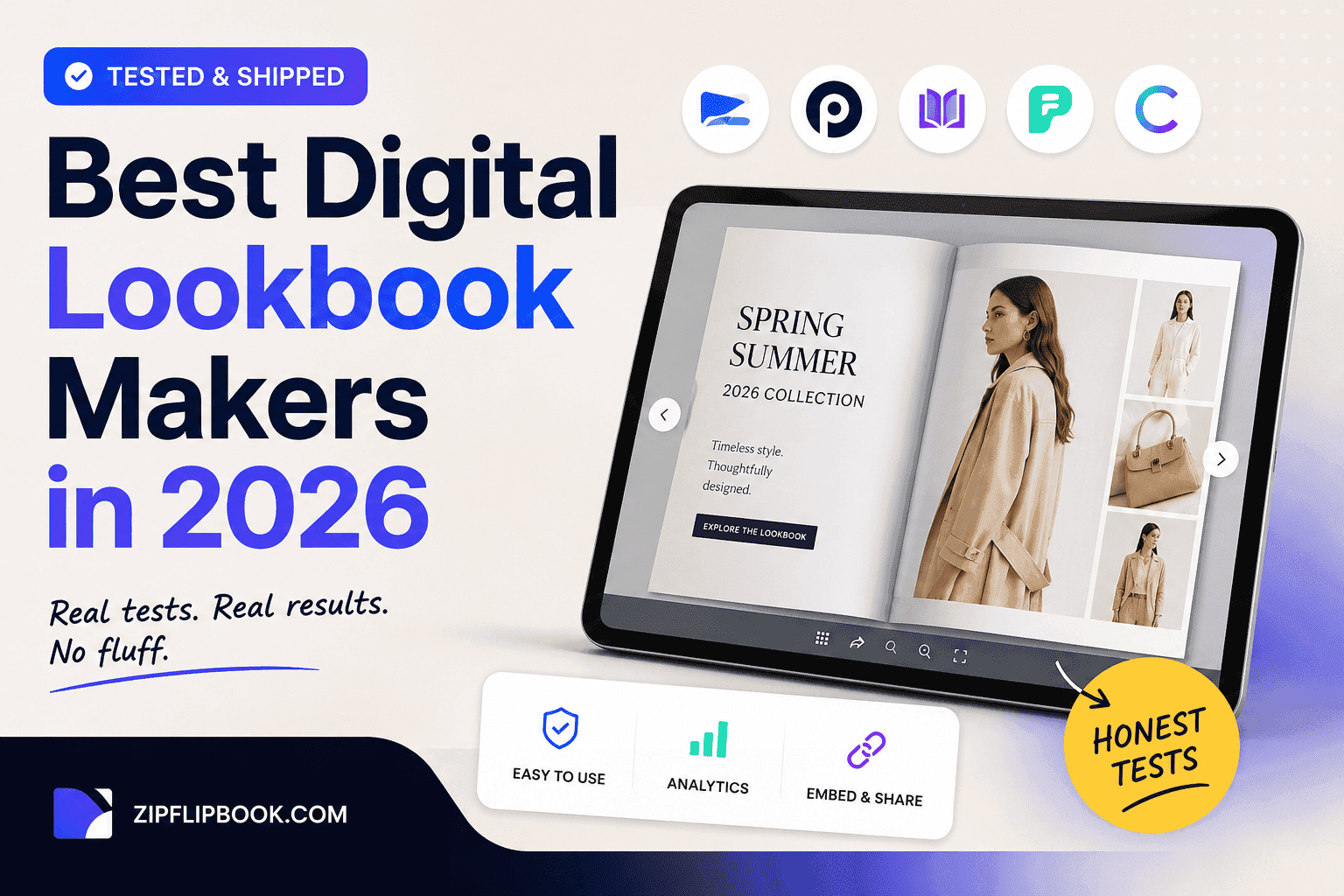
What a lookbook maker actually needs to do in 2026
Before the list, a quick gripe. Half the "best lookbook software" roundups you'll find are written by people who've never had to explain to a client why their catalog loads slowly on 4G at a trade show. The tool matters less than whether it solves three specific problems:
Your lookbook needs to load fast on a phone, because that's where most people will open it. It needs to capture something — an email, a click, a scroll-depth signal — because if you're spending days shooting a collection, you want more from the reader than a polite glance. And it needs to not scream "I made this in a template" the second someone opens it, because fashion and design buyers notice that instantly.
So after all that, here's who actually delivers—and who's coasting on a nice demo.
1. ZipFlipbook
I'm biased, obviously — I built it — so I'll keep this section honest rather than salesy. ZipFlipbook turns a PDF lookbook into a page-flip experience in the browser, no app download, no plugin. What actually gets me excited about it for lookbook use specifically is the lead capture layer: you can gate a collection behind an email form, or leave it open and still track who's viewing, how long they linger on which page, and where they drop off. For a fashion brand sending a new-season lookbook to buyers or press, that data is worth more than the flipbook effect itself.
It's also free to start, which matters if you're a solo designer or small studio testing whether a digital lookbook is even worth the effort before you commit budget to a paid platform. You can embed video lookalikes and behind-the-scenes clips directly into spreads too, which is the kind of thing that turns a lookbook into something people actually forward to a colleague instead of just closing.
If you want the deeper dive on this specifically for apparel brands — sizing structure, how to sequence a collection, what buyers expect to see first — I wrote a longer piece on digital lookbooks for fashion and apparel brands that goes into that.
Turn Your PDFs into Lead Generation Machines
Start getting highly-qualified leads from your PDFs and landing pages today. It takes exactly 2 minutes to set up.
No credit card required • Sign up in 10 seconds
2. Flipsnack
Flipsnack has been around long enough to have genuinely good design polish, and their template library leans more editorial than most competitors, which suits fashion content. The catch is the pricing curve — the free tier is genuinely limited, and once you want to remove branding or unlock decent analytics, you're looking at a real monthly commitment. For a brand publishing one or two lookbooks a season, that math doesn't always work out. I did a fuller side-by-side a while back if you want the actual feature and pricing breakdown rather than my summary of it: Flipsnack vs ZipFlipbook.
3. Issuu
Issuu is the tool everyone's heard of because it's been the default "make it look like a magazine" option for over a decade. It's solid for pure reading experience, and their distribution network can occasionally put your lookbook in front of people who weren't looking for it — a nice bonus, less a strategy. Where it falls short for lookbook use specifically is customization: you're often stuck inside their reader chrome and branding unless you pay up, and lead capture is not really Issuu's strength. Issuu works if you're distributing a magazine. If you're trying to turn a viewer into a wholesale order, you're using the wrong tool.
4. FlipHTML5
FlipHTML5 is the budget workhorse of this category. It's inexpensive, it does the page-flip thing reliably, and it supports a decent range of media embeds. The trade-off is that the output can feel dated — the animations and UI chrome haven't really evolved with the rest of the web, and for a fashion brand where visual polish is the entire point, that's a real cost. It's a fine choice if budget is the only variable you're optimizing for.
5. Canva (with a manual export step)
I get asked about this one constantly, so it's worth addressing directly. Canva is genuinely great for designing a lookbook — the templates, the drag-and-drop layout tools, the sheer speed of putting together something that looks professional. What Canva isn't, though, is a lookbook delivery platform. You design in Canva, export to PDF, and then you're back to emailing a static file that doesn't track anything and doesn't flip. A lot of the brands I talk to design in Canva and then run that PDF through a dedicated flipbook tool afterward, which honestly is the right workflow rather than a workaround. If you're doing that, the cover matters more than people think, since it's the only thing determining whether someone opens page two — I wrote about that specifically here: how to design a flipbook cover that actually gets clicked.
6. Adobe InDesign + Digital Publishing Suite
This is the professional studio option, and if you already have InDesign in your pipeline and someone on staff who knows it well, the output quality can be excellent — proper typography control, print-to-digital consistency, the works. The cost is time and complexity. It's overkill for a small brand doing a seasonal lookbook, and the learning curve means most teams end up outsourcing this step entirely, which adds cost and turnaround time you may not have during a launch window.
Turn Your PDFs into Lead Generation Machines
Start getting highly-qualified leads from your PDFs and landing pages today. It takes exactly 2 minutes to set up.
No credit card required • Sign up in 10 seconds
So which one should you actually use?
If you're a small or mid-size fashion or design brand who wants something live quickly, wants to know who's actually viewing the lookbook and how far they get, and doesn't want to pay a subscription before you've proven the format works for your audience, start with ZipFlipbook — it's the fastest path from PDF to something trackable and shareable, and you can layer paid features in later once you know it's working. If your budget already includes a design subscription and polish is your only concern, Flipsnack's templates are worth the spend. If you're already deep in the Adobe ecosystem and have the in-house skill, InDesign gives you the most control, just budget the time for it.
I keep telling brands the same thing: stop obsessing over the tool and start obsessing over the cover and the sequence. That's where most of the impact lives. Pick something that loads fast and tells you what happens after someone opens it, and you'll get more out of a mediocre-looking lookbook with good data than a beautiful one that lands in an inbox and never gets opened.