Open a typical supermarket flyer PDF on a phone and you already know what happens next. The page loads at the size of a postage stamp. You pinch, you drag, you lose your place, you pinch again. Somewhere around page three you notice the chicken thighs deal you wanted is on the back page and you're now looking at paper towels. Most people give up long before page eight.
That matters. The weekly flyer is still one of the few marketing pieces a local retailer can rely on to move stock. Grocery stores, butchers, garden centres, hardware shops, discount chains, pharmacies: they all run some version of "this week only" pricing, and a lot of them still send out the same PDF they send to the printer. The print run is fine. The phone version is where you lose people.
This guide is about turning weekly flyer deals and circulars into something people can use on a phone, share, and measure. If you're comparing the best digital tools for weekly flyer deals, it also covers what matters, what doesn't, and where the free plans usually fall short.
Why the PDF flyer fails on mobile
A flyer is designed on a big canvas, usually A4 or tabloid, with dense columns, tiny prices and a lot of product shots crammed together. That works when it lands on a doormat or sits on a shop counter. On a 6-inch screen the text is under 6 points and the tap targets don't exist.
Three things go wrong most often.
The first is load time. A print-quality flyer PDF often sits between 8 and 25 MB because of the high-resolution images. On a decent home connection that's fine. On patchy 4G in a car park, someone staring at a grey screen for fifteen seconds will back out and open WhatsApp instead.
The second is navigation. PDFs scroll vertically in most mobile viewers, but flyers are built as spreads. The layout assumes the reader sees pages side by side. Scroll through it on a phone and the visual flow collapses.
The third is the dead end. A deal on a PDF can't do anything. There's no link to the product, no "add to list", no map pin for the store. Whatever the customer felt when they saw the offer has to survive until they remember it in the shop.
Over half of retail web traffic now comes from phones, so a flyer that only works on a laptop is a flyer that only works for a minority of your audience.
Turn Your PDFs into Lead Generation Machines
Start getting highly-qualified leads from your PDFs and landing pages today. It takes exactly 2 minutes to set up.
No credit card required • Sign up in 10 seconds
What a digital flyer is
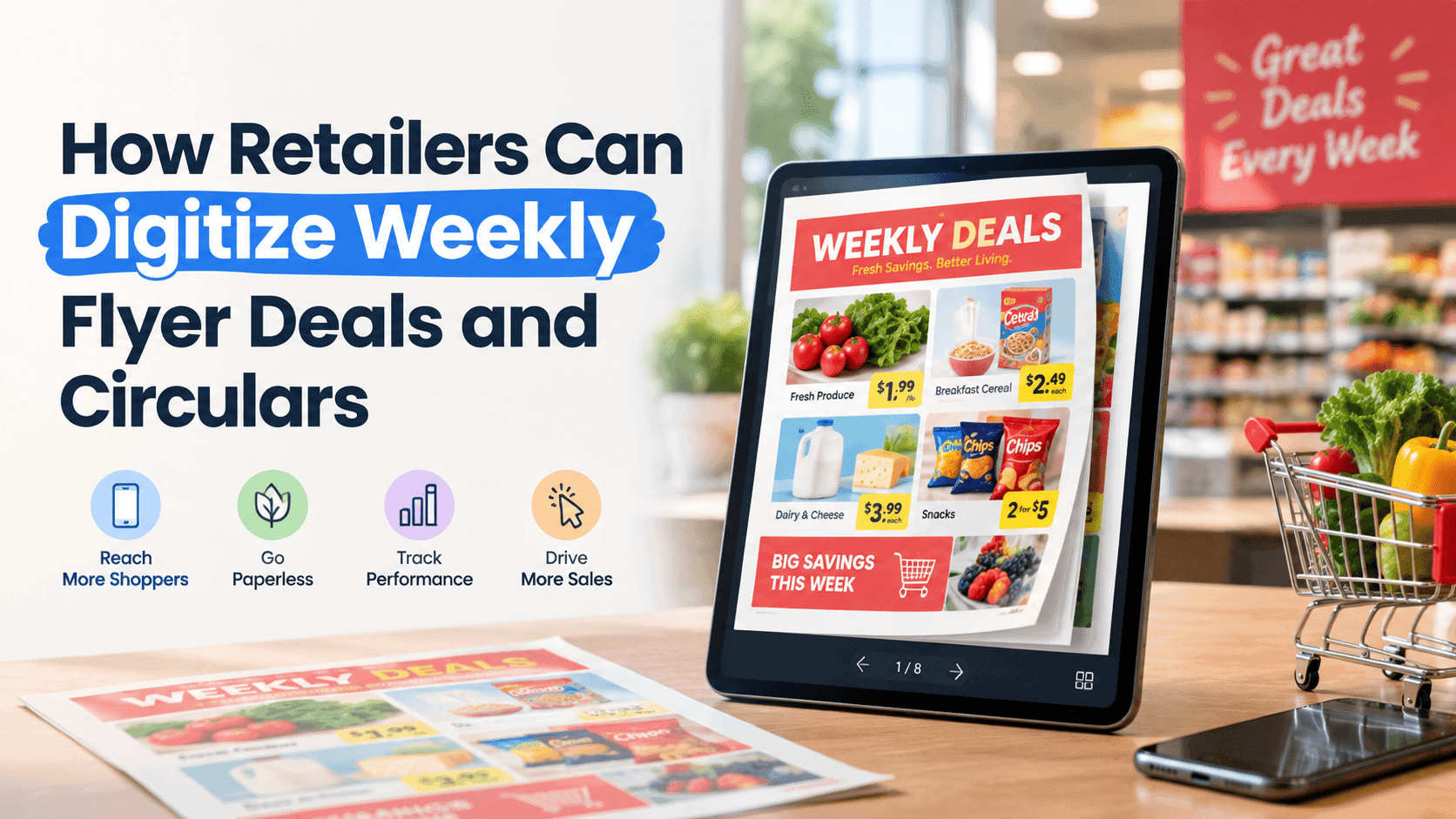
A digital flyer, or digital circular, is the same content as your print piece, rebuilt as an interactive page-turning document that loads fast and reads well on any screen. The layout and branding stay. The difference is what the page can do.
Pages turn like a magazine. Images load progressively. You can zoom into a deal with a tap. Links on products can open a product page, a booking form, a phone number or a map. And because it lives at a URL, you can send it by text, put it in a newsletter, pin it to your Facebook page or print a QR code and tape it to the till.
If you've come across the phrase "digital catalog for mobile," that's the same idea. A mobile digital catalog is a flyer or catalogue rebuilt so it's readable on a phone. A weekly circular works the same way, just on a faster schedule.
Start from the file you already have
You don't need to redesign anything. Most retailers get their flyer from one of three places: a designer working in InDesign or Canva, a head office template, or a supplier-provided pack. Whichever one it is, you end up with a PDF.
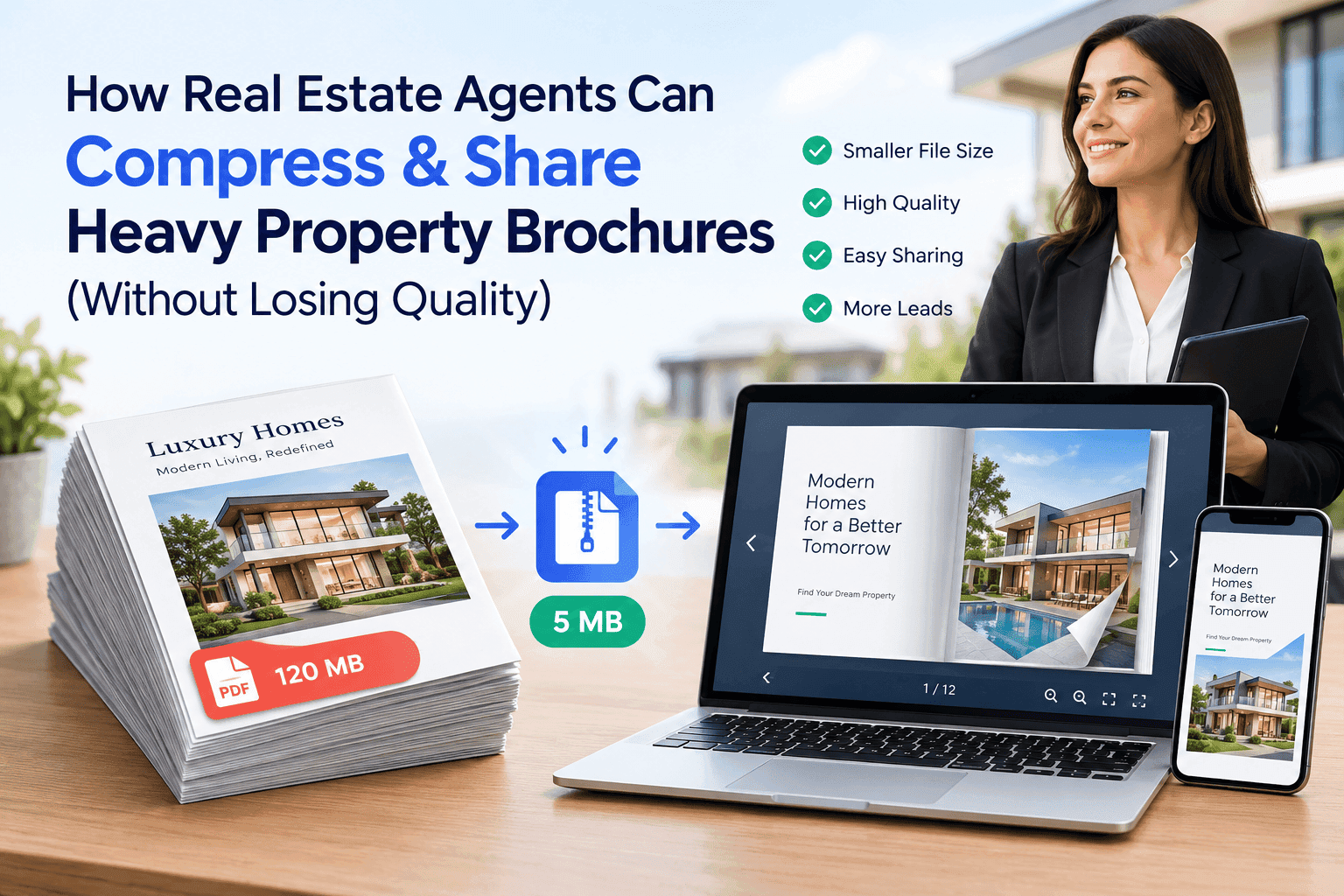
That PDF is your raw material. Upload it to a flipbook tool and it converts each page into a web-friendly image set with a viewer wrapped around it. The whole conversion usually takes under a minute, and the output is a link you can share immediately.
This is why the PDF-first approach beats rebuilding flyers in a web builder. Your designer's workflow doesn't change. Whoever exports the PDF on Tuesday night is the same person who exports it every Tuesday night. You add one step at the end.
If you're curious how that process looks for a store with hundreds of SKUs, our guide on catalog creation software for supermarkets walks through it with the problems supermarkets specifically run into.
Make the deals clickable
Pages that only turn are an upgrade. Pages with working links are where the flyer starts to do something.
Think about what a shopper wants when a deal catches their eye. Maybe they want to check stock, read specs, reserve for pickup, compare price per kilo, or call to ask if the offer is still on. Each of those should be one tap away on the page.
A few ways that looks:
A butcher can link "Rump steak, two for £9" directly to a click-and-collect order form. A garden centre can link a seasonal bulb deal to a planting guide. A pharmacy can link a multibuy to the product category on its online shop. A convenience store with no online shop can link the "Find us" box to a Google Maps pin and the phone number to a call button.
You don't have to link every product. Pick your top four or five deals, the ones carrying the margin or the stock you need to shift, and make those fully clickable. Everything else can stay as a normal page image.
Use QR codes to bridge the print and digital gap
Most retailers won't go fully paperless soon, and they don't need to. Many regular shoppers still prefer paper, and the leaflet through the door still gets seen. A QR code lets you use both.
Print a QR code on the physical flyer and point it at the digital version. A shopper who picks up the paper copy in-store scans it, and the digital circular opens on their phone with working links. They can share it with a partner at home with one tap, which is far easier than carrying paper out of the shop.
Other places a QR code earns space:
- On the shop window, so people walking past after closing can still read this week's deals.
- At the till, next to the card reader, where shoppers are already holding their phones.
- On shelf-edge cards for the flagship deal of the week.
- On receipts, so the next week's flyer lands with the customer before they've left the car park.
The same approach works for pubs and cafes pushing a weekly specials sheet. We covered that setup in detail in our post on digital menu QR code flipbooks for cafes and pubs, and most of it carries straight over to retail flyers.
One tip saves a lot of reprinting: point the QR code at a stable link that always shows the latest flyer. If the link changes every week, every printed code goes stale. Keep one link, swap the file behind it, and the code on your shop window stays good for years.
Keep weekly updates quick
Weekly flyers depend on speed. If the digital version takes an hour of fiddling every Tuesday, someone will skip it by week six.
The routine that tends to work looks like this. The designer exports the new PDF on the same day each week. Someone uploads it to the flipbook tool, checks the first couple of pages on a phone, and republishes. The link stays the same, so every channel that already points at it automatically shows the new edition. Total time: five to ten minutes.
It falls apart when each flyer gets a new link and someone has to update the website, Facebook post, email template, and QR code by hand. Don't do that. If you get one setup decision right, make it the permanent link.
It also helps to keep an archive of old editions, even if you don't link them publicly. When someone asks "was that bread offer on last month?", you can look it up. And occasionally an old flyer is worth a repeat.
Track what customers read
Print gives you almost no feedback. You know how many leaflets you paid for and roughly how the week's takings went. You don't know which page people stopped on, what they skipped, or whether anyone looked at the back.
A digital flyer gives you numbers you can use. How many people opened it, how long they stayed, which pages got the most views, what they clicked. After a few weeks the patterns start to show. Maybe your back-page household section gets almost no views while the front-page fresh produce deals get most of them. Maybe Thursday evening is when your readership peaks, which tells you when to push the link out.
If you want to see how that kind of tracking works when you're sending PDFs by email, our guide on how to track PDF opens for free goes through the basics. Flyers are the same idea at larger scale.
You can also use lead capture. A "Get next week's deals by email" form at the end of the flyer, or before it, turns passing readers into subscribers. For a small retailer, an email list of local shoppers who already want your deals is worth far more than another box of leaflets.
What matters in the best digital tools for weekly flyer deals
There are dozens of flipbook and catalogue platforms, and most can turn pages. The differences matter more for a weekly flyer, because you're publishing on a schedule.
The upload-and-republish step has to be fast. If it takes ten steps every week, you'll quit by week six.
Then check mobile performance. Test on your own phone using mobile data, not office Wi-Fi. If the first page takes more than a few seconds or the text needs zooming, drop it.
If you're using QR codes, you need a stable link that survives a file swap. Some platforms change the URL every time you upload.
Embedding and sharing options decide where the flyer can go. You want the same source to work on your website, in email, in social posts, and behind a QR code.
At minimum, analytics should show views, time on page, and clicks. Anything else is extra.
Finally, check pricing. Many platforms advertise a free tier, then cap pages, views, or branding in ways that hurt weekly publishing. Compare the free limits with your actual monthly flyer count and views. A small retailer shouldn't need a national-chain plan to run a weekly circular.
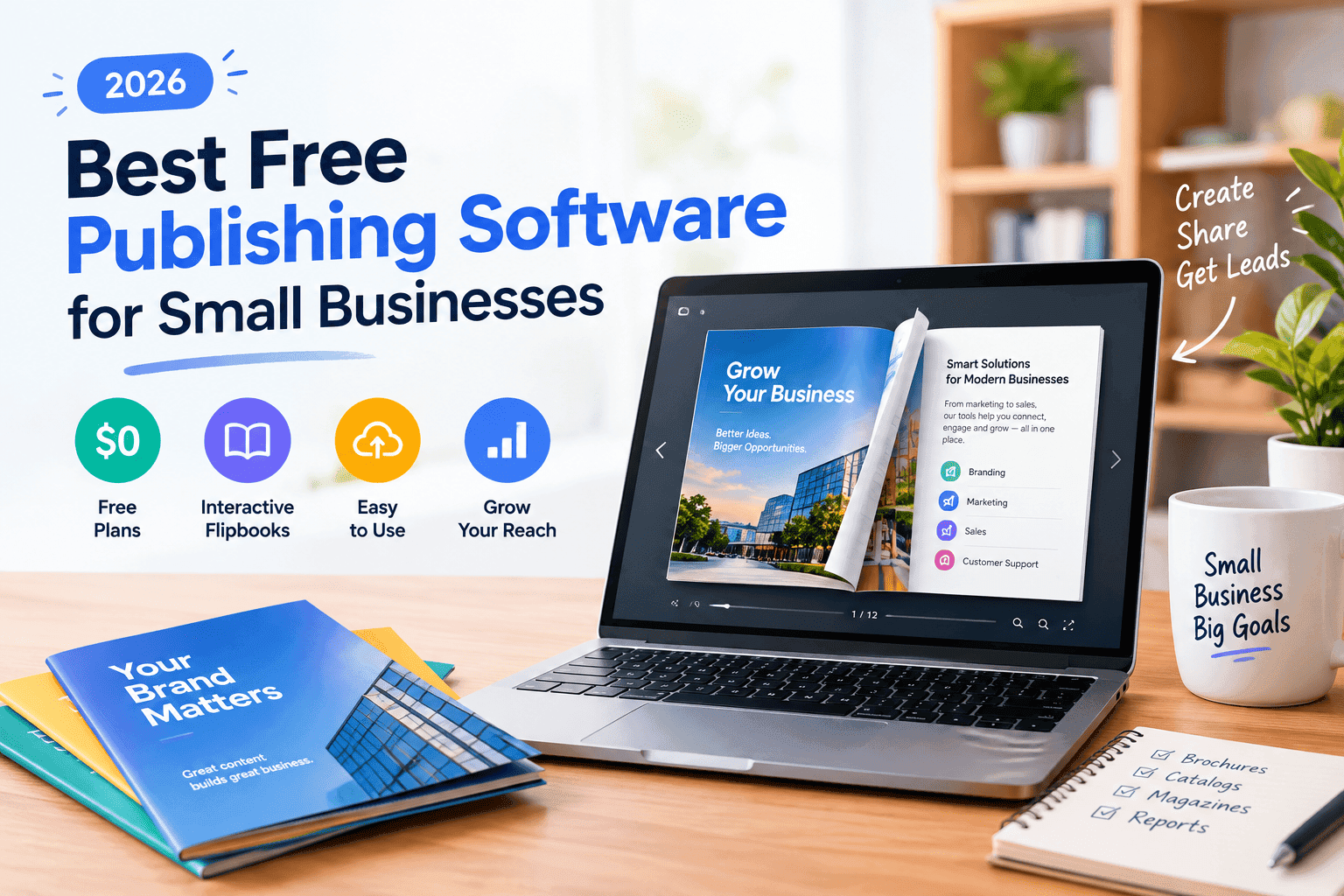
ZipFlipbook is free, converts a PDF into an interactive flipbook in the browser, and includes lead capture, analytics, embedded media, and shareable links. For most local retailers, that covers the checklist above. If you're comparing options, our write-up of the best free publishing software for small businesses is a starting point. Still, try two or three with a real flyer before you decide.
A weekly workflow that works
This setup fits a shop with one marketer, or an owner doing it on a Tuesday night.
- Design the flyer as normal and export a PDF. Keep the file under 15 MB if you can; compress images before export.
- Upload the PDF to your flipbook tool and let it convert.
- Add links to your top deals: product pages, order forms, phone number, map.
- Open the result on your own phone, on mobile data. If it feels slow or clumsy, fix that before sharing.
- Republish to the same link so your QR codes, website and social posts update on their own.
- Send the link by email and text to your list, and post it to your social channels.
- Check the analytics on Friday and note which pages did well.
Do that for a month and you'll start to see what local shoppers care about, instead of guessing.
Mistakes that cost you time
Uploading a flyer with tiny fonts and expecting the viewer to fix it. A flipbook makes pages easier to read, but it can't turn 5-point type into something legible. If your own phone struggles with a particular page, redesign that page in the PDF, bigger prices and fewer products.
Linking everything. A page where every item is a button is noisy and slow. Choose your best deals and leave the rest alone.
Forgetting to update the QR code destination. Set it up once with a permanent link and never touch it again.
Skipping the mobile check. Nearly every problem with a digital flyer is something you'd spot in thirty seconds on a phone, so make that thirty seconds part of the routine.
Hiding the flyer behind a signup wall before anyone has seen a single deal. Show a few pages first, then ask for the email.
Turn Your PDFs into Lead Generation Machines
Start getting highly-qualified leads from your PDFs and landing pages today. It takes exactly 2 minutes to set up.
No credit card required • Sign up in 10 seconds
Quick answers
What's the best way to digitize a weekly flyer? Upload your existing PDF to a flipbook tool, add links to your main deals, and share one permanent link everywhere. It takes minutes and keeps your designer's workflow untouched.
Do I need to redesign my flyer for mobile? Usually not. Increase font sizes on price callouts and trim the number of products per page if you can, but the same PDF works.
Can I use a QR code on a printed flyer? Yes, and you should. Point it at a link that always shows the current edition, so you don't reprint codes.
Is there a free tool for a digital marketing catalogue PDF? Yes. ZipFlipbook converts a PDF into an interactive digital catalogue for free, with analytics and lead capture included.
How often should I update my digital circular? As often as your print flyer changes, which for most retailers is weekly. Keeping the same link makes that painless.
Before you go
If people can't read your flyer on a phone, it isn't doing its job, no matter how good the deals are. Digitizing it doesn't mean giving up print or learning new design software. It means taking the PDF you already make, putting it where people can read it comfortably, and making each deal tappable.
Try it with this week's flyer. Upload it to ZipFlipbook, open it on your phone, and see whether you'd keep reading past page two.