Flipsnack vs FlippingBook looks evenly matched until you open both pricing pages. On G2 they sit on the same 4.7 out of 5, Flipsnack from 409 reviews and FlippingBook from 298. Both turn PDFs into page-turning flipbooks, both report who opened them, and both keep the useful features behind their mid-priced plans.
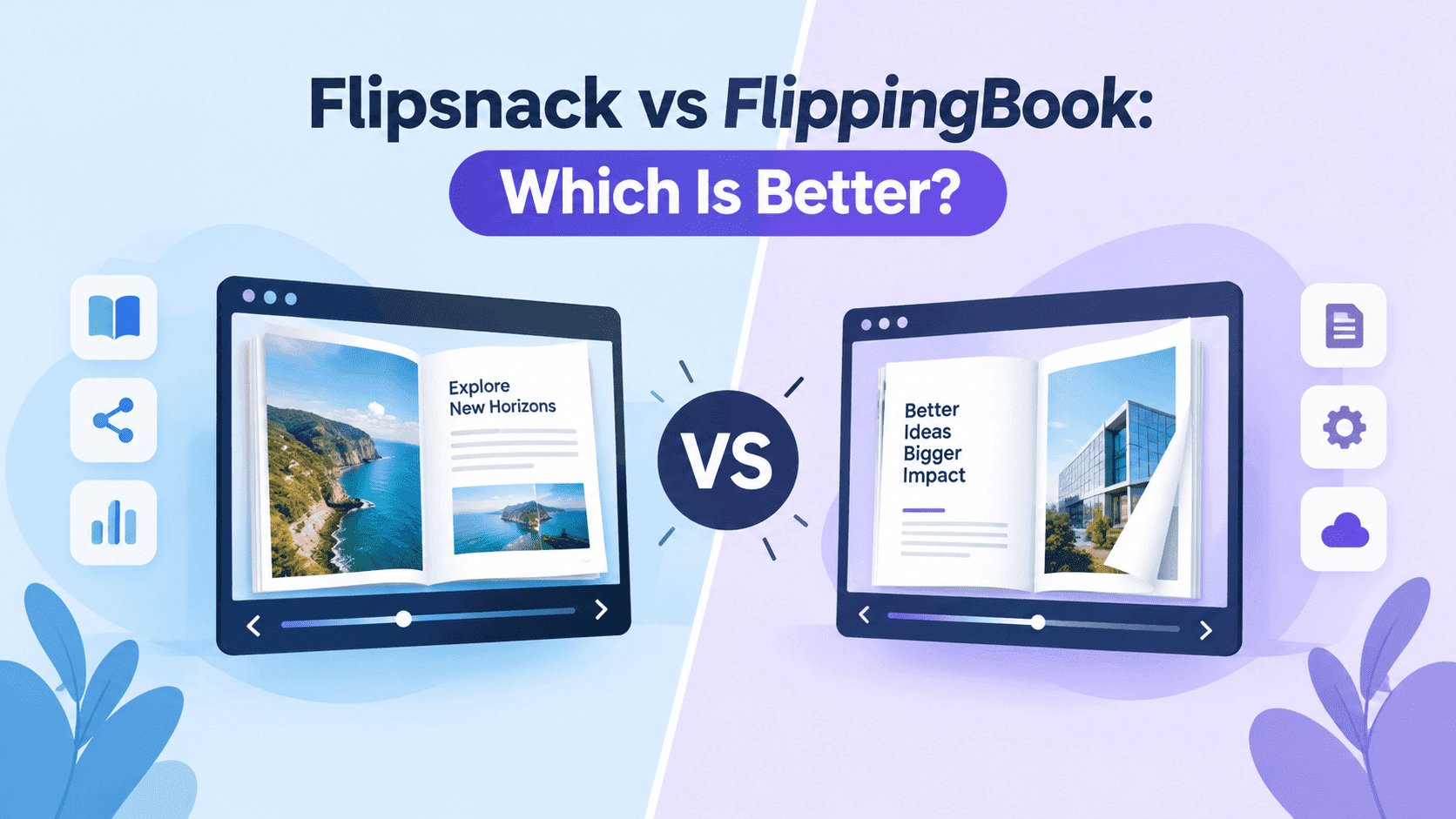
They start from different places, though. Flipsnack has an editor, so you can build the brochure inside it. FlippingBook expects a finished PDF and takes it from there. That difference answers much of the "which is better" question, and the price gap answers most of what's left: the plan that adds lead capture is Pro at $38 a month on Flipsnack (annual billing) and Optimal at $124 per user per month on FlippingBook, going by the listings I checked.
I run ZipFlipbook, which competes with both, so weigh my opinions accordingly. The plan details below come from Flipsnack's pricing page, Capterra's FlippingBook listing and G2's side-by-side. Vendors change their plans often, so check the pricing pages before you pay anyone.
Where each one starts
Flipsnack runs in the browser and has a drag-and-drop editor with a template library. You can begin from a blank page or a template, drop in photos and text, and publish without opening InDesign. G2 reviewers mention that editor more than anything else, especially people with no design training, and they rate Flipsnack's support at 9.6 against 9.4 for FlippingBook. Product direction scores 9.3 for Flipsnack and 8.5 for FlippingBook.
FlippingBook designs nothing. You upload a PDF made in Canva, InDesign, Word or anywhere else, and it becomes a flipbook with a table of contents for navigation. Reviewers like the conversion quality and the fact that links stay the same after you update a flipbook, which matters if the link is printed on a QR code, a van or a trade show banner. G2 scores FlippingBook's HTML5 flipbooks higher than Flipsnack's, 9.3 to 8.9. G2 also lists integrations with Canva, Adobe Express, Google Analytics and Google Forms, and Capterra shows self-hosting on the Enterprise plan for companies that can't put documents on someone else's server.
The complaints are different too. Flipsnack's most common cons on G2 are price (18 reviews call it expensive) and limited features (16). FlippingBook's are feature limits and limited customisation. These scores come from reviewers rather than testing, and G2 shows "not enough data" for a lot of the feature comparisons, so treat them as a rough guide.
Turn Your PDFs into Lead Generation Machines
Start getting highly-qualified leads from your PDFs and landing pages today. It takes exactly 2 minutes to set up.
No credit card required • Sign up in 10 seconds
Flipsnack vs FlippingBook pricing
Flipsnack is cheaper at every rung and has a free plan. FlippingBook has no free plan, only a trial.
Flipsnack's pricing page lists a Free plan with 5 flipbooks of up to 15 pages each, Flipsnack branding on shared links and embeds, no card needed and no expiry. Starter is $16 a month ($192 a year) for 5 flipbooks of up to 100 pages and one user. Pro is $38 a month ($456 a year) for 50 flipbooks of up to 200 pages. Business is $85 a month ($1,020 a year) for 100 flipbooks of up to 500 pages, with one user included and up to five in total; extra seats are $25 each per month on annual billing. Enterprise is a custom quote. The page doesn't clearly show monthly-billed prices and its "save" figures don't reconcile with the headline numbers, so treat those as annual-billing rates and check the checkout page before you commit.
Capterra's listing for FlippingBook shows six plans, all per user per month: Lite at $26, Starter at $61, Optimal at $124, Advanced at $249, Team at $342, and Enterprise by quote. Capterra doesn't say whether those are monthly or annual rates, and Publitas's comparison lists lower figures for the same tiers (Starter at $46, Optimal at $93), which looks like an annual discount. Publitas sells a competing catalogue product, so take its numbers as a second opinion. G2 lists Lite as including three flipbooks. There's a free trial and no free plan.
Compare the plans by feature and the price gap gets wider. Lead capture arrives on Flipsnack Pro at $38 and on FlippingBook Optimal at $124. A custom domain arrives on Flipsnack Business at $85 and on FlippingBook Advanced at $249. Seats make the gap worse for FlippingBook because it bills per user. A team of five on Flipsnack Business is $85 plus four extra seats at $25, so $185 a month. Five seats on FlippingBook Optimal is $620 a month at Capterra's price, and Optimal still has no custom domain.
Flipsnack's catch is the caps. It counts flipbooks and pages, and Starter stops at five, which seasonal catalogues use up quickly. I priced the same FlippingBook ladder against Joomag's in Joomag vs FlippingBook if a third tool is on your list. Prices checked on 25 October 2026.
Editing and design
If the brochure doesn't exist yet, Flipsnack is the only one of the two that can help. The editor works from templates and drag-and-drop layouts. Pro and above add YouTube and Vimeo video, slideshows, charts and product tags, and every paid plan comes with monthly AI credits: 100 on Starter, 250 on Pro, 500 on Business, according to the pricing page. Paid plans also download as PDF, JPG, PNG, GIF and MP4, which helps when a client wants a social clip cut from the same file.
FlippingBook leaves design to whatever you already use. That costs less than it sounds if you work in Canva, InDesign or Word, because the PDF export is the handoff either way. I've written walkthroughs for a pamphlet in Canva, an interactive brochure in InDesign and a digital brochure in Word, and all three end the same way: export, upload, publish.
The editor also has a cost beyond the plan price. Publitas's comparison says some users report slower page-turning in Flipsnack. That comes from a competitor and I haven't verified it, so open a trial flipbook on your phone before you commit. Heavy files need preparing in either tool, and how to optimize large PDFs for fast flipbooks covers that.
Analytics, lead capture and embedding
Both tools lock these behind their middle plans, so the plan matters more than the brand.
On Flipsnack, Starter has no analytics and no lead capture. Pro adds a performance overview, page-level stats, location insights, lead capture, Google Analytics, password protection and 50 trackable links, and it removes the Flipsnack watermark from embeds. Business raises the trackable links to 200 and adds quizzes and contact forms, private sharing with expiring access, a custom domain, white-labelling and Zapier. Enterprise adds the click heatmap and the API.
FlippingBook gives you basic analytics and trackable links from Lite at $26, which is more than Flipsnack's Starter does. Starter brings website embedding, analytics export and the WordPress integration. Optimal brings built-in lead generation, forms, quizzes, Google Analytics and your own logo and background. Advanced adds geo and engagement analytics, a custom domain, password protection, protected embeds, and the API with Zapier. You can get tracking more cheaply on FlippingBook, and lead capture more cheaply on Flipsnack.
Embedding works the same way. Flipsnack allows it on Starter with its watermark showing and drops the watermark on Pro. FlippingBook needs Starter at $61 for website embedding, and protected embeds sit on Advanced. Either one's embed code goes into WordPress or any site builder, and the WordPress embed guide covers that side.
If you only want to know who opened a PDF and don't want to pay either company, how to track PDF opens for free goes through the options. If the goal is collecting emails before someone reads, gating content without losing leads covers where to put the gate, because a hard gate on page one loses readers on either platform.
Flipsnack vs FlippingBook: which is better for you?
For most small businesses and solo creators, Flipsnack is the better buy. It costs less at each tier, the free plan lets you test with a real flipbook before paying, and the editor means you aren't stuck when the design isn't finished. The cheapest plan with analytics, lead capture and an unwatermarked embed is Pro at $38 a month on Flipsnack, against Optimal at $124 per user on FlippingBook.
FlippingBook is the better fit when the PDF is done and the link has to survive. Sales teams sending the same catalogue to prospects, anyone printing a QR code, and companies that need self-hosting or a custom domain on one managed account get more out of it. Per-user pricing hurts most in bigger teams, so price your real headcount before you decide. G2 reviewers also score its HTML5 flipbooks higher, 9.3 to 8.9.
Three common jobs show the split more clearly. An estate agent sending property packs mostly needs a file that loads quickly on a phone and a link that doesn't break, and the guide to digital property brochures is the place to start there. A sales team rotating one catalogue between reps needs the same link to keep working after each update, which is FlippingBook's strength, and digital catalogs for sales teams covers the workflow. An agency building brochures for several clients can use Flipsnack Business, which has white-labelling and up to five users on one account, and how digital brochures help marketing agencies generate more leads is the pitch to make to those clients.
There's a third option when neither fits. A finished PDF that needs embedding, analytics and lead capture is the case where both vendors push you onto a mid-priced plan. ZipFlipbook does that for free, but it has no editor, so it's no use if you're building the design from scratch. I compared it with Flipsnack head to head in Flipsnack vs ZipFlipbook, and the best free flip book makers with no watermark post lists the other free options. If FlipHTML5 is on your shortlist too, read the FlipHTML5 alternative post.
Issuu turns up on plenty of shortlists beside these two. How Flipsnack compares with it is in Flipsnack vs Issuu, and the FlippingBook side is in FlippingBook vs Issuu.
So for Flipsnack vs FlippingBook, upload the same PDF to Flipsnack's free plan (keep it under 15 pages) and to a FlippingBook trial. Check which one loads faster on your phone and which has the features you'd pay for.
Turn Your PDFs into Lead Generation Machines
Start getting highly-qualified leads from your PDFs and landing pages today. It takes exactly 2 minutes to set up.
No credit card required • Sign up in 10 seconds
Flipsnack vs FlippingBook FAQ
Which is better, Flipsnack or FlippingBook?
Flipsnack for most small teams, because it's cheaper and has a free plan and an editor. FlippingBook if you already have finished PDFs, need links that don't change when you update, or want self-hosting.
Is Flipsnack cheaper than FlippingBook?
Yes. Flipsnack's paid plans run from $16 to $85 a month on its pricing page. FlippingBook's run from $26 to $342 per user per month on Capterra's listing.
Does Flipsnack have a free plan?
Yes: 5 flipbooks of up to 15 pages each, with Flipsnack branding on links and embeds, and no card required.
Does FlippingBook have a free plan?
No, only a free trial. Capterra doesn't give its length, and Publitas says 14 days.
Can FlippingBook design a brochure from scratch?
No. It converts PDFs, so you design in Canva, InDesign or Word first. G2 lists Canva and Adobe Express integrations.
Which has better analytics?
Flipsnack Pro at $38 a month includes page-level stats and location insights. FlippingBook's geo and engagement analytics need Advanced at $249 per user. For the money, Flipsnack wins.
Is there a free alternative to Flipsnack and FlippingBook?
Yes. ZipFlipbook turns a PDF into a flipbook with lead capture and analytics for free, though it has no design editor.