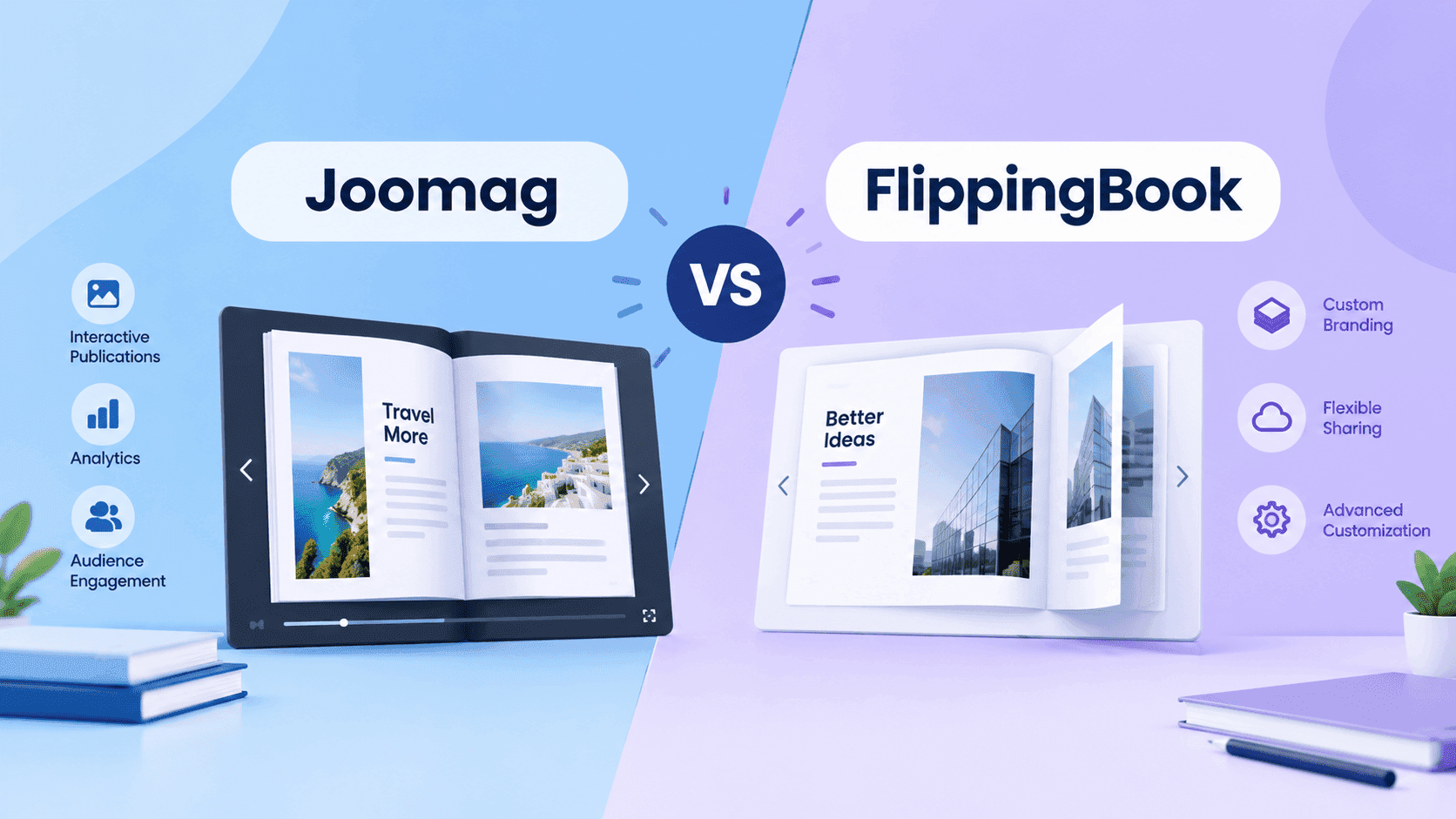
Joomag vs FlippingBook comes up when a brochure or catalogue PDF needs to do more than sit on a server: flip like a magazine, show who opened it, and live on the company website. Both say they do that, and both bill per user. But they're selling different things, and you notice it when the invoice arrives.
FlippingBook takes a PDF you already have and turns it into a trackable flipbook. Joomag is more of a content platform: you can design and publish inside it, and the flipbook is one output. I run ZipFlipbook, so I'm biased; I'll also point out where I wouldn't send you to either tool.
Joomag: a content platform with a flipbook at the end
Joomag has a drag-and-drop editor, so you can build a catalogue or magazine from nothing without leaving the product. It also has AI tools for drafting and summarising text and generating images; G2's side-by-side lists those as features FlippingBook lacks. If the brochure doesn't exist yet and you don't want to start in InDesign or Canva, that's the main reason to pay for Joomag.
You pay for that in two ways: the price and the lack of public pricing. G2 shows no public pricing for Joomag, and several reviewers call it expensive. Its review base is also smaller: 4.5 out of 5 from 85 reviews, against 298 for FlippingBook. Setup ease is 9.1 on G2, just below FlippingBook's 9.5, which isn't surprising for a product with an editor you have to learn. If Joomag looks like more tool than you need, go to the Joomag alternatives shortlist next.
Turn Your PDFs into Lead Generation Machines
Start getting highly-qualified leads from your PDFs and landing pages today. It takes exactly 2 minutes to set up.
No credit card required • Sign up in 10 seconds
FlippingBook: one job, with the features sorted into price tiers
FlippingBook won't design your brochure. You upload a PDF, it becomes a flipbook, and the product is built around what happens afterwards: trackable links, analytics, embeds, branding. G2 reviewers rate it 4.7 out of 5 from 298 reviews and praise how intuitive it is, with feature limits and limited customisation as the usual complaints. It connects to Canva, Adobe Express, Google Analytics and Google Forms, so the design work stays in a tool you probably already use.
The bigger issue is which features sit on which plan. On Capterra's listing, the $26 Lite plan gets you ad-free flipbooks, download and sharing controls, basic analytics and trackable links. Embedding on your own website starts at Starter, listed at $61. Built-in lead generation, forms, quizzes, your logo and background only come with Optimal at $124. Custom domain, password protection and API access require Advanced at $249. All prices are per user per month. If you need embedding and lead capture together, you have to start at Optimal. Issuu is a different comparison; see the FlippingBook vs Issuu page for that.
Joomag vs FlippingBook pricing
FlippingBook publishes its prices; Joomag mostly doesn't. Capterra lists Joomag at $50 per user per month for Start, $400 for Scale and a custom quote for Enterprise, and it shows neither a free plan nor a free trial. The listing doesn't explain what you get for the $350 jump from Start to Scale, so that's the first thing to ask Joomag. The Joomag pricing breakdown goes through what's known about each tier.
Multiply by 12 to compare annual cost. One seat on Joomag Start is $600 a year, and one seat on Scale is $4,800. One seat on FlippingBook Optimal is $1,488, and Advanced is $2,988. Add two colleagues and every figure triples, because both products bill per seat. Start costs less than Optimal, but without a public feature list you can't tell whether it's the equivalent tier. Before you multiply, check whether the listed price is monthly or annual; the listings don't say. FlippingBook has a free trial but no free plan.
Turn Your PDFs into Lead Generation Machines
Start getting highly-qualified leads from your PDFs and landing pages today. It takes exactly 2 minutes to set up.
No credit card required • Sign up in 10 seconds
Joomag vs FlippingBook: who should buy which
Choose FlippingBook when the PDF already exists. You can upload it, share a trackable link and check analytics the same day without anyone learning an editor. That fits a one- or two-person publishing setup, a sales team sending the same catalogue to prospects, or anyone who designs in Canva or InDesign and only needs the flipbook layer. Check which plan the free trial covers, because embedding and lead capture sit on the higher tiers.
Choose Joomag when you also need to build the content, want AI help drafting it, and can handle a price you have to request. A team producing a monthly magazine, or a catalogue that changes every week, gets more from an editor-plus-publishing platform than from a converter.
For the common small-business case, a finished PDF that needs embedding and lead capture, neither is a sensible buy. FlippingBook charges $124 per seat per month for that, and Joomag won't give a price up front. ZipFlipbook converts PDFs to flipbooks with lead capture, analytics and embedded media for free. It doesn't have an editor like Joomag's, so it isn't the answer if you're designing from scratch.
Get a written Joomag quote and start the FlippingBook trial in the same week, then price both for your actual headcount.
Joomag vs FlippingBook FAQ
Is Joomag better than FlippingBook?
For most buyers, no. FlippingBook has the higher G2 rating, 4.7 from 298 reviews vs. 4.5 from 85, and it publishes its prices. Joomag makes more sense if you need its editor and AI writing tools.
How much does Joomag cost?
Capterra lists Start at $50 and Scale at $400 per user per month; Enterprise is by quote. Joomag doesn't publish a full price list, so ask for a written quote.
Does FlippingBook have a free plan?
No. There's a free trial, and Capterra lists paid plans starting at $26 per user per month.
Can FlippingBook create a brochure from scratch?
No. It converts PDFs made elsewhere, so you still design in Canva, InDesign or Word first.
Is there a free alternative to Joomag and FlippingBook?
Yes, ZipFlipbook turns a PDF into a flipbook with lead capture and analytics for free, though it doesn't have a design editor.