Cancelling a Flipsnack subscription takes about a minute and four clicks. The harder part is what happens afterward. That flipbook embedded on your homepage, the catalogue link in your email signature, the brochure behind the QR code on your shop window: all of it hangs off the account you're about to downgrade.
This guide covers both: the exact cancellation steps, then what Flipsnack does with your flipbooks after the billing period ends, including where Flipsnack's own help pages disagree.
How to cancel your Flipsnack subscription
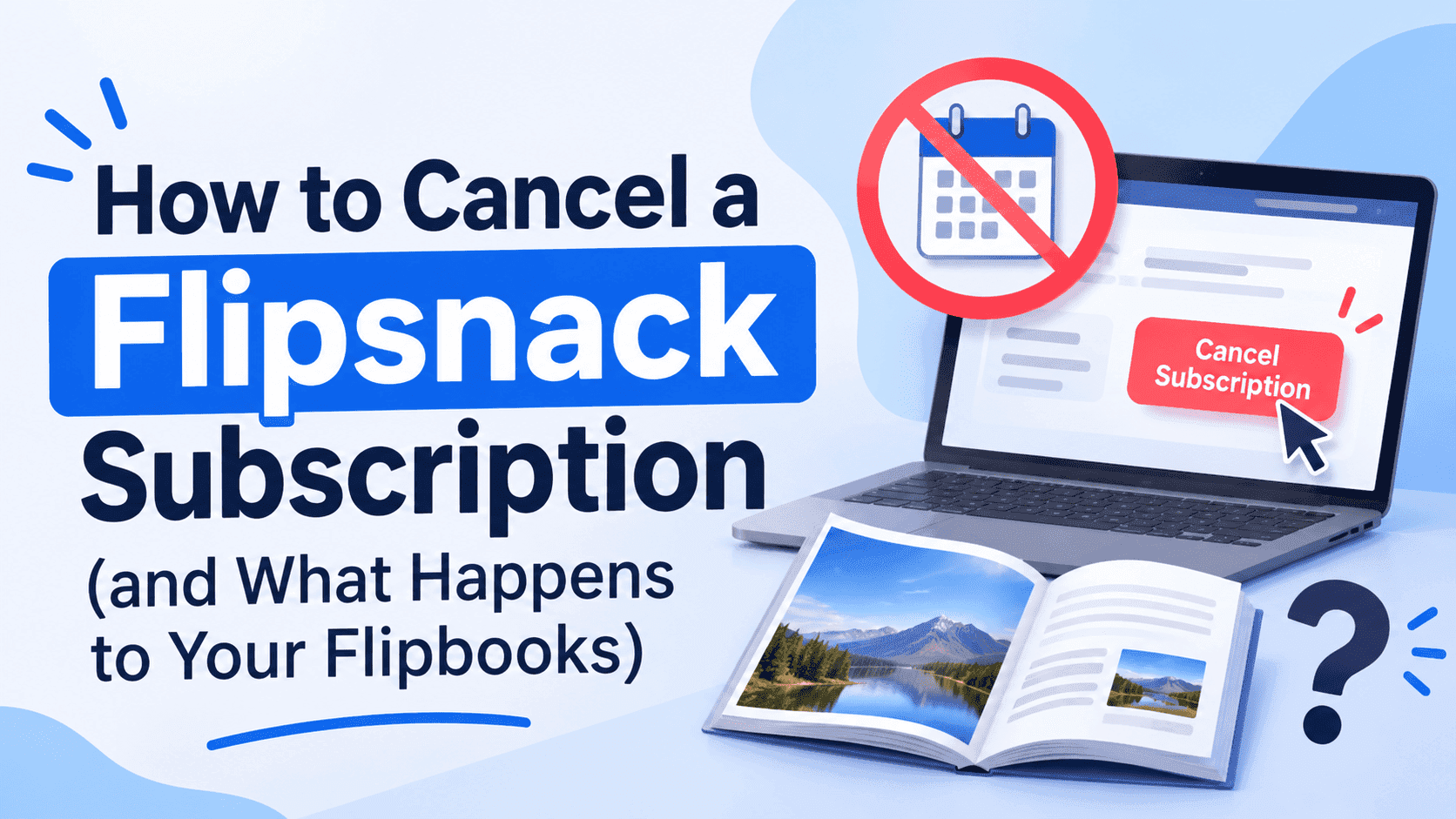
You do it from inside the dashboard. No email to support, no phone call.
- Log in to your Flipsnack account and click Settings (bottom left of the dashboard), or open the dropdown under your profile picture.
- Choose Billing. On some accounts the same page is labelled Subscription.
- Click Cancel plan.
- Click Cancel plan a second time to confirm.
- Fill in the short survey if you feel like it. It's optional.
Older help articles still describe the button as "Cancel auto-renewal", so if you find that wording in a forum thread or a screenshot from a couple of years ago, it's the same button with a different label.
To check it worked, go back to the Billing page. If you now see Renew plan where Cancel plan used to be, the cancellation is registered and nothing will be charged at the next renewal date. If you still see Cancel plan, it didn't go through. Do it again.
A few people on Trustpilot grumble that the process feels like it has extra steps designed to make you give up. Two confirmations isn't unusual for SaaS, but check for the confirmation instead of assuming the first click worked.
Cancelling doesn't switch anything off today
Cancelling does not switch anything off today. It stops the subscription from renewing; it does not end it. You keep your plan, your features and your flipbooks exactly as they are until the end of the billing period you've already paid for.
If you're on a monthly plan that renewed last week, you have roughly three more weeks of everything. If you're on a yearly plan that renewed in March, cancelling in November means you keep the lot until next March. Don't wait until the last day. Renewal charges usually go through on the expiry date, so last-minute cancellations are how people end up paying for another year they didn't want.
Set the cancellation the day you decide. You lose nothing by doing it early.
Turn Your PDFs into Lead Generation Machines
Start getting highly-qualified leads from your PDFs and landing pages today. It takes exactly 2 minutes to set up.
No credit card required • Sign up in 10 seconds
What happens to your flipbooks after the plan ends
Flipsnack's current help documentation describes this sequence:
When the paid period runs out, your account switches to the Free plan and a 21-day grace period starts. During those 21 days your existing flipbooks keep their premium features. After that, the premium extras on them stop working and the account is held to Free plan limits.
Flipsnack's own pages contradict each other on free-plan limits, so treat any single number with suspicion. The current free plan article says you get up to 3 flipbooks of 30 pages each, with PDF uploads up to 100 MB. Another article about downgrading mentions a maximum of 5 flipbooks. Pricing trackers show the free tier being cut down in mid-2026, which probably explains the mismatch: some help pages were updated and some weren't. Log in after cancelling and read the limits shown in your own dashboard, because that's the version that applies to you.
There's also a really old help article that says the account gets frozen after the grace period and you can't edit anything until you upgrade. I can't tell from outside whether that's still how it works or an obsolete page nobody retired. Assume editing may be locked so you're prepared either way.
In practice:
- If you have more flipbooks than the free plan allows, you can't assume they all stay live. Work out which ones matter before the grace period ends.
- Anything you built with premium features (lead capture forms, analytics, password protection, custom branding) is the most likely thing to stop working.
- Flipbooks that are just a PDF turned into pages will probably keep displaying, but with the Flipsnack watermark and its restrictions.
Embedded flipbooks and the watermark
Read this section carefully if you embedded flipbooks on a website.
Flipsnack says that embedding without its watermark needs at least the Professional plan. Drop below that and your embeds can start carrying Flipsnack branding in front of your customers. For a restaurant menu or a property brochure that's an annoyance. For a client-facing proposal or a sales catalogue it looks sloppy.
So before the grace period ends, open every page on your own site where a flipbook is embedded and look at it. Check the cover, check that the page count hasn't been trimmed, check that any forms still show up. It takes ten minutes, and it's better than hearing about a broken embed from a customer.
If you're replacing the embed with something else, our guide on how to embed a PDF into your website covers the iframe route and the options that don't need a plugin.
Cancel versus delete: don't mix them up
Cancelling the subscription and deleting the account are two different things, and one of them can't be undone.
Cancel keeps the account alive on the free plan. Your flipbooks stay in the dashboard, your login still works, and you can upgrade again whenever you like.
Delete wipes the account and every flipbook in it. Flipsnack's help centre is blunt about this: deleting an account is permanent and all the flipbook data goes with it. There's a note that renewing within 12 months can restore an account and its content after certain kinds of closure, but I wouldn't build a plan around a safety net I'd never tested.
If you want out of Flipsnack entirely, do it in this order. Cancel the subscription. Export or download everything you need. Wait for the grace period to finish. Only then think about deleting the account, and only if you've confirmed the content is saved somewhere else.
Download your originals before you do anything
This step isn't about Flipsnack's rules. It's about not getting stuck.
A flipbook is a display layer. The real asset is the PDF underneath it, and if your original design files are scattered across an old laptop and three people's Downloads folders, now is the time to find out. Pull the PDF for every flipbook you care about and save it somewhere you control. If you built anything in Flipsnack's editor and don't have a source file, export it as a PDF from the editor before the account is limited.
Also write down what each flipbook is connected to. Which pages link to it, which emails, which social posts, which printed QR codes. Short links and embed codes that point at Flipsnack stop being yours the moment the account lapses, and a QR code on 2,000 printed flyers is not something you can recall.
Turn Your PDFs into Lead Generation Machines
Start getting highly-qualified leads from your PDFs and landing pages today. It takes exactly 2 minutes to set up.
No credit card required • Sign up in 10 seconds
What about the free trial?
If you're on a trial rather than a paid plan, the rules are different. Flipsnack's help centre says the 14-day trial needs no payment details, so there's nothing to cancel and nothing that bills you at the end. After 14 days you're offered the choice of upgrading or carrying on with the free plan.
One of their articles says the only way to cancel a trial is to delete the account. That seems like overkill for a trial that doesn't charge you, especially since another page says you won't be charged unless you upgrade. If you only want to stop the trial and keep your flipbooks, simply don't upgrade. If you're worried, email their support and get the answer in writing.
Refunds and the renewal that already went through
If the renewal landed this morning and you didn't mean it to, ask for a refund straight away. Flipsnack's refund policy says that if your subscription has recently renewed and you haven't used any of the features since the charge, you can request one. Pay attention to the condition. Log in, export three flipbooks and tweak a design, and your case gets a lot weaker.
Do it in this order: cancel first so it can't happen again, then contact support (contact@flipsnack.com or the live chat) with the date of the charge and a plain sentence saying you didn't use the plan since. Don't write an essay. Keep a screenshot of the charge and of your cancelled status.
Refunds are discretionary and the window is short. A charge from six months ago is a lost cause, so check your statements now if you suspect an old plan is still ticking over.
Moving your flipbooks somewhere else
If you're cancelling because the price no longer matches how often you publish, you have a few ways forward.
The cheapest is to stay on the free plan for the flipbooks that are just a PDF with a page-turn effect. Nobody pays for a menu that gets updated twice a year.
If the watermark or the page cap is the problem, move the PDFs to another tool. We've compared Flipsnack against ZipFlipbook in detail in Flipsnack vs ZipFlipbook, and ZipFlipbook is free, runs in the browser and turns a PDF into an interactive flipbook with lead capture, analytics, embedded media and an embeddable link. Upload the PDFs you saved in the previous step and you can have replacements live the same day.
If you're thinking of leaving a different publishing platform too, the same logic applies. We wrote up the cancellation steps for another big name in how to cancel an Issuu subscription, and the advice about downloading originals first is identical.
Whatever route you take, update every link and embed before the grace period ends, not after. Replace the embed code on your site, swap the link in your email footer, regenerate any QR codes that need regenerating, and only then let the old flipbooks fall away.
A short checklist for the cancellation day
- Download the PDF of every flipbook you want to keep.
- List where each flipbook is embedded or linked.
- Cancel under Settings, Billing, Cancel plan, and confirm twice.
- Check the Billing page shows Renew plan instead of Cancel plan.
- Screenshot the cancelled status.
- Put a reminder in your calendar for day 18 of the grace period to check embeds.
- If you were charged recently and didn't use the plan, email support about a refund.
Turn Your PDFs into Lead Generation Machines
Start getting highly-qualified leads from your PDFs and landing pages today. It takes exactly 2 minutes to set up.
No credit card required • Sign up in 10 seconds
FAQ
How do I cancel my Flipsnack subscription?
Go to Settings, then Billing (or Subscription), click Cancel plan, and confirm by clicking it again. The subscription keeps running until the end of the period you've paid for.
Will I lose my flipbooks if I cancel Flipsnack?
No. Cancelling moves you to the free plan and keeps your flipbooks in the account. You can lose premium features, and depending on the limits, some flipbooks may stop being active. Deleting the account is what removes them.
Does Flipsnack give a refund after cancelling?
Only in limited cases. Flipsnack's policy allows a refund request if the plan recently renewed and you haven't used its features since. Cancelling alone doesn't trigger a refund.
What is the Flipsnack grace period?
It's 21 days after your paid plan ends. During that time, existing flipbooks keep their premium features; after that, the account runs on Free plan limits.
Can I reactivate Flipsnack after cancelling?
Yes. Open Billing and click Renew plan, or upgrade again from the dashboard.
Is there a free Flipsnack alternative that doesn't add a watermark?
ZipFlipbook is free and doesn't charge you to remove branding. Upload a PDF, get a flipbook, embed it or share the link.