An Issuu flipbook is what most people picture when they want a PDF that turns pages like a magazine. Issuu has been around since 2006, it has a huge library of publications, and it shows up at the top of every flipbook maker search. So it deserves a proper look before you hand it your credit card.
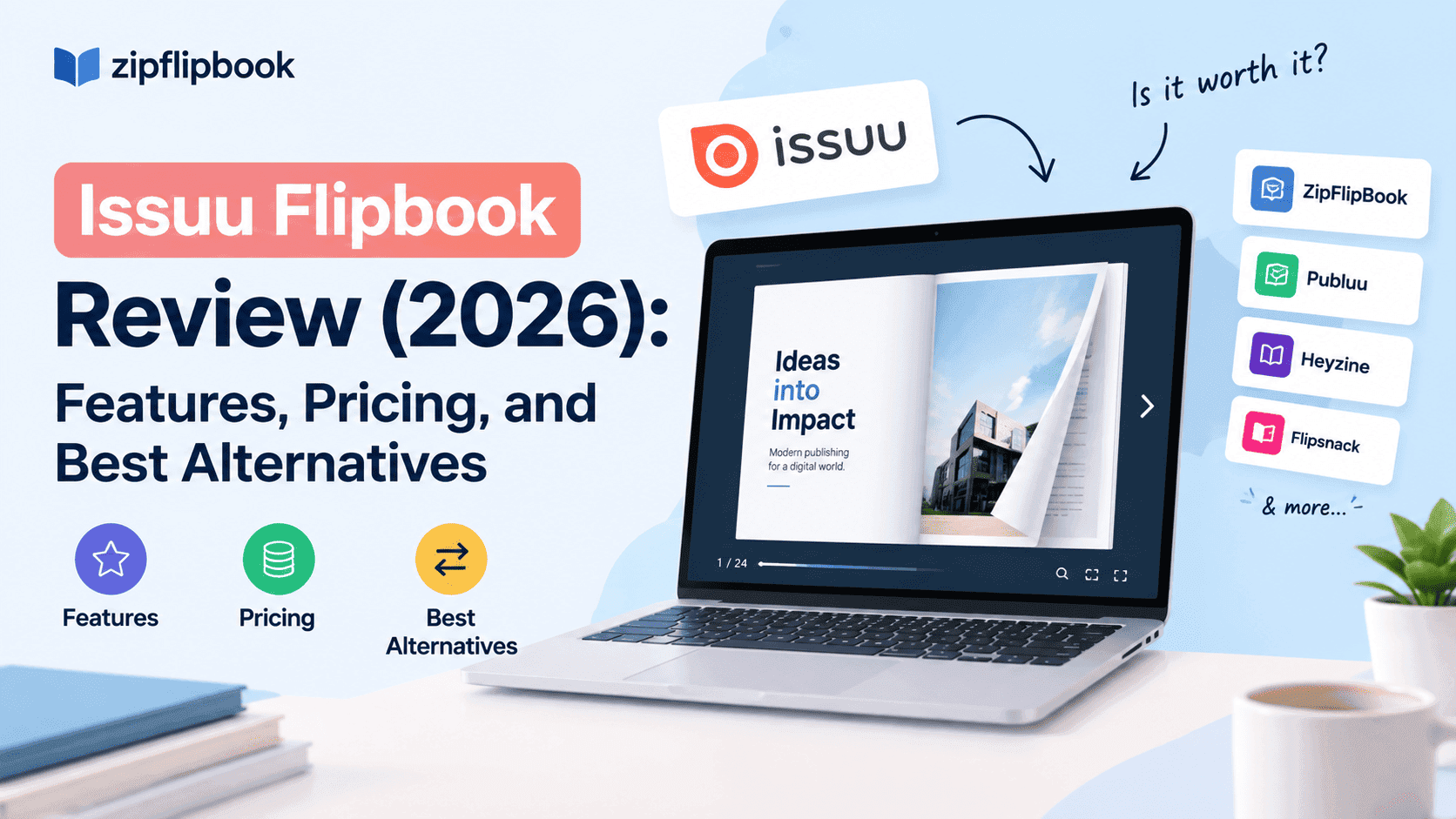
This Issuu flipbook review covers how it works, what it costs in 2026, where it falls short and what to use instead.
I build a competing product, so take my opinions with the appropriate grain of salt. I've still tried to be fair. Issuu isn't useless — it's built for a specific kind of publisher, and a lot of people who sign up aren't that.
What an Issuu flipbook actually is
Issuu is a hosted publishing platform. You upload a PDF, it converts the file into a page-turning flipbook, and you get a link you can share or embed. There's also a public network where readers can discover publications, follow accounts and browse topics. That network is easy to overlook, but it explains both the pricing and where Issuu works best.
Originally it was a place for magazines, zines and independent publishers to get read. Over the years it has moved toward marketing teams, with tools that turn a single document into articles, social posts, and short animated clips. That pivot is why the pricing ladder looks the way it does.
How to make an Issuu flipbook
The process is quick, which is a big part of Issuu's appeal.
- Sign up for a free Issuu account.
- Upload your file. PDF is the usual choice, but Issuu also takes DOC, DOCX and PPT files, and you can import from Dropbox or Google Drive. There are Canva and InDesign integrations if you design there.
- Add the interactive bits: links, video, a clickable table of contents, shopping links. Some of these sit on paid plans.
- Share it with a link, a QR code, or an embed on your own website. Embedding is a paid feature.
From upload to shareable link takes a few minutes. The catch comes later, when you find out which of those steps needs a paid plan.
Turn Your PDFs into Lead Generation Machines
Start getting highly-qualified leads from your PDFs and landing pages today. It takes exactly 2 minutes to set up.
No credit card required • Sign up in 10 seconds
Issuu flipbook features worth knowing about
Flipbook conversion. Upload a PDF and you get a clean, familiar page-flip reader. The conversion is reliable and the reader loads quickly on phones. If you only need a PDF to look like a magazine, this part works.
Embedding. You can drop a flipbook onto your own website, and this is where the free tier gets awkward. Embedding sits on the paid plans, so the cheapest way to put an Issuu flipbook on your own page is to pay for it. I wrote about the free tier in more detail in Is Issuu Free? if you want the full breakdown of what you can and can't do without paying.
Links and video. Paid plans let you add clickable links and video to pages. It works, though it feels more like something bolted onto a PDF than an interactive document.
Articles, social posts and GIFs. Issuu can repurpose your document into other formats. A marketing team that publishes constantly will use this. A bakery with one price list won't.
Statistics. You get reading stats. What you see depends on your plan: cheaper tiers show a limited history, the top tier gives you more detail.
Discovery. Your publications can appear on Issuu's own platform, and that can send readers your way. Whether it does depends heavily on your niche. A design magazine or a fashion lookbook may pick up an audience. A B2B parts catalogue will not.
Issuu flipbook pricing in 2026
Issuu has changed its pricing over the years, and listing sites don't always match. Check Issuu's page before you buy. Right now the tiers look like this.
- Free. Publish flipbooks on Issuu's platform. Expect Issuu branding, external ads around your content, and limits on what you can do with the finished flipbook.
- Starter, around $19 a month. Embedding on your own site, fullscreen sharing, links and videos, a handful of private publications, and roughly 30 days of statistics. File uploads are capped at around 500 pages or 100MB.
- Unlimited, around $188 a month. No file limits, unlimited private publishing, your own logo and colours, ad removal, a lead generation form, commission-free selling, and deeper stats.
- Issuu for Teams. Custom quote, aimed at organisations with multiple users, access controls and shared workspaces.
That's a steep jump: $19 to $188. And the features people ask for most — lead capture, no external ads, your own branding — are all on the expensive plan.
A small business will probably start on Starter, hit a wall fast, then either pay nearly ten times more or leave.
Turn Your PDFs into Lead Generation Machines
Start getting highly-qualified leads from your PDFs and landing pages today. It takes exactly 2 minutes to set up.
No credit card required • Sign up in 10 seconds
Where Issuu flipbooks are good
Issuu is good at what it was built for.
The platform's reach is a real asset if you publish a magazine, zine or portfolio and want strangers to find it. You also get a polished, recognisable reader that looks professional out of the box. And if you're a marketing team that publishes regularly and can afford the upper tiers, the repurposing tools save time.
The interface is also easy to learn. Nobody needs a tutorial to upload a PDF.
Where an Issuu flipbook struggles
The paywall lands early. The free plan is a demo, not a workable setup. Embedding, cleaner branding and anything resembling lead capture all cost money. That's a legitimate business model, but the word "free" is carrying a lot of weight.
Lead capture is expensive. This is my biggest gripe. Say you're a plumber with a forty-page price guide and you want to know who's actually reading it. To collect an email address before someone opens the file, you're looking at the top-tier plan. If you're a small business, that's hard to justify.
Ads on the free tier. Readers may see ads sitting near your content, and some of those can be for competitors. If you're using a flipbook as a sales tool, that matters.
Your content lives on someone else's platform. Issuu's discovery network helps some publishers and distracts others. If you just want a flipbook that lives quietly on your own page, the surrounding platform doesn't add much.
Interactivity is basic. Links and video work. But if you want forms, embedded media, tracked interactions or a fully clickable catalogue, you'll hit the ceiling fast.
Who should use Issuu flipbooks
Issuu is a good fit for independent magazine publishers, zine makers, photographers and designers who want to be found on a public platform. It also suits marketing teams that want to turn one document into several formats and can afford the top plan.
It's a poorer fit if you run a small business and need a flipbook that captures leads, sits cleanly on your website and costs less than your accounting software.
Turn Your PDFs into Lead Generation Machines
Start getting highly-qualified leads from your PDFs and landing pages today. It takes exactly 2 minutes to set up.
No credit card required • Sign up in 10 seconds
Issuu flipbook alternatives
Here's how the usual alternatives compare.
ZipFlipbook. Yes, this is ours, so weigh accordingly. It's a browser-based tool that turns a PDF into an interactive flipbook for free, with lead capture, analytics, embedded media and embeddable links included. The goal was to give a one-person business the features Issuu reserves for its priciest plan. We wrote up a longer comparison for that audience in Issuu Alternatives for Small Business.
Flipsnack. A well-known option with a strong template library and team features. Listings show pricing starting around $35 per user per month, so it costs more than Issuu's entry plan. It makes the most sense for design-heavy teams.
Heyzine. A lighter flipbook tool with a simple interface and a free tier. Good if you just need something quick.
Publuu. Focused on embedding and customisation, with a clean reader. Good for people who care about how the flipbook looks on their own page.
Yumpu. A large public platform in the same spirit as Issuu, with its own audience and its own ad model.
FlippingBook. Built for businesses with serious document needs, and priced like it.
I've written individual comparisons for several of these if you want the detail, and the blog index has the full set.
How to choose
The first question is where your readers come from.
If strangers browsing a publishing platform are your source, Issuu's network is worth paying for. If your readers come from people you already have — your website, email list or social channels — you don't need a discovery network. You need a reliable reader, clean embedding and a way to see who opened it.
Then check three things. What do you get for the money at the level you'll actually use? Don't judge on the headline price. Is lead capture included, or locked behind a top tier? And upload your worst, heaviest PDF — the one with the huge images — to see how the tool handles it.
That last test tells you more than any feature list.
The verdict on Issuu flipbooks
Issuu is solid and mature, with a real audience and a polished reader. For publishers who want to be discovered, it earns its place.
For small businesses, it's less flattering. The cheap plan is limited. The plan that adds lead capture and branding costs a lot. The free tier comes with strings. If you want to turn a PDF into a sales tool on your own website, there are cheaper and simpler routes — some free.
Try Issuu's free plan, then try one or two alternatives with the same PDF. You'll know by the end of the afternoon.
Frequently Asked Questions
What is an Issuu flipbook? It's a digital publication built from an uploaded document, usually a PDF. It looks like a printed magazine or book, with page-turning animation, and it opens in a browser on any device. Links and video can be added on the paid plans.
How do I make an Issuu flipbook? Sign up, upload your PDF (or a DOC, DOCX or PPT file), add links and video, then share it with a link or QR code. Embedding it on your own site needs a paid plan.
Is an Issuu flipbook free? There is a free plan, and it lets you publish flipbooks on Issuu's platform. It comes with limits, including Issuu branding and ads, and features like embedding on your own site sit on the paid plans.
How much does Issuu cost in 2026? Recent listings put the Starter plan at around $19 a month and the Unlimited plan at around $188 a month, with custom pricing for Issuu for Teams. Prices change, so confirm on Issuu's own pricing page before you sign up.
Can I embed an Issuu flipbook on my website? Yes, but embedding is part of the paid plans, not the free one.
Does Issuu capture leads? A lead generation form is listed on the top-tier plan, not the entry-level one. If lead capture matters to you, that changes the real cost considerably.
Does Issuu show ads? On the free plan, yes. Removing external ads is listed as a feature of the higher-priced plan.
What's the best free alternative to an Issuu flipbook? It depends on what you need. If you want lead capture, analytics, embedded media and embeddable links without paying, ZipFlipbook is built for that. Heyzine and a few others also offer free tiers with different limits.
Is Issuu good for small businesses? It can work for simple use cases, but the jump from the entry plan to the plan with branding and lead capture is steep. Many small businesses find a cheaper — or free — alternative fits better.
Can Issuu handle large PDFs? The entry plan caps uploads at roughly 500 pages or 100MB per file. The top plan removes those limits.
What's the difference between Issuu and Flipsnack? Both convert PDFs into flipbooks. Issuu has a public discovery platform and a free tier, while Flipsnack leans toward design templates and team workflows, with pricing that listings show starting around $35 per user per month.
Do I need to keep my flipbook on Issuu's platform? Not necessarily. If you'd rather have a flipbook that lives on your own site or gets shared through a link, tools like ZipFlipbook are built for that.