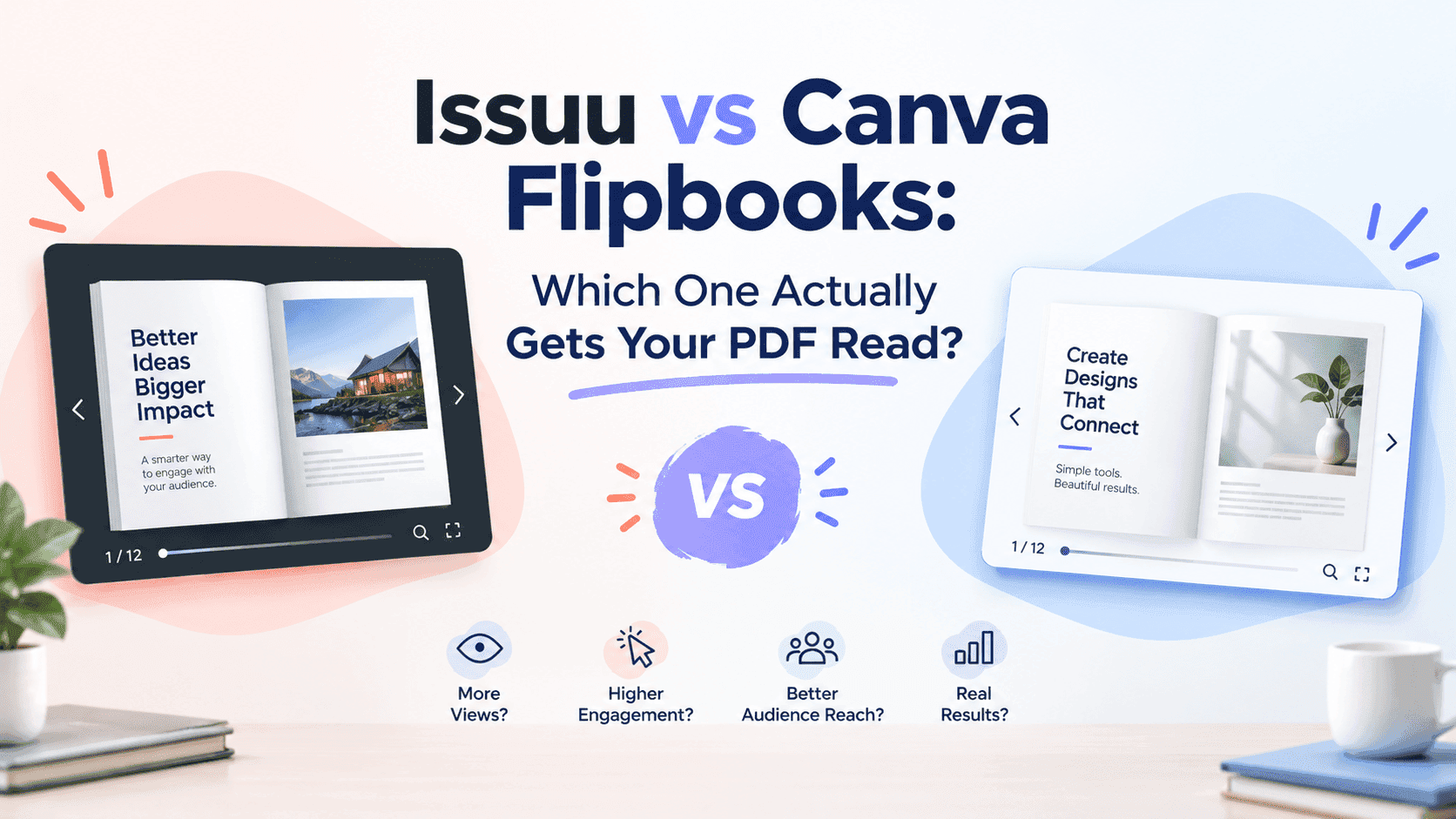
I've had this conversation with at least a dozen small business owners now, usually over a rushed Zoom call where someone's screen-sharing a half-finished catalogue and asking "should I just put this in Canva or does it need to go on Issuu?" My answer is usually the same: it depends on what you think the flipbook is for.
Issuu and Canva aren't competing for the same job. Issuu is a publishing platform with design features. Canva is a design tool that added flipbook export later. Neither was built to solve the problem most of us have: I made a PDF, and now I need people to open it, read it, and hand over an email address somewhere along the way.
The marketing promises more than either product delivers, so here's what each one does well.
Where Issuu Works Well
Issuu launched in 2006, and it has lasted because it solved a real problem for years. Upload a PDF and it becomes a page-flip viewer with smooth-enough animation, a built-in reader that works on most devices, and a public library page where other people browsing Issuu might, in theory, stumble across your content.
The discovery angle is the main selling point. The idea is that publishing on Issuu can put your catalogue in front of people who were never going to find it otherwise.
I've gone down the rabbit hole of Issuu's public feed more than once. It's mostly a graveyard of catalogues from companies that stopped posting two years ago. There is some organic reach, but not enough to build a marketing plan around.
Issuu's strongest feature is embedding. Drop an Issuu embed code into a WordPress post or a Squarespace page and it loads without much fuss. For a business that just needs a decent-looking PDF viewer on its website, that's often enough. I broke down the free-tier limits and paid pricing in more detail in my Issuu alternative piece for small businesses, if you want the specifics on where the free plan runs out.
Turn Your PDFs into Lead Generation Machines
Start getting highly-qualified leads from your PDFs and landing pages today. It takes exactly 2 minutes to set up.
No credit card required • Sign up in 10 seconds
What Canva Flipbooks Can Do
Canva's flipbook feature comes at this from the opposite direction. Canva is a design tool first. You build a document — brochure, magazine spread, lookbook — inside Canva's editor, using their templates and drag-and-drop layout system. Then, if you want, you publish it as a flipbook, which adds a page-turning animation and a shareable link.
The appeal is obvious if you've ever tried to design something in InDesign with zero training. Canva's templates are strong, the learning curve is low, and you can go from blank page to finished layout in an afternoon. I've watched non-designers build surprisingly polished catalogues in Canva purely because the templates do so much of the heavy lifting.
But the flipbook feature is limited. It feels added on to a design product rather than built as a publishing tool. There's no lead capture. There's no real analytics beyond basic view counts on paid plans. The flipbook also lives on a Canva-branded link or gets embedded via an iframe that does nothing for your own site's SEO. You do the design work, then hand distribution to Canva.
A client built a beautiful seasonal lookbook in Canva once, all soft pastels and clean product shots, then asked why it wasn't showing up when people searched for the collection by name. Google couldn't index content sitting behind a Canva flipbook viewer. The design did the work; the platform gave no SEO benefit back.
How They Compare
Here's how they compare without the marketing language.
Design quality. Canva is better for design. Issuu's editor, if you use it rather than just uploading a finished PDF, is clunky and dated. If you want the flipbook to look well-designed and you don't have a designer on staff, build the layout in Canva.
Distribution and discovery. Issuu has a slight edge because of its public library and years of accumulated search presence for the Issuu domain itself. That mostly helps Issuu's domain, not yours.
Lead capture. Neither one handles lead capture well. Issuu has some gating features on paid tiers, and Canva has almost none built into the flipbook feature. If your goal is turning brochure views into email addresses or contact requests, both platforms leave you improvising with third-party form tools bolted on the side.
Analytics. Both offer limited analytics. You get view counts, maybe some geographic data on paid tiers, but nothing telling you which page someone stopped on, how long they read a spec sheet, or whether they clicked a call-to-action. If you want to know what happens after someone opens your PDF, that data mostly doesn't exist in either tool's free or mid-tier plans. I've written before about what proper open-tracking should actually look like for PDFs, and it's not what either platform ships by default.
Cost at scale. Canva's flipbook feature comes bundled with a Canva Pro subscription, which is fine if you're paying for Canva already for design work. Issuu's pricing climbs fast once you need custom branding, embedding without a watermark, or real storage volume. Neither pricing structure is built around "I just need to publish PDFs as flipbooks." It's built around upselling you into the broader product.
The Gap Both of Them Leave
Issuu and Canva were both built for something close to, but not the same as, what most small businesses need. Issuu was built to be a publishing network. Canva was built to be a design tool. Flipbooks are a feature each company added because customers asked for it, not because either set out to solve how small businesses turn static PDFs into something that converts.
That's the gap. You've already got the PDF — a catalogue, a menu, a proposal, a property brochure. You don't need a full design suite to build it from scratch, because you already built it in Word or InDesign or wherever. And you don't need a discovery network that's mostly abandoned uploads. You need something that takes the PDF you have, turns it into an interactive flipbook quickly, embeds cleanly on your own site without wrecking load times, and tells you what actually happens after someone opens it.
That's the gap ZipFlipbook was built to fill. Upload the PDF, get a flipbook that embeds properly on your own domain, so the SEO benefit is yours instead of a third-party platform's, with lead capture and analytics built in rather than saved for a premium tier. No redesign required, you don't pay a watermark fee, and you don't wait for someone to stumble across your catalogue in a public feed that stopped mattering years ago.
If you've already built something in Canva, that work isn't wasted — export the PDF and run it through ZipFlipbook instead of relying on Canva's own flipbook export. You keep the design and avoid the distribution problems. I walked through this workflow in a piece on turning a Canva zine into a proper digital flipbook, which covers the export settings that matter if you want the page-flip animation to look right instead of glitchy.
Turn Your PDFs into Lead Generation Machines
Start getting highly-qualified leads from your PDFs and landing pages today. It takes exactly 2 minutes to set up.
No credit card required • Sign up in 10 seconds
So Which One Should You Use?
If you need a quick internal document shared once with a client and you don't care about SEO, lead capture, or analytics, either Issuu or Canva's flipbook export is fine.
But if the flipbook is supposed to do marketing work — sit on your website, get found in search, capture leads, show what prospects care about — then both are the wrong tool. They aren't bad products; they just weren't built for that.
ZipFlipbook isn't a replacement for Issuu in every use case. It's built specifically for businesses that need the flipbook to convert, not just look nice, and zipflipbook.com is free to use. If that's you, it's worth testing against whatever you're using now to see which one performs better with your traffic.