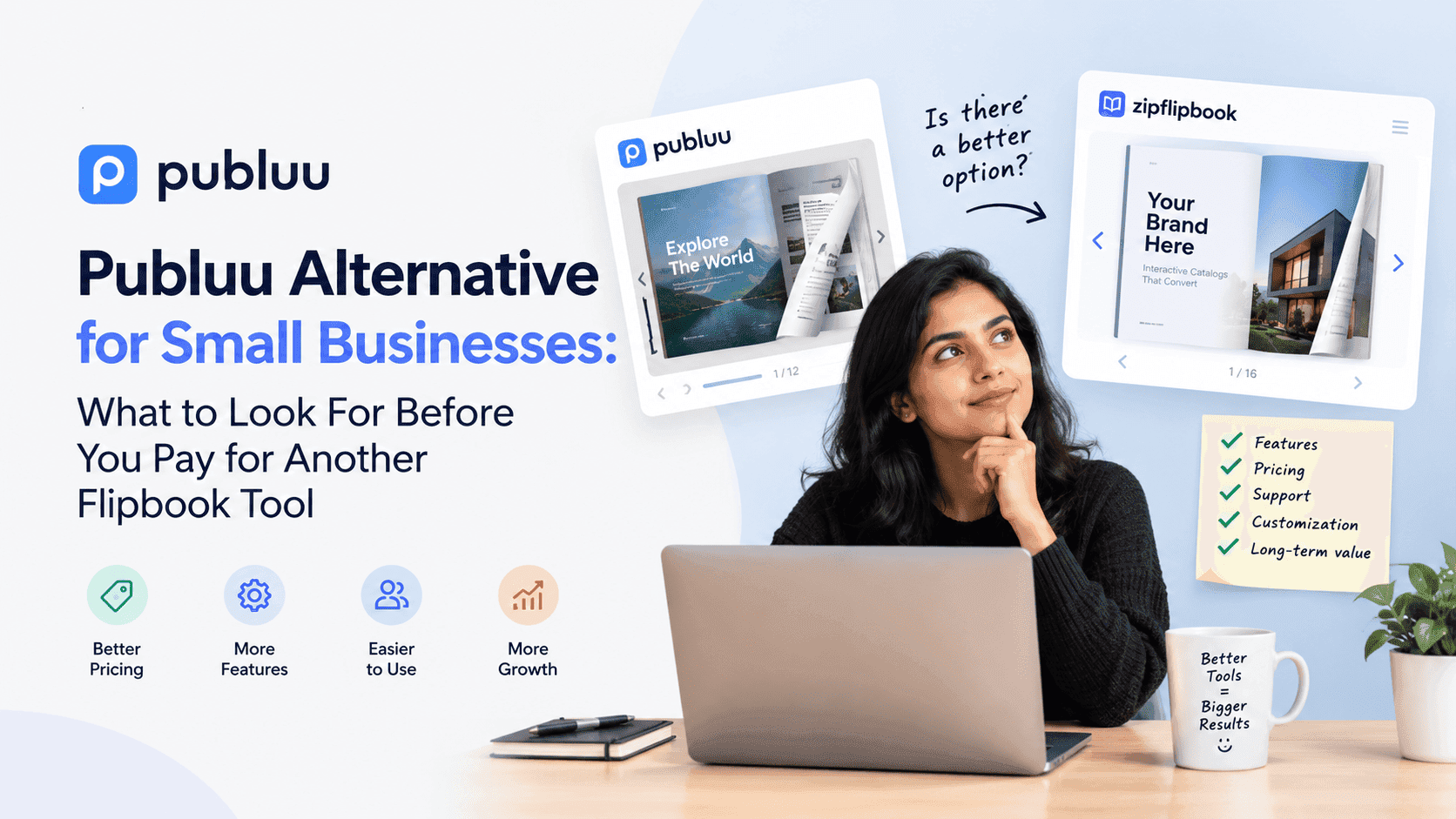
Most small business owners who go looking for a Publuu alternative aren't unhappy with Publuu because it's bad. It isn't. You upload a PDF, you get a page-turning flipbook, and it looks good. The trouble starts later, usually around the third or fourth PDF. That's when you realise you've been using a publishing tool for a business job. They're not the same thing.
I run an SEO agency for tradespeople and small businesses, and I built ZipFlipbook, so I'm not neutral. But the honest answer to "should I switch?" is sometimes no.
Why people start looking
I keep hearing the same handful of complaints. The free plan runs out faster than expected. The branding on the flipbook makes a small firm look like it's borrowing someone else's shop window. The link goes out, and nobody can tell whether anyone opened it. And the embed on their own website either looks awkward or drags the page down.
None of these are dramatic. They're the slow annoyances of a tool designed around "make a nice flipbook" when you actually needed "get more enquiries from this brochure." Those are different jobs.
Think about a roofing company sending out a 12-page PDF of services and past projects. The owner sends it to twenty people. Some reply, most don't. A month later he has no idea whether the silence means "not interested" or "never opened it." A flipbook that looks lovely but tells him nothing has solved maybe a third of his problem.
Start with what the flipbook is for
Before comparing any tools, decide what job the thing has to do. Small businesses tend to split into three groups, and each needs something different.
One group just wants their PDF to look less like a PDF. Menus, price lists, seasonal catalogues. Nobody needs to be tracked and nothing needs gating. If that's you, almost any decent flipbook maker will do, and Publuu is a reasonable pick. Don't overthink it.
Another group wants leads. The brochure exists to get a name and an email address from someone who's interested enough to read it. The flipbook is a form with better manners, and what matters is whether the tool can ask for details at the right moment and then show you who filled them in.
Then there are businesses that want to know what's happening. They send proposals, quotes or catalogues to specific people and want to see whether those people opened them, how far they got and which pages held their attention. That's analytics, and plenty of flipbook tools treat it as an upsell or ignore it entirely.
Most small businesses I talk to are really in groups two or three, but they've bought a tool built for group one.
Turn Your PDFs into Lead Generation Machines
Start getting highly-qualified leads from your PDFs and landing pages today. It takes exactly 2 minutes to set up.
No credit card required • Sign up in 10 seconds
The cost problem nobody puts in the headline
Free plans in this category are designed to get you to upgrade. That's fine, it's how the software gets paid for. But the limits tend to bite at exactly the point where the tool has started to matter to you: a cap on the number of publications, a watermark, restricted embedding, no data export.
I'm not going to quote Publuu's current pricing here, because pricing pages change and I'd rather you check the live one than trust a number in an article that might be stale by the time you read it. Try this instead. Take the plan you'd realistically need in a year, not the one you need today, and multiply by twelve. Then ask whether the features you're paying for are ones you'd use or ones that look good in a comparison table.
A small business with five PDFs and one person doing the marketing doesn't need a plan built for a publishing house. It also shouldn't have to pay a publishing house's prices to remove a logo.
Branding matters more than owners think
It's embarrassing to send a client a beautifully designed proposal and see another company's logo in the corner of the viewer. It's small. Clients probably don't care much. But you'll notice it every single time, and it quietly tells the reader you're using the cheap version of something.
If your business sells on trust—and most do—how your documents look is part of the pitch. I've watched electricians and accountants lose polish this way. The flipbook wasn't ugly; it just wasn't theirs.
So when you look at any alternative, check what "free" actually means for branding. Some tools remove it on the free tier, some hide it behind a paid plan, and some make it removable only if you accept a much higher price. This is the cheapest thing to verify and the one people skip.
Lead capture, done properly
If you're comparing tools, this is the part I'd focus on. It's where the value gap shows up most.
A flipbook without lead capture is a brochure. A flipbook with lead capture is a small salesperson that works evenings. The basic choices are straightforward: let the reader see a few pages, then ask for a name and email before they continue, or place a form at the end, or add a call-to-action page partway through. Which of those works best depends on what you're selling. A free price guide can be gated early. A high-value proposal should probably stay ungated and just track the opens.
Tools handle this differently. Some make you send people to a separate landing page first, which adds a step and loses a chunk of them. Some bolt a form on awkwardly. A form inside the flipbook itself usually works better, because the reader never feels redirected.
If this is what you're after, I wrote a full walkthrough on how to collect leads with PDFs using ZipFlipbook. It covers where to put the gate and what to ask for, and it's worth reading even if you end up with a different tool, because the principles don't change.
One caution from watching small firms do this badly: don't ask for a phone number, a company name, a job title and a postcode before someone has seen a single page. Every extra field costs you readers. Name and email is usually plenty, and sometimes email alone.
Knowing who opened what
The next thing to weigh is analytics—real analytics, not a view counter.
A raw "this flipbook has been viewed 84 times" is nearly useless. Was that 84 people or one person refreshing? Did they read the pricing page or bounce on page two? Did the person you actually emailed open it at all? These are the questions a small business owner wants answered, because the answers decide who gets a follow-up call and who gets left alone.
There's an old habit in sales of ringing someone the day after they've looked at your quote, while it's fresh in their mind. Doing that requires knowing they looked. Without that signal you're either chasing everyone, which annoys people, or chasing no one, which loses work.
If tracking is your priority, I put together a piece on how to track PDF opens for free that goes through what you can realistically measure without paying for an enterprise document platform. It's less glamorous than it sounds and considerably more useful than most owners expect.
Embedding on your own site
The website embed is another thing that catches people out. A lot of businesses want the flipbook to live on their own page, inside their own design, rather than on a third-party link. When it works, it keeps visitors on your site and gives search engines more to read. When it doesn't, you get a clunky iframe that loads slowly on mobile and looks stuck on.
Check how any tool handles embedding on the platform you actually use. WordPress, Wix, Squarespace and Shopify each have their quirks, and a tool that's smooth on one can be fiddly on another. Test it with a real page before committing, not a demo.
If you're weighing up the mechanics, this guide on how to embed a PDF into your website covers the options and the trade-offs, including the speed side of things, which matters more than people realise once you've got a few large flipbooks on a page.
Mobile is where most of your readers are
I'd be surprised if less than half of your readers open your brochure on a phone. Tradespeople get sent PDFs while they're on a job, homeowners flick through them on the sofa, and buyers check catalogues on the train.
A flipbook built around a desktop spread, two pages side by side with a page-turn animation, can be genuinely awkward on a small screen. The better tools switch to a single-page view and keep controls thumb-friendly. The worse ones shrink the spread until the text is unreadable.
Open your test flipbook on your own phone, on the worst connection you regularly have, and try to read the small print on page six. That thirty-second test will tell you more than any feature list.
Turn Your PDFs into Lead Generation Machines
Start getting highly-qualified leads from your PDFs and landing pages today. It takes exactly 2 minutes to set up.
No credit card required • Sign up in 10 seconds
So who should stay with Publuu?
To be fair, here's the case for staying. If your needs are simple, you're happy with how your flipbooks look, and you're not chasing leads or tracking, there's no reason to move for the sake of moving. Switching tools costs you time: re-uploading files, updating links, fixing embeds. A working setup that does its job is worth more than a marginally better one you have to rebuild.
I'd only look elsewhere if one of the following is true. You keep hitting a plan limit that pushes you toward a price you don't like. You want lead capture or analytics that feel built in rather than tacked on. Or the branding is undermining how you present your business.
If any of those describe you, it's worth spending an afternoon comparing options.
How ZipFlipbook fits, and where it doesn't
I built ZipFlipbook because I kept watching small businesses pay for tools with far more than they needed while still lacking the two things that made the difference: leads and visibility. It's free to use in the browser, you upload a PDF and get an interactive flipbook, and lead capture, analytics, embedded media and embeddable links are part of it rather than an add-on.
It isn't the answer to everything. If you want an elaborate publishing platform with a large public readership or a huge design studio built in, that's not what this is. It's a tool for getting a PDF in front of people, seeing who read it, and collecting details from the ones who wanted more.
If you want a wider view of the market before deciding, I've written about the Issuu alternatives that suit small businesses, which covers a similar set of trade-offs from a slightly different angle.
Turn Your PDFs into Lead Generation Machines
Start getting highly-qualified leads from your PDFs and landing pages today. It takes exactly 2 minutes to set up.
No credit card required • Sign up in 10 seconds
A practical way to decide
Don't choose from a comparison chart. Choose by testing.
Take one real document you actually send out: a quote, a brochure, a price list. Upload it to two or three tools, including whichever one you're using now. For each, do four things. Embed it on a real page of your website. Open it on your phone. Set up whatever lead form or tracking you'd want. Then send the link to a friend and ask whether it looks like it came from you.
You'll learn more in an hour than in a week of reading reviews, mine included. The tool that feels natural for your particular document and your particular customers is the right one, whichever logo is on it.
And if the answer turns out to be "Publuu is fine," good. Spend the saved hour on something that brings in work.