Most comparisons end with "it depends." That doesn't help you pick one this week. You want to know which tool fits your documents, and what each one quietly makes harder.
I build flipbook software, so I have a stake in this and you should read everything below with that in mind. I'll say where each of these two wins, including where it beats my own product. The comparison below is the one I'd want if I were choosing. I'm not quoting exact prices because both companies change them, so check the pricing page before you buy.
What each tool is actually built for
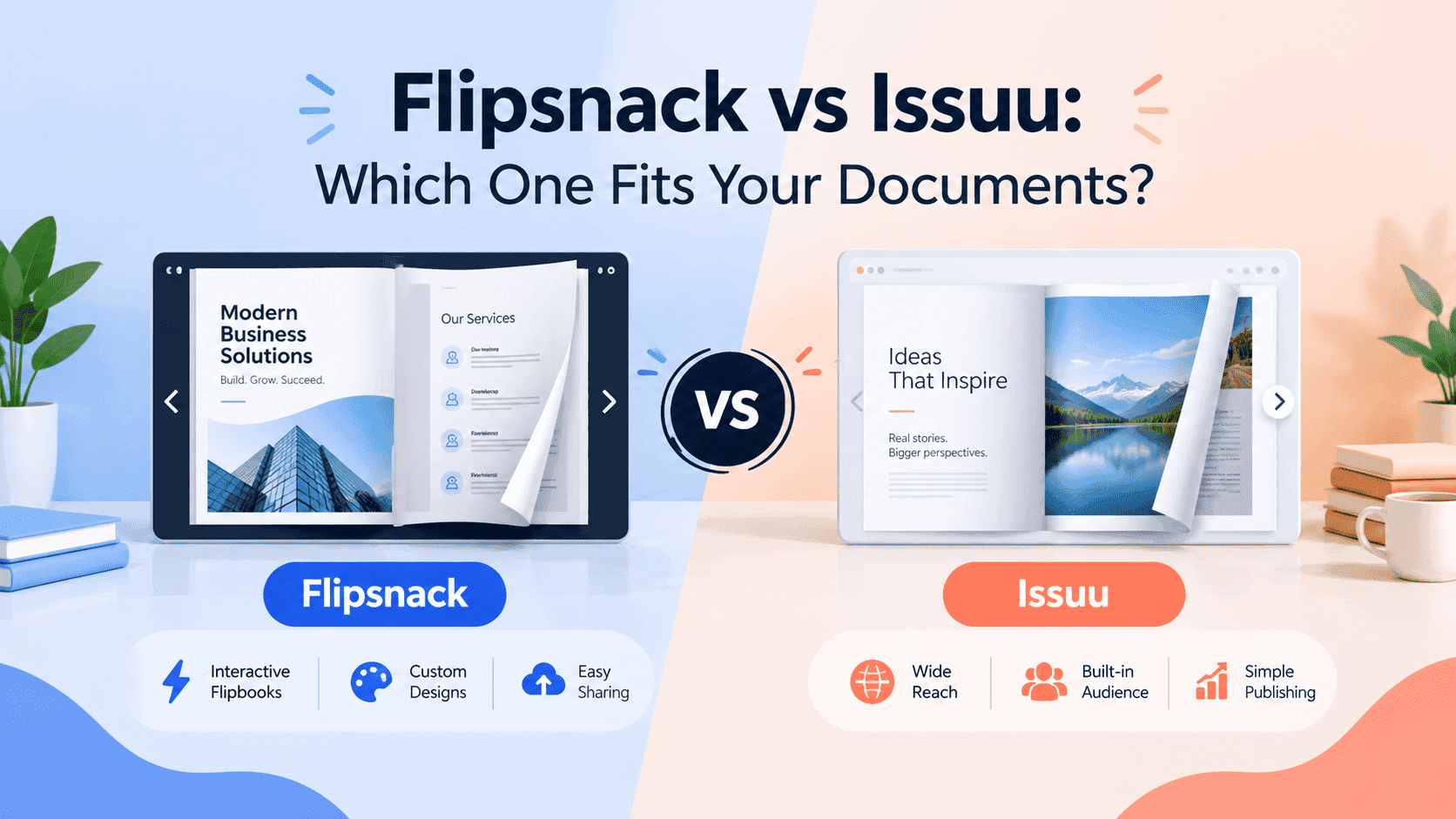
Flipsnack is a flipbook maker with a design studio attached. You can upload a PDF, but you can also build a brochure, catalogue or magazine from a template inside the editor, add animation, links and video, and publish the result. The product assumes you're making something and want it to look good.
Issuu is a publishing platform. It started as a place to read magazines, and the audience is still the core of the product. You upload a document, it becomes a publication on Issuu, and people can find it there. The editing side is thin compared with Flipsnack. The reading side, with its public pages, profiles and recommendations, is where Issuu puts its effort.
A bakery owner building a seasonal price list from scratch wants Flipsnack. A magazine editor with a finished issue and a wish for readers wants Issuu. Finished PDF? The difference between the two is smaller. Blank page? Flipsnack pulls ahead.
Turn Your PDFs into Lead Generation Machines
Start getting highly-qualified leads from your PDFs and landing pages today. It takes exactly 2 minutes to set up.
No credit card required • Sign up in 10 seconds
Making the flipbook
Flipsnack's editor is the reason people pick it. Templates for brochures, catalogues and lookbooks give you a starting point, and you can drop in pages, adjust layouts, add clickable areas, embed video and set up product tags. For a small business without a designer, one tool covers design and publishing. The learning curve is real. Expect to spend an hour or two before the editor stops feeling busy, and longer if your catalogue has hundreds of products to tag.
Issuu's route is simpler and more limited. You export a PDF from InDesign, Canva, Word or whatever you use, upload it, fill in the title and description, and publish. You don't build anything inside Issuu. A magazine editor with a layout pipeline already in place has nothing to learn, which suits them well. A business owner who hoped the platform would help make the brochure will be frustrated.
No platform fixes a bad PDF. Tiny type, low-resolution images and odd page sizes come out as a flipbook with the same flaws. If your files are heavy, compress them first. I'd shrink anything over about 20MB before uploading. Both platforms slow down on very large uploads, and readers on phones feel it more than you do on your office connection.
No design tool yet? Start with Flipsnack. Already exporting clean PDFs from one you like? The editor stops mattering, and other factors take over.
Embedding on your own site
The embed is where the choice gets expensive. A flipbook on your own page keeps readers on your site, near your contact details and your other products. One sitting on a third-party domain sends the attention somewhere else.
Flipsnack is built with this in mind. You can embed flipbooks in your pages, and on higher plans you can remove Flipsnack branding and use a custom domain, which makes the document look like part of your own site. The embed is the main route to readers, because Flipsnack has no real public audience to send you.
Issuu embeds work, and plenty of sites use them. But the embedded reader keeps a link back to Issuu, and on the free plan the branding is obvious. Readers can wander off to related publications that have nothing to do with you. Paid plans give you more control, though how much depends on the tier, so test the embed on your actual site and on a phone before you commit. Click around and see where the links go. It takes five minutes.
Neither tool fixes a slow site. If your page is heavy, a flipbook will make it feel slower. Loading it below the fold or behind a click helps more than switching platforms ever will.
Lead capture and analytics
If you're using flipbooks to sell, this section matters more than anything about page-turn animation.
Flipsnack is built for lead capture. It offers forms, so a reader can be asked for an email address before or during reading, along with analytics on views, time spent and clicks, and team features for agencies or departments sharing an account. Which of those you get depends on the plan, and the useful ones tend to sit on the mid and higher tiers.
Issuu's analytics are built for publishers who want to know which issue performed best and where readers came from. Good for a magazine. Thin if your question is who opened the price list and whether they're worth a phone call. Gating a document and collecting contact details is possible on some plans, though the platform isn't shaped around it.
For leads, I'd pick Flipsnack. For readers, Issuu. If you want to go deeper on the gating side, I wrote about how to gate a document without losing leads, and the same principles apply whichever platform you use.
Turn Your PDFs into Lead Generation Machines
Start getting highly-qualified leads from your PDFs and landing pages today. It takes exactly 2 minutes to set up.
No credit card required • Sign up in 10 seconds
Pricing and the free plan
Both free plans are demos. Neither is a business plan.
Issuu's free plan limits how many publications you can have, puts Issuu branding on your content, and holds back features such as links, video and deeper stats. I broke down exactly what you do and don't get in my guide to whether Issuu is actually free. It works for a one-off personal project and gets awkward the moment you want something that looks like your own business.
Flipsnack's free plan also limits how many flipbooks you can create and keeps its own branding on them. The paid plans open up the editor features, branding control, lead capture and team seats, so the jump from free to paid is bigger than it looks from the free plan alone.
When you compare prices, don't stop at the monthly headline number. Count how many documents each plan allows, whether the branding comes off, whether you get a custom domain, whether lead capture is included, and what happens when you add a second person. Check annual against monthly billing too, since monthly can cost noticeably more on tools in this category.
Roughly: Flipsnack tends to cost more per month than Issuu's entry tiers once you want its business features, but you also get the editor. Issuu can be cheaper if all you need is to host a finished document and you accept its limits. Verify both on their pricing pages, because pricing is the part of any comparison that goes stale first.
Discovery and search visibility
Here Issuu has a clear advantage, and it's the one reason many publishers stay.
Issuu publications can show up in Google results and inside Issuu's own browse and recommendation pages. If you're publishing something people search for, such as a magazine, a zine or a long guide, a public Issuu page can bring in readers you'd never have reached through your own site. A poetry zine or independent magazine gets far more from that than from a private link.
The cost: the authority goes to Issuu's domain rather than yours. For a business whose goal is a stronger website, that's a poor trade. A flipbook embedded on your page adds content to your page, though the flipbook itself rarely ranks on its own. Issuu gives you reach. Your own site gives you ownership. Don't pick by accident.
Flipsnack has less in the way of public discovery. Your flipbooks are mostly reached through links you share, your website and your email, so the traffic is yours to bring.
Who should pick which
A magazine editor, a zine maker or a student publication with a finished PDF and a hunger for readers belongs on Issuu. The platform gives you a public home for every issue, and the people who browse it already go there to read. Writers who outgrow it have their own set of reasons, which I covered in a post on Issuu alternatives for writers.
A business making brochures, catalogues, lookbooks or proposals, and needing to design them, brand them and capture leads from them, belongs on Flipsnack. It costs more and takes longer to learn, and you get more in return. Someone who only needs one document online for one event can skip the decision: use whichever free plan you can get working fastest.
Neither fits? I put together a comparison of Flipsnack and ZipFlipbook for people who find the choice here too heavy or too limited. Yes, it's my own product, so read it with the same bias warning as everything above.
Before you pay
Test the flipbook on your phone. A flipbook that looks lovely on a laptop can be awkward on mobile, with tiny pages and fiddly zooming, and most of your readers will be on a phone.
Look at how you'd leave. If you build your whole catalogue on one platform and the pricing changes, you'll rebuild links, embeds and possibly QR codes. Keep original PDFs somewhere safe, and hold off printing QR codes on physical material until you're sure of your choice.
Ask what you'll do with the data. If you plan to run campaigns from the leads you capture, check whether you can export contacts or connect them to your email tool, because a list you can't take with you isn't much use.
Turn Your PDFs into Lead Generation Machines
Start getting highly-qualified leads from your PDFs and landing pages today. It takes exactly 2 minutes to set up.
No credit card required • Sign up in 10 seconds
FAQs
Is Flipsnack better than Issuu? Depends what you mean by better. Flipsnack wins for making and gating documents. Issuu wins for public discovery.
Is Issuu cheaper than Flipsnack? Usually yes at the low end. But you're mostly paying for hosting, not an editor. Check both pricing pages, because plans change.
Can I embed Flipsnack and Issuu flipbooks on my website? Yes, both give you embed codes. Flipsnack's higher plans let you remove branding and use a custom domain, while Issuu's embed keeps more links back to Issuu. Test either one on a phone before you commit.
Which one is better for lead capture? Flipsnack, by a fair margin. It offers forms and business-focused analytics on paid plans. Issuu can do some gating, but the product isn't built around it.
Does Issuu help with SEO? It can help your content get found, since Issuu pages can rank. The authority goes to Issuu's domain, not yours. If you want your own site to rank, embed the flipbook on your own page instead.
Is there a free alternative to both? If neither fits, Heyzine and ZipFlipbook have free plans. Read their limits before building anything you can't easily move.