A few months back I was helping a heating engineer in Cheshire put his price list online. It was a 14-page PDF he'd built in Word, with a photo of a boiler on the front and his mobile number in a font size that needed squinting. He didn't want a website redesign. He wanted a link he could text to customers that opened something nicer than a raw PDF.
I opened two tabs: Issuu and Publuu. That's the question most people land on when they search "publuu vs issuu", so I'll lay out what I found and who I'd point to which tool.
I used both for a week. They look similar in a screenshot; they don't behave like the same product once you're actually using them.
What they were built to do
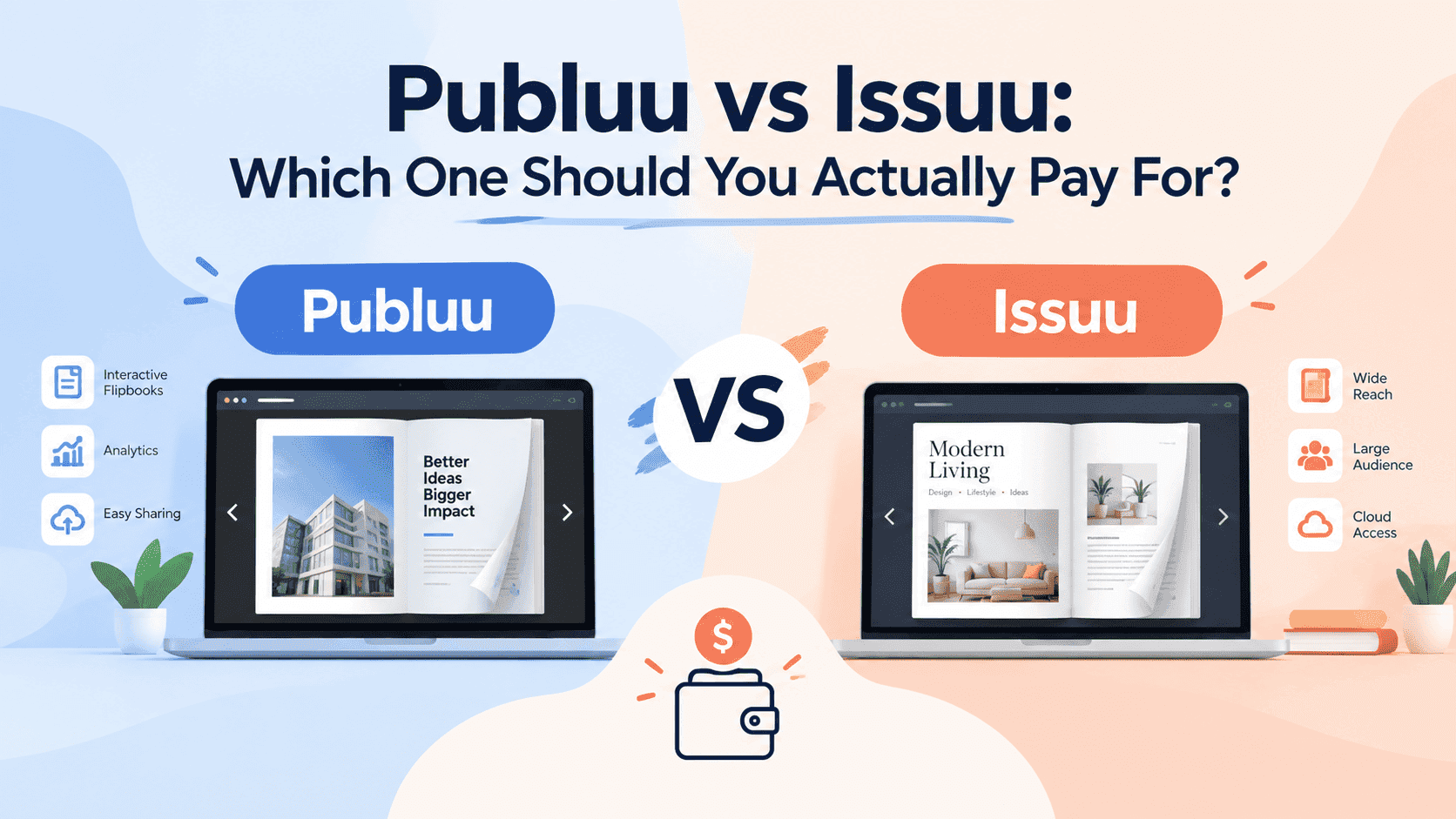
Issuu started life as a place to read magazines. It still has that DNA. You upload a PDF, it becomes a page-turning publication, and it sits on a platform with its own audience, its own search, and its own homepage full of other people's content. Your flipbook lives at issuu.com/yourname/docs/whatever, surrounded by Issuu's interface.
Publuu is a hosting tool for flipbooks and nothing else. You upload a PDF, you get a flipbook, you embed it on your site or share a link. There's no public marketplace of readers wandering around looking for something to flick through. Nobody is going to stumble on your price list by browsing Publuu, and Publuu doesn't pretend otherwise.
Once you see that, the pricing and embedding differences make more sense. If you want strangers to find your publication, Issuu has a (small) chance of delivering that. If you want your own customers to see your publication on your own terms, Publuu is closer to the job.
I say "small chance" on purpose. I've watched a lot of small businesses upload to Issuu hoping for organic discovery, and the typical result is a handful of views, mostly from the owner and their mum. Issuu's audience is real, but it skews toward magazines, fashion, and editorial work, and a plumber's service brochure doesn't get pulled in by anyone browsing.
Turn Your PDFs into Lead Generation Machines
Start getting highly-qualified leads from your PDFs and landing pages today. It takes exactly 2 minutes to set up.
No credit card required • Sign up in 10 seconds
Pricing, and the free question
Pricing pages change faster than blog posts, so check both before you buy. This is where things stood when I looked.
Publuu doesn't have a permanent free plan. You get a 14-day trial with access to everything, and after that you pay. Its cheapest plan, Basic, has been listed at around $7 a month on monthly billing, with unlimited pages, video, photo and link support, website embedding, and no ads. Above that sit Optimum, Professional and Premium, which unlock more publications, more views, deeper customization and better analytics. Reviewers on Capterra mention that the advanced customization sits in the higher tiers, which matches what I saw.
Issuu does have a free plan, and that's the thing most people already know about it. The catch is what the free plan costs you in other ways: Issuu branding on your publication, limits on what you can embed and how it looks, and fewer features around analytics and lead capture. The paid plans remove the branding and add the controls most businesses want. I wrote a longer breakdown of exactly what you get and what you don't in is Issuu free, so I won't repeat all of it here.
Practically, Issuu lets you start for nothing and discover what's missing later. Publuu makes you decide on day one whether it's worth about the price of a sandwich a month. I'm in favour of the second approach for anyone using this commercially, because "free but with someone else's logo on my brochure" is usually not what the business owner had in mind. But if you're a student putting together a one-off zine, free with branding is perfectly fine and Issuu is the easier choice.
Pricing has another catch. Publuu's higher tiers scale by number of publications and views. If you run a big catalog library or send a lot of traffic, you'll bump into limits and need to upgrade. Plan for that if your audience is going to grow quickly.
Embedding on your own website
For most business use, Publuu wins here.
Embedding an Issuu publication works, and Issuu gives you the code. But the embedded reader still feels like Issuu. Depending on your plan you'll see their controls, their branding, and links back out to the platform. For a blog post or a personal site, nobody cares. For a business brochure on a service page, it can feel like you've plonked someone else's widget in the middle of your design.
Publuu's embeds are cleaner. On a paid plan you can strip the branding, match colours, and set the background so it blends into the page. I tested a Publuu embed on a client's WordPress page and it dropped in with one snippet and no fuss about the theme. The same job on Issuu took a little more fiddling to make it not look like a guest.
Neither is hard. If you've embedded a YouTube video, you can embed either of these. If you're working on a site built with a specific platform and want step-by-step instructions, how to embed a PDF into your website covers the general approach and applies to flipbook embeds too.
One caution for both: a flipbook is heavy compared to a text page. A 60-page catalog with full-resolution images will drag your page speed if you drop it in carelessly, and Google notices. Compress your PDF before you upload, whichever tool you use. A 40MB upload for a brochure that needs to be 4MB is the most common mistake I see.
Analytics and lead capture
The analytics are where they really split, especially if the flipbook is meant to bring in money, not just look nice.
Publuu gives you analytics on views, time spent on pages, and where your readers are located, with fuller reporting as you move up the plans. That's useful for something like a product catalog, where you want to know which pages people lingered on. It's less useful if what you actually need is the email address of the person who opened it, because lead capture isn't the core of what Publuu does.
Issuu's stats are tied into its platform, and on paid tiers you get more detail on reads, reader behaviour and traffic sources. It's good if you care about editorial performance, such as which article in your magazine got read to the end. For a business that wants a name and an email before someone sees a quote, neither platform is quite built around that.
I ran into this wall myself while building ZipFlipbook. People kept asking for a way to know who opened their brochure, not just how many people did. That's why lead capture and tracking sit at the centre of what we do. If that's your need, how to track PDF opens for free walks through the options, and it's worth reading before you commit to either platform.
Discovery and audience
This is the main reason people choose Issuu, so I won't dance around it.
Issuu has a built-in audience and Publuu doesn't. If you publish a magazine, a lookbook, a zine, or any editorial content that people might search for, Issuu can put it in front of readers who've never heard of you. It's indexed by Google fairly well, and its publications sometimes outrank the original site for niche terms. For writers, independent publishers and designers building a portfolio, that has real value.
Publuu has none of that. Your flipbook exists to be shared by you. If you don't send people to it, nobody will find it. That's fine for a company sending a catalog to customers, and fatal for a poet hoping for readers.
Ask yourself: do you need strangers to find this, or just the people you send it to? The plumber, restaurant, B2B supplier, letting agent—they're sending it to people. A zine maker or small magazine is hoping people search and stumble in. I've written specifically about that second case in Issuu alternative for writers if that's your world.
Turn Your PDFs into Lead Generation Machines
Start getting highly-qualified leads from your PDFs and landing pages today. It takes exactly 2 minutes to set up.
No credit card required • Sign up in 10 seconds
Customization and branding
Publuu gives you more control over how the reader looks. You can change the background, add your logo, tweak colours, and set up hotspots that link to products or pages. On the higher plans, custom domains and removal of the Publuu branding are available. If your brochure is a piece of brand collateral, you'll appreciate being able to make the container match your colours.
Issuu's presentation is more fixed. It has a recognisable look, clean and fine, but it's Issuu's look. You get less room to make the reader feel like your own, and that's by design, because the platform wants to feel consistent for people browsing it.
The reader interfaces aren't going to win design awards. They both do a page-turn animation, a zoom, a fullscreen mode and a share button. The difference is how much of the reader you can make look like yours.
The mobile experience
Most of your readers will open the link on a phone, so test this before you commit.
On my phone, a Publuu embed behaved well: pages swiped, pinch-to-zoom worked, and the layout switched to a single-page view. Issuu's mobile reader is also solid, since it's had years to mature. Where I noticed a difference was in embedded Issuu readers inside a small page section, which sometimes felt cramped on a narrow screen compared with a full Issuu page.
Do this: take your own PDF, upload it to both trials, and open each link on the oldest phone you can find. If the text is unreadable without pinching on either one, that tells you the PDF's design needs work, because small text in a landscape layout stays small on any viewer.
Who should pick which?
If you're a small business sending catalogs, price lists, brochures or menus to customers, and you want it to look like part of your brand, I'd go with Publuu over Issuu. The embed is cleaner, the pricing is predictable, and you're not paying for an audience you don't need.
If you're a writer, zine maker, photographer or independent publisher and you want to be discovered, Issuu is the better home, even with the branding. The free plan is a sensible place to start, and the audience, while modest, is real.
If you want a flipbook with the least effort for a one-off project, either works. Upload, grab the link, send it.
If neither feels right, you're not alone. That's why I wrote a longer look at Publuu alternatives for small business. Plenty of people end up somewhere else once they've worked out what they need.
Where ZipFlipbook fits
I built ZipFlipbook because of the heating engineer problem. He wanted a nicer link for his price list, and he also wanted to know when a customer opened it. Neither Issuu nor Publuu gave him that without a monthly bill, so I made the free version do it. You upload your PDF and get an interactive flipbook with an embeddable link, lead capture, analytics and embedded media, all in the browser.
It won't suit everyone. Use Issuu if the audience is the point. If you need deep design control and can pay for it, Publuu's higher tiers go further. But if you're a small business that wants to share a brochure, see who's looking at it, and not pay a subscription to find out, give it a try.
Turn Your PDFs into Lead Generation Machines
Start getting highly-qualified leads from your PDFs and landing pages today. It takes exactly 2 minutes to set up.
No credit card required • Sign up in 10 seconds
What I'd do
Issuu puts your PDF in front of its readers. Publuu makes it look like part of your own site. Decide which of those you actually need before you pay.
For the heating engineer, I ended up using Publuu's trial for the first draft because the embed looked better on his page. Then he asked who'd opened the price list, and we both realised that's what he'd wanted all along. Figure out which problem you have before you buy.